THE STUDIO · No. 10 · GENERATE
Create a design from a description
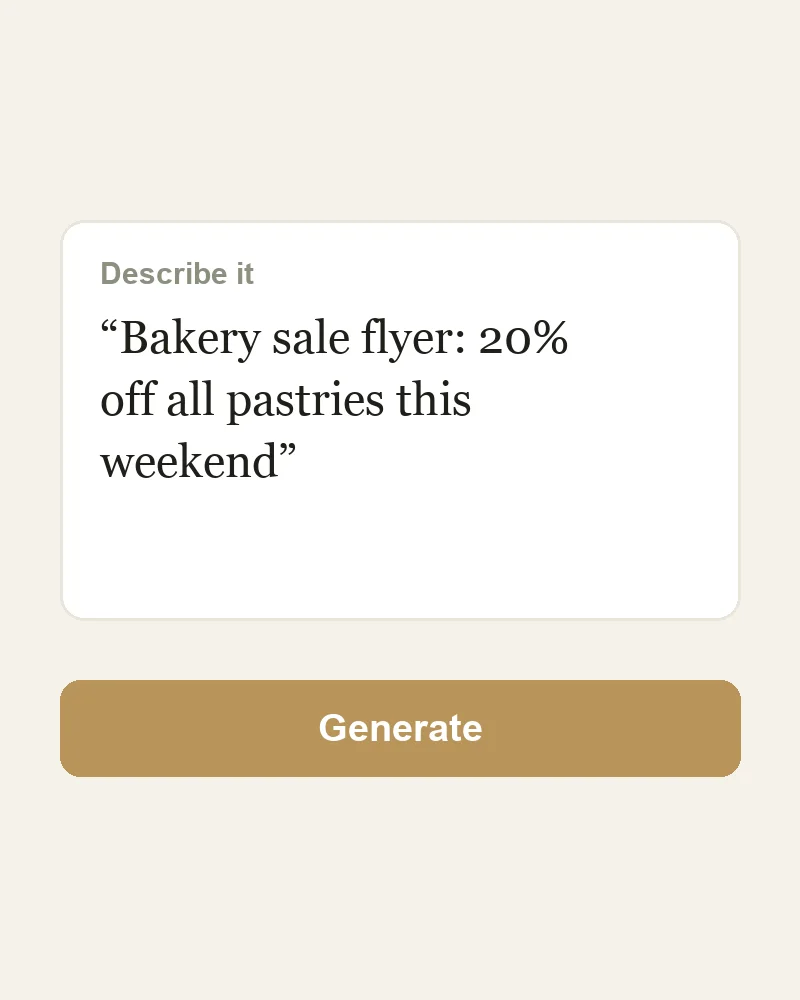
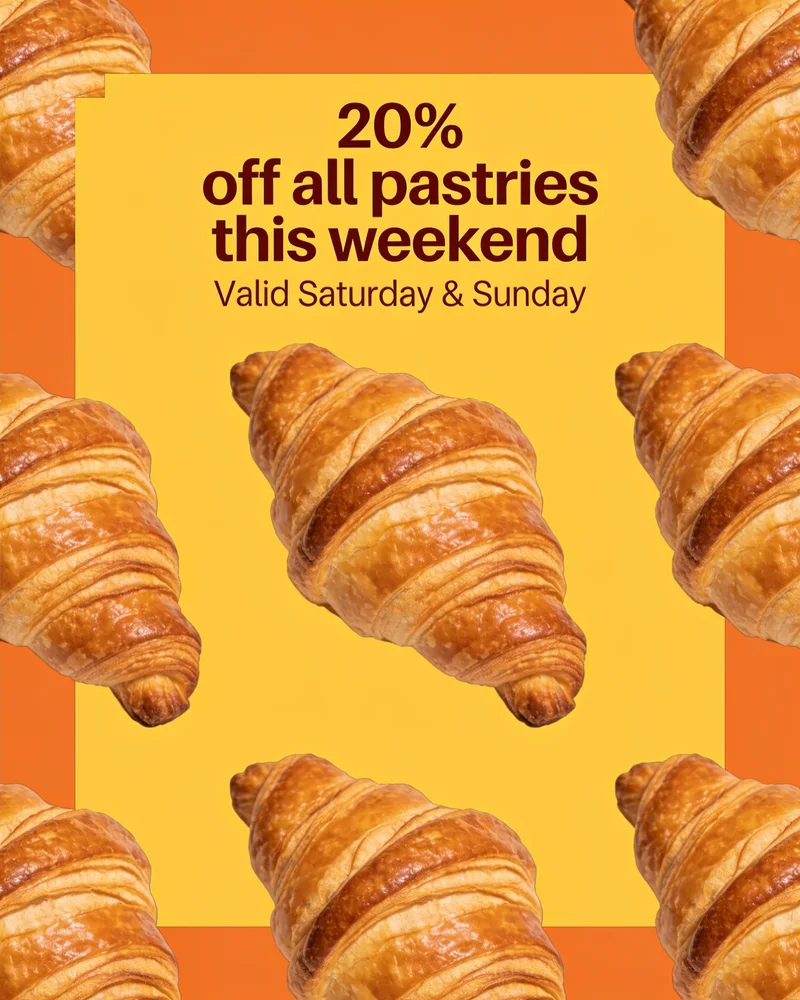
Say what you need — "bakery sale post, 20% off, warm colours" — and Picazo makes a complete design at the right size for the platform. Then change any word, colour or photo in the editor.
Add a photo on the right to try it. Want more control? Open Design from a prompt in the full editor.
Uses 4 AI credits per run. Free accounts get 25 credits a month; Pro gets 500.
✓ Done
Design from a prompt
Bakery sale, 20% off
Create design
Download
HOW IT WORKS
How to use Design from a prompt.
- 1
Describe it
Say what you want in plain words — the subject, the mood, any text it should include.
- 2
Pick the size and style
Design from a prompt makes it at the size you choose, ready for the platform it's for.
- 3
Edit and download
Change anything in the editor, then download as PNG, JPG, PDF or SVG.
QUESTIONS