THE STUDIO · No. 12 · GENERATE
Turn a sketch into a finished picture
Draw a few rough lines with the Draw tool, or snap a photo of a doodle on paper, and pick a style. Everything stays where you drew it — only now it's a real picture.
Try Sketch to Image freeUses 4 AI credits per run. Free accounts get 25 credits a month; Pro gets 500.
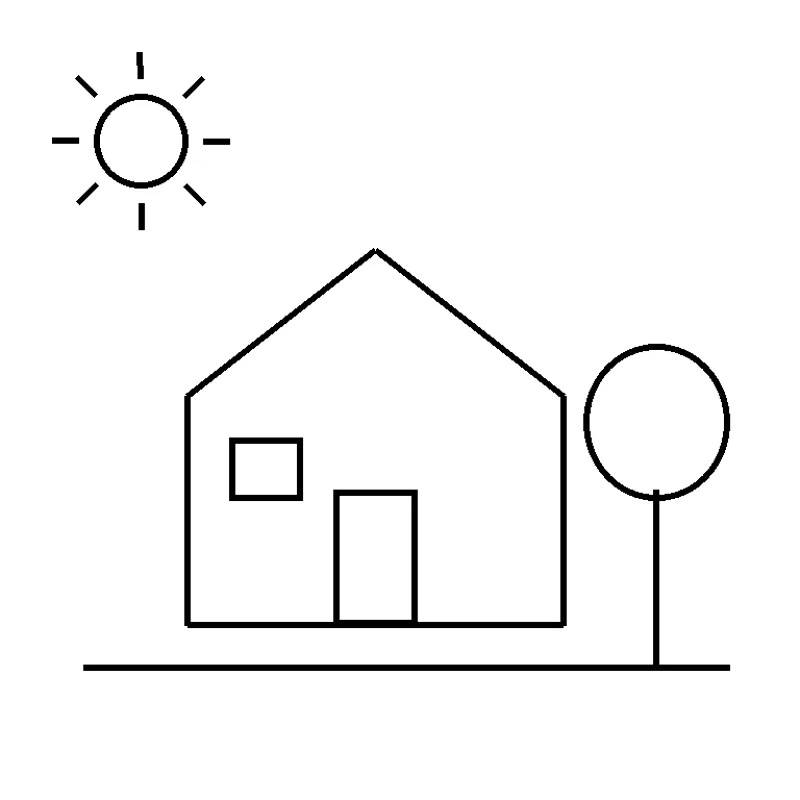
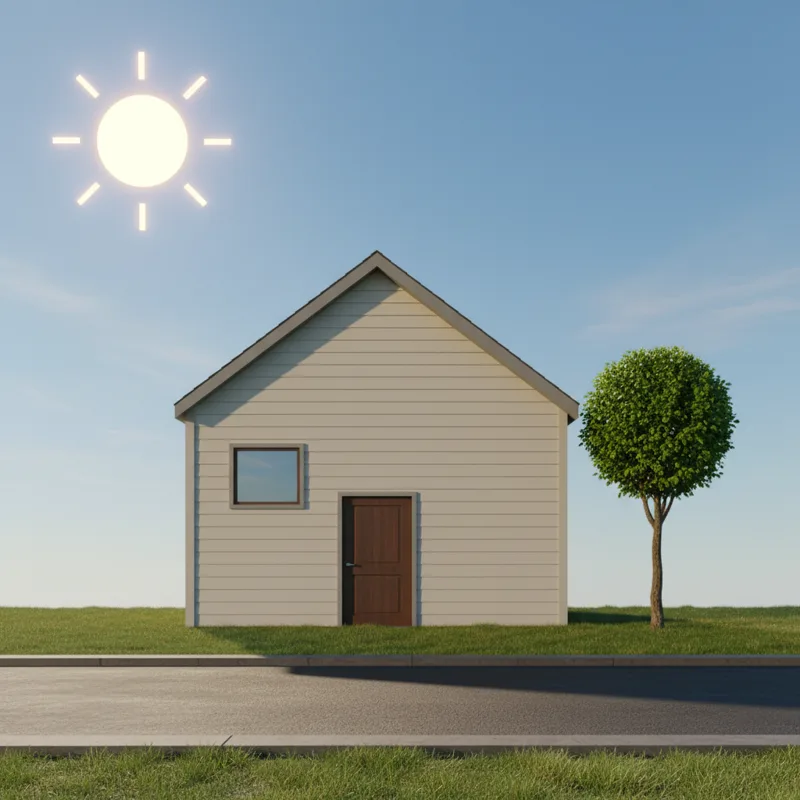
Drag to compare before and after
Open a design
✓ Done
Sketch to Image
Run Sketch to Image
Download
HOW IT WORKS
How to use Sketch to Image.
- 1
Open your design
Start from a template, upload a picture or draw on the page.
- 2
Run Sketch to Image
Choose the options, and the result lands on your page — one Undo takes it back.
- 3
Finish and download
Keep editing, then download, share or save it to your account.
QUESTIONS
Sketch to Image — questions
FROM THE STUDIO