THE STUDIO · No. 15 · GENERATE
Expand a photo beyond its edges
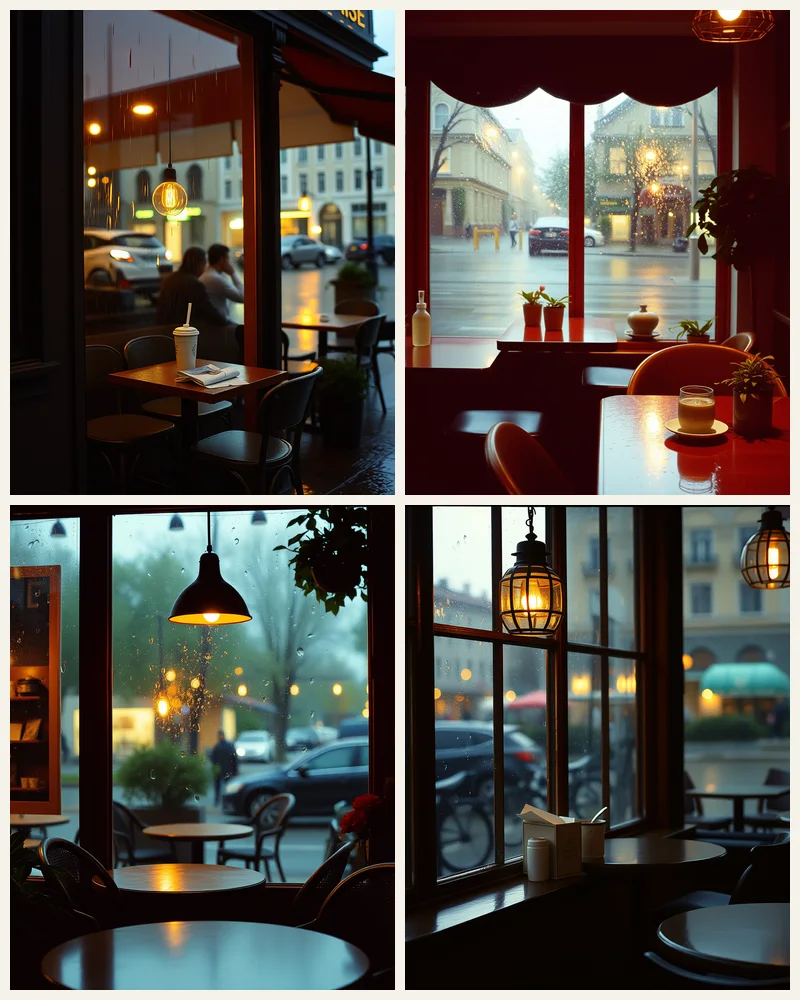
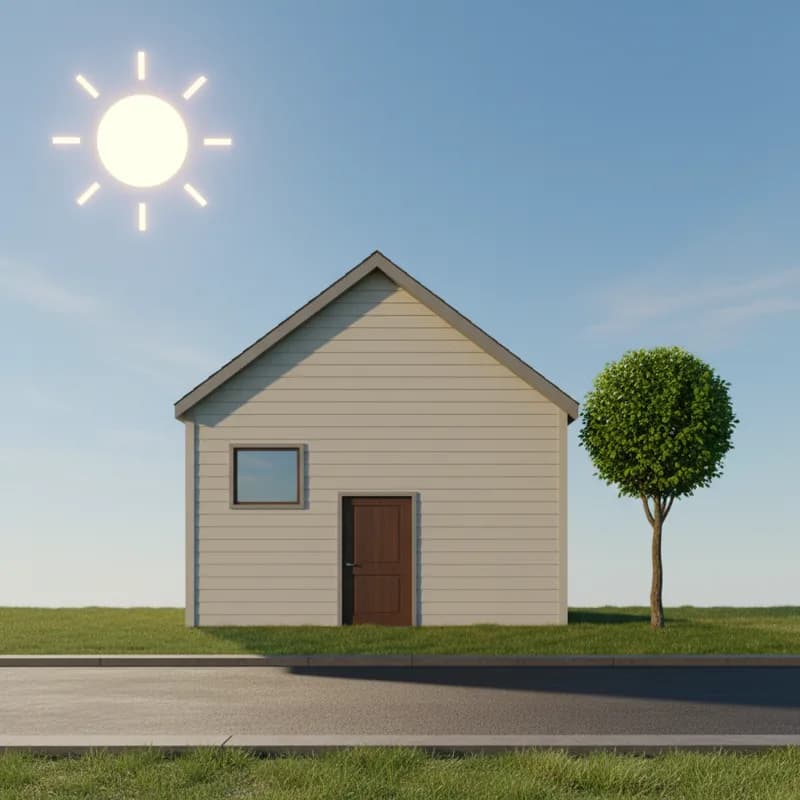
Turn a tight portrait into a wide banner or a landscape into a story. AI Expand fills the new space so the scene carries on as if the photo had been taken wider.
Try AI Expand freeUses 5 AI credits per run. Free accounts get 25 credits a month; Pro gets 500.


Drag to compare before and after
Drop a photo
✓ Done
AI Expand
Run AI Expand
Download
HOW IT WORKS
How to use AI Expand.
- 1
Add a photo
Upload one, or pick a photo already in your design. JPG, PNG, WebP and HEIC all work.
- 2
Run AI Expand
One tap for most tools; a few let you pick a style or paint the area first.
- 3
Download or keep editing
Save the result, or carry on in the editor with text, templates and other tools.
QUESTIONS
AI Expand — questions
FROM THE STUDIO