
THE STUDIO · 35+ AI TOOLS
AI photo editing and design tools.
Remove backgrounds, fix and enhance photos, generate pictures and whole designs, translate a design, put it on a product — all inside one free editor, on your computer or your phone.
Many photos? Resize, watermark or run an AI tool on up to 30 at once →
No. 01Create
Generate Image or Design
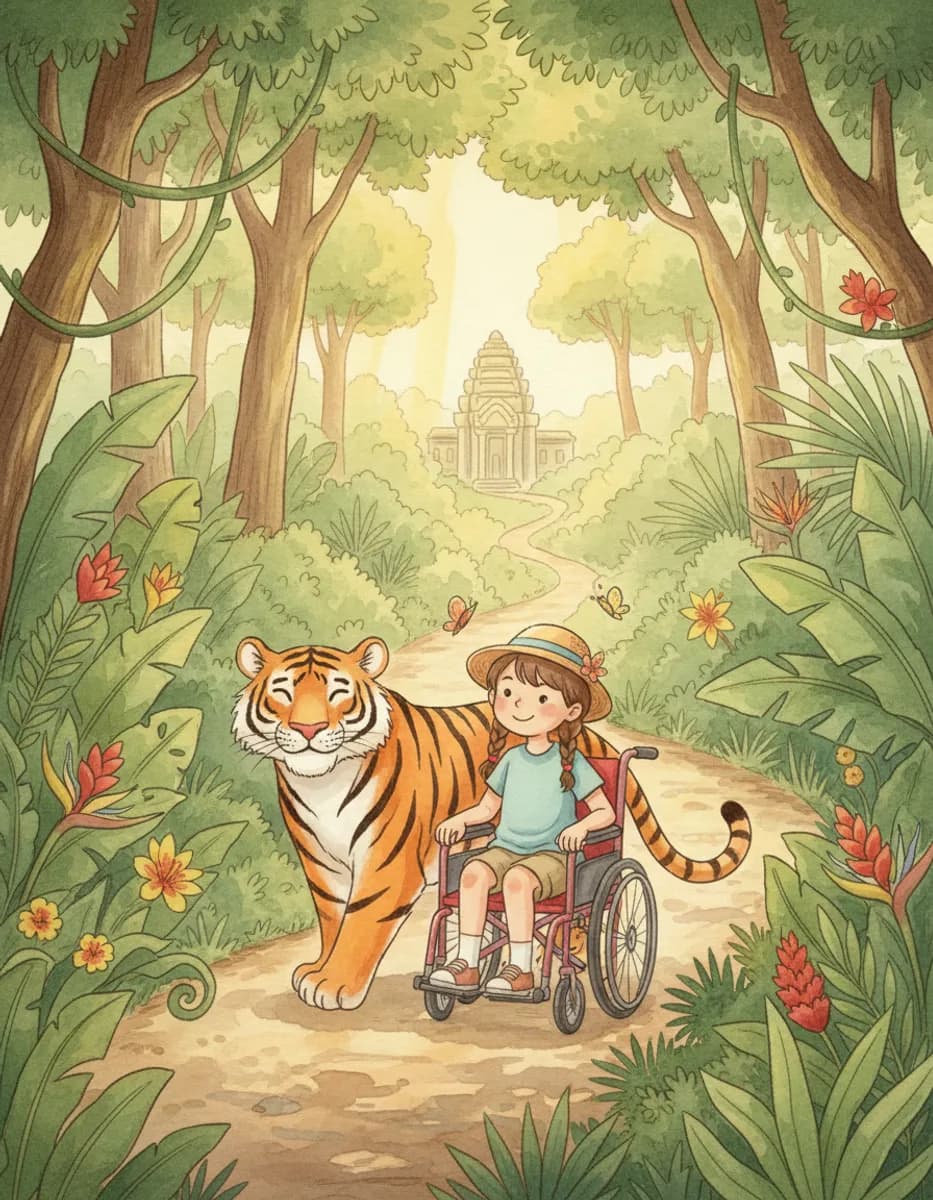
Describe a picture, or a flyer, poster or post with its words, and get it in seconds.
Sketch to image
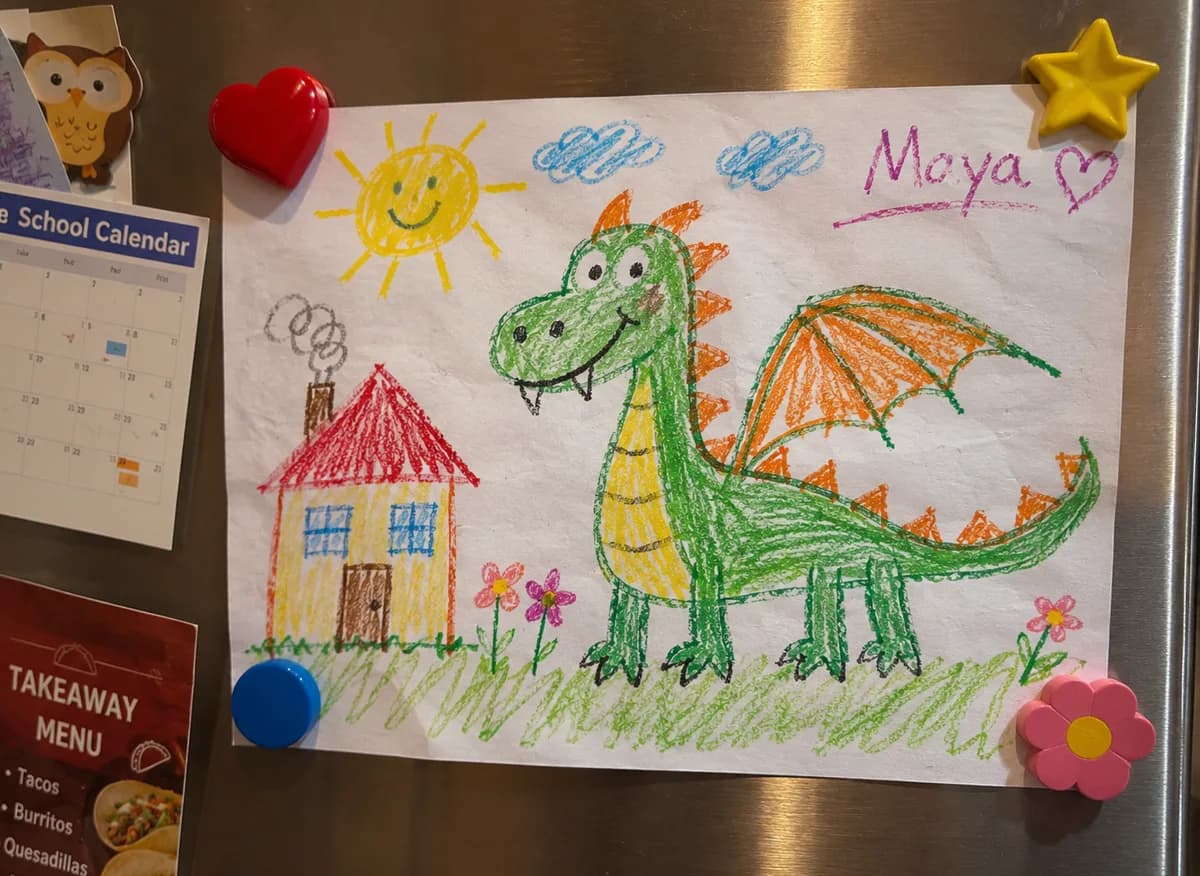
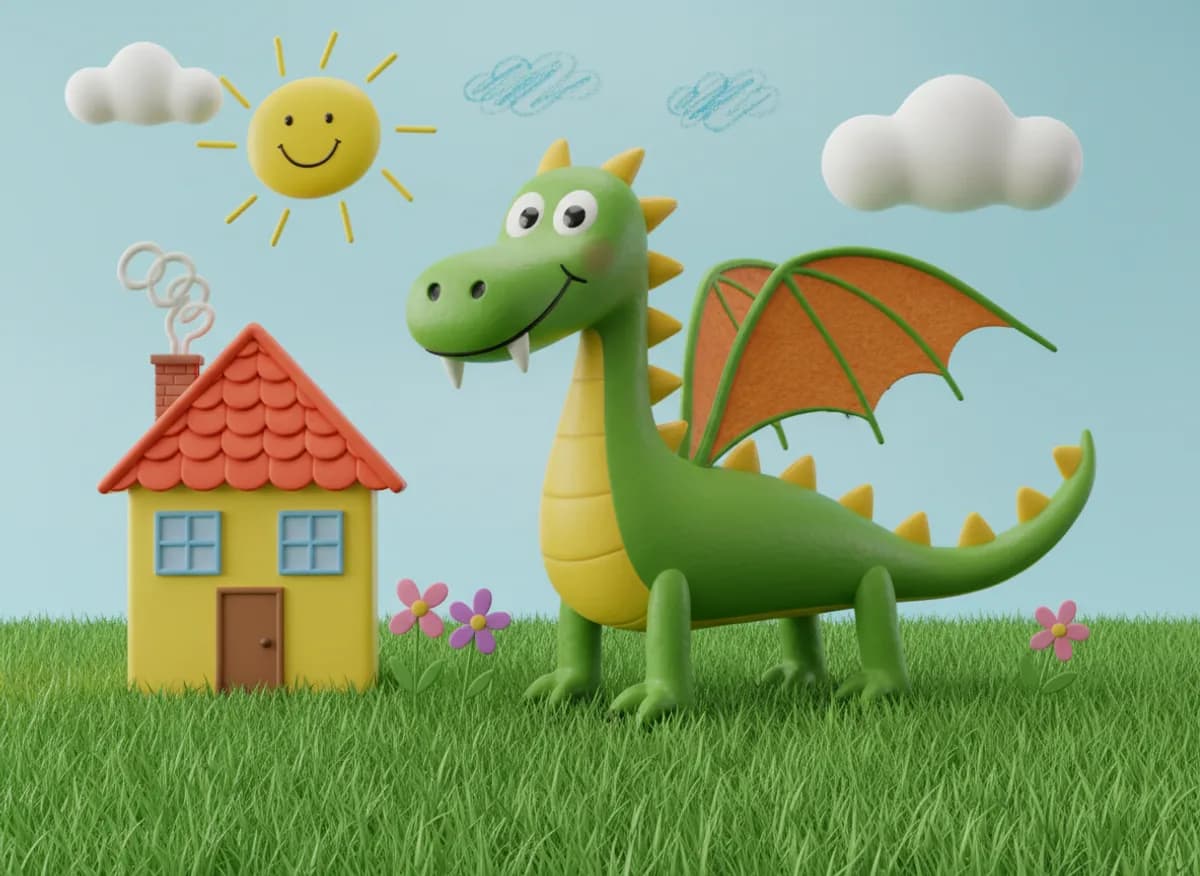
Turn a rough sketch into a finished picture with AI: photo, illustration, cartoon, watercolour, 3D or oil painting.
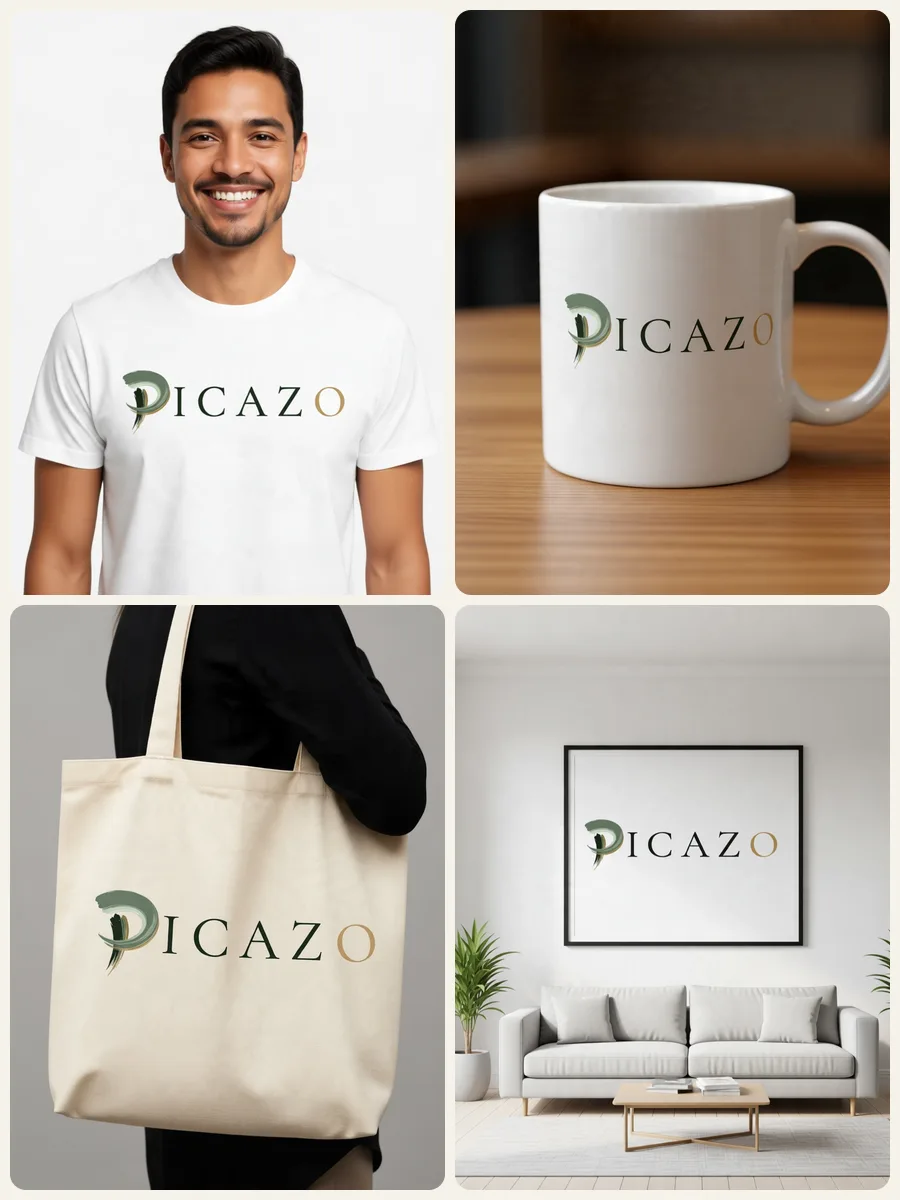
Mockups
Put your logo or design on a t-shirt, hoodie, mug, tote bag, poster, phone case, business card or box.
No. 02Fix a photo
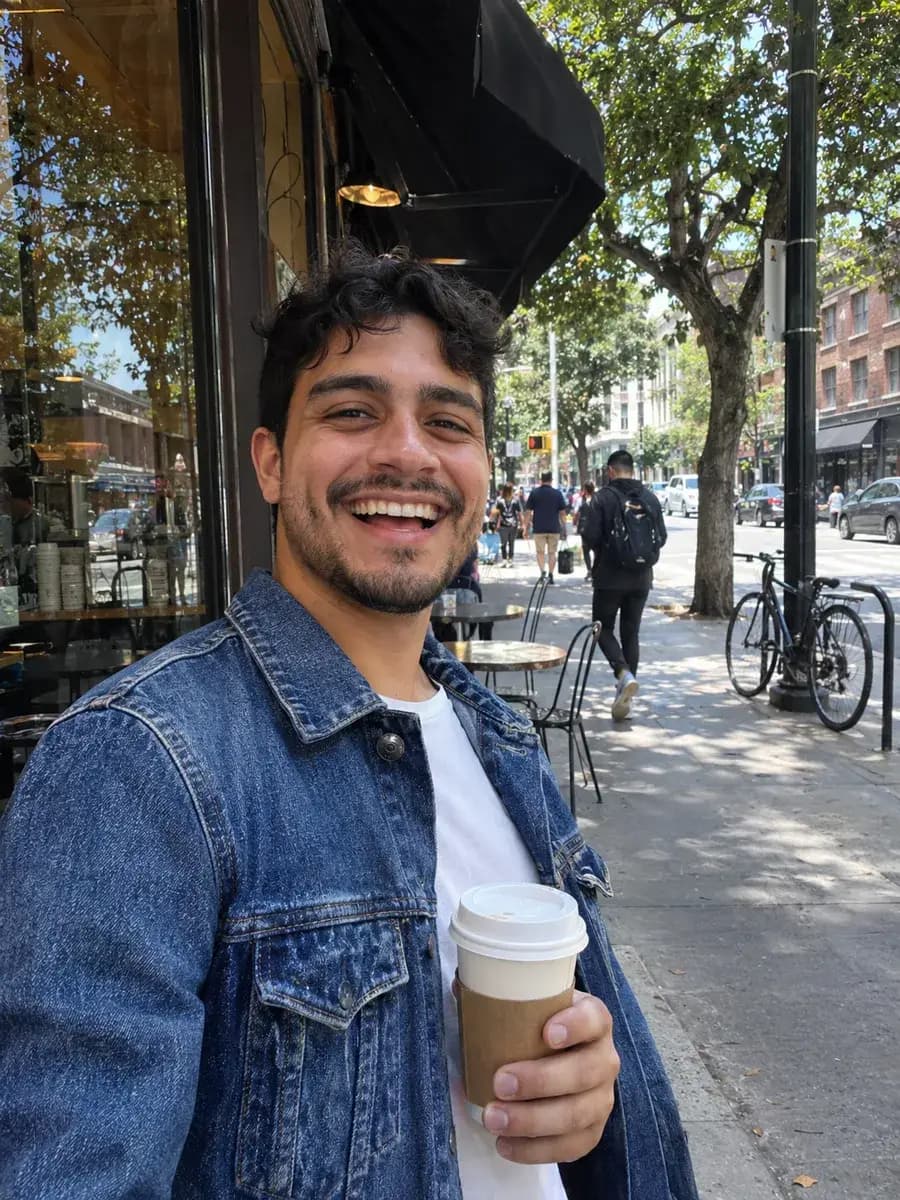

Remove background
Remove the background from any photo free and without limits, with no watermark.
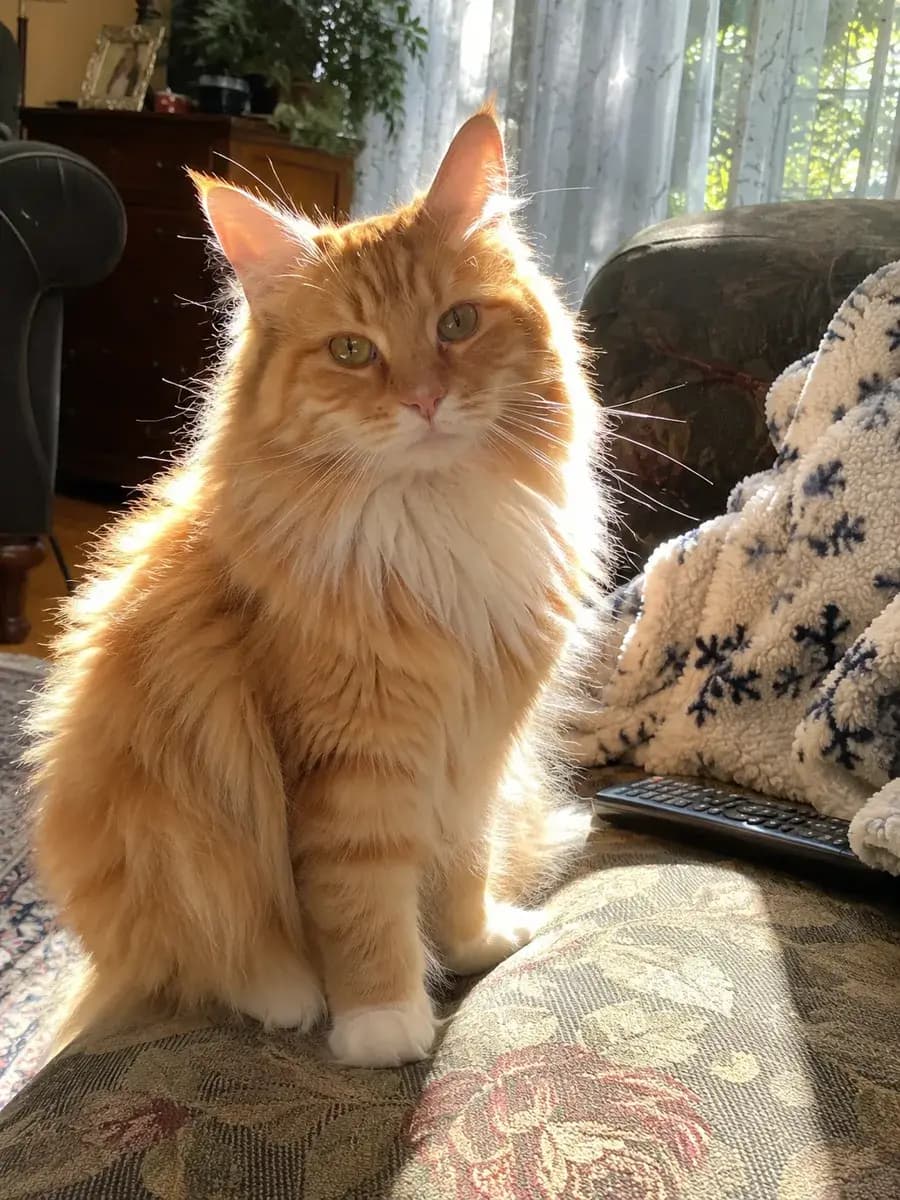
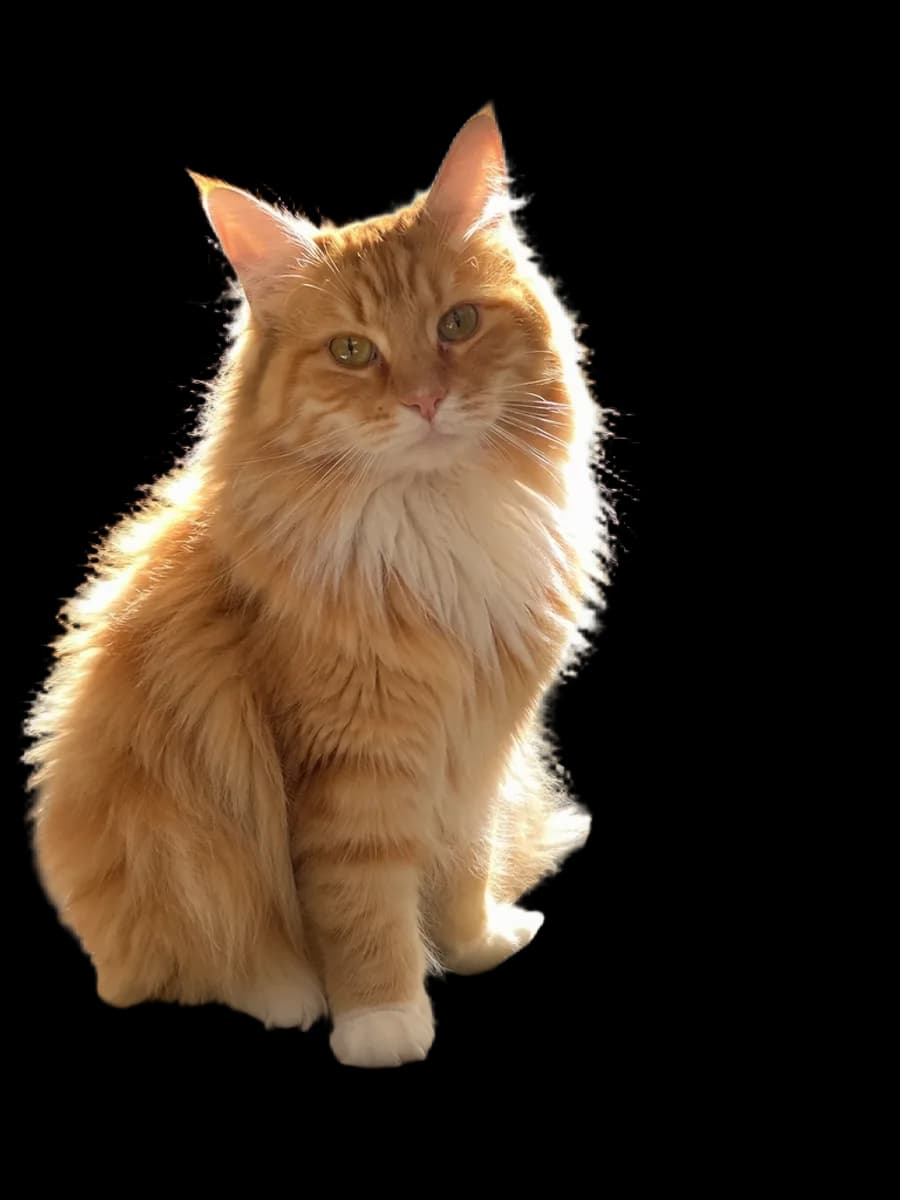
Remove background HD
Pro-quality background removal with clean edges on hair, fur and fine detail.
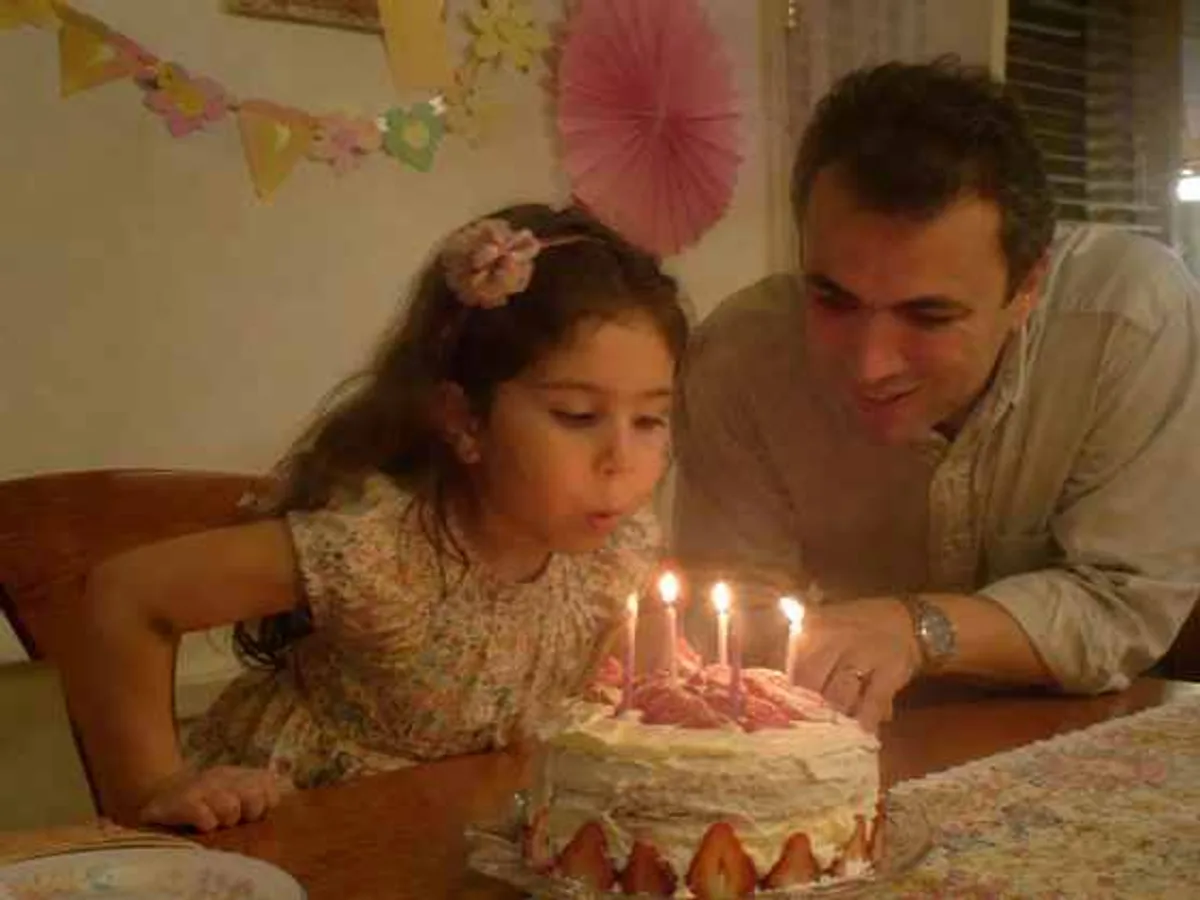
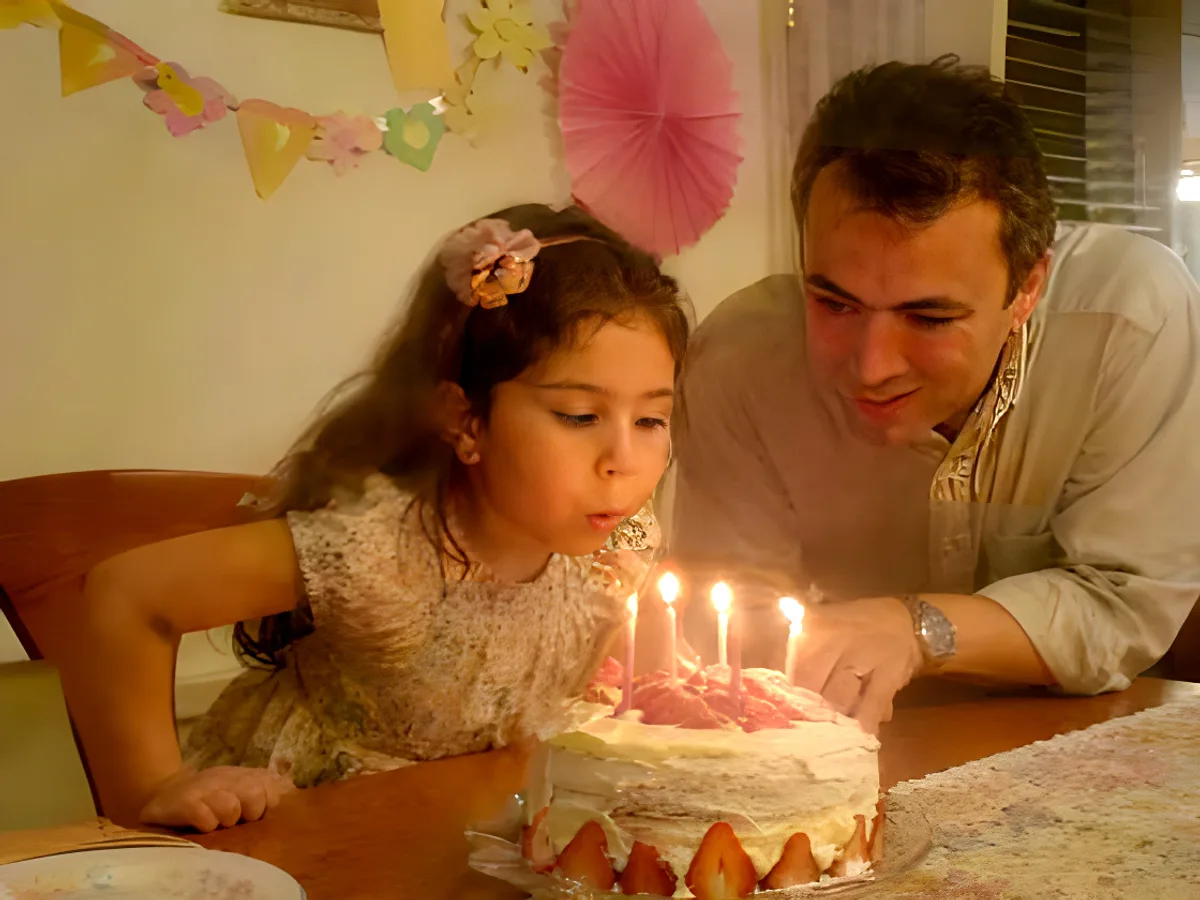
1-tap enhance
Enhance photos online with one tap: better colour, light and sharpness, with no sliders to fiddle with.
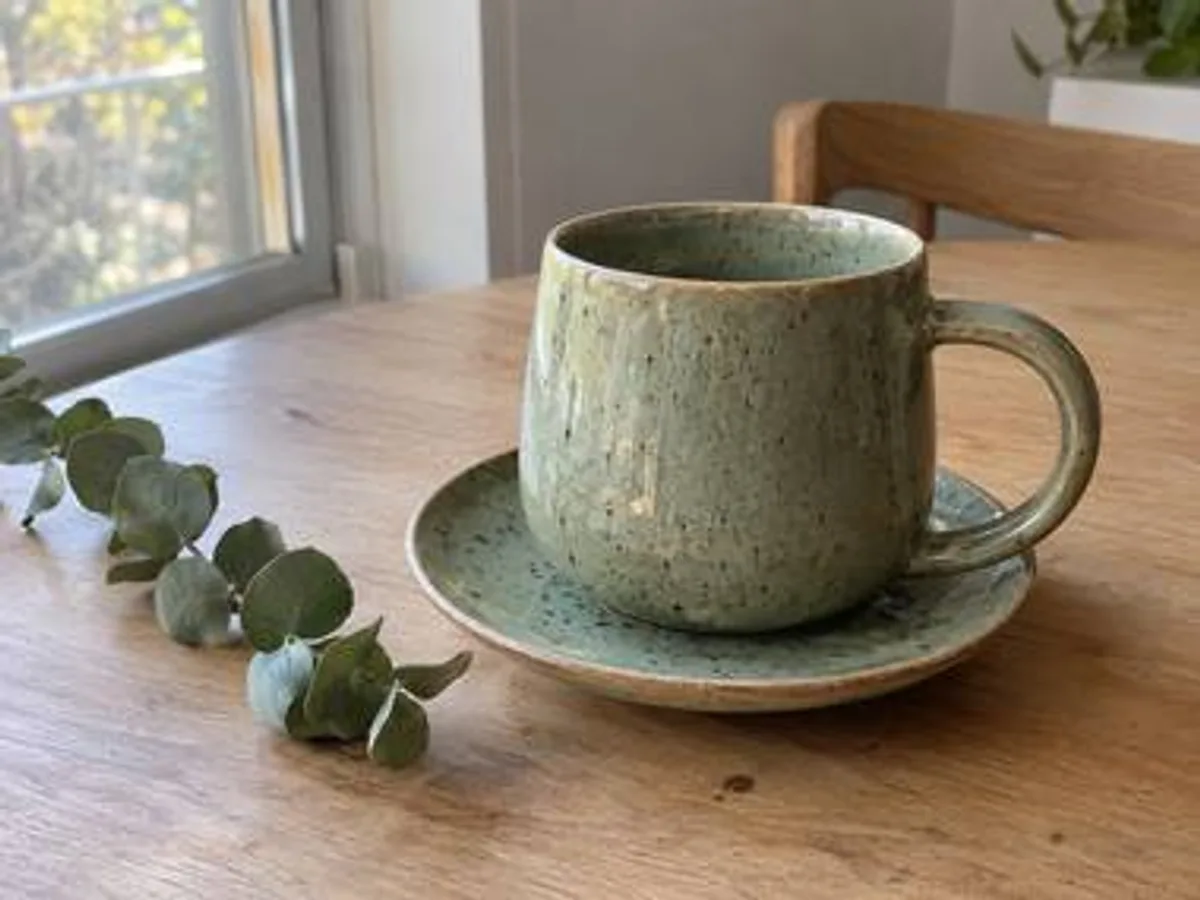
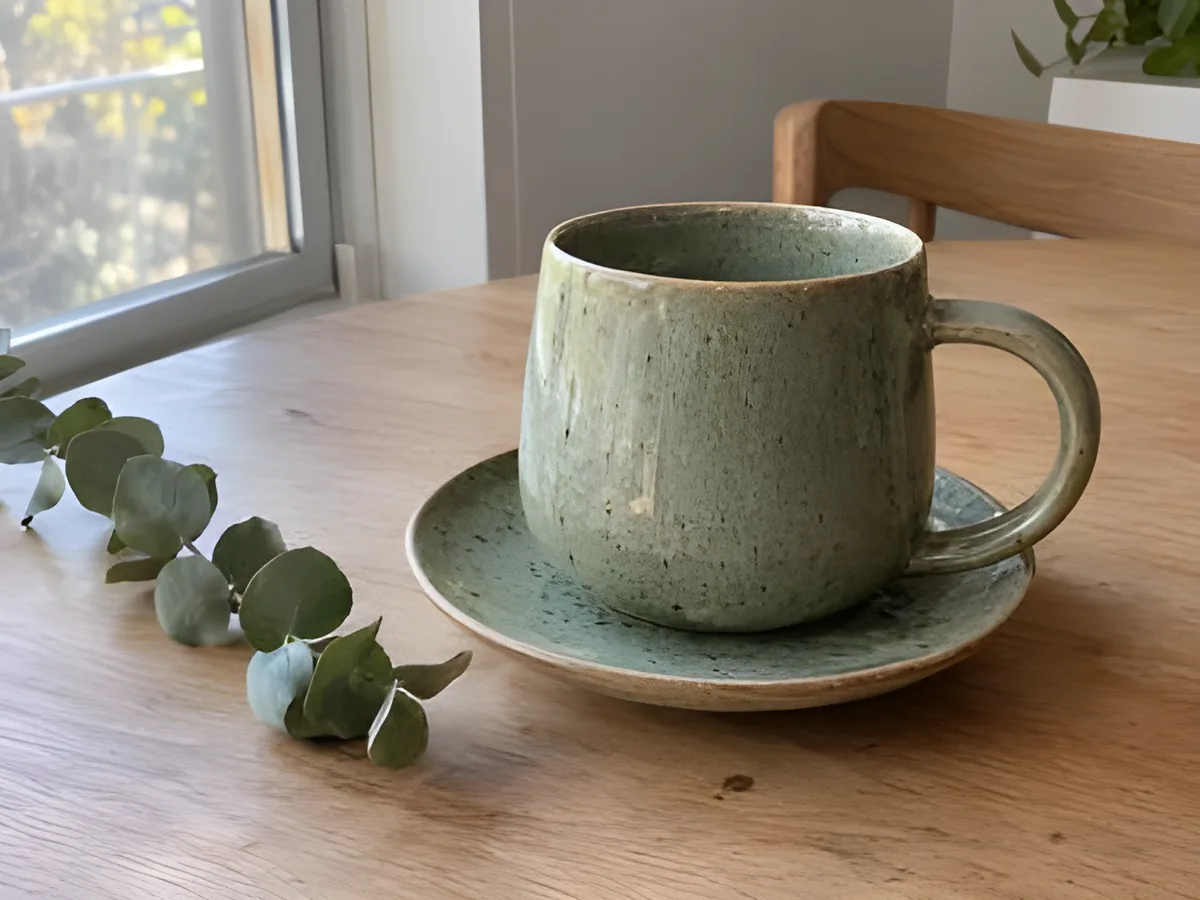
Upscale
Upscale images with AI: more pixels and crisp detail for prints, large screens and marketplaces.
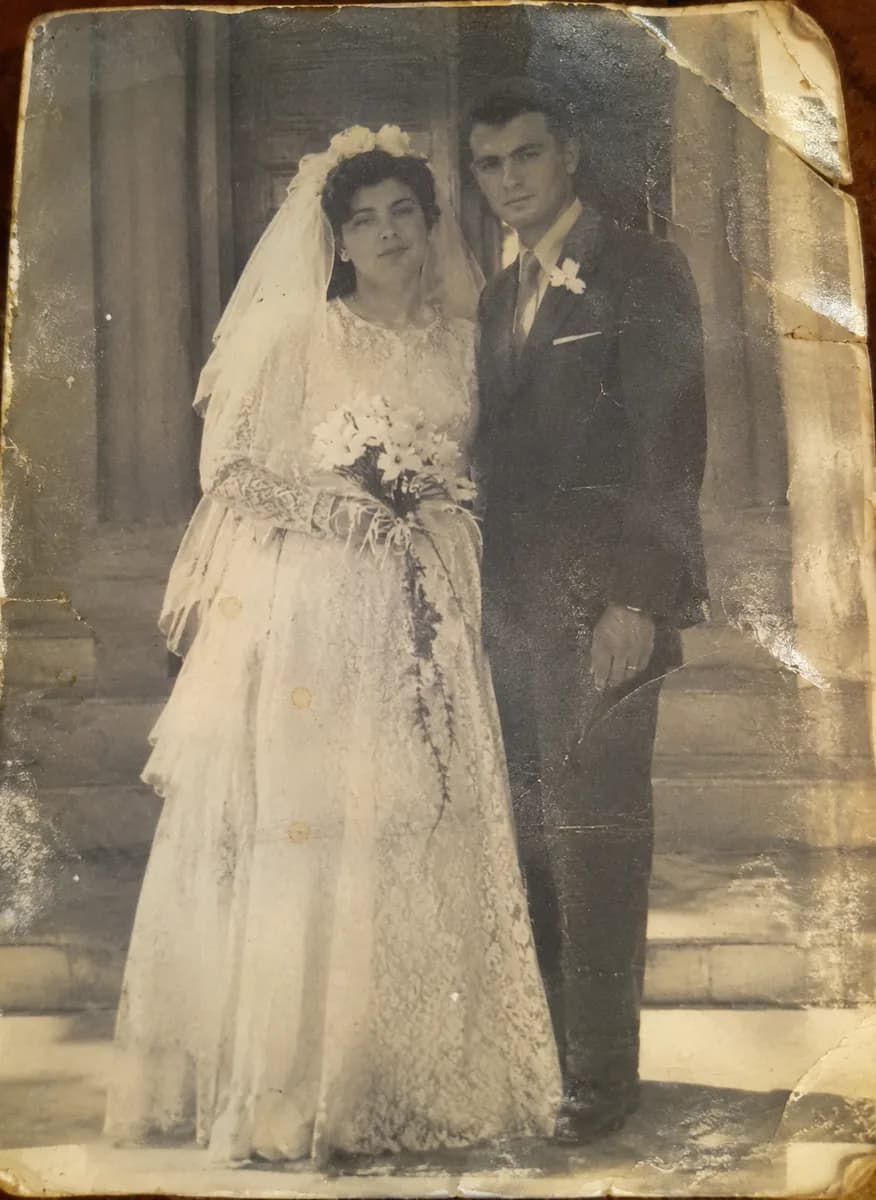
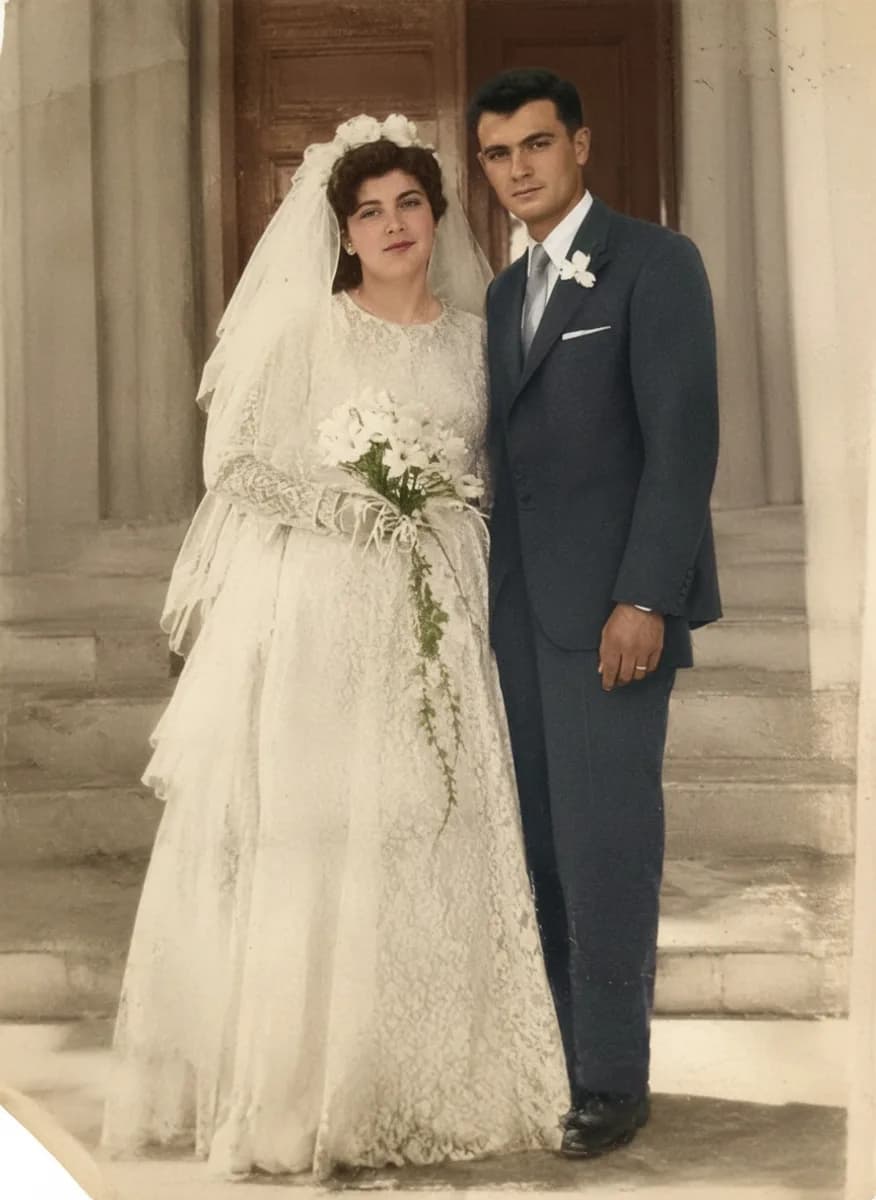
Restore
Restore old and damaged photos online.
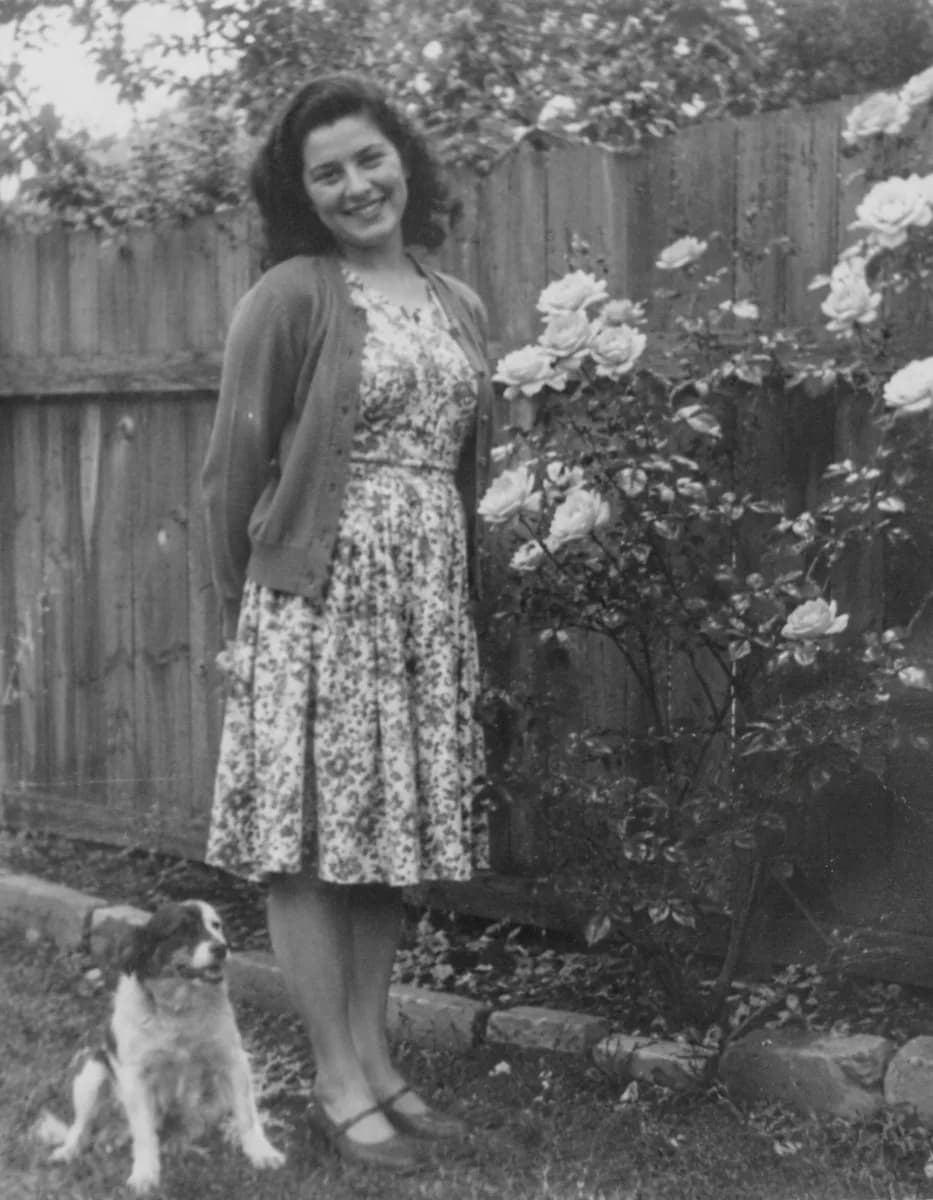
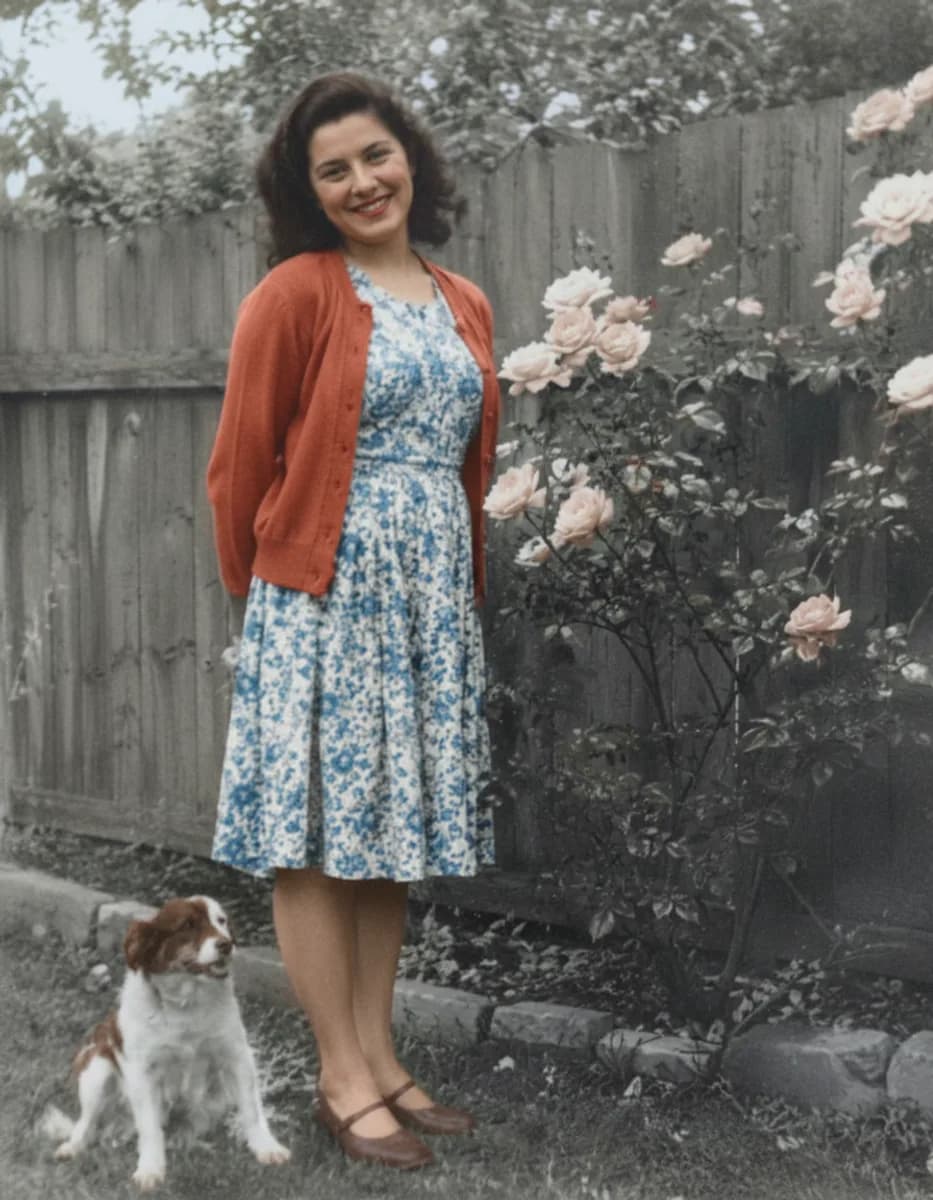
Colorize
Add natural colour to black-and-white photos with AI.
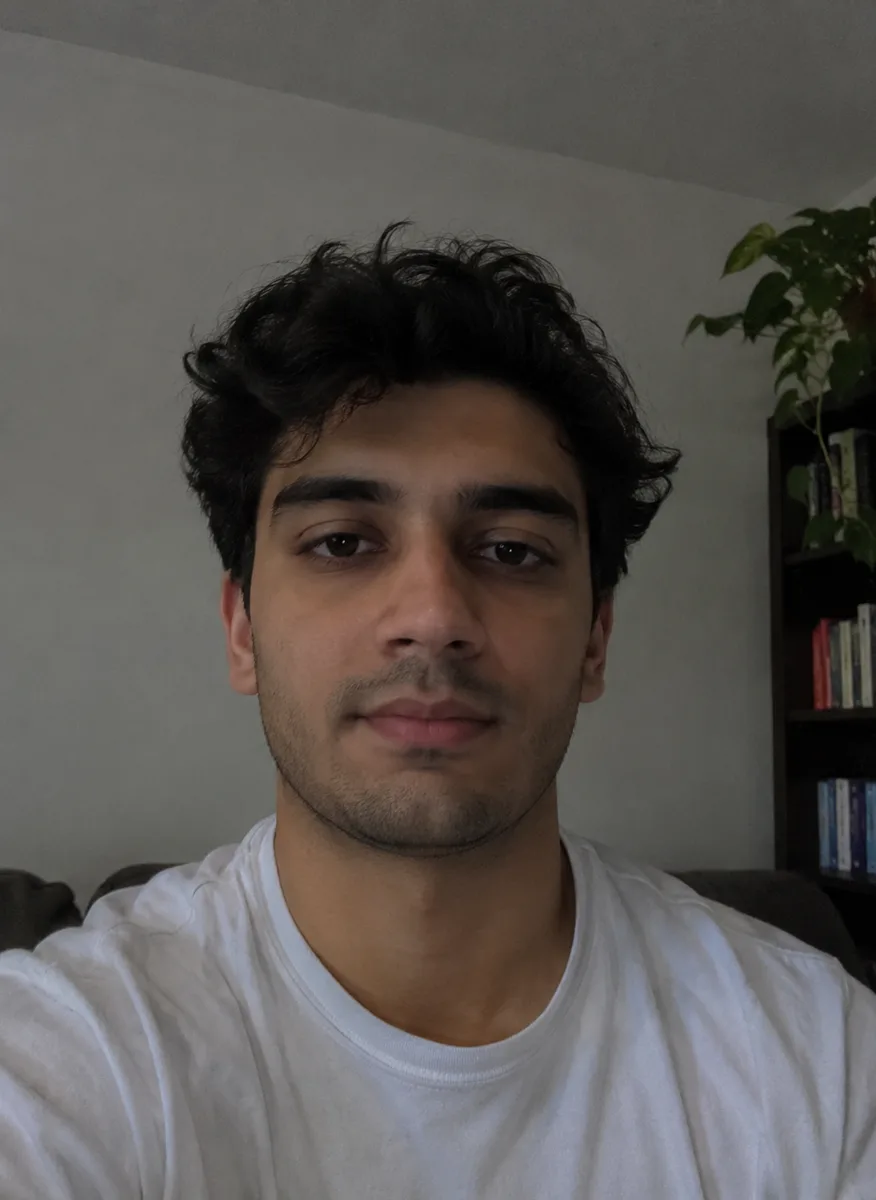
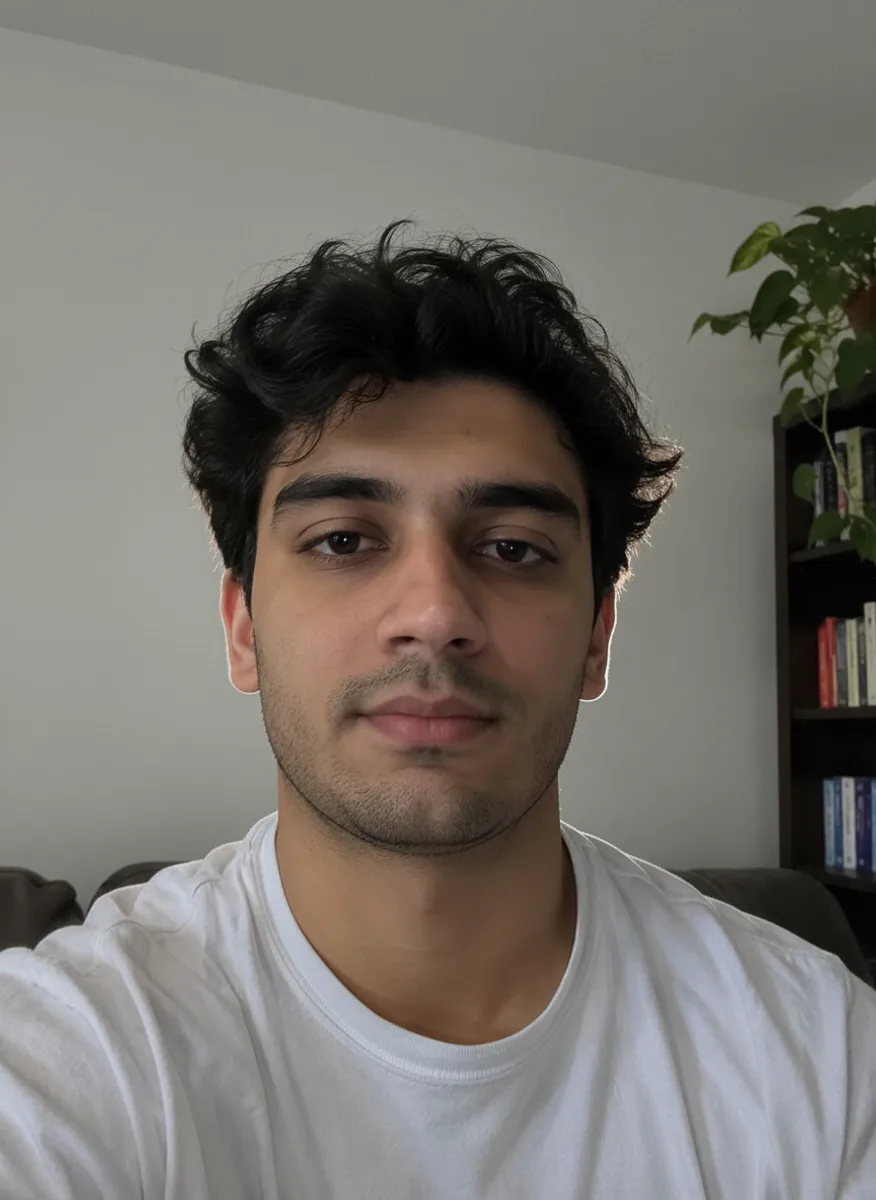
Studio relight
Relight any photo as if it was shot in a studio.
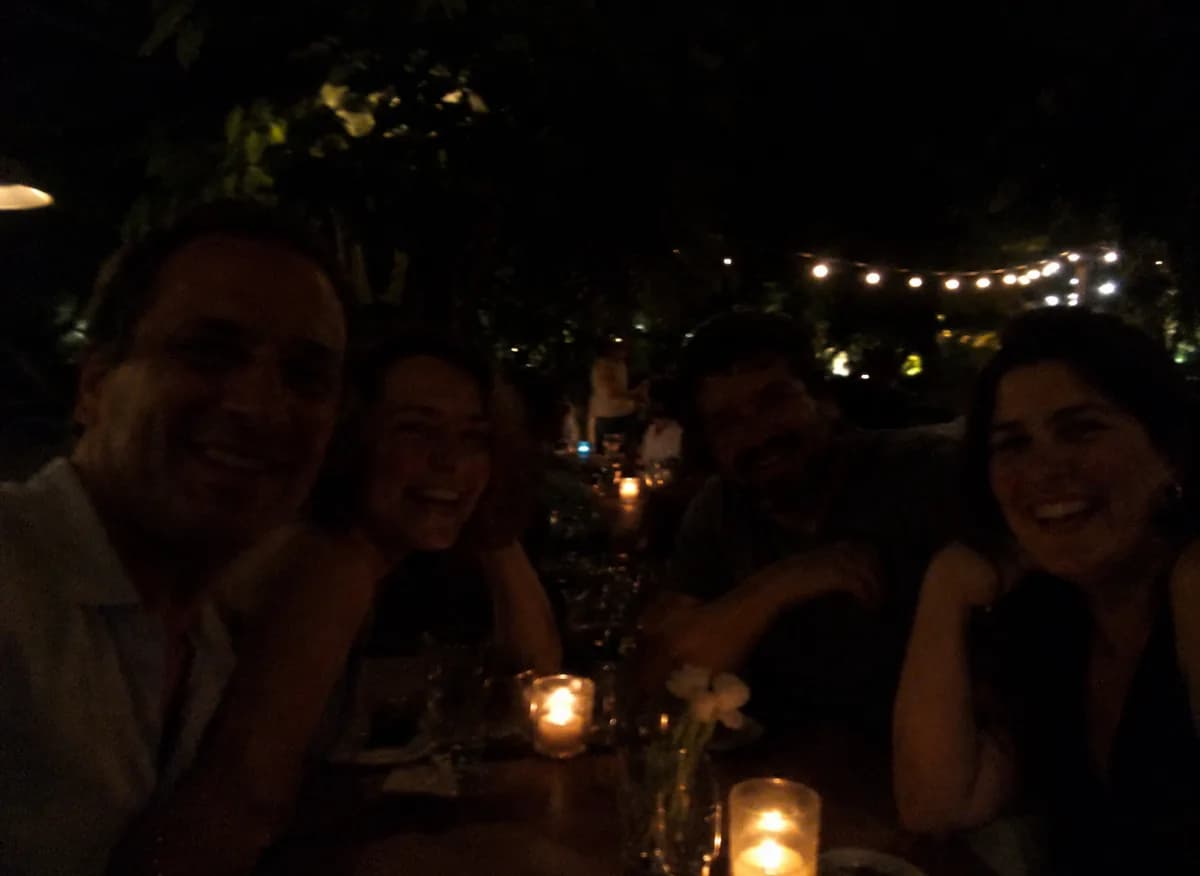
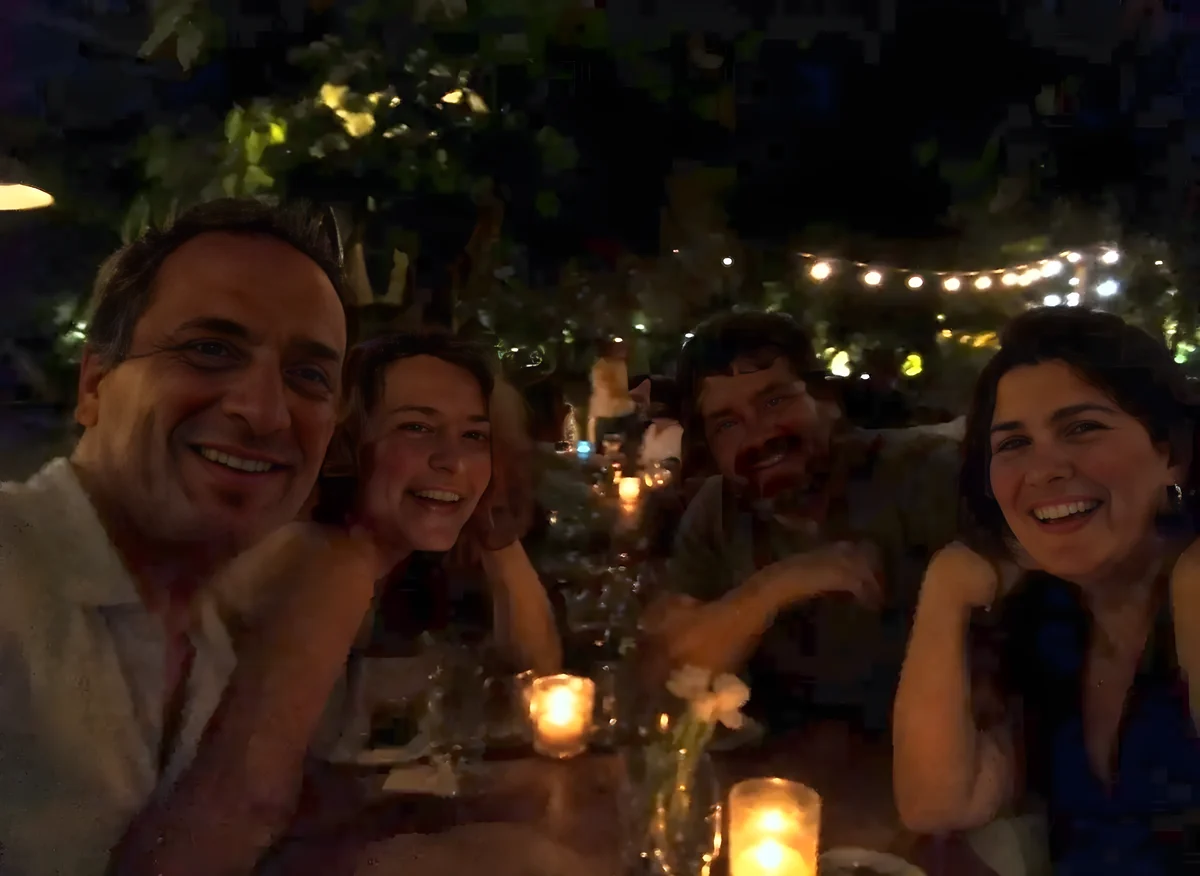
Low-light fix
Brighten dark and underexposed photos with AI.
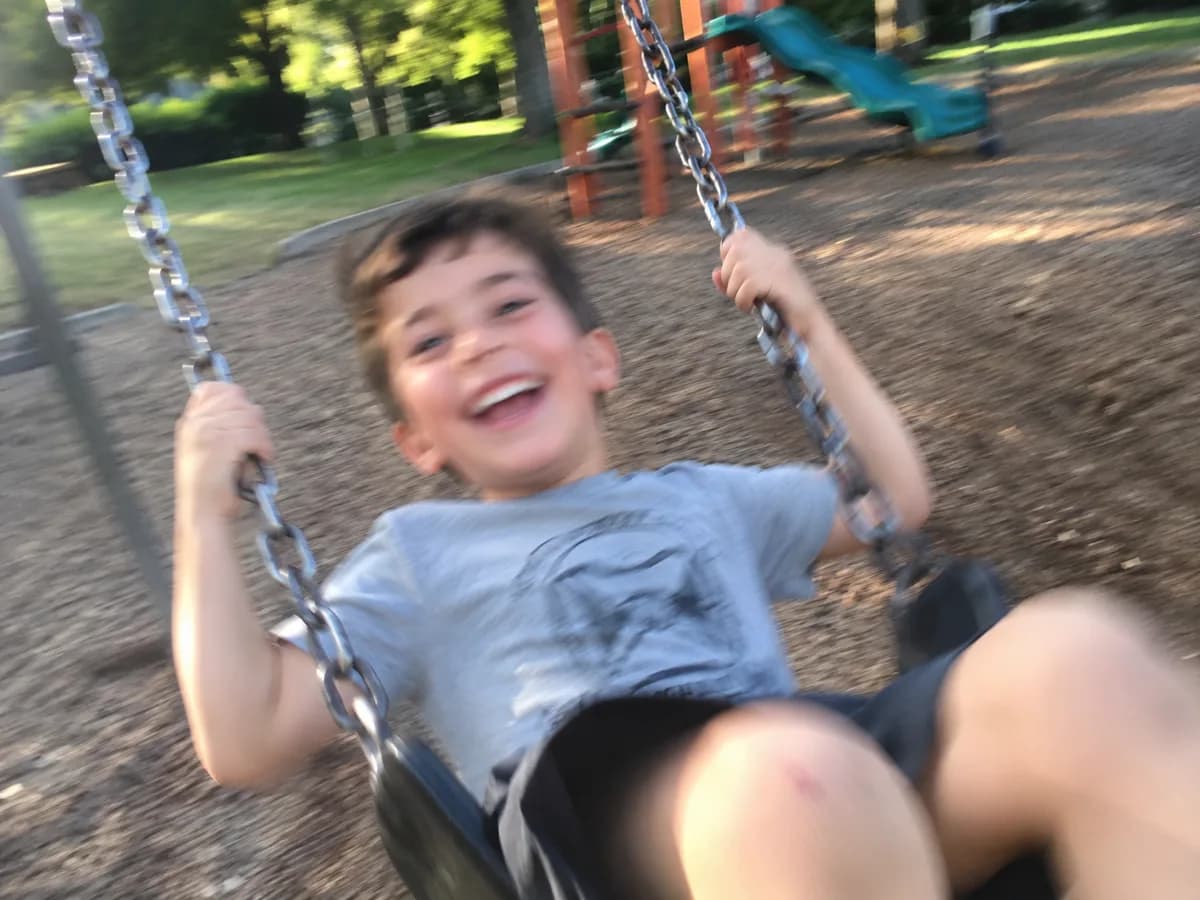
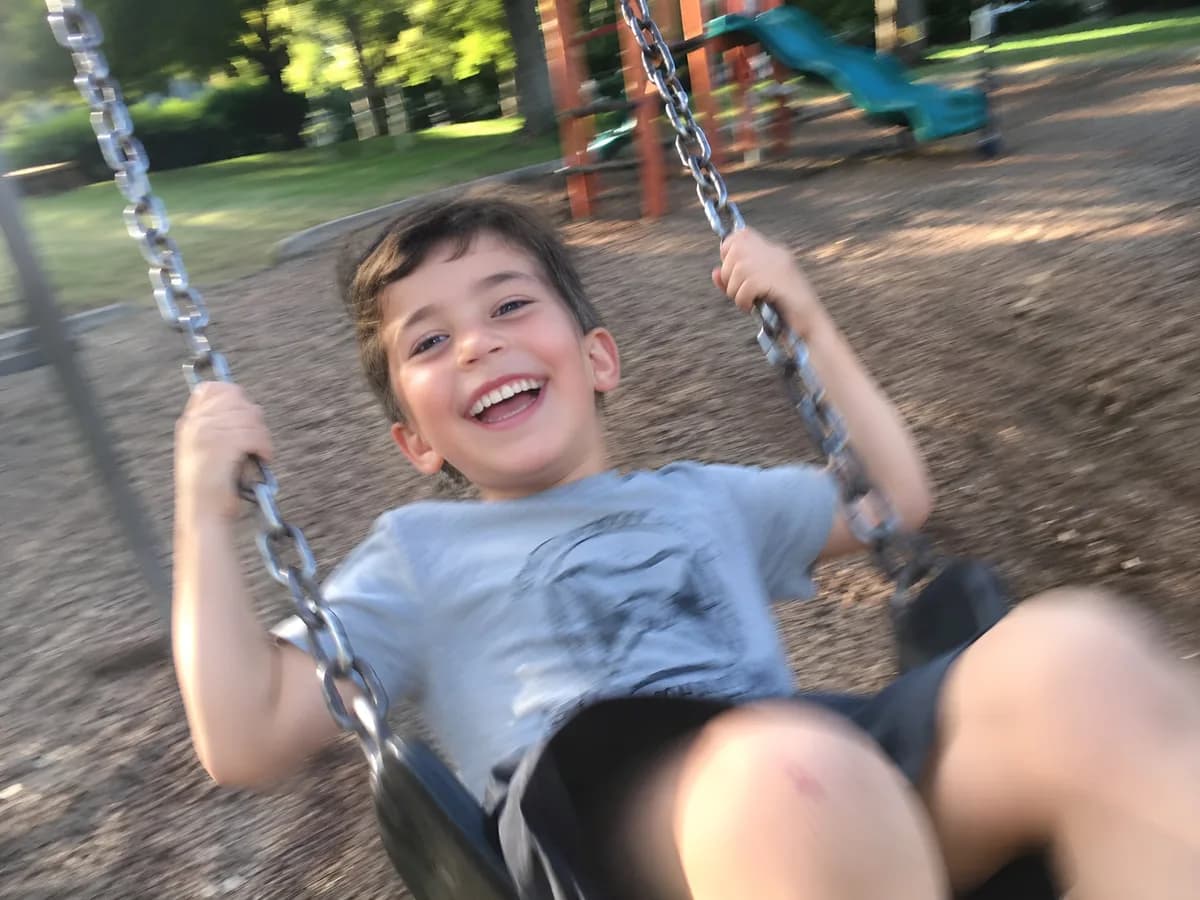
Face unblur
Sharpen blurry or shaky faces in photos with AI.
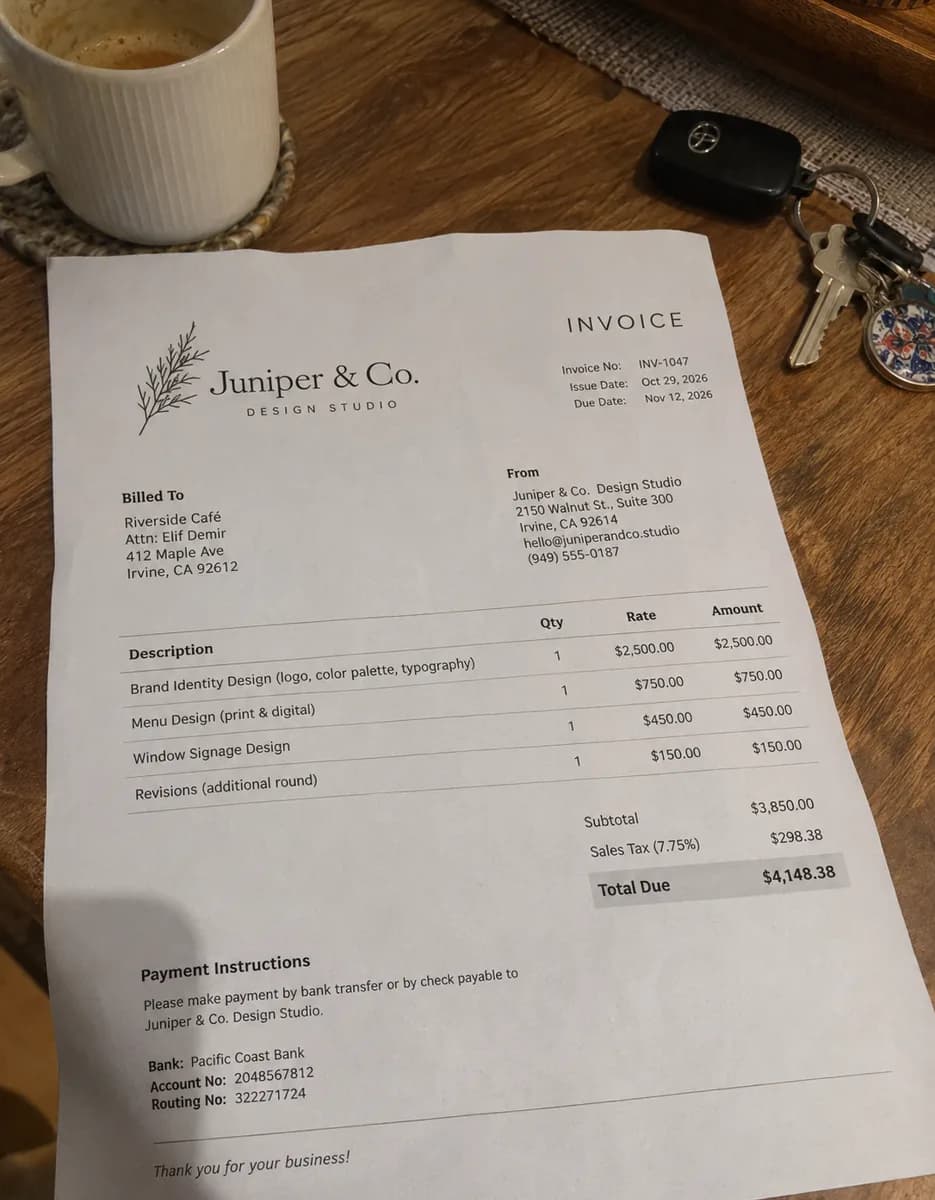
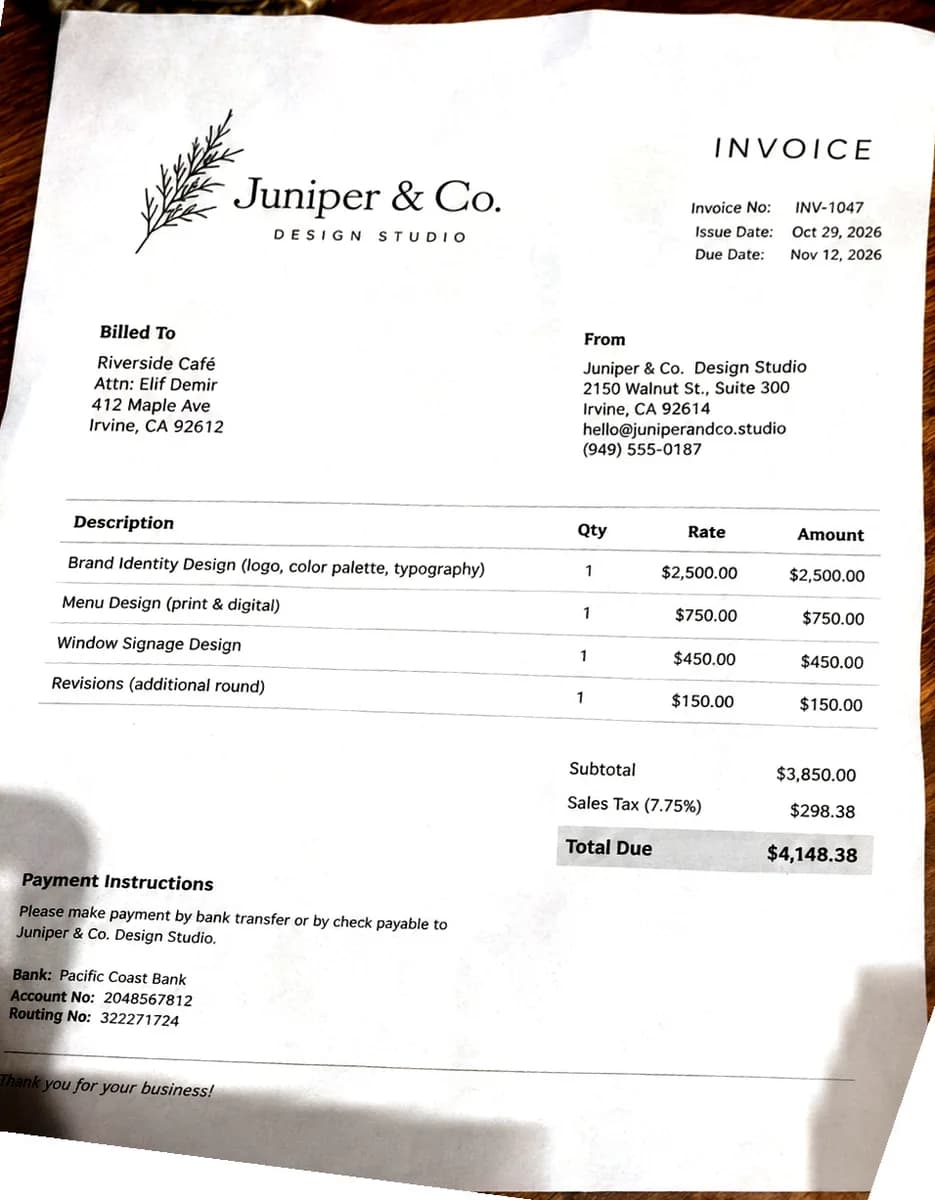
Document scanner
Turn a phone photo of a page into a clean, flat scan.
No. 03Change a photo
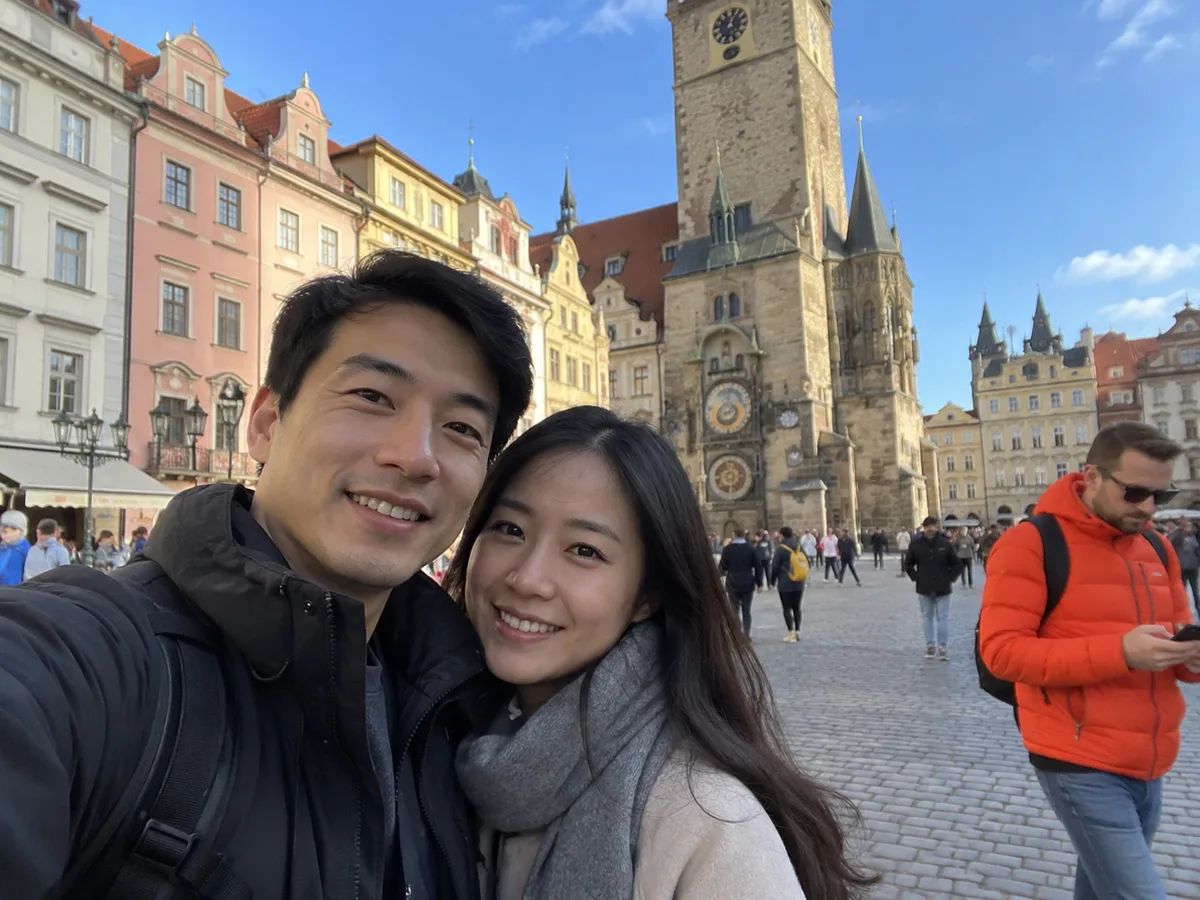
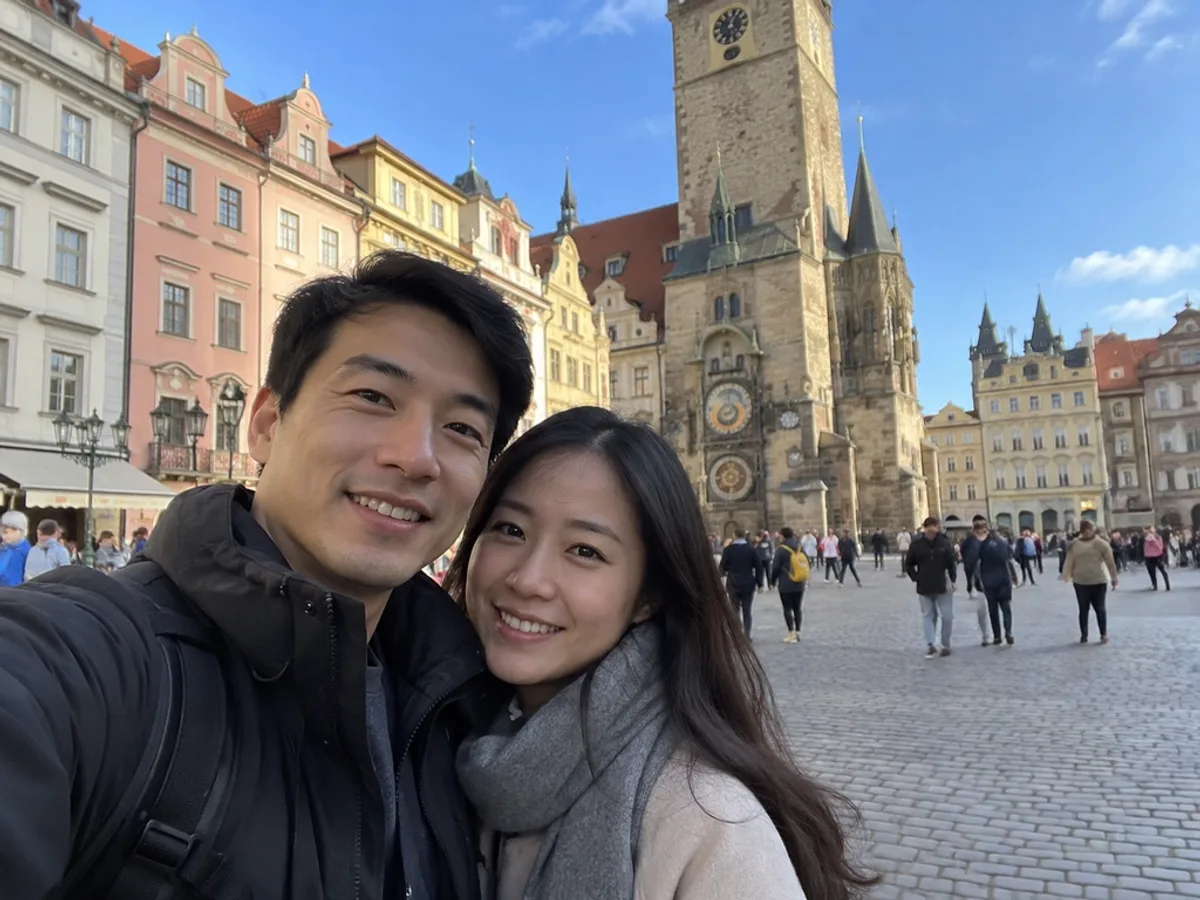
Object removal
Remove people, wires, text and clutter from photos online.
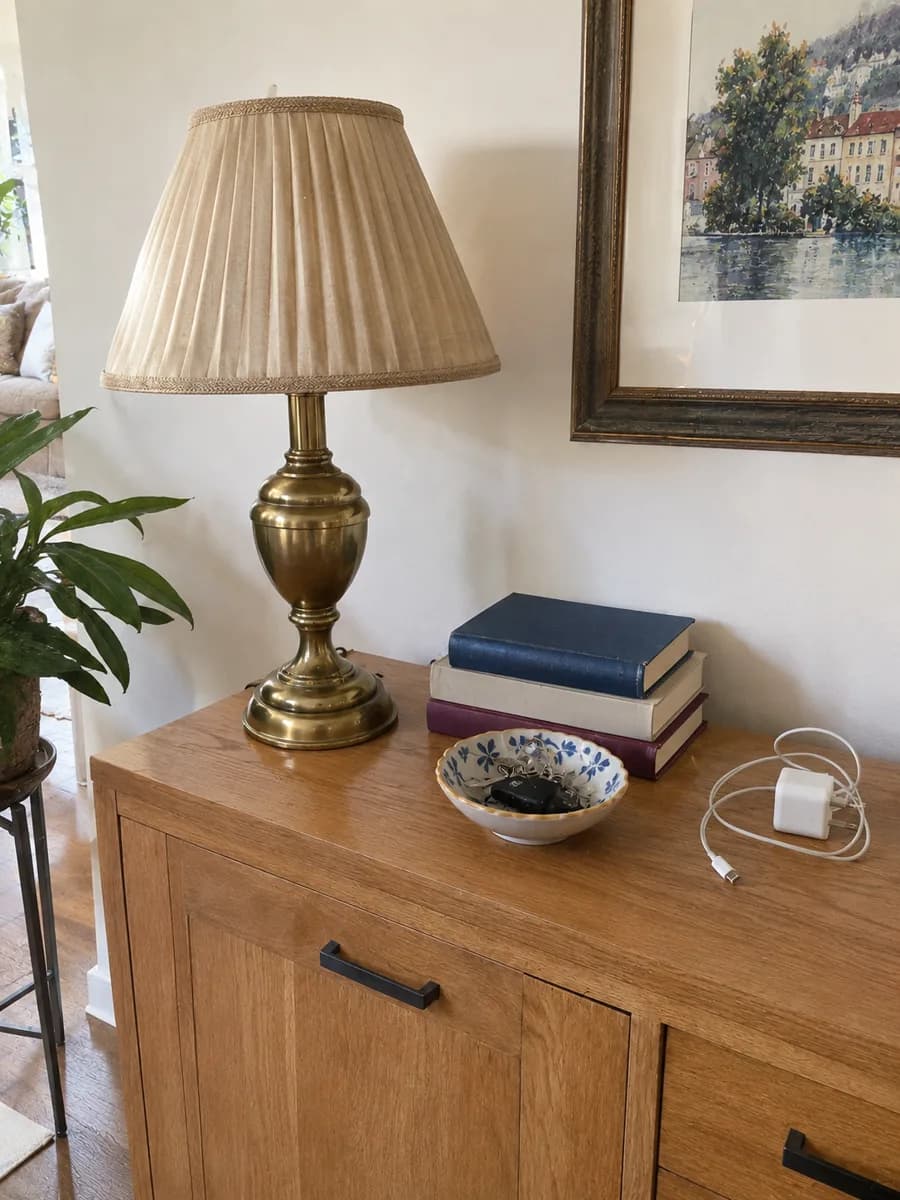
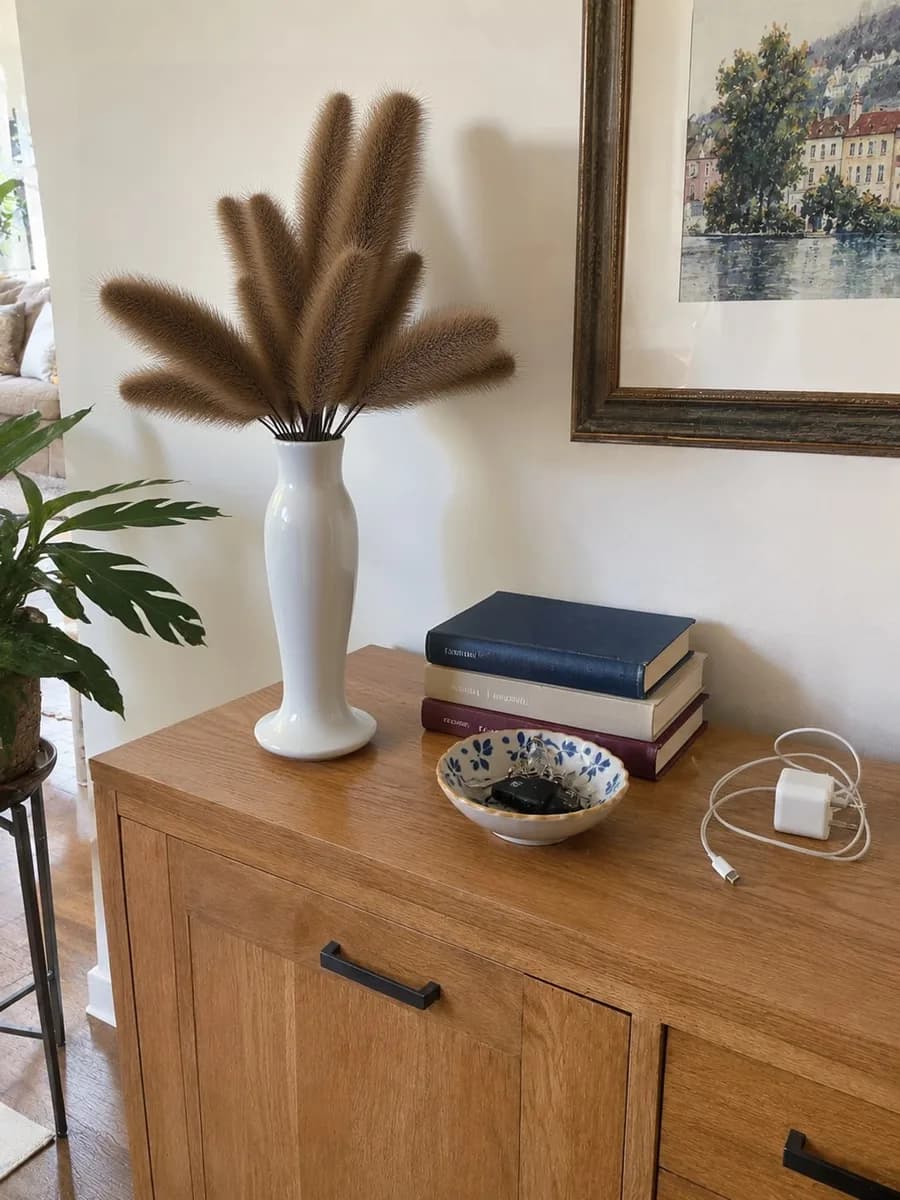
Replace
Replace anything in a photo with AI.
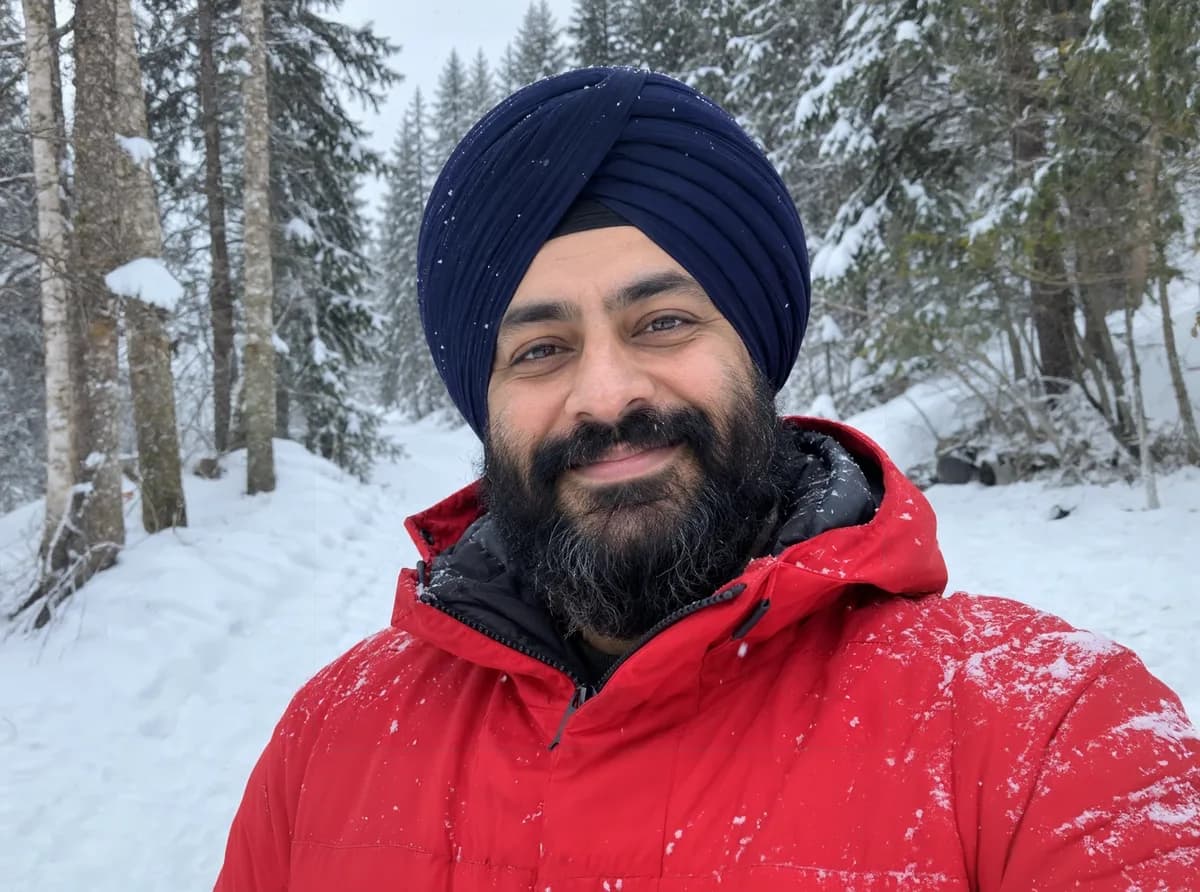
Expand
Expand a photo beyond its edges with AI.
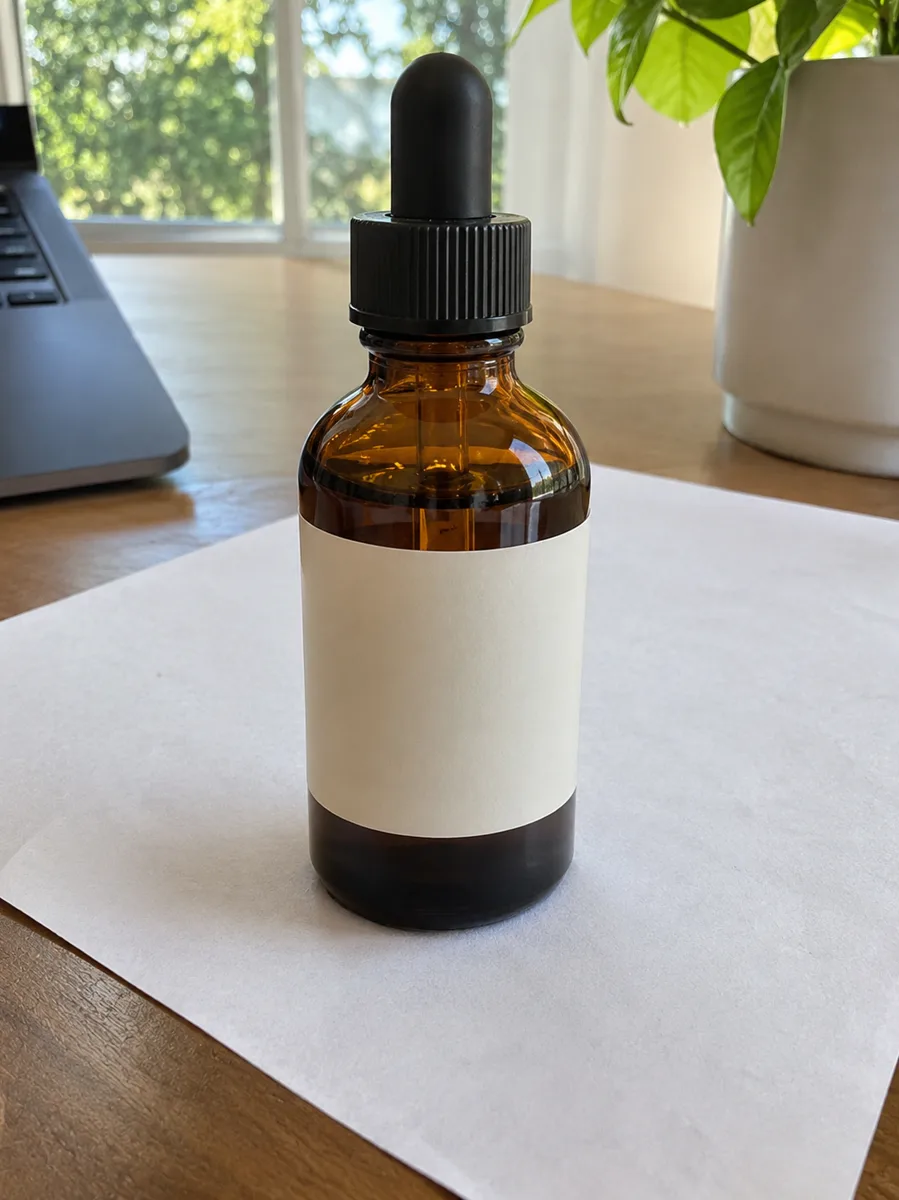
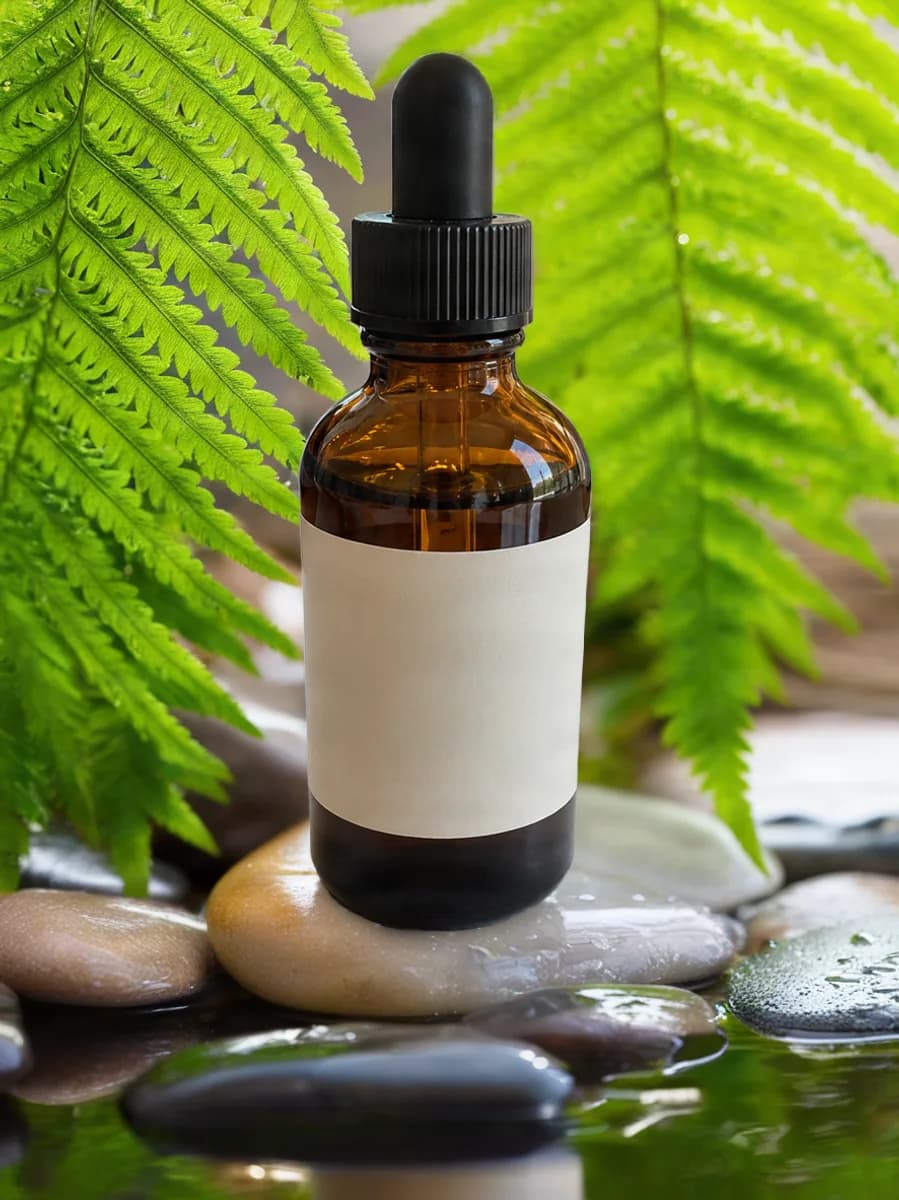
New background
Put your subject in a new scene with AI.
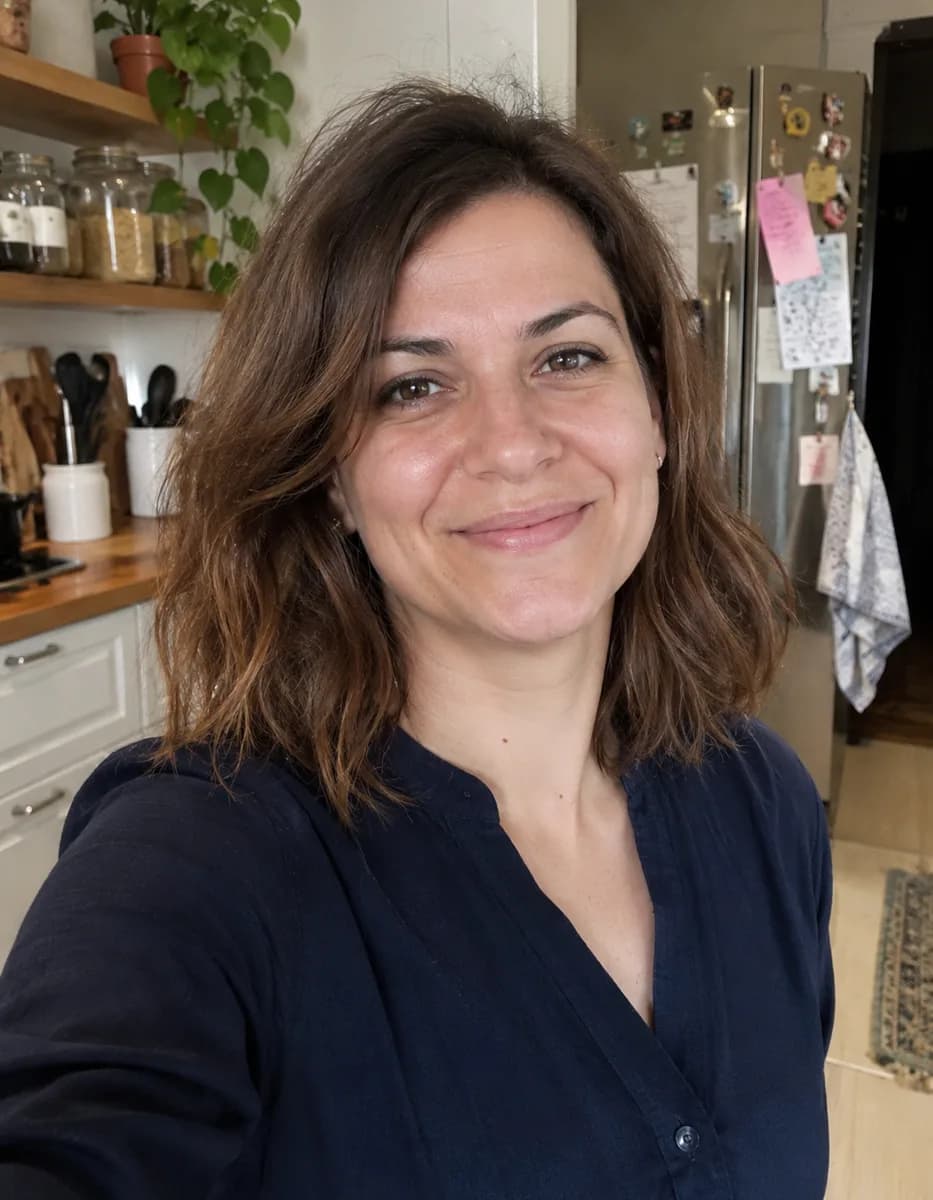
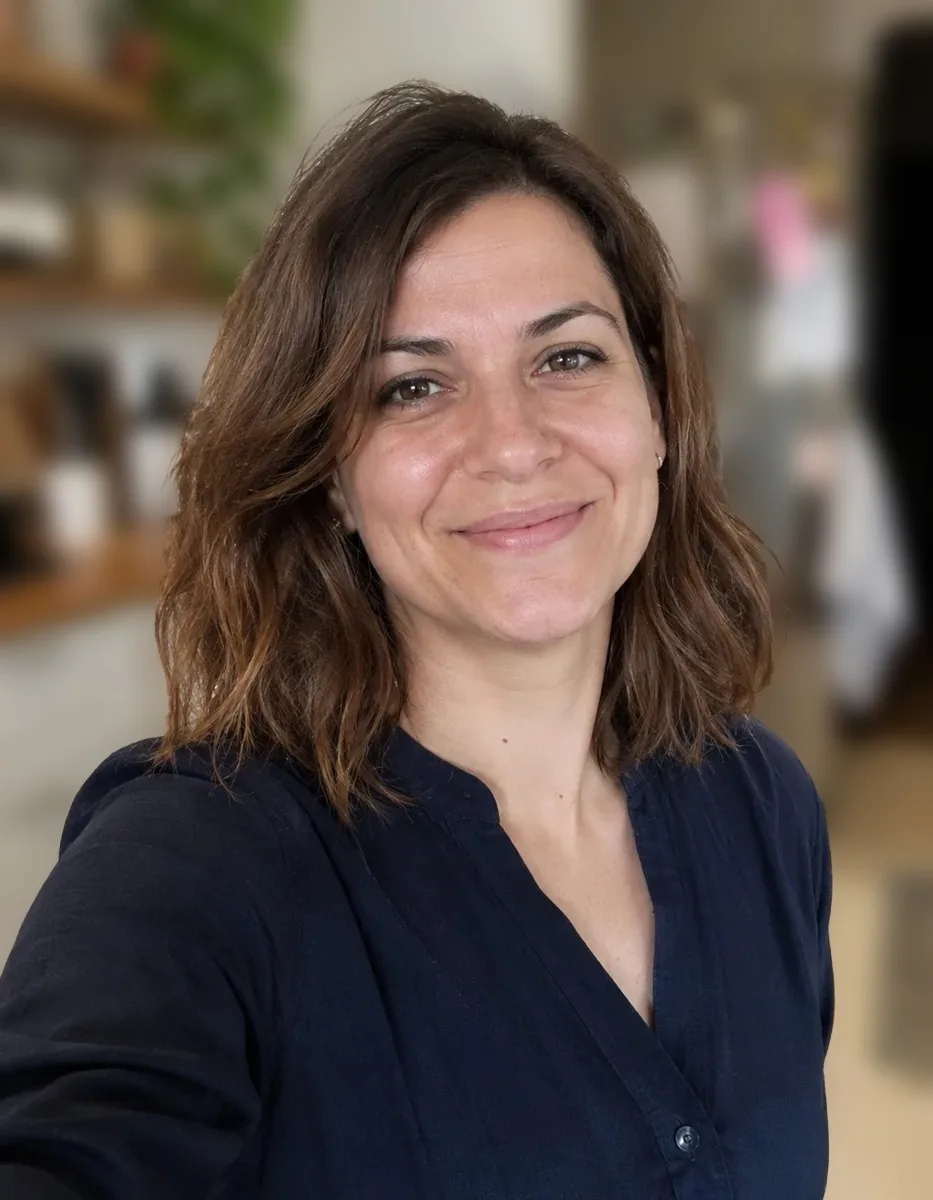
Blur background
Blur the background of any photo for a portrait-mode look.
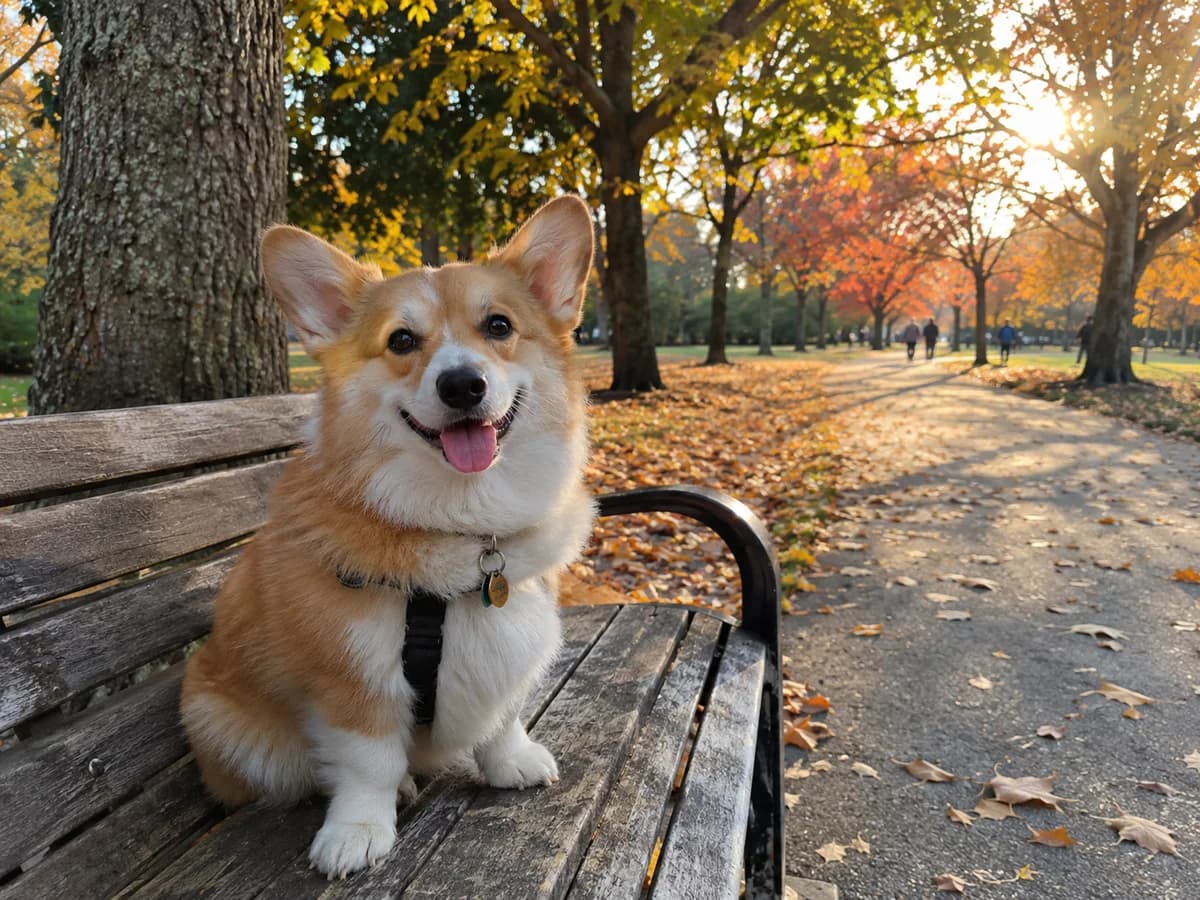
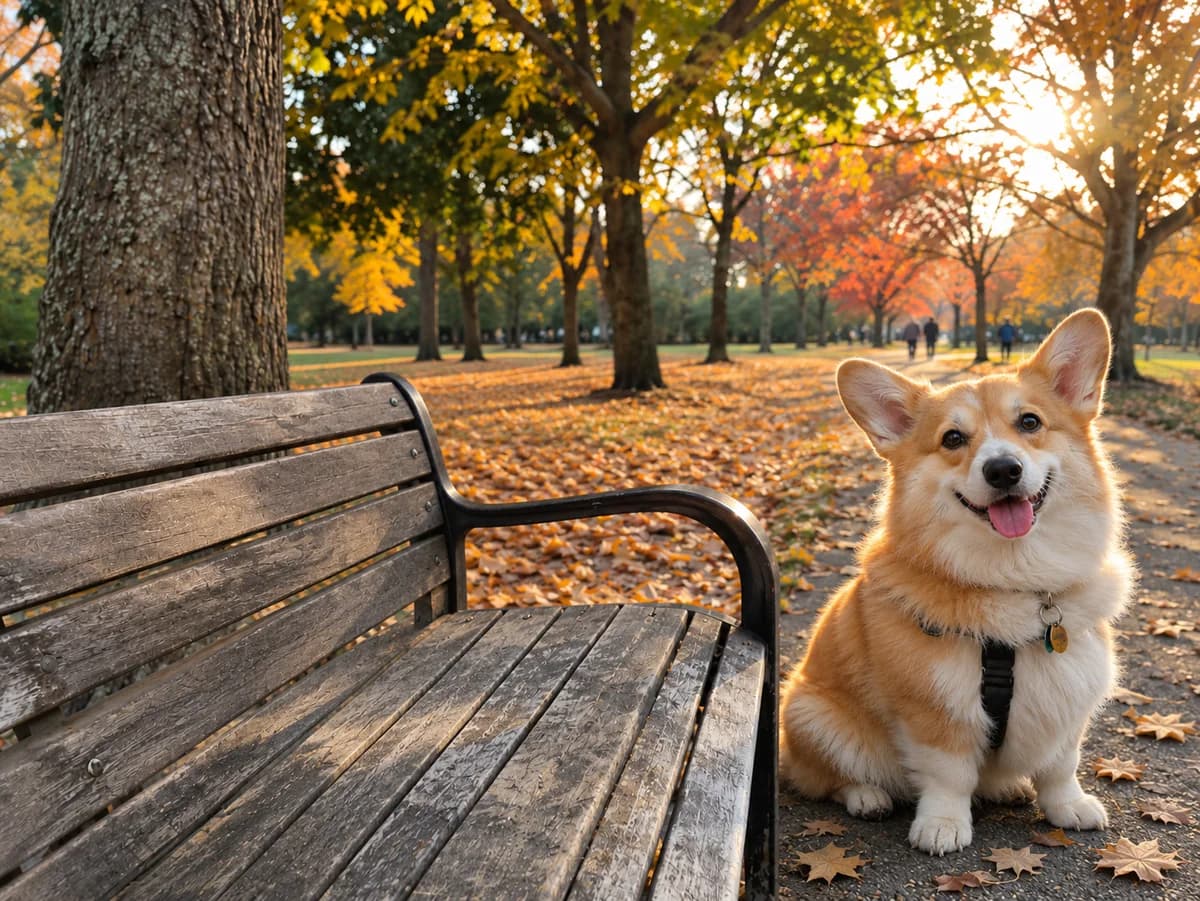
Lift subject
Lift the subject out of a photo and move it anywhere.
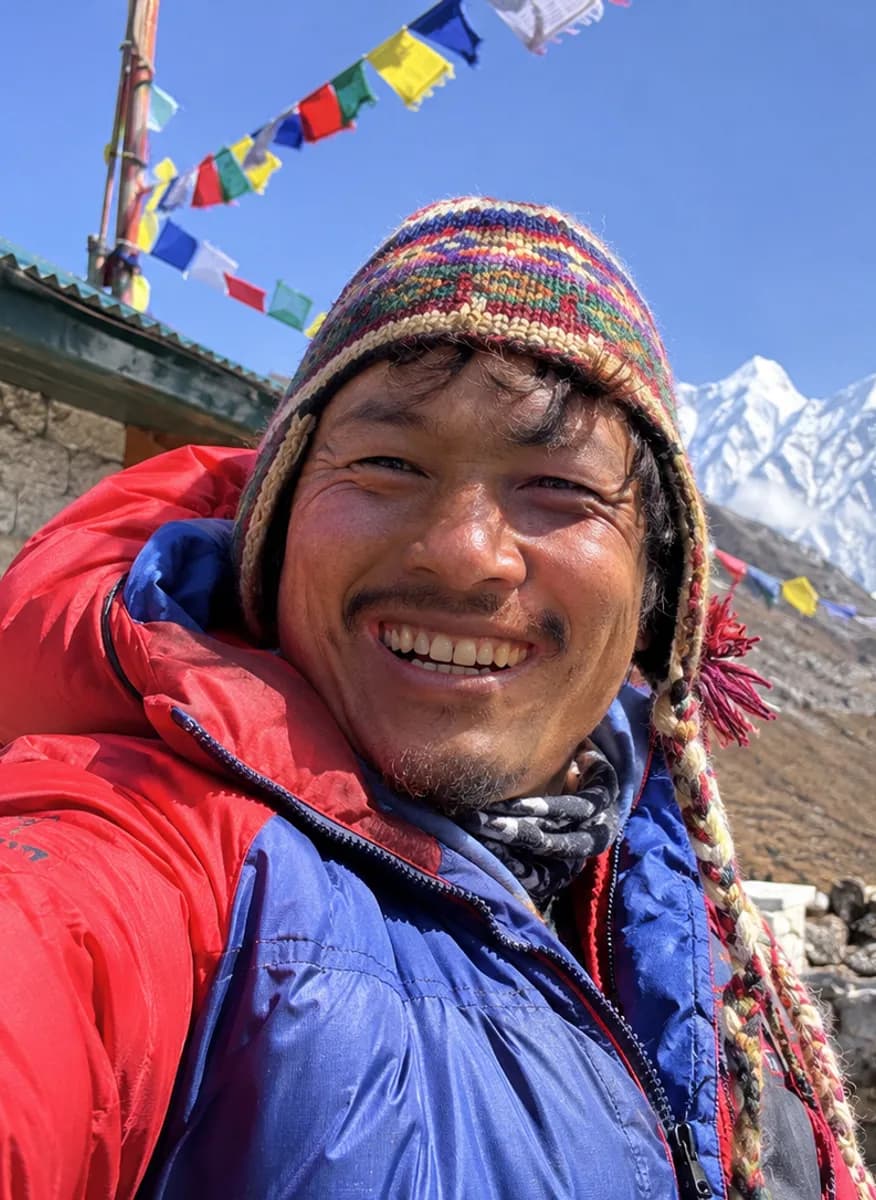
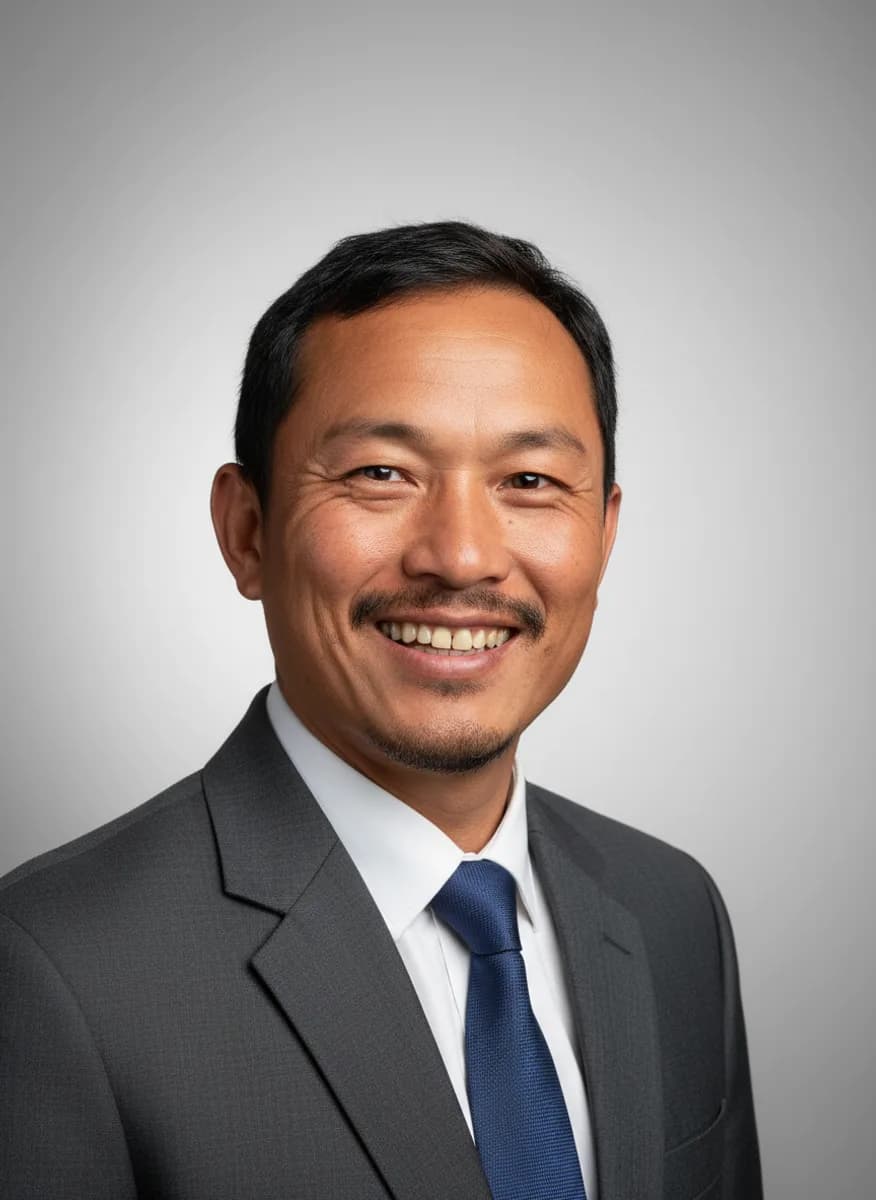
Headshot
Get a professional headshot from a casual photo.
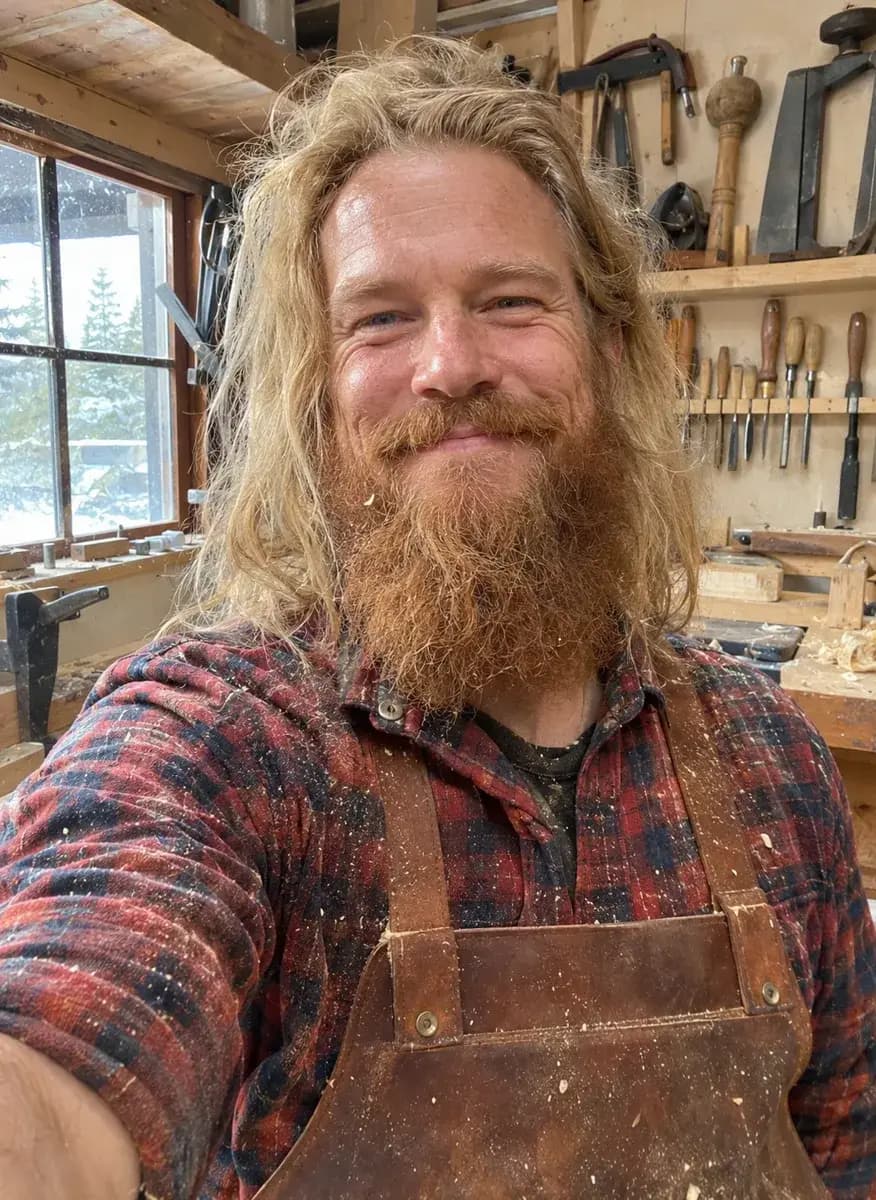
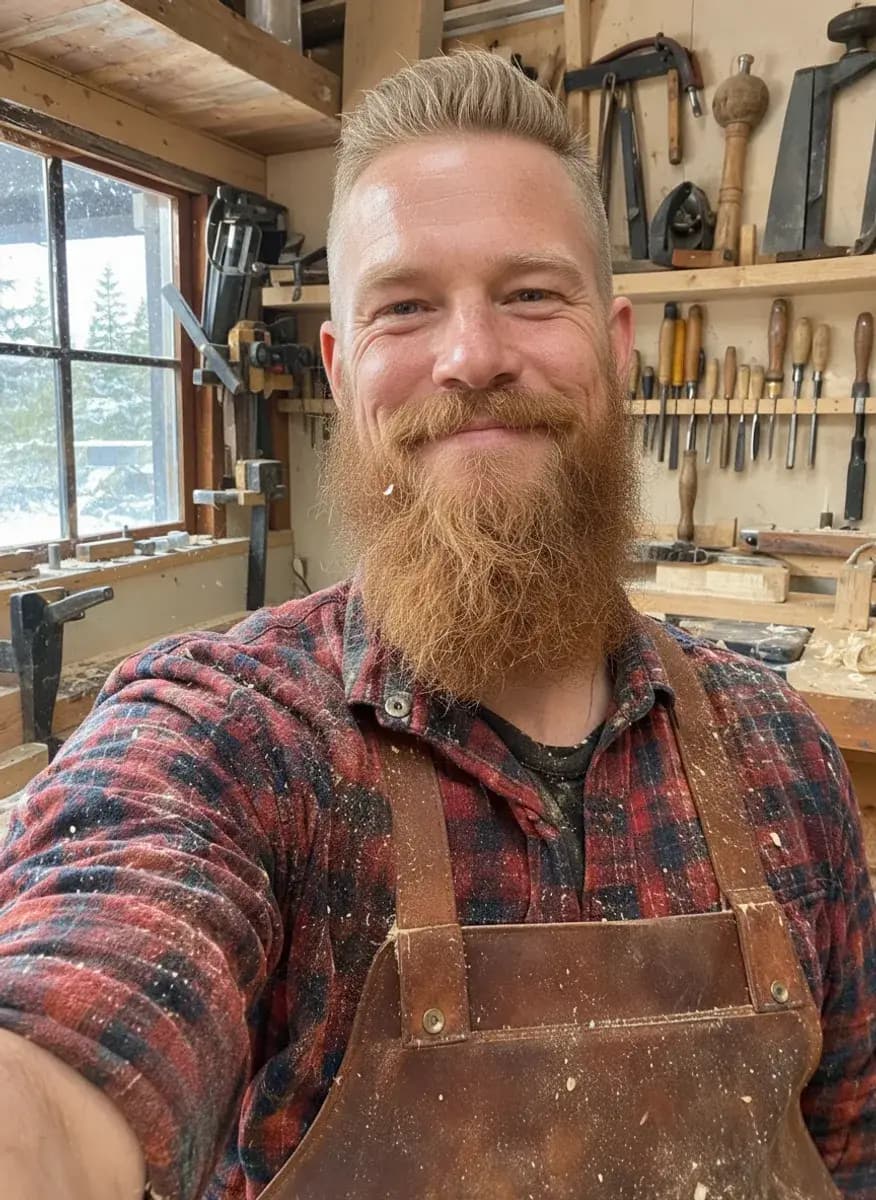
Hairstyle
See a new haircut or hair colour on yourself before the salon.
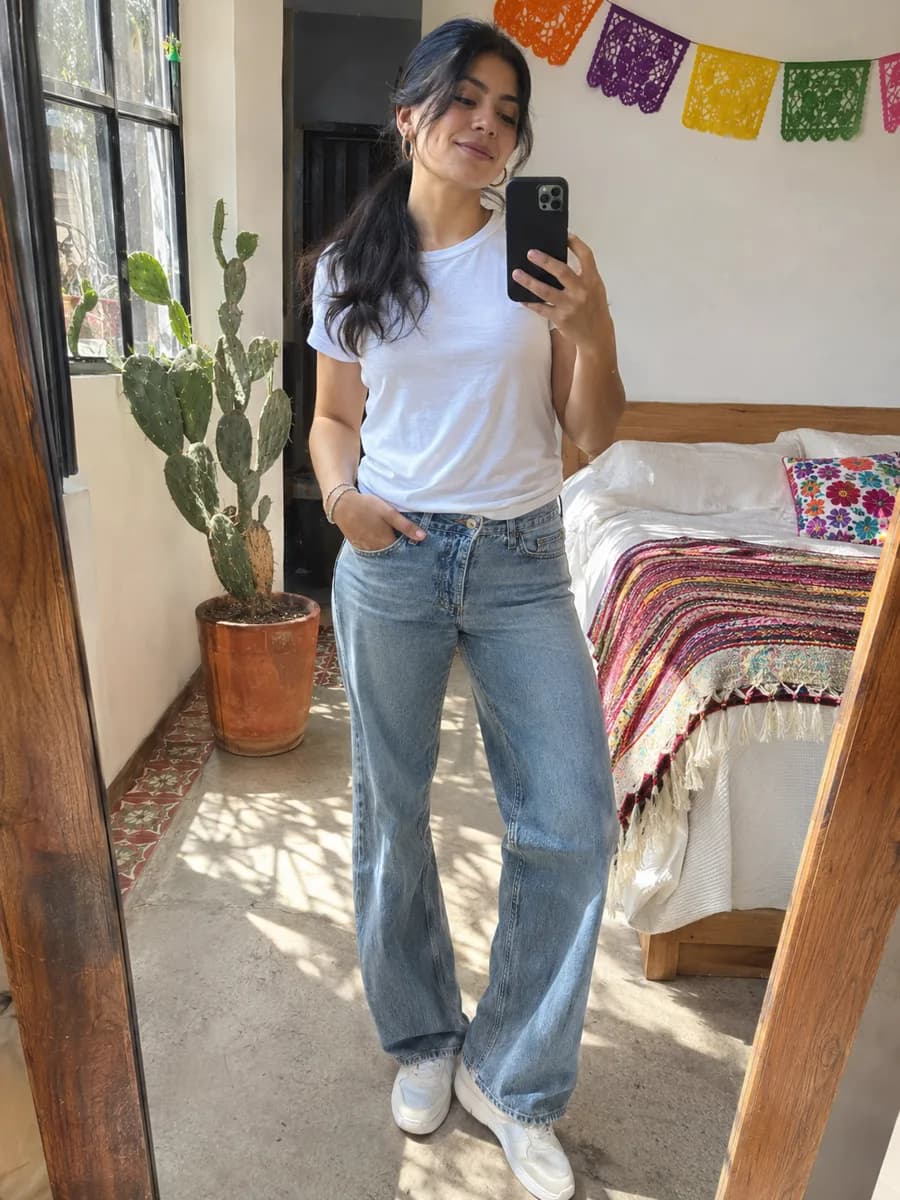
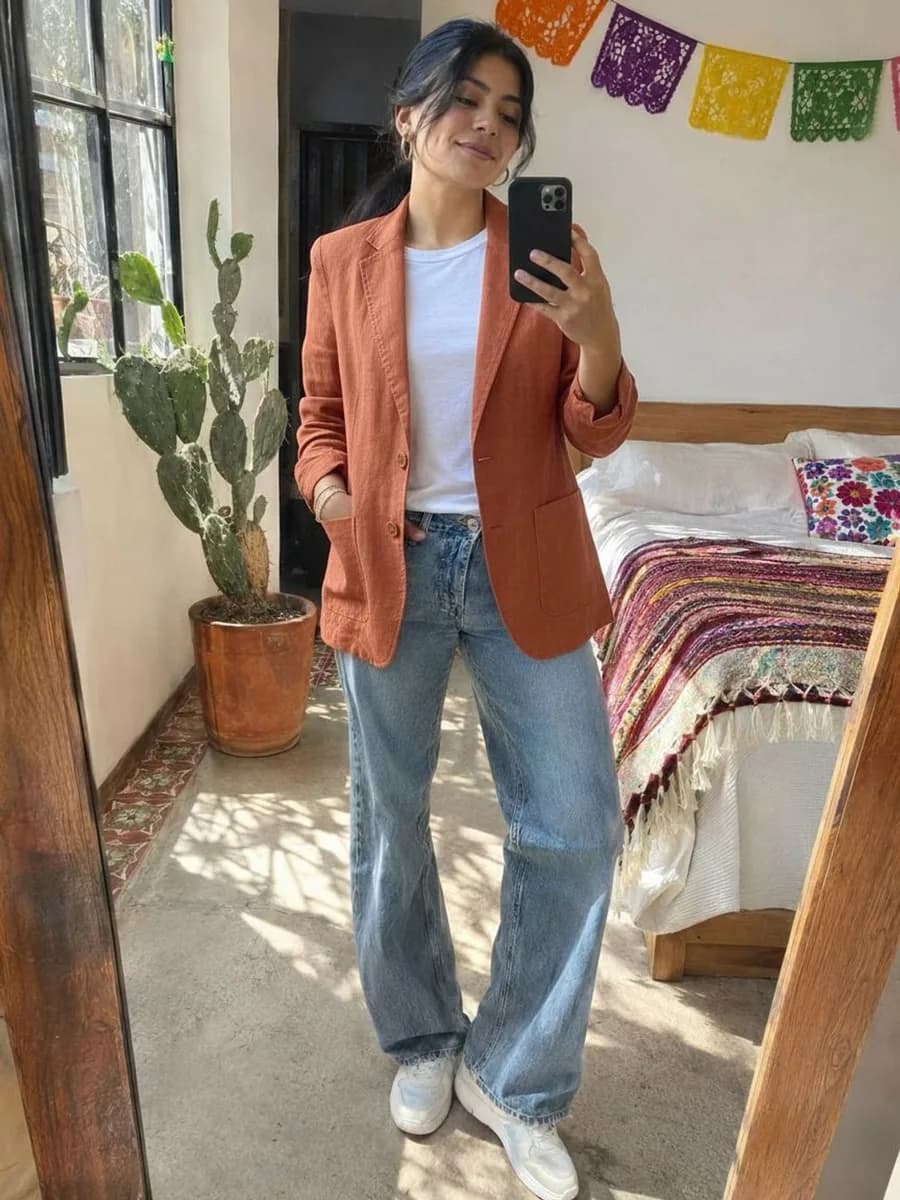
Clothes
Try clothes on a photo with AI.
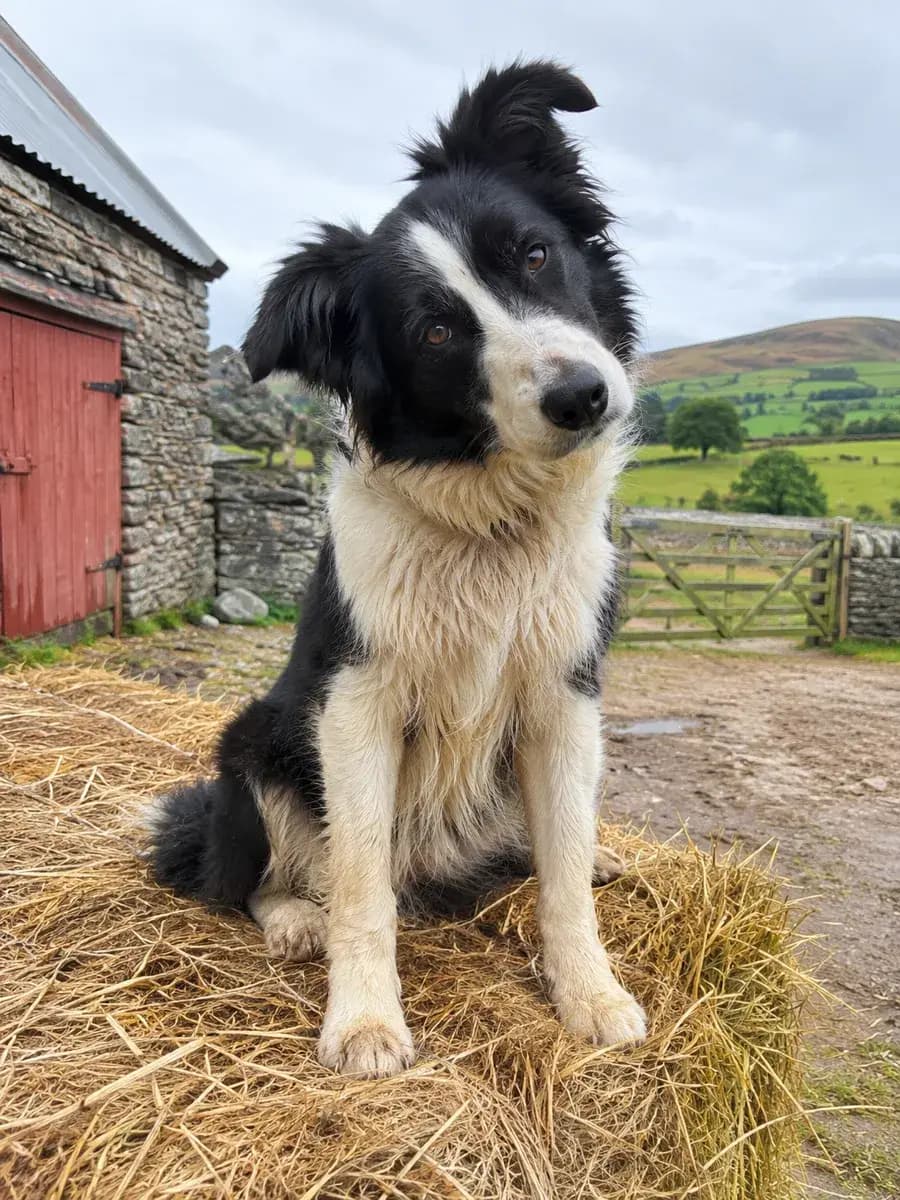
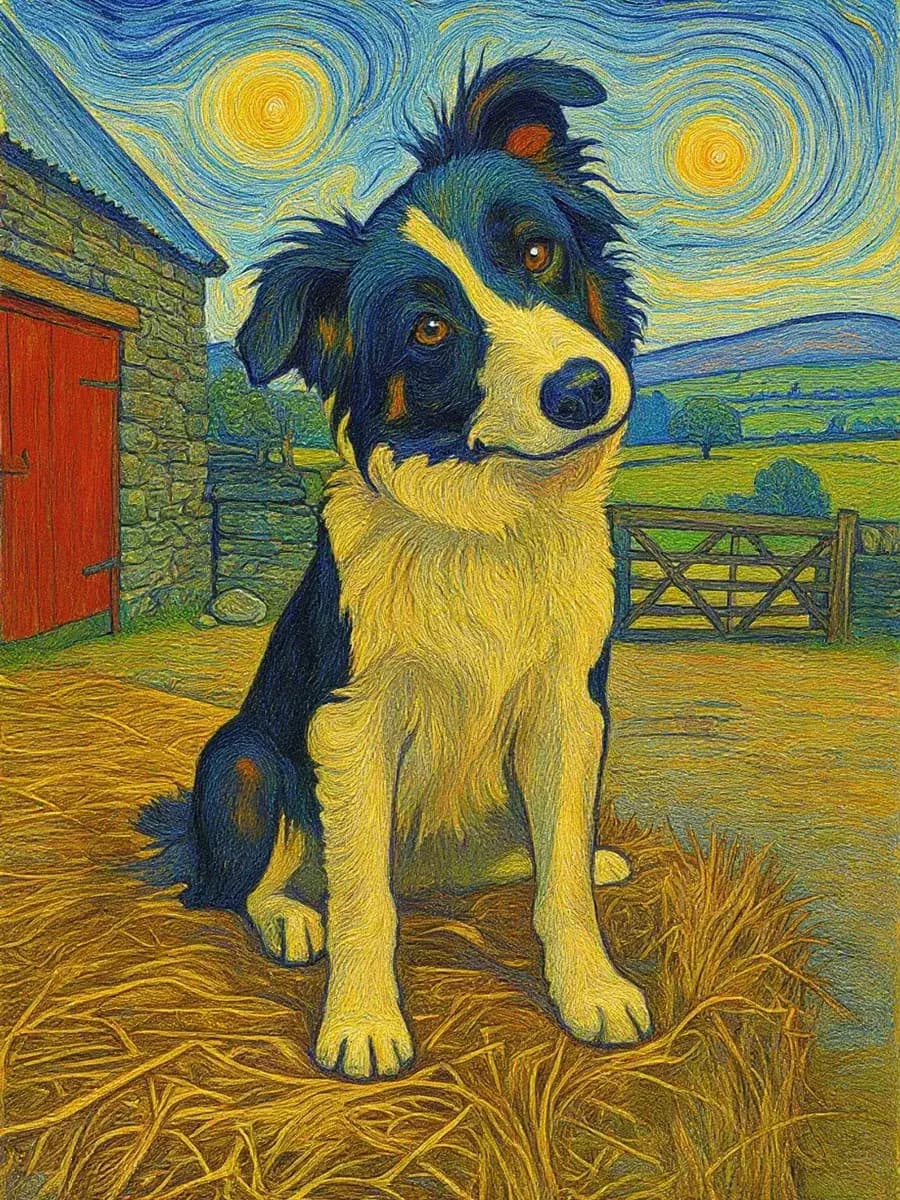
Art styles
Turn photos into art with AI: watercolour, oil painting, anime, pencil sketch and more.
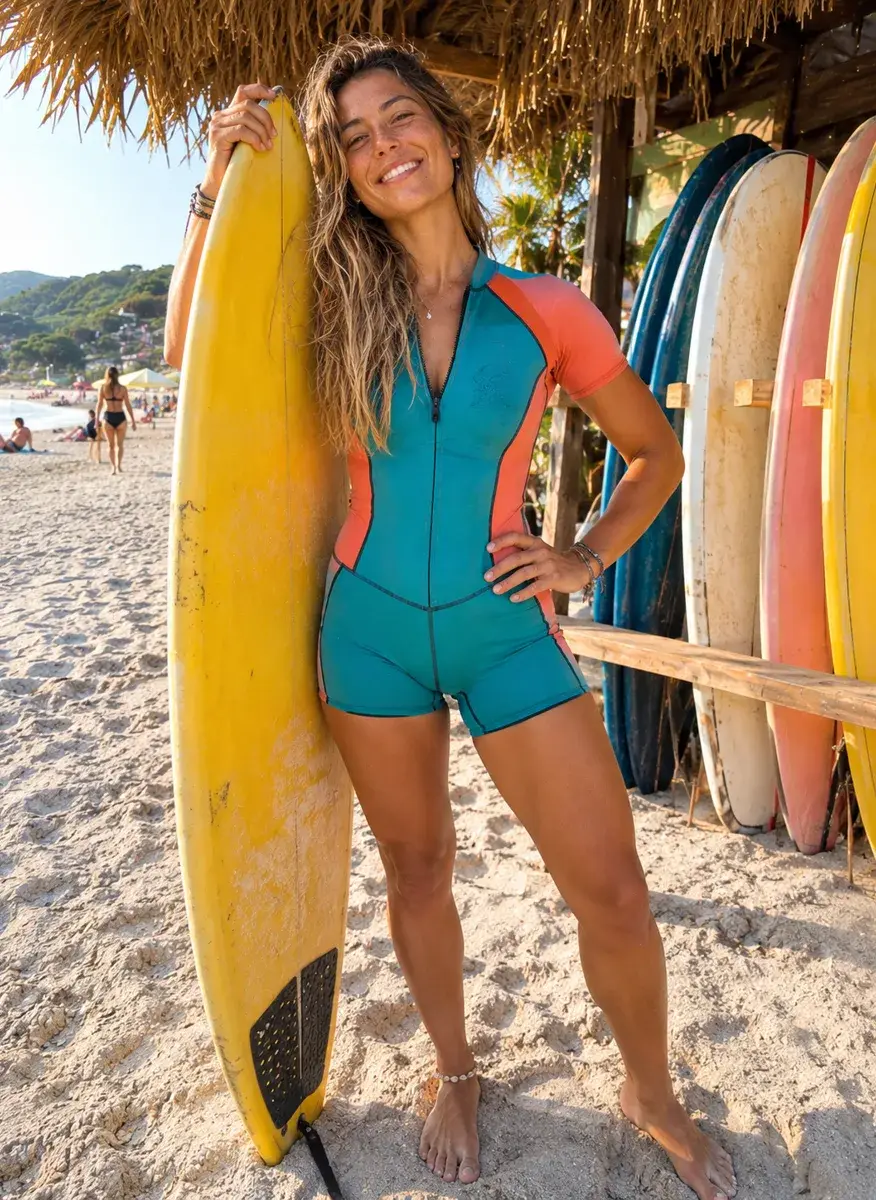
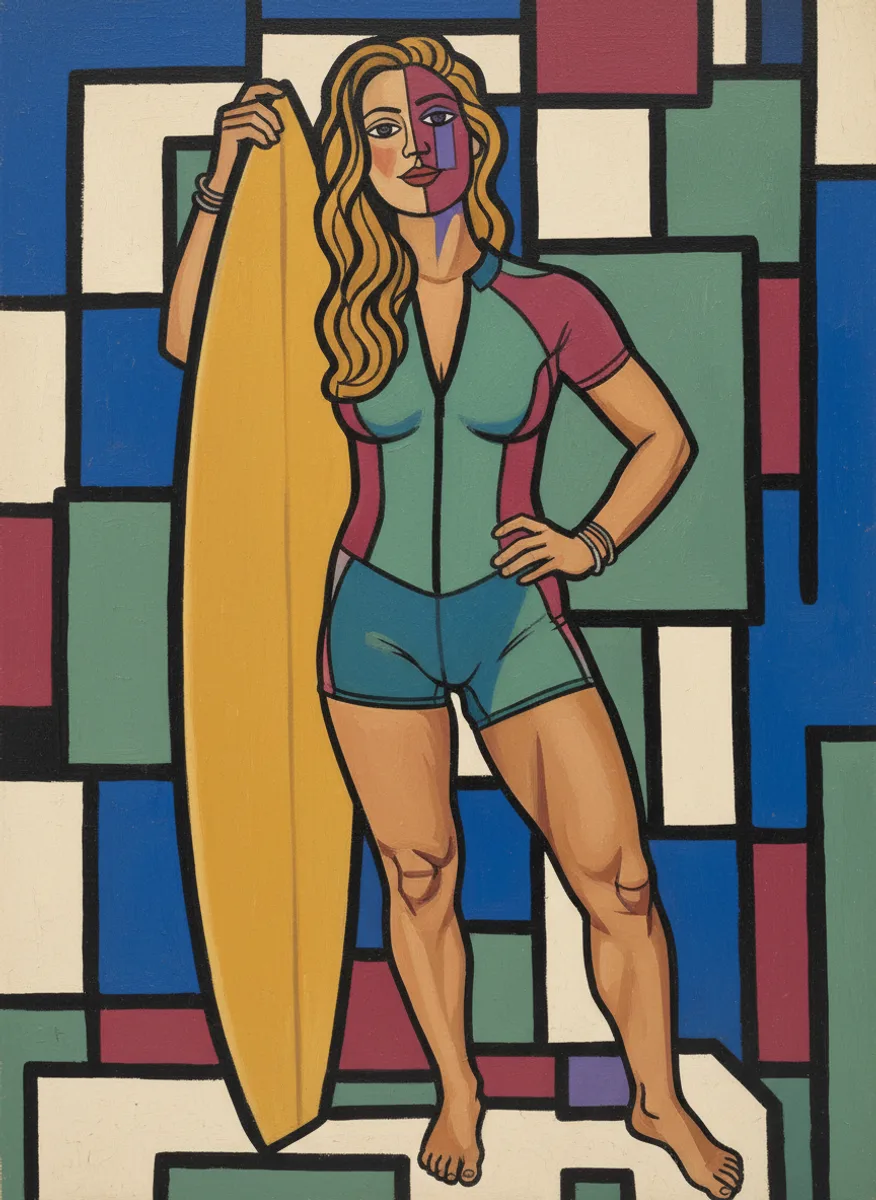
Picassify
Turn a photo into a Picasso-style Cubist painting with AI: bold geometric shapes, thick black lines and a face seen from two sides at once..
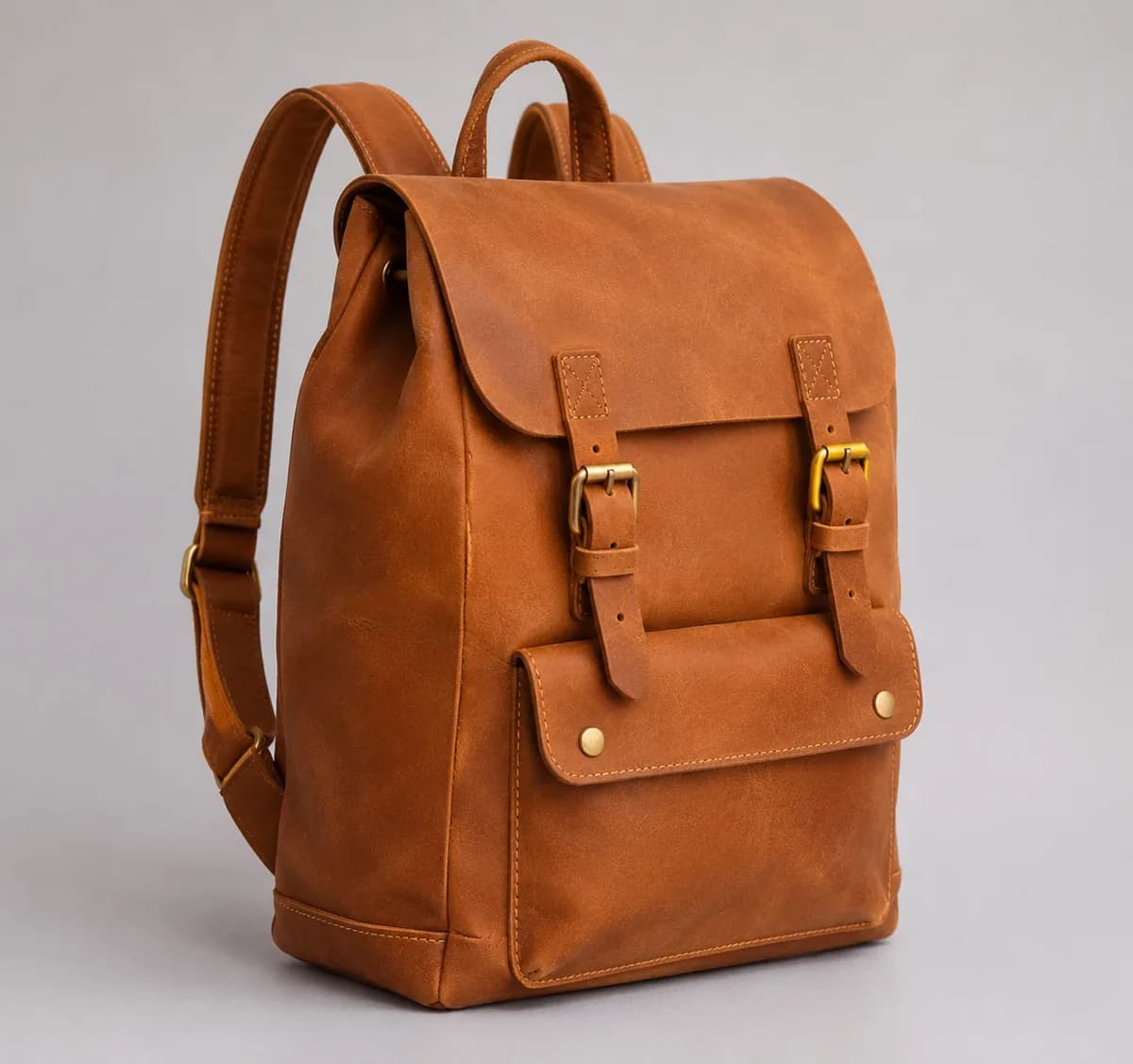
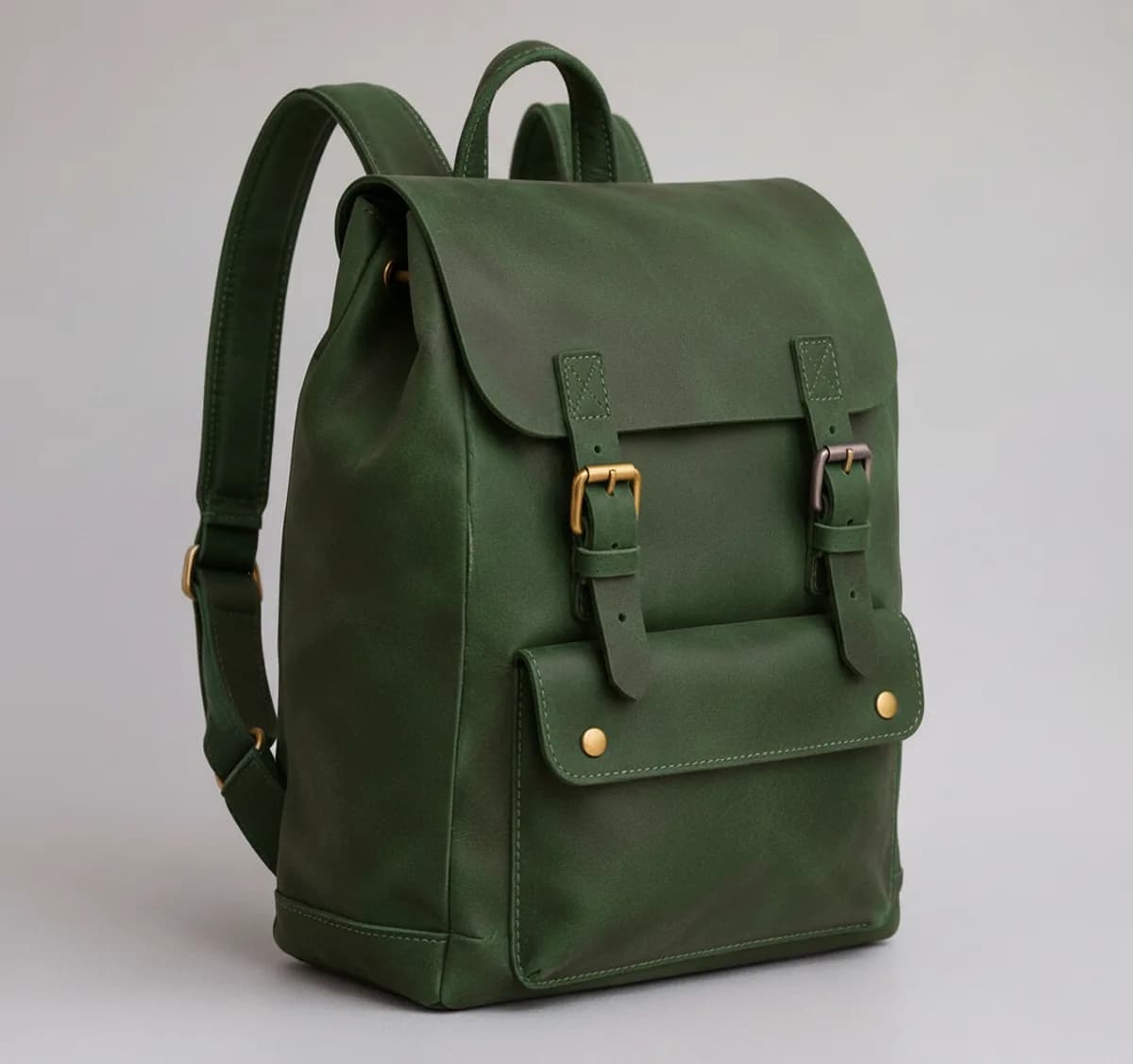
Recolour
Show a product in any colour without another photo shoot.
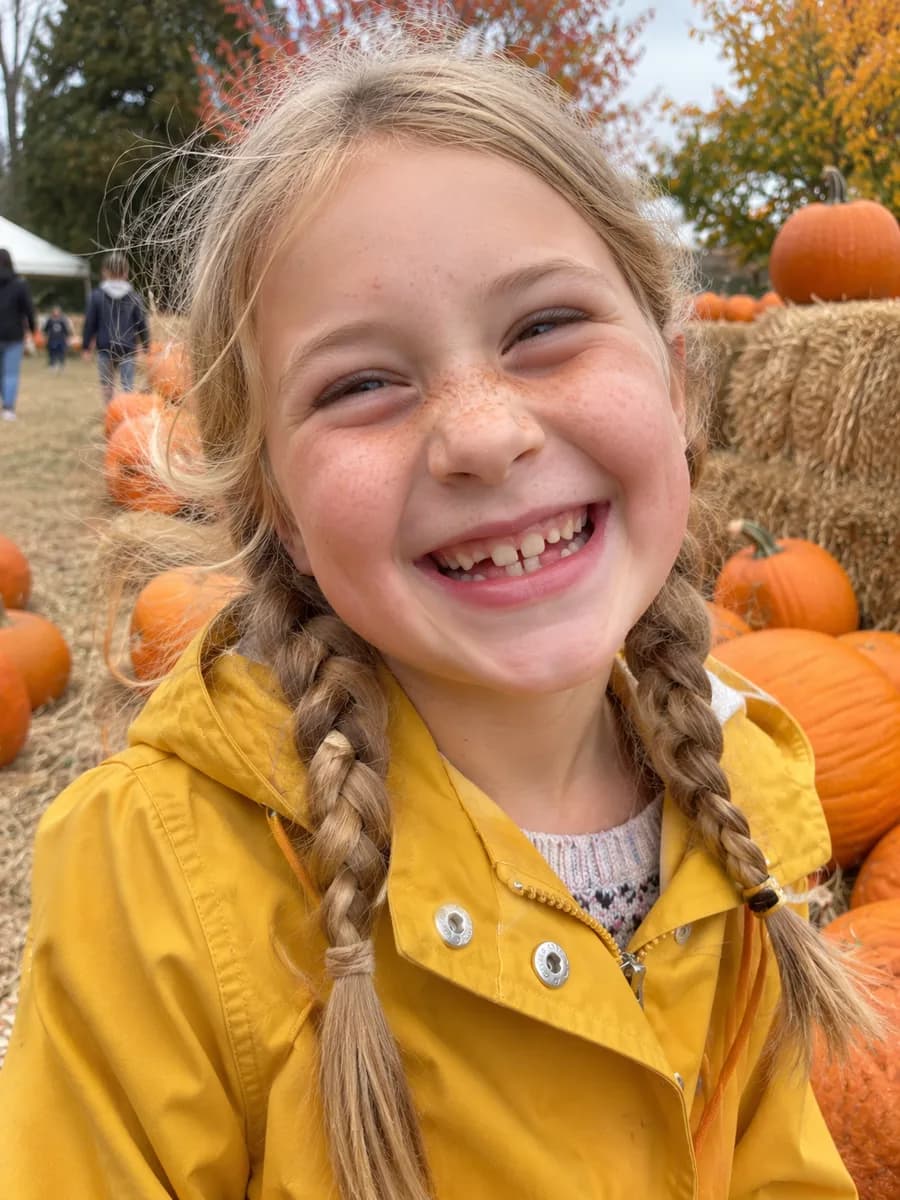
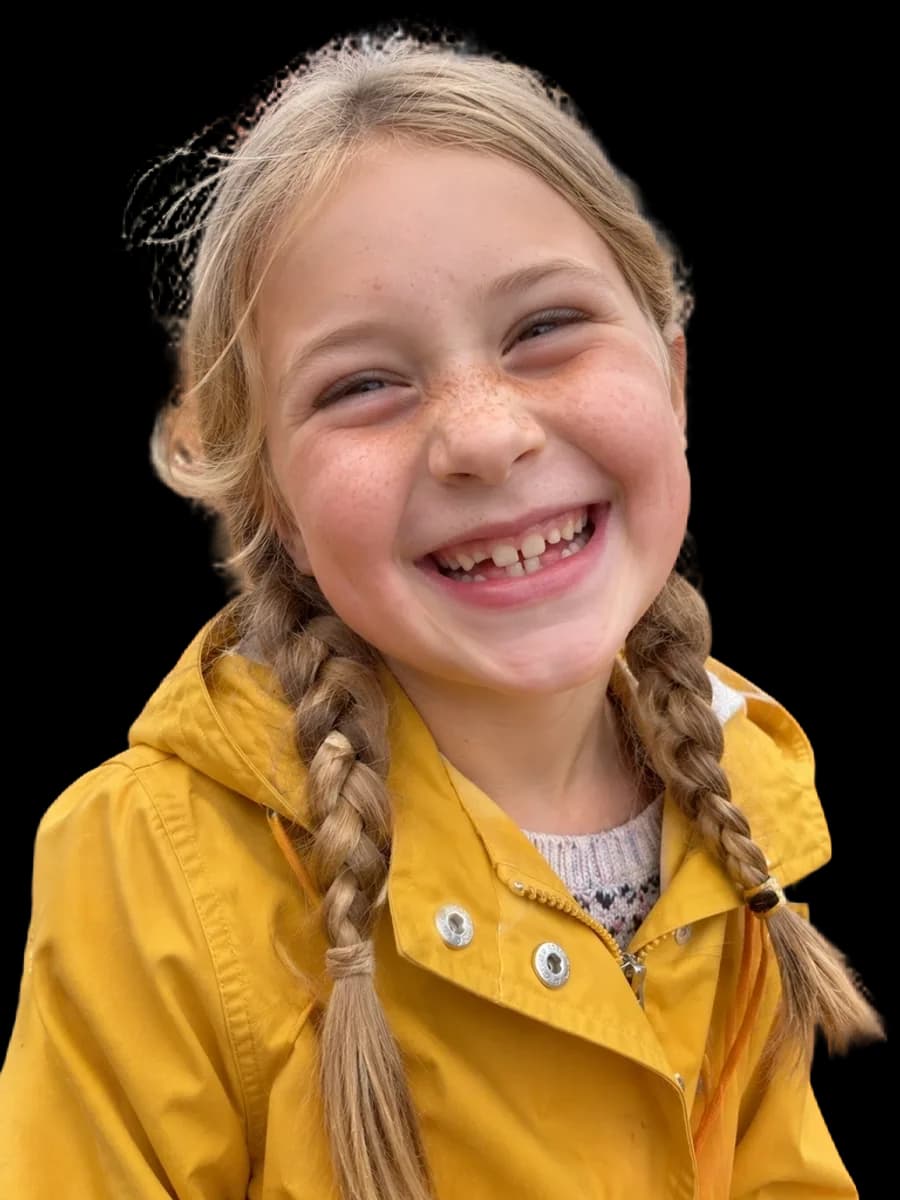
Face cutout
Cut out just the head from a photo onto a transparent background.
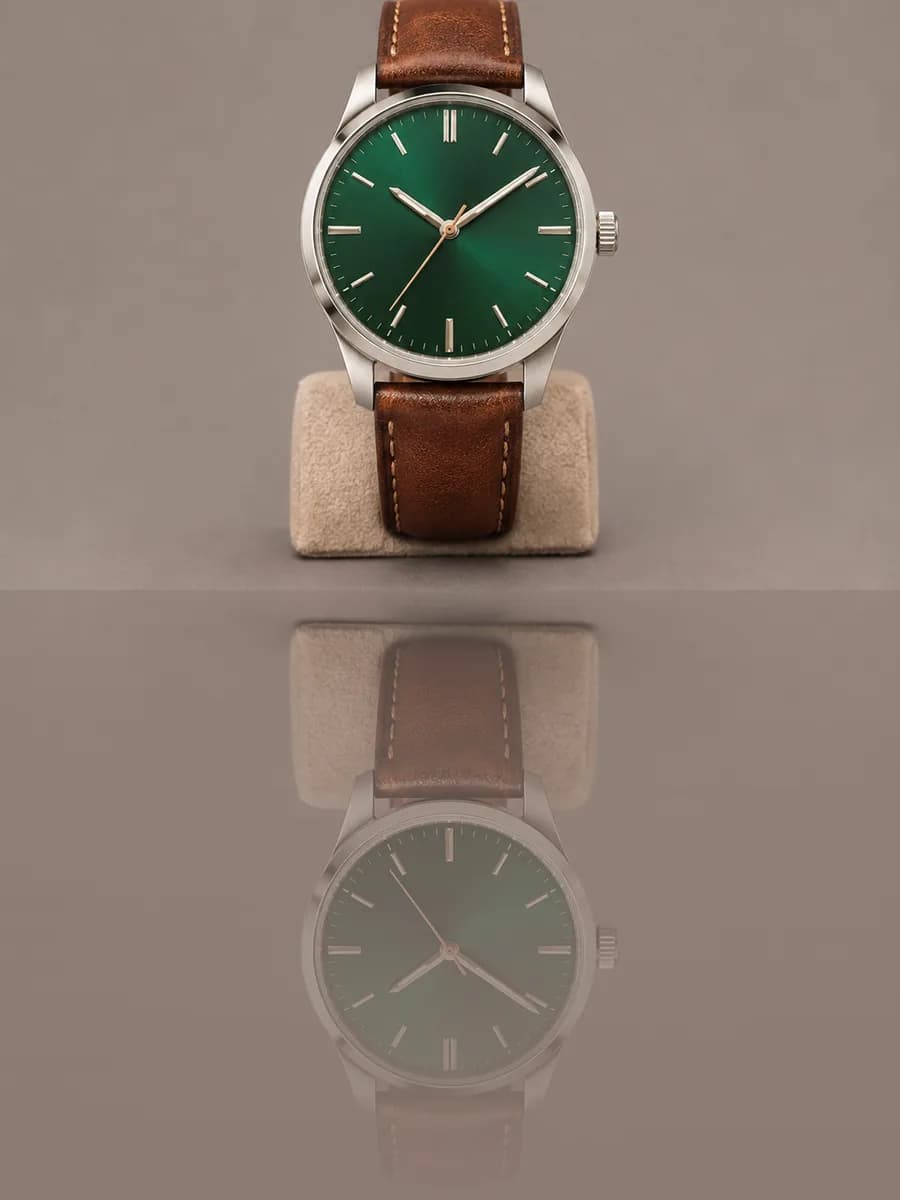
Reflection
Add a glossy floor reflection under a product or cut-out in one click.
No. 04Work on the design
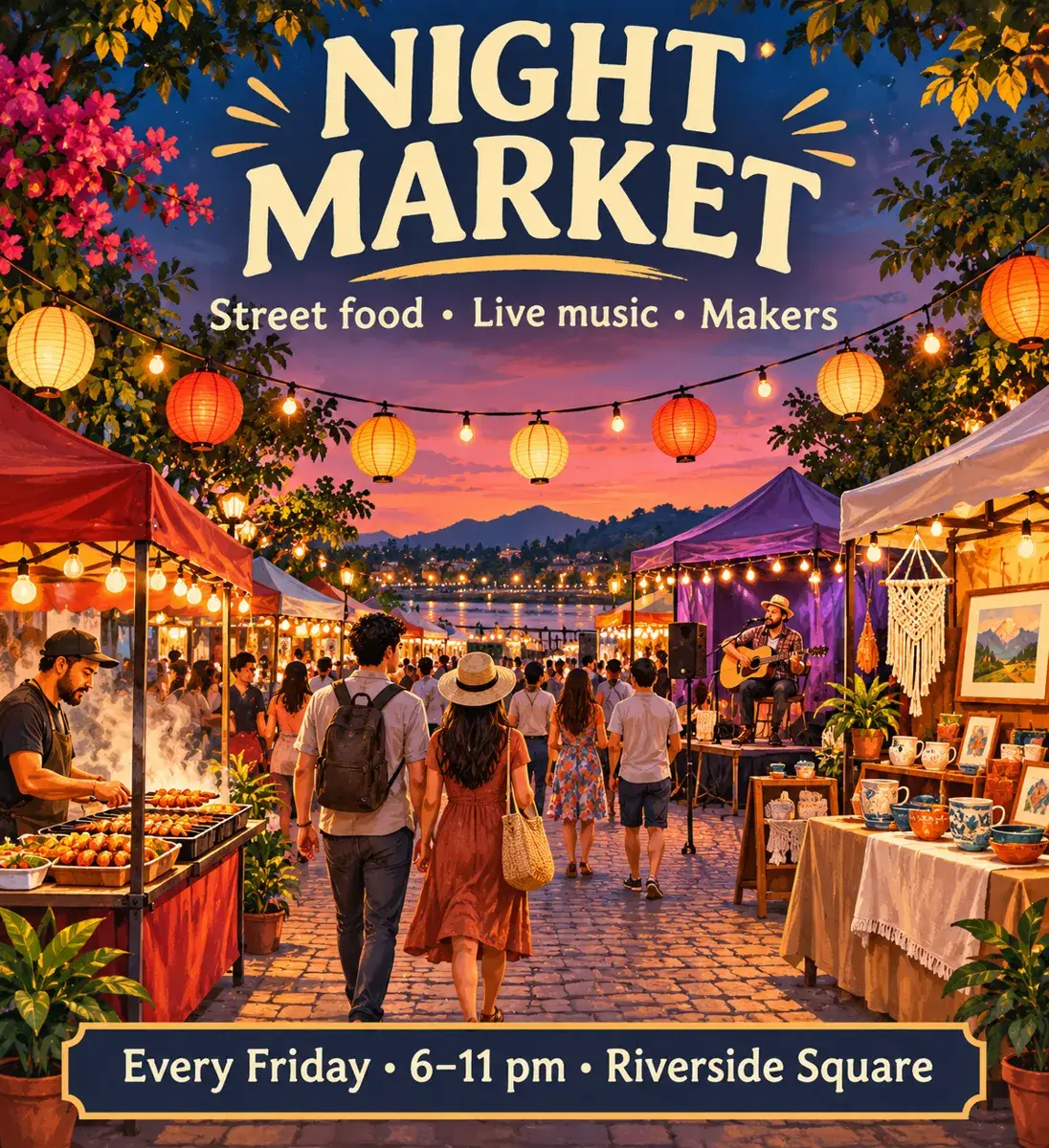
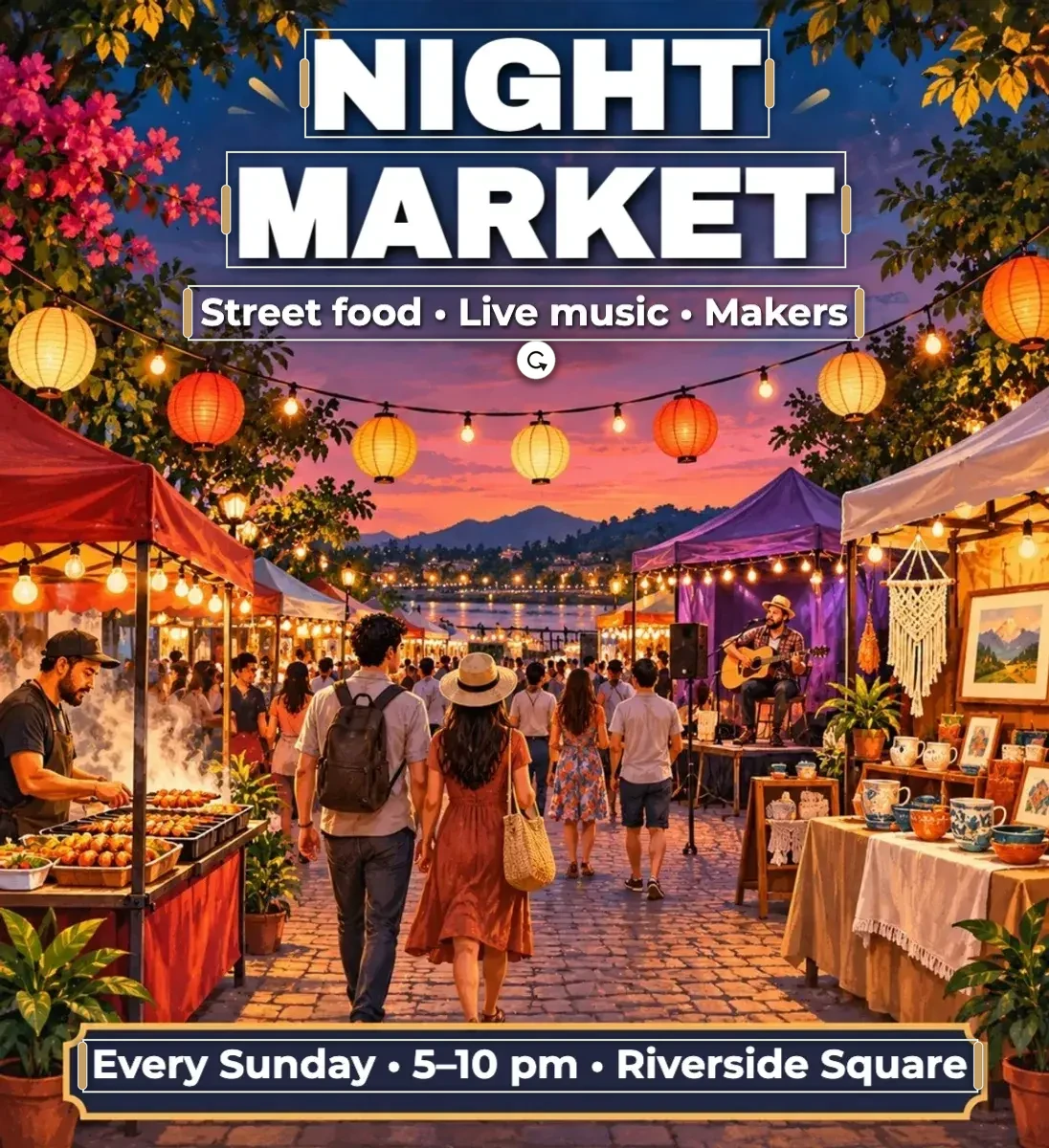
Make editable
Any image, any text — now editable.
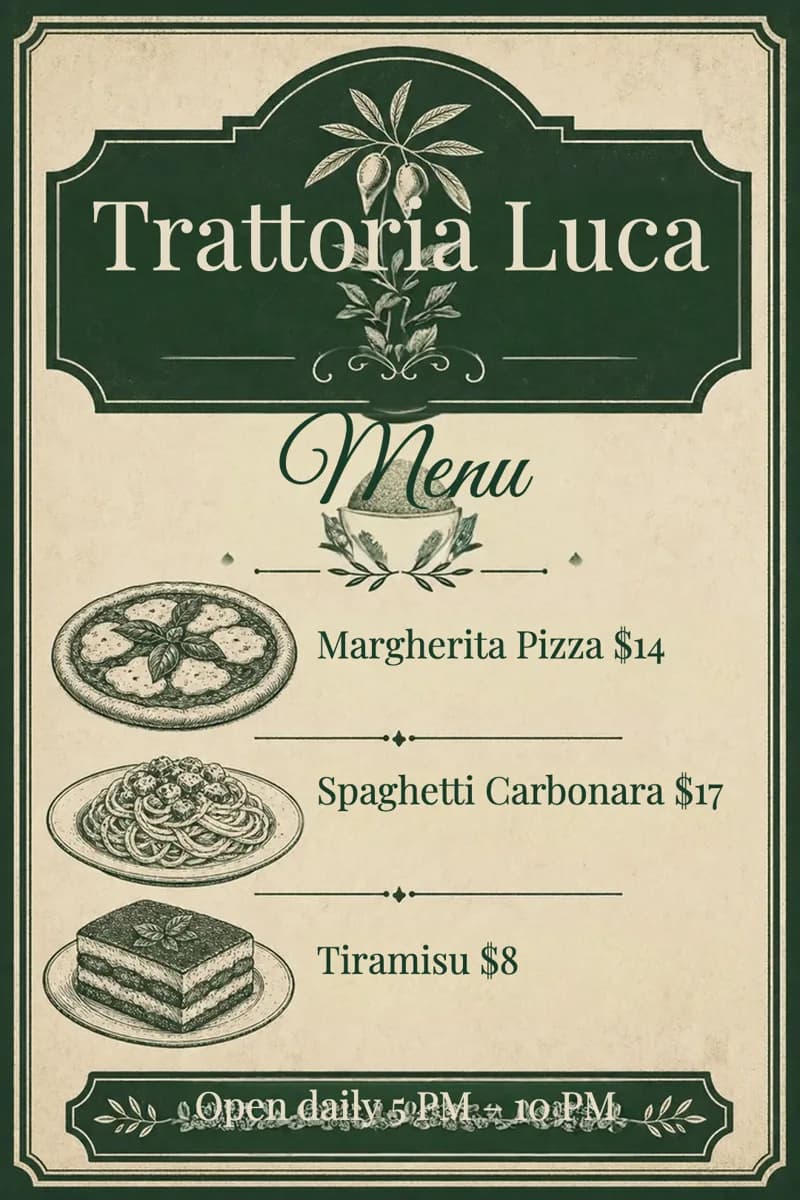
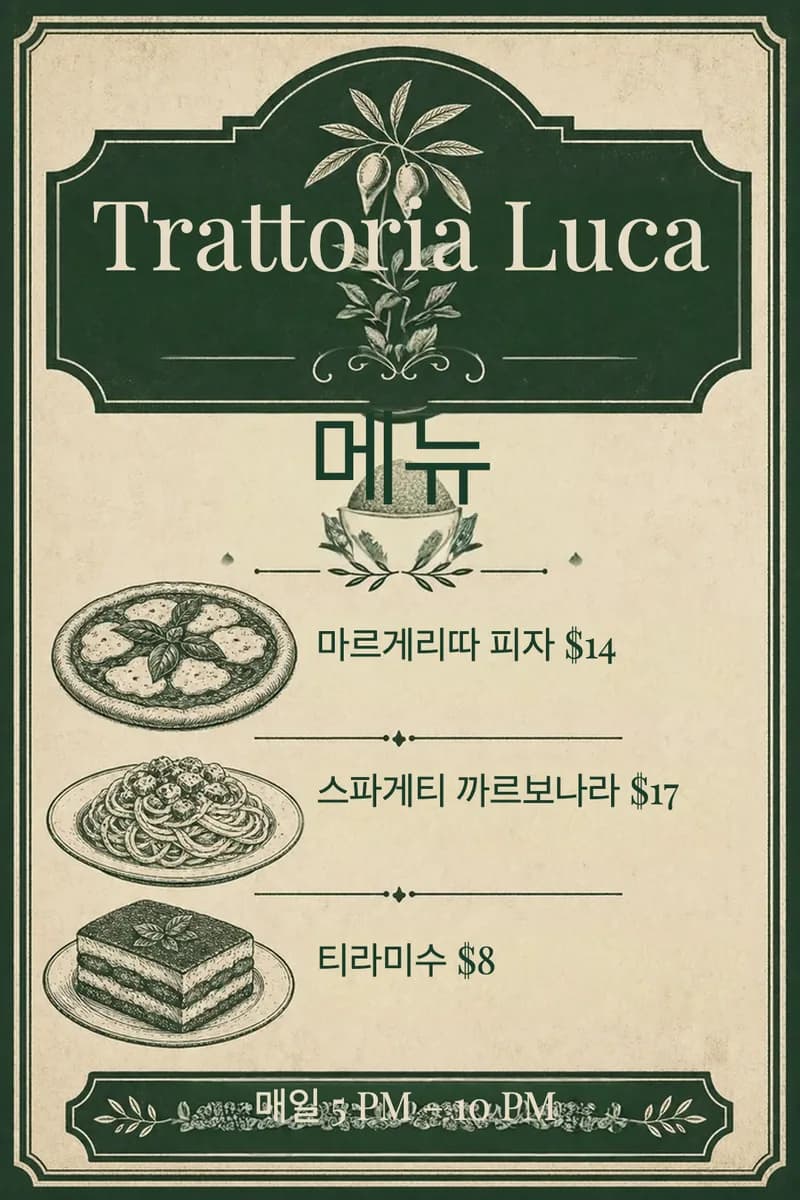
Translate
Translate every text box in a flyer, post or card into 35 languages at once.
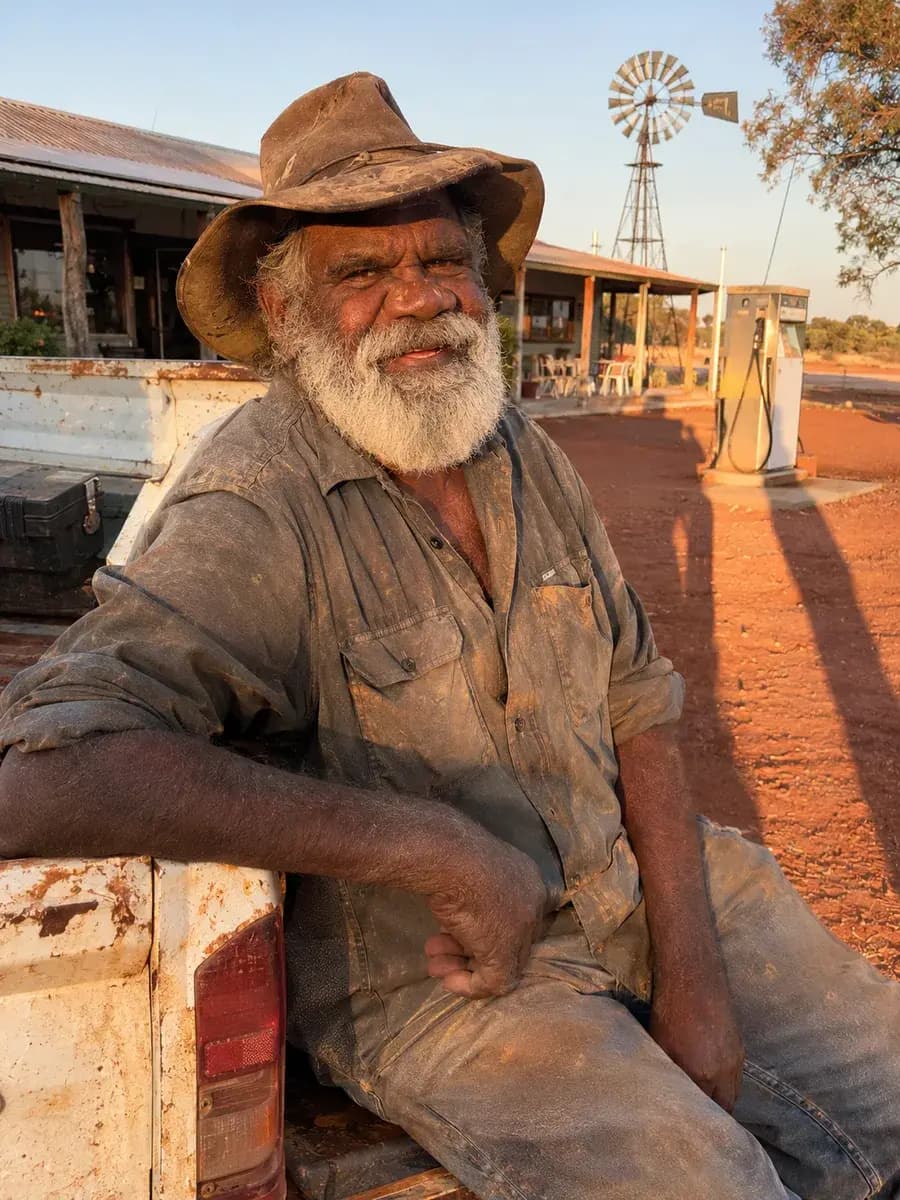
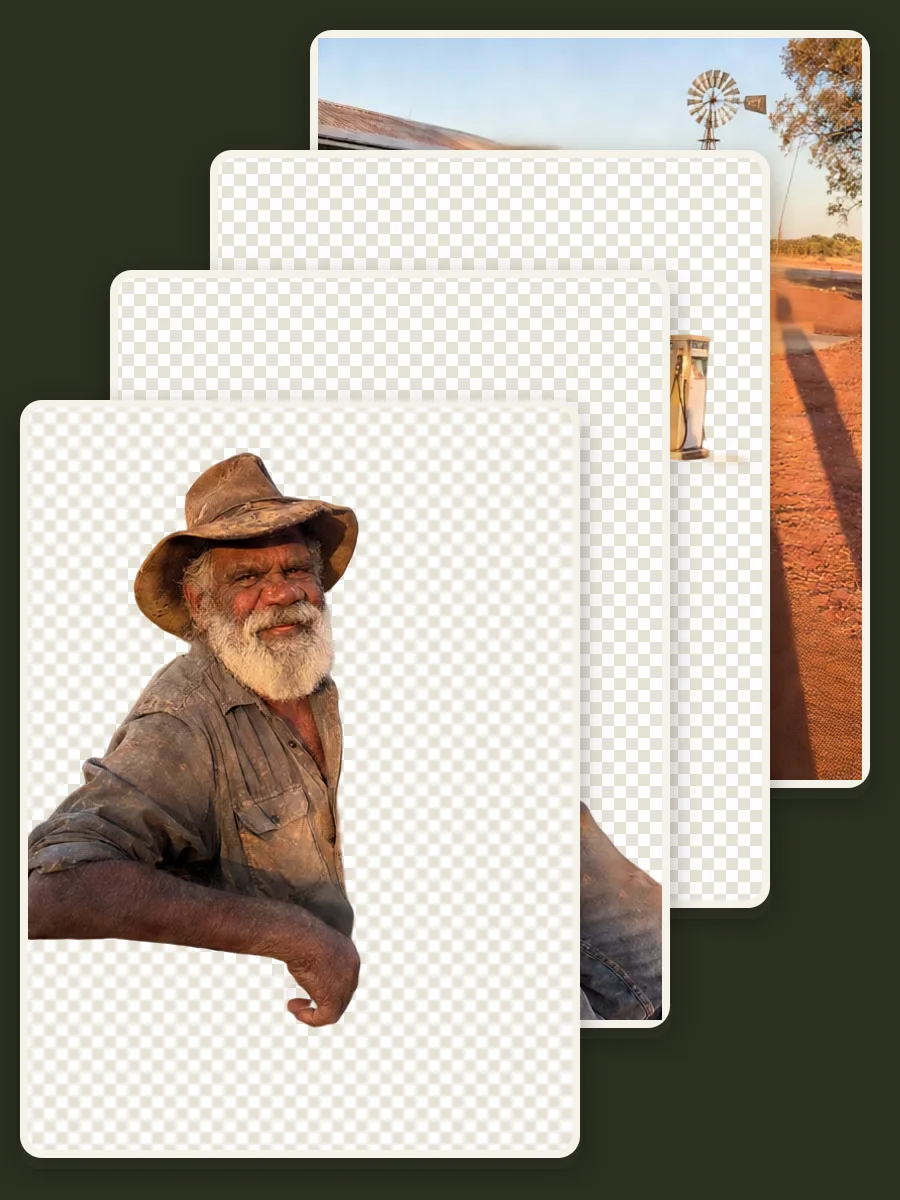
Magic layers
Split a flat picture into separate layers with AI: the background, with what stood in front of it filled in, and each object on top, ready to move..
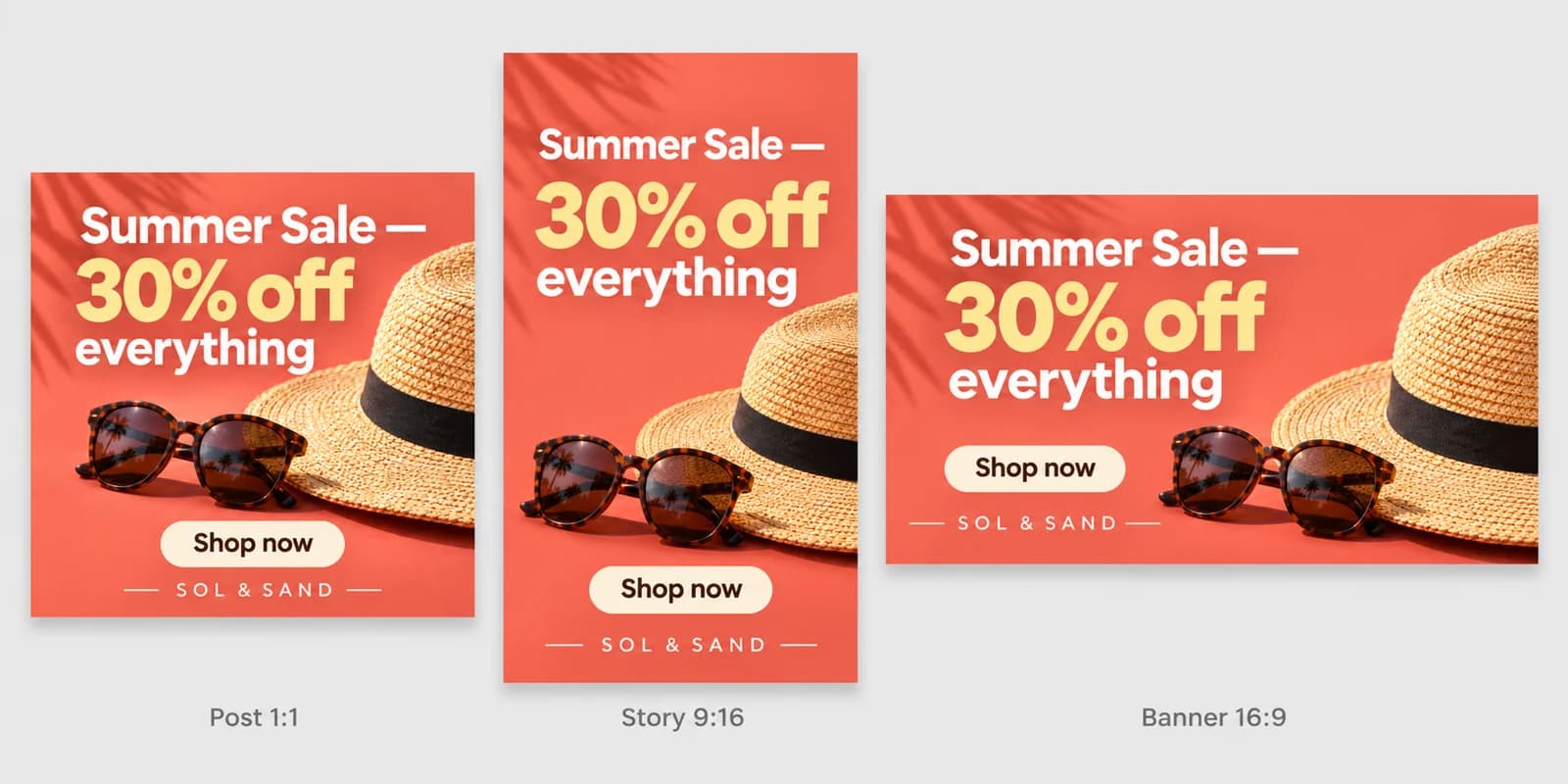
Resize design
Turn one post into a story, a banner and more.
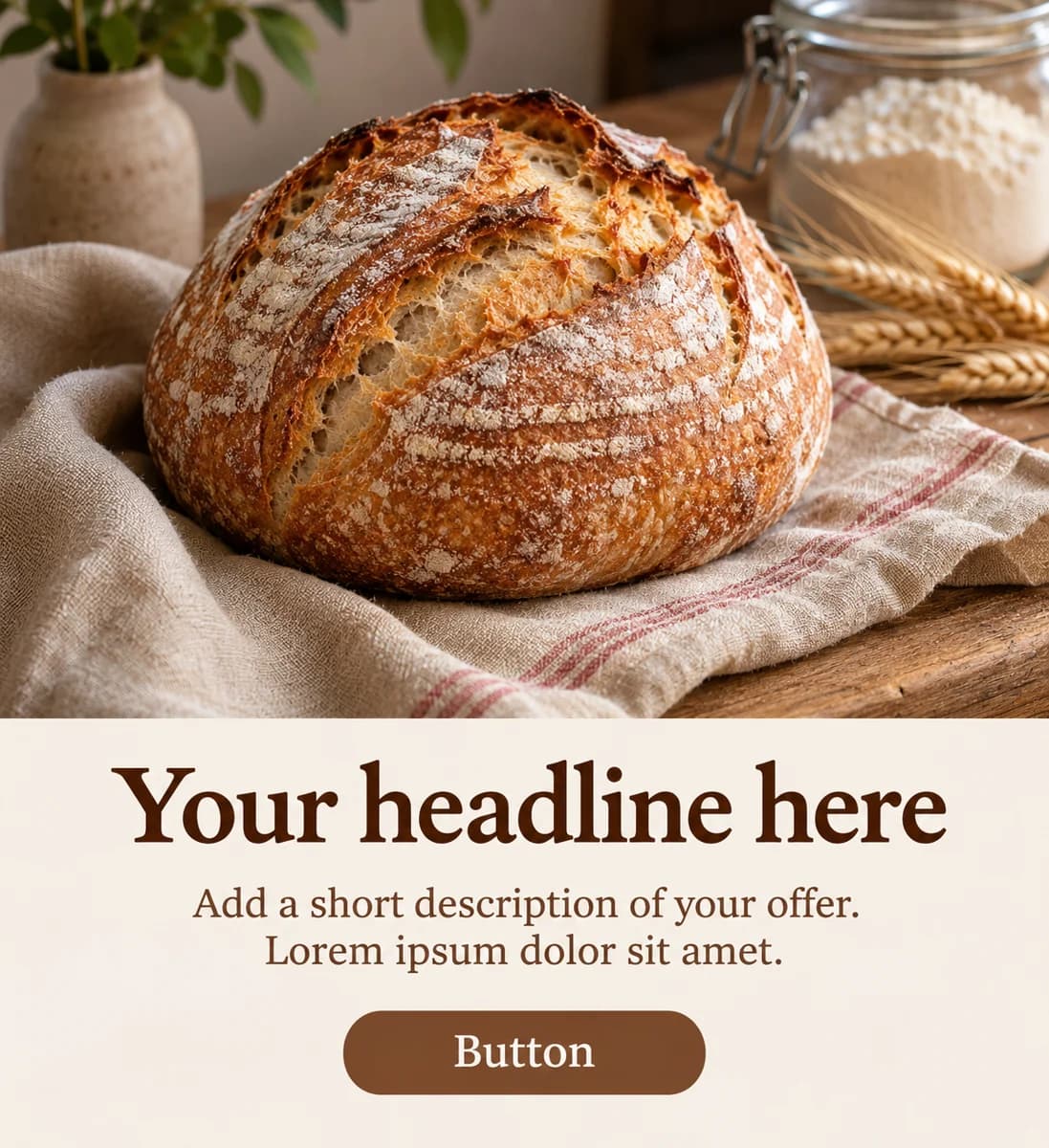
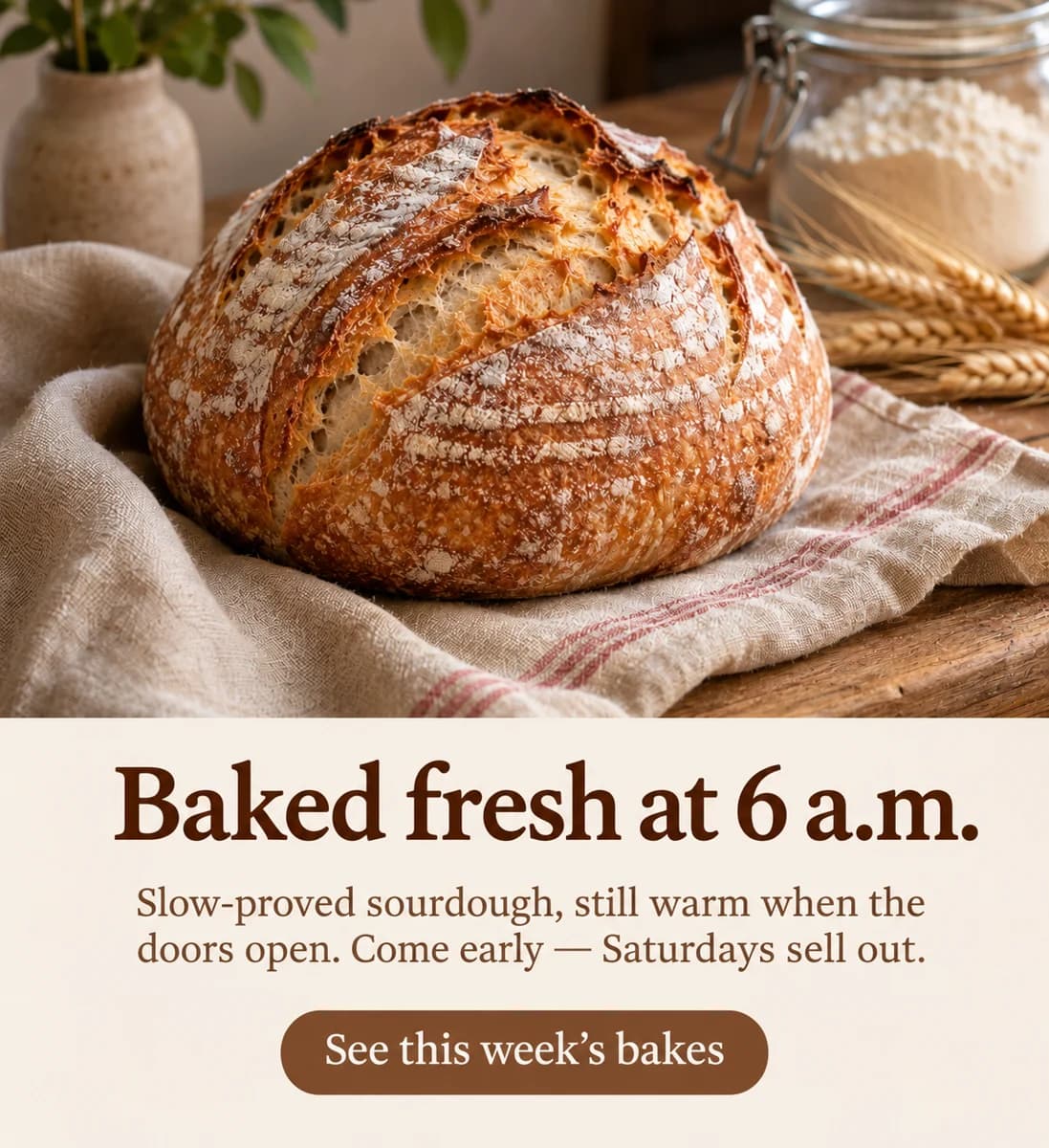
Write with AI
Say what your flyer, post or card is for and every text box is written for you, in the tone you choose.
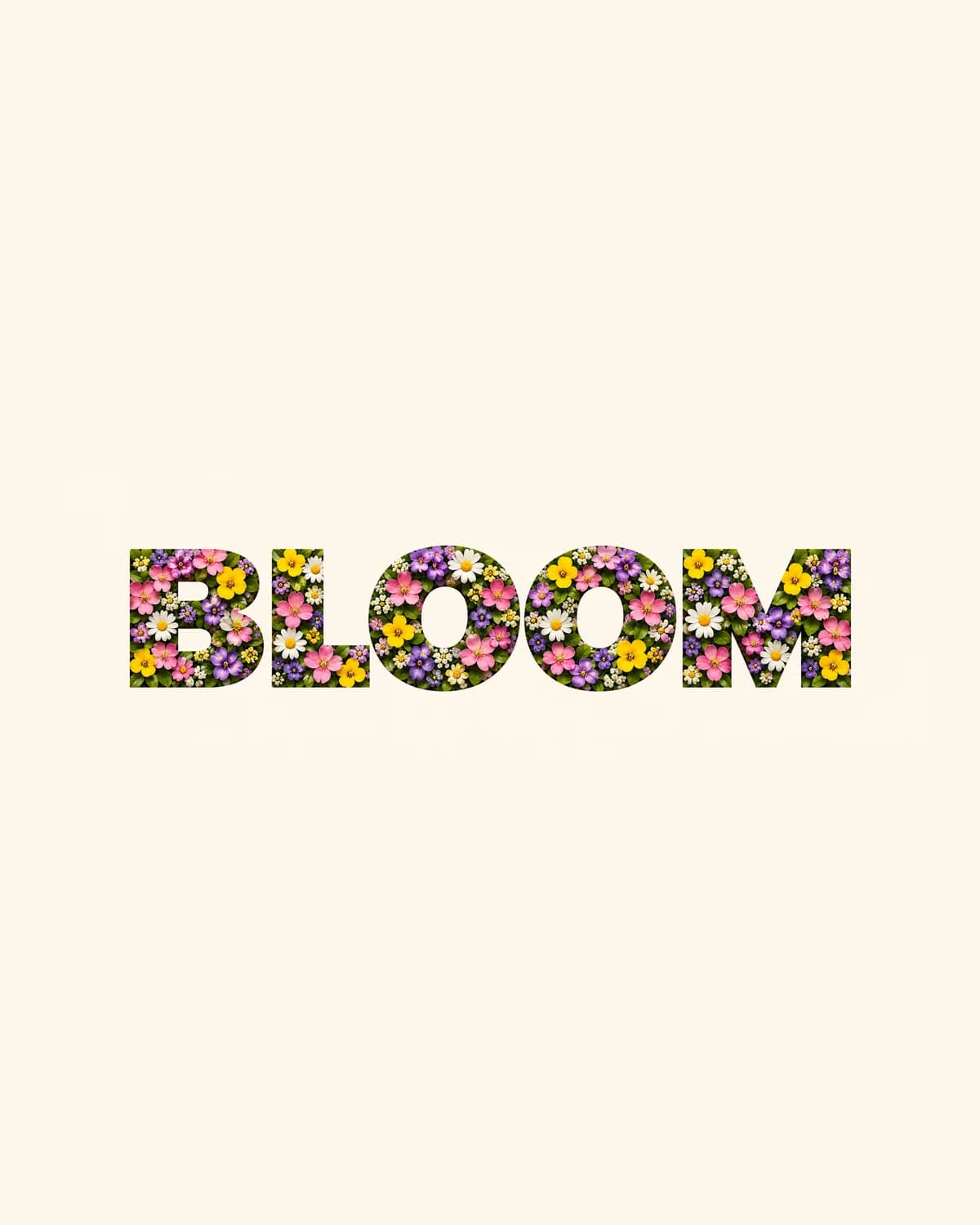
Text textures
Fill lettering or a shape with any texture you describe: spring flowers, gold foil, moss, ocean water.
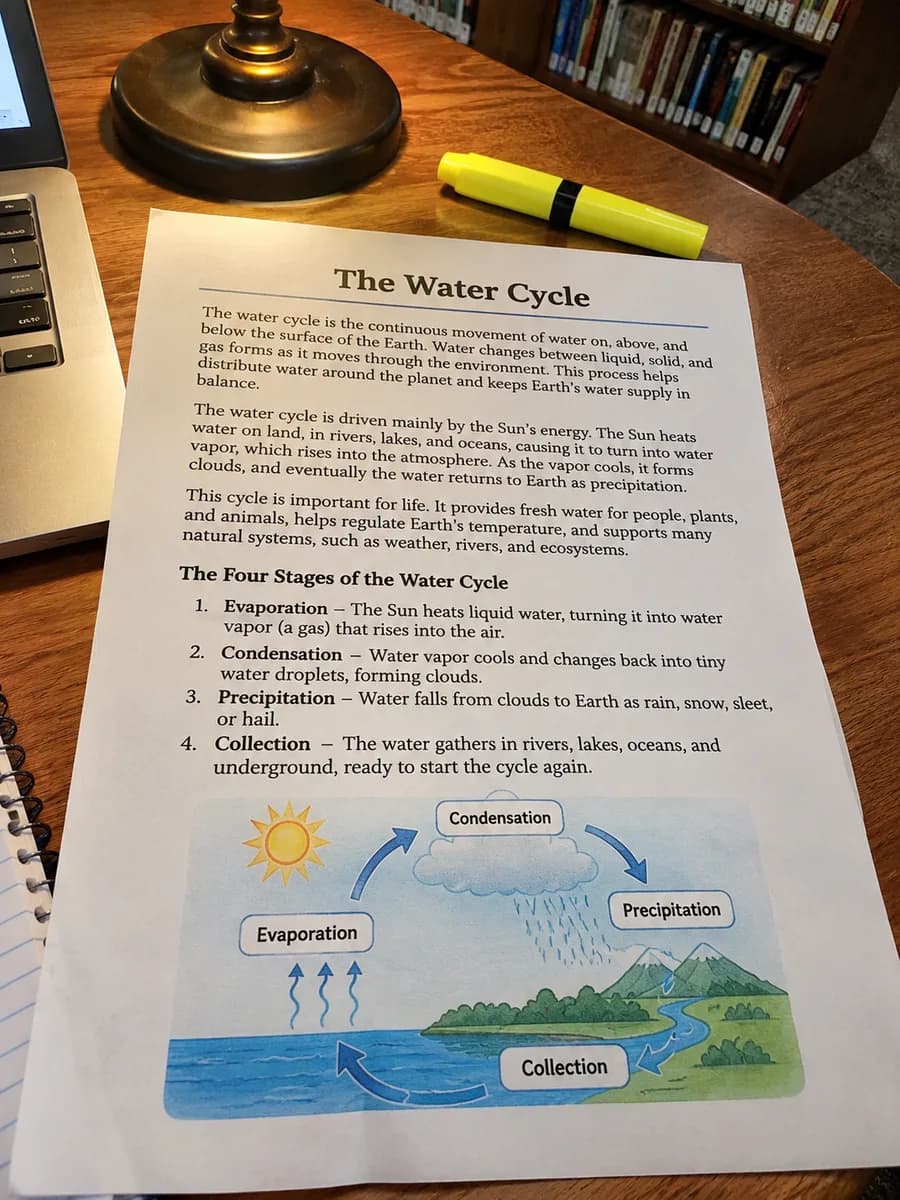
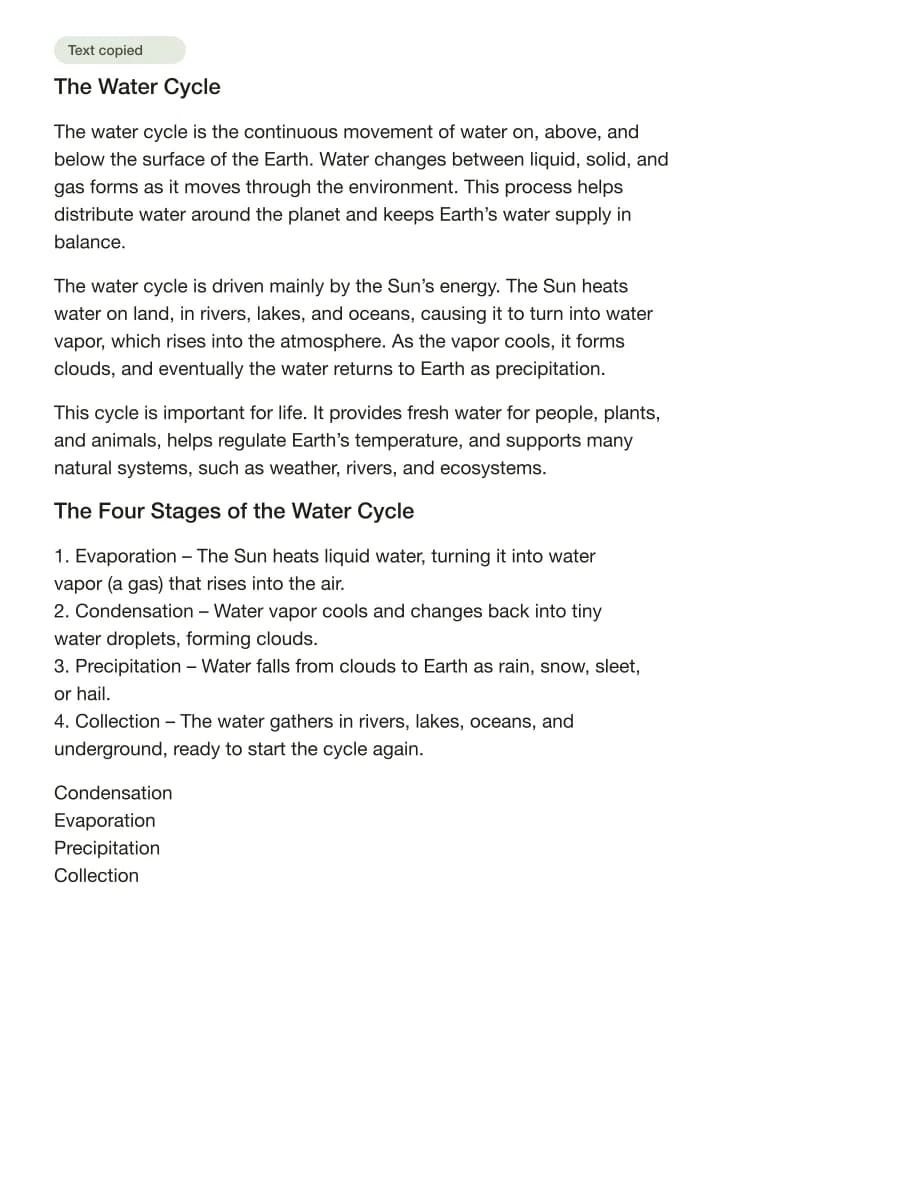
Grab text
Extract text from images, screenshots, signs and receipts online.
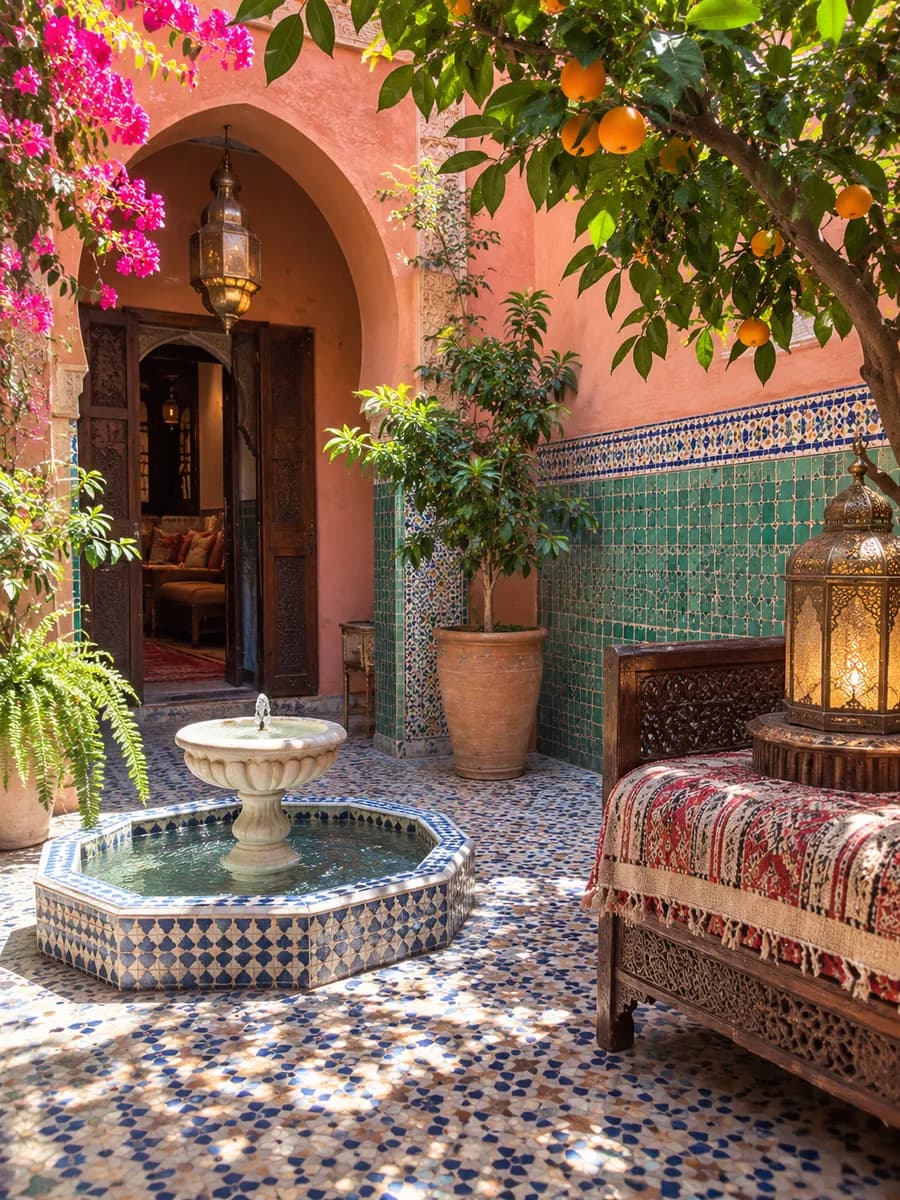
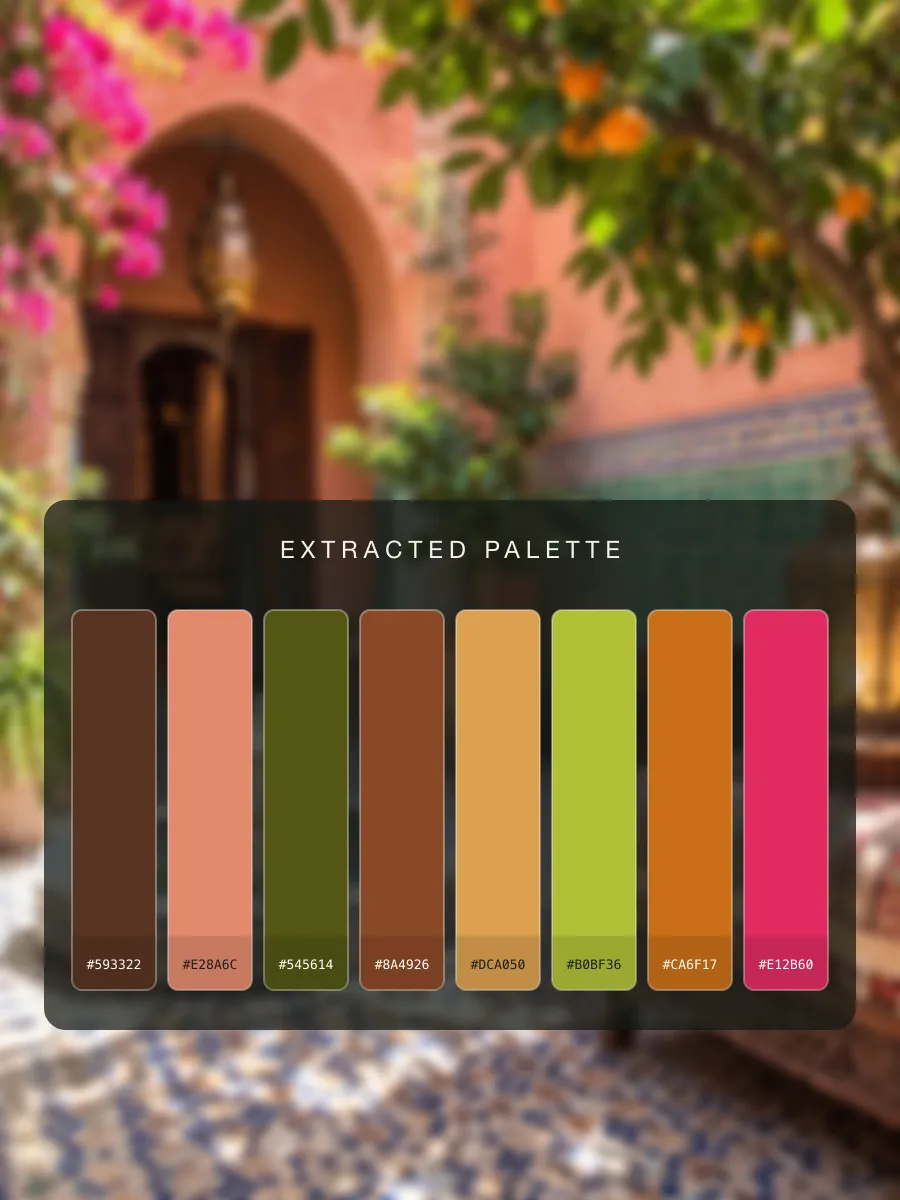
Colour palette
Get the colour palette of any image with hex codes to copy.
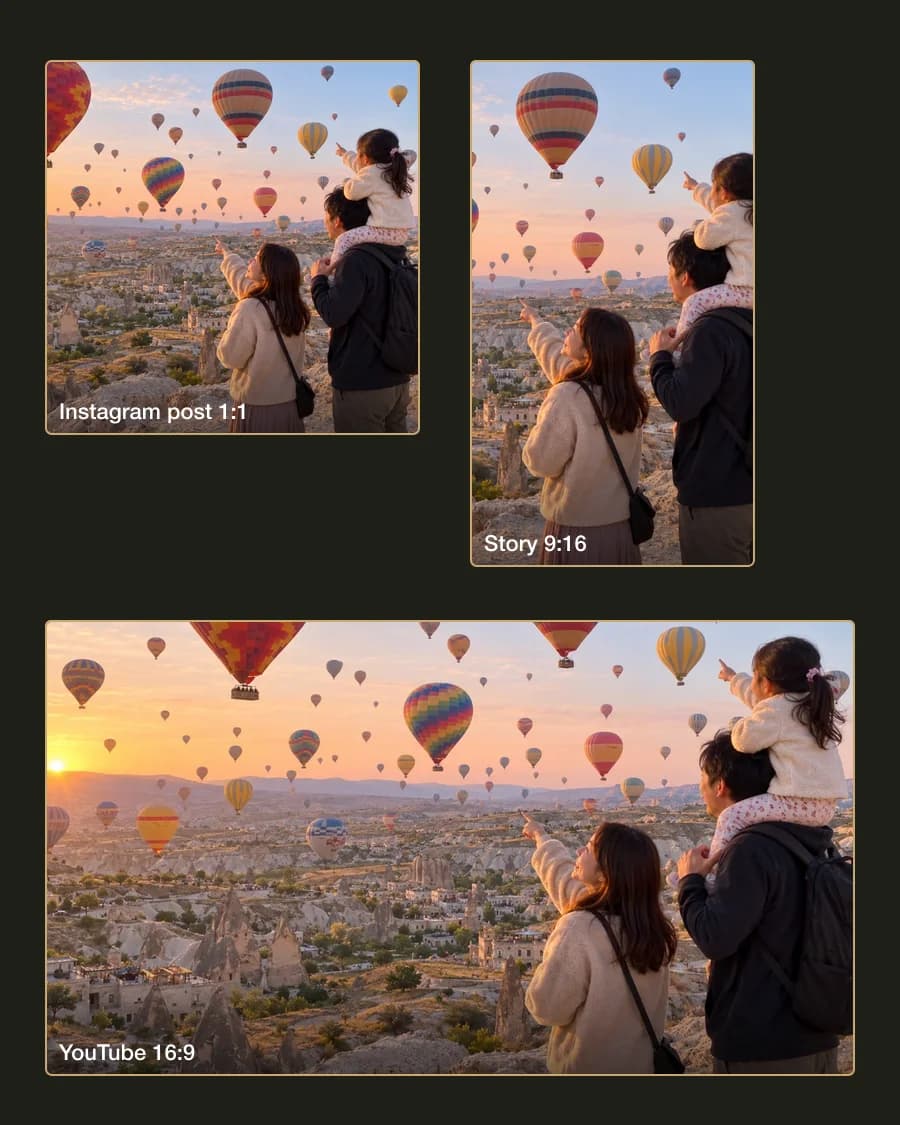
Smart resize
Resize one image for Instagram, TikTok, YouTube, X and Facebook at once.