THE STUDIO · No. 25 · TRANSFORM
Split a picture into layers you can move
A flat image becomes editable parts: the background (with the gap filled in) and each person, product or block of text on top. Move, resize or delete any of them.
Try Magic Layers freeUses 7 AI credits per run. Free accounts get 25 credits a month; Pro gets 500.

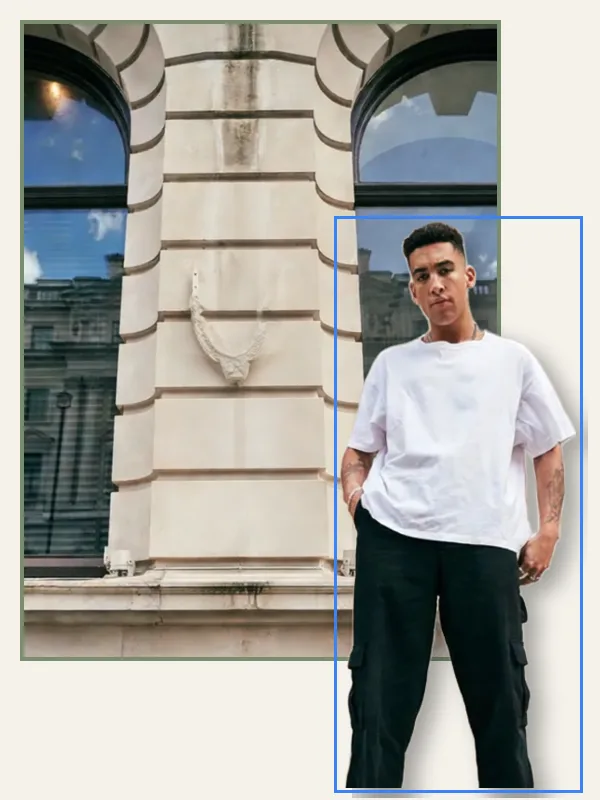
Drag to compare before and after
Open a design
✓ Done
Magic Layers
Run Magic Layers
Download
HOW IT WORKS
How to use Magic Layers.
- 1
Open your design
Start from a template, upload a picture or draw on the page.
- 2
Run Magic Layers
Choose the options, and the result lands on your page — one Undo takes it back.
- 3
Finish and download
Keep editing, then download, share or save it to your account.
QUESTIONS