THE STUDIO · No. 13 · GENERATE
Put your design on a product
See a logo, print or illustration on real products before you order them or list them. Pick several products at once on desktop and each mockup opens on its own page.
Try Mockups freeUses 1 AI credit per run. Free accounts get 25 credits a month; Pro gets 500.
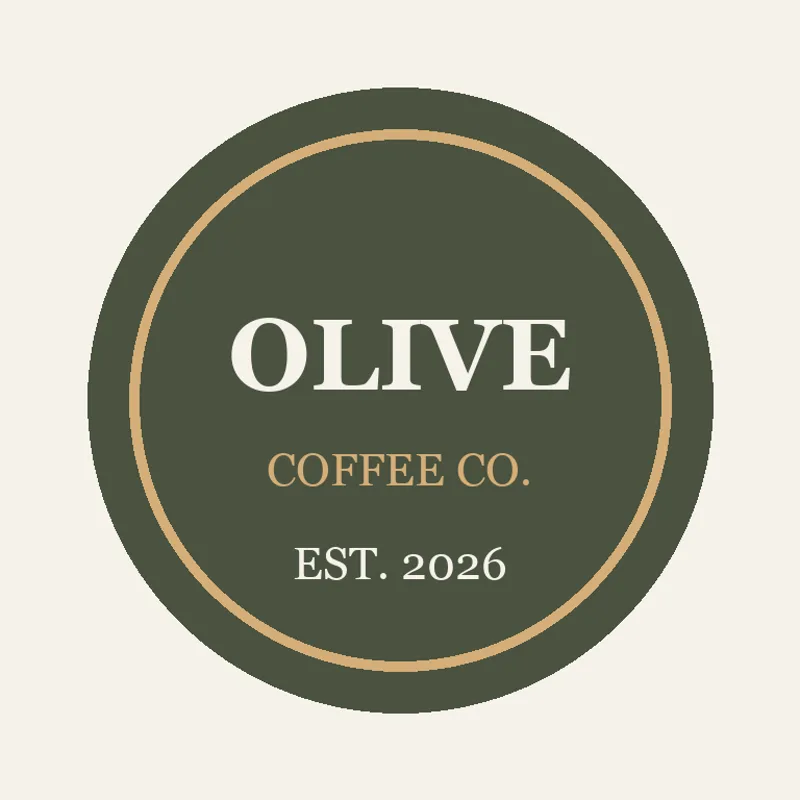
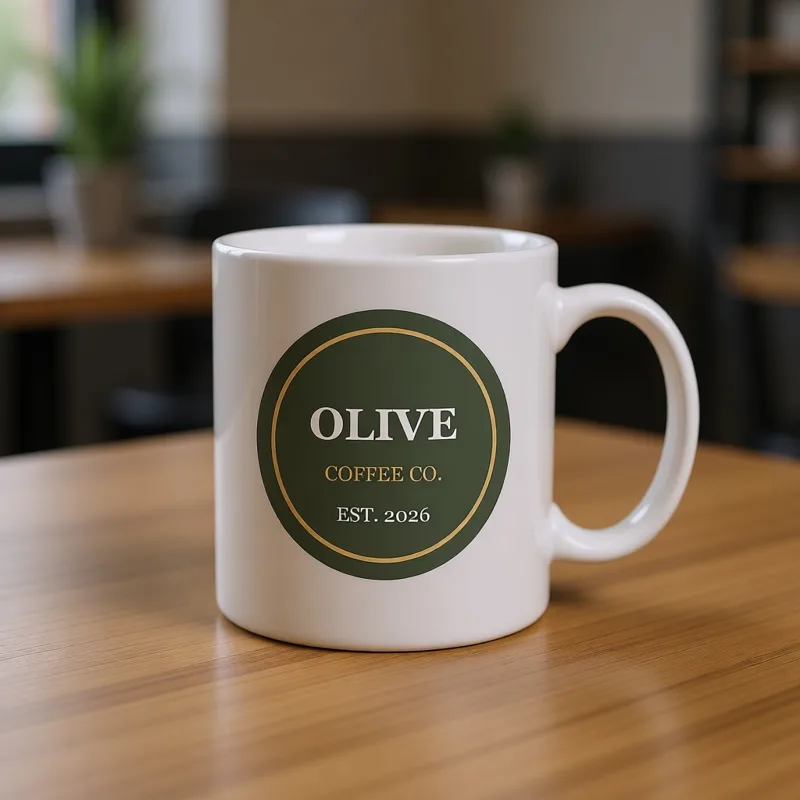
Drag to compare before and after
Open a design
✓ Done
Mockups
Run Mockups
Download
HOW IT WORKS
How to use Mockups.
- 1
Open your design
Start from a template, upload a picture or draw on the page.
- 2
Run Mockups
Choose the options, and the result lands on your page — one Undo takes it back.
- 3
Finish and download
Keep editing, then download, share or save it to your account.
QUESTIONS
Mockups — questions
FROM THE STUDIO