ONE-TAP FIXES · BACKGROUNDFree
Remove the background from any photo, free
Cut out people, products and pets in seconds, free and unlimited. On most computers the model runs on your own device, so your photo never leaves it; on phones, tablets and computers that can't run it, a small copy is sent to Picazo to find the outline, and isn't stored. Drop the cut-out onto a new background, a template or a product listing.
Add a photo on the right to try it. Want more control? Open BG Removal in the full editor.
Free and unlimited.

INTRODUCING
Introducing Picazo’s Free Background Remover
Picazo’s Free Background Remover lifts people, products and pets off their background and gives you a clean cut-out on transparency. There’s no limit on how many photos you do and no watermark on the result, so you can clear a whole shoot’s worth of pictures and use every one of them wherever you like.
On most computers it runs on your own device: the first time, your browser downloads the model, and after that the cut-out is made right there, so your photo is never uploaded. On phones, tablets and computers that can’t run it, a small copy of the photo is sent to Picazo to find the outline; it isn’t stored, and the cut-out itself is made from your full-size photo on your device. The result is a transparent PNG at your photo’s own size, ready to download or to open in the editor on a new background or template.
EXAMPLES
Clean cut-outs from everyday photos
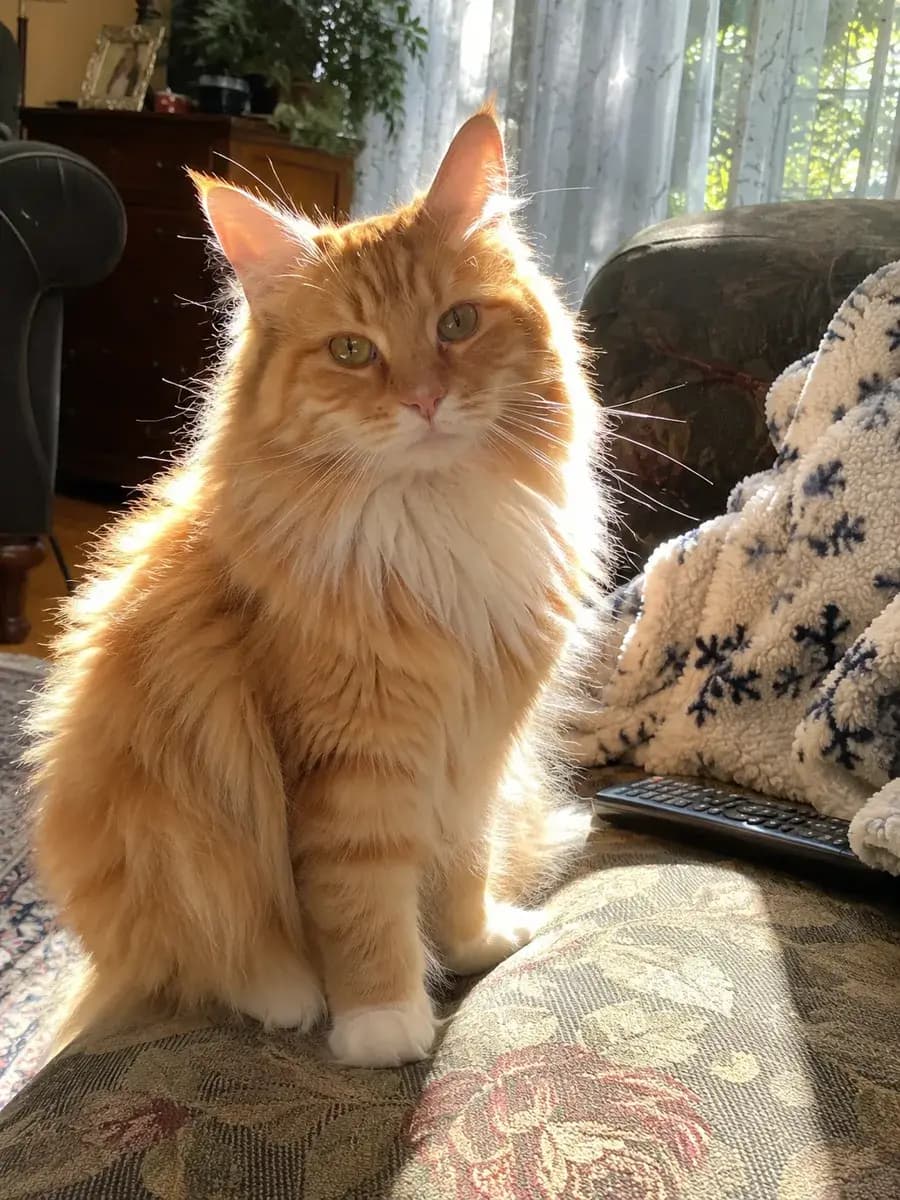
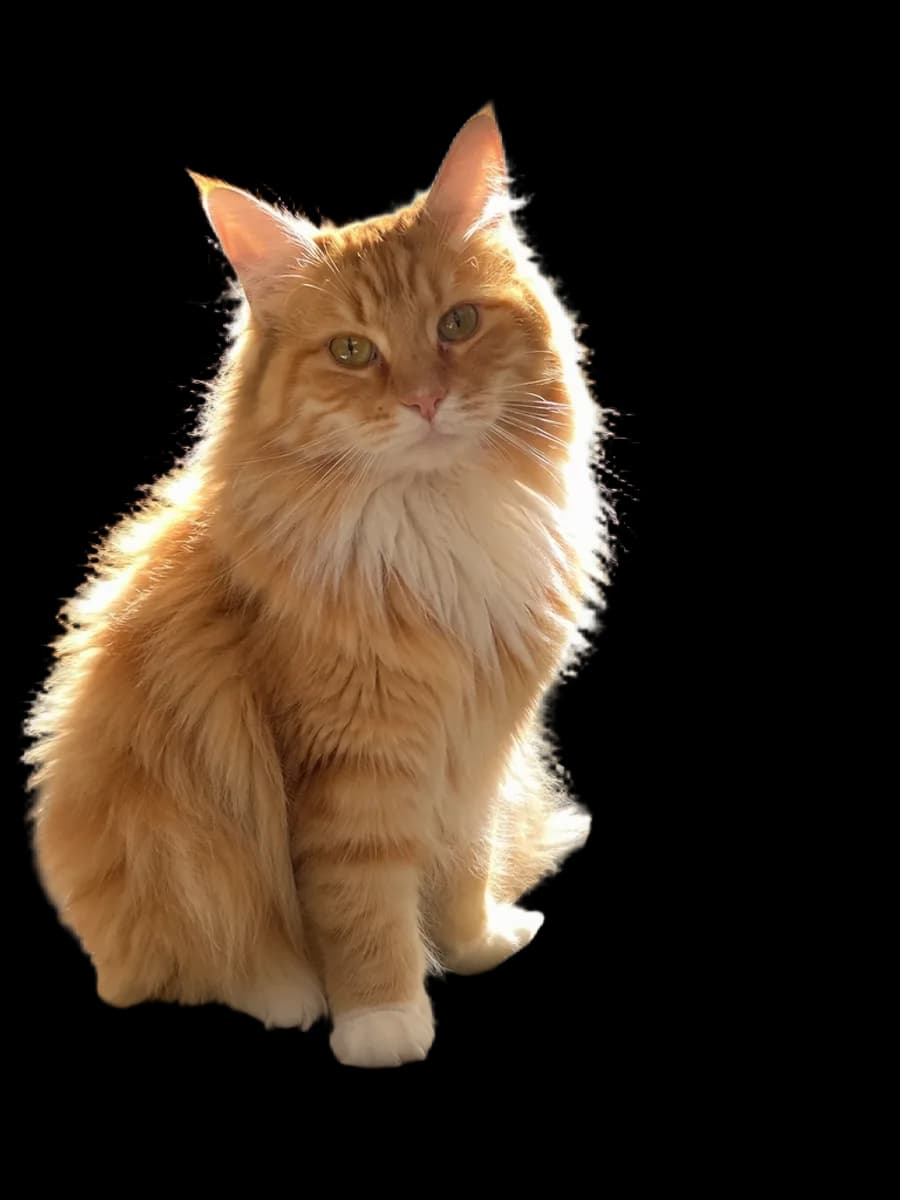
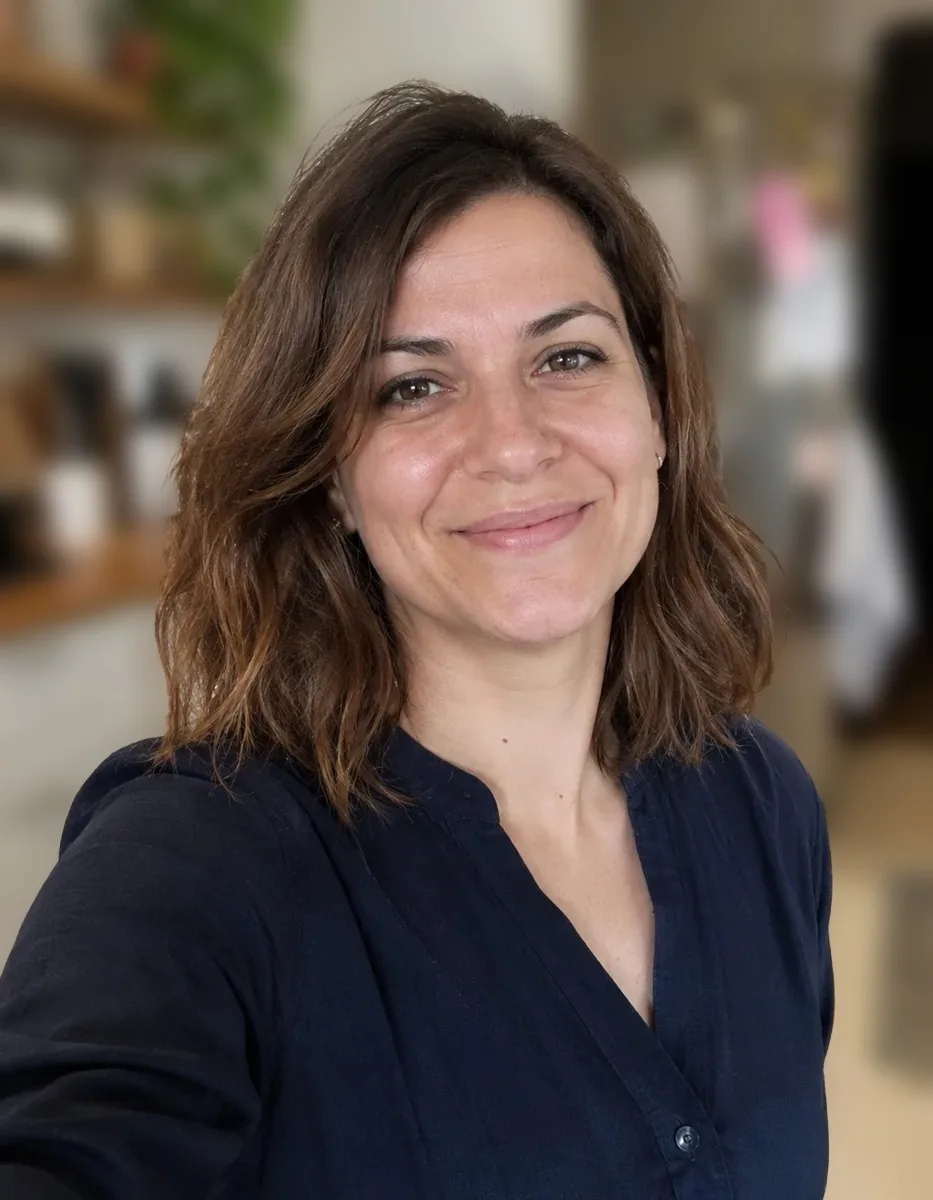
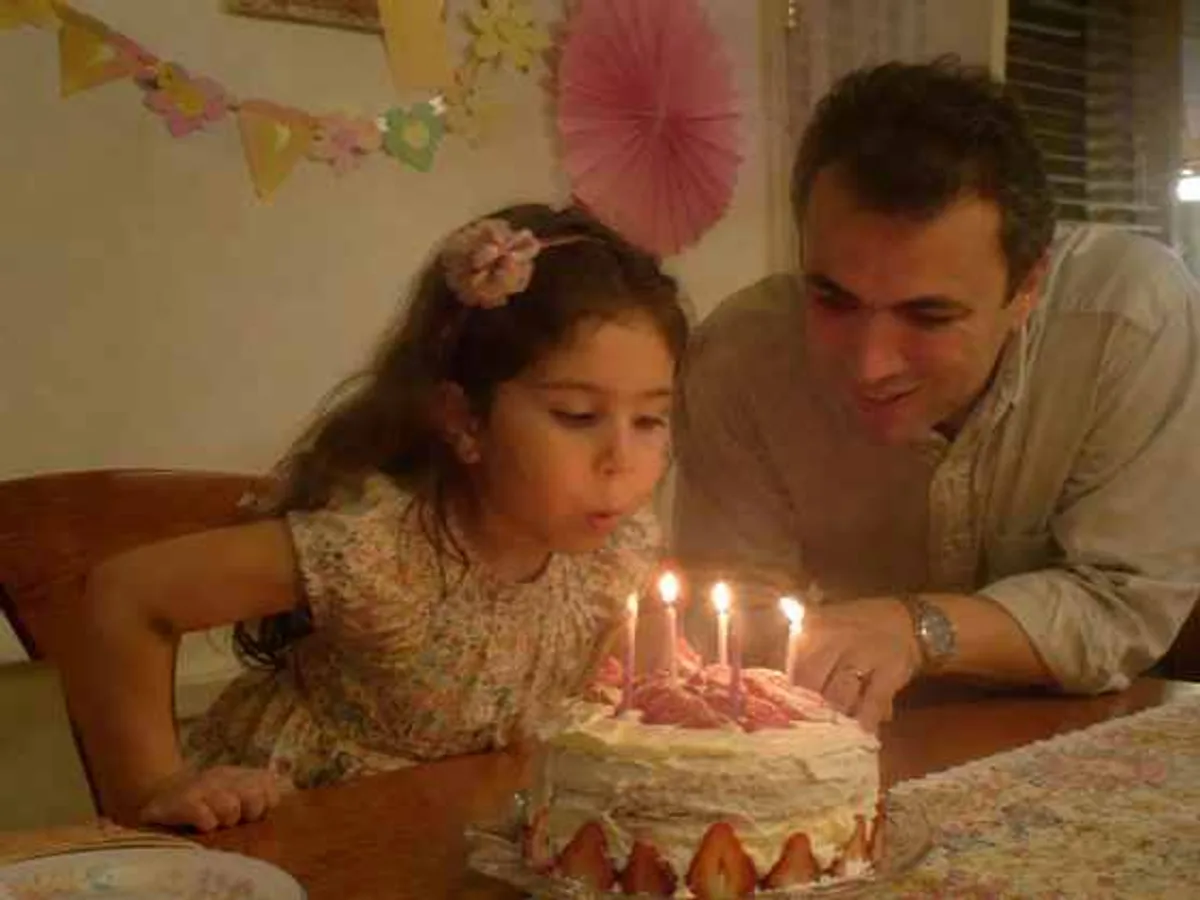
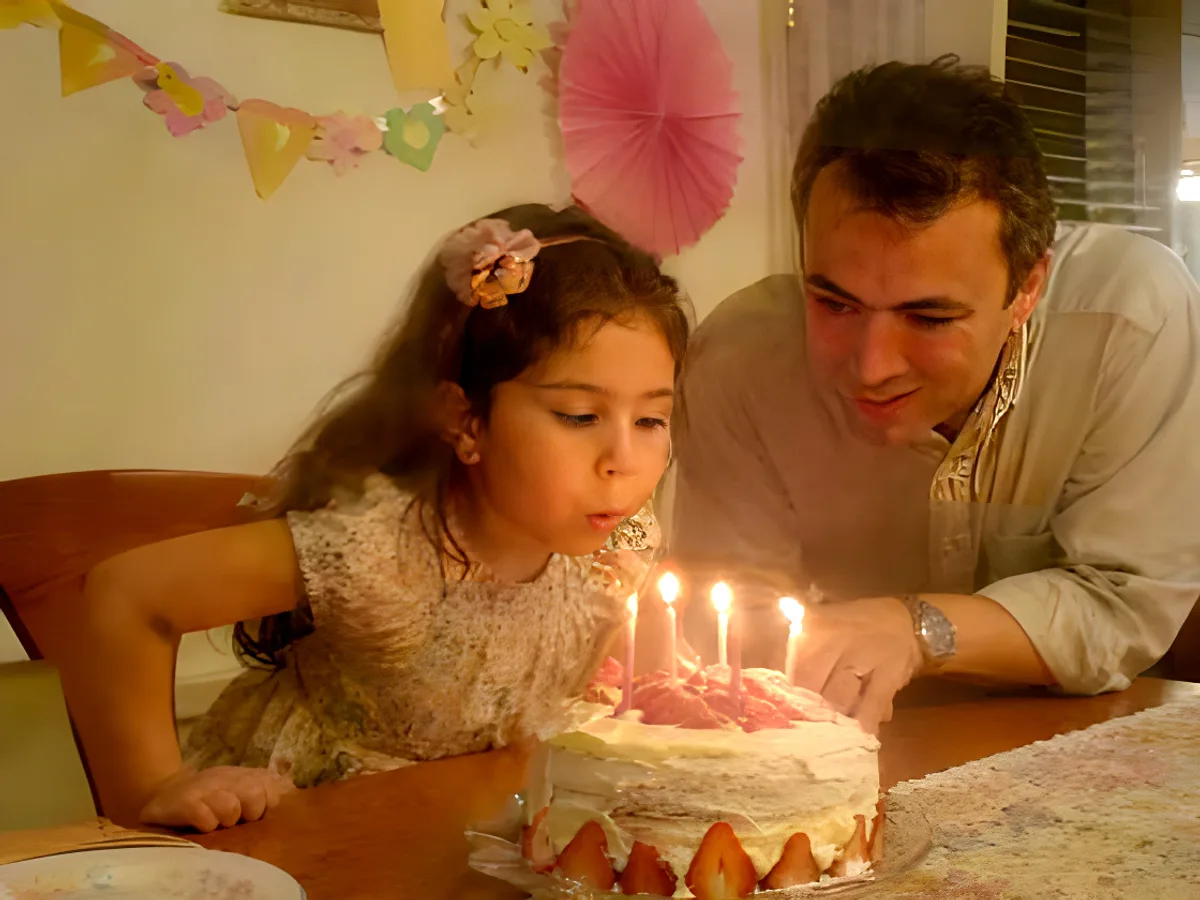
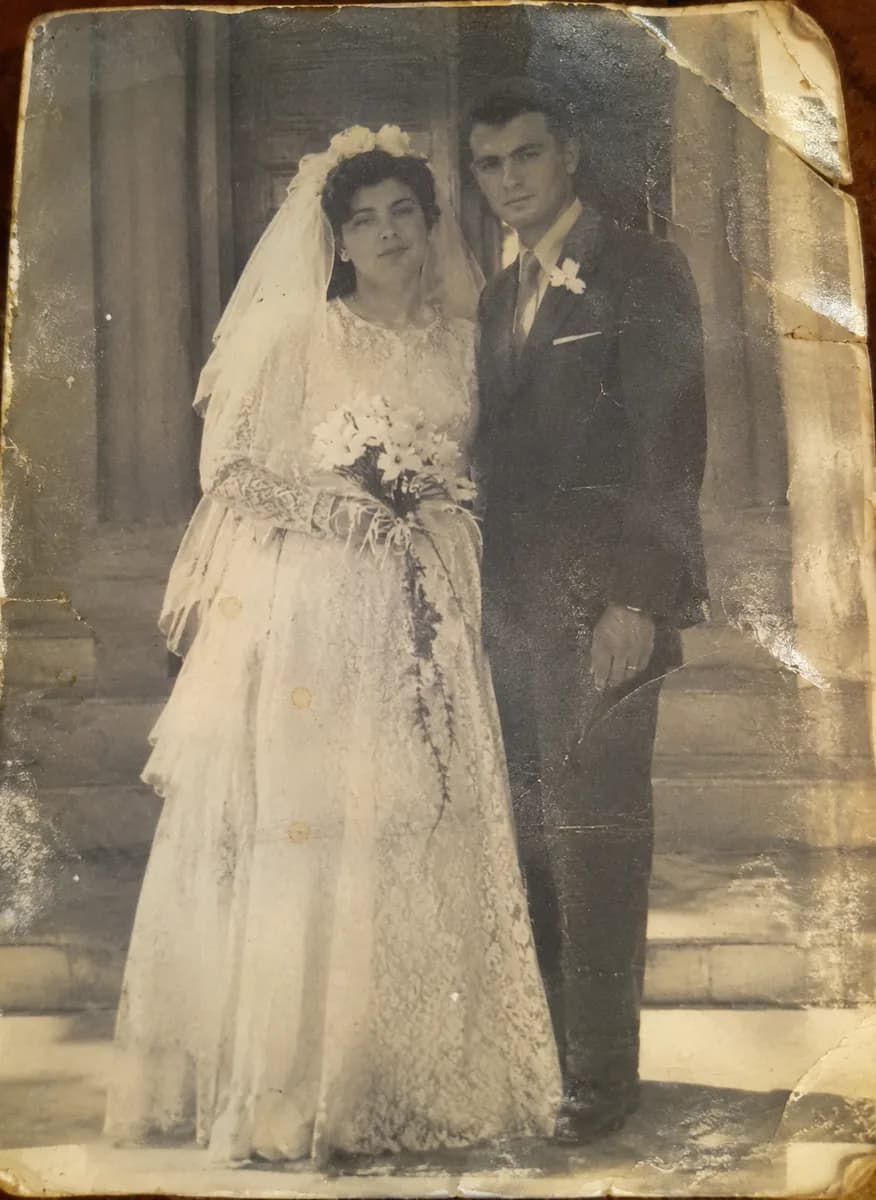
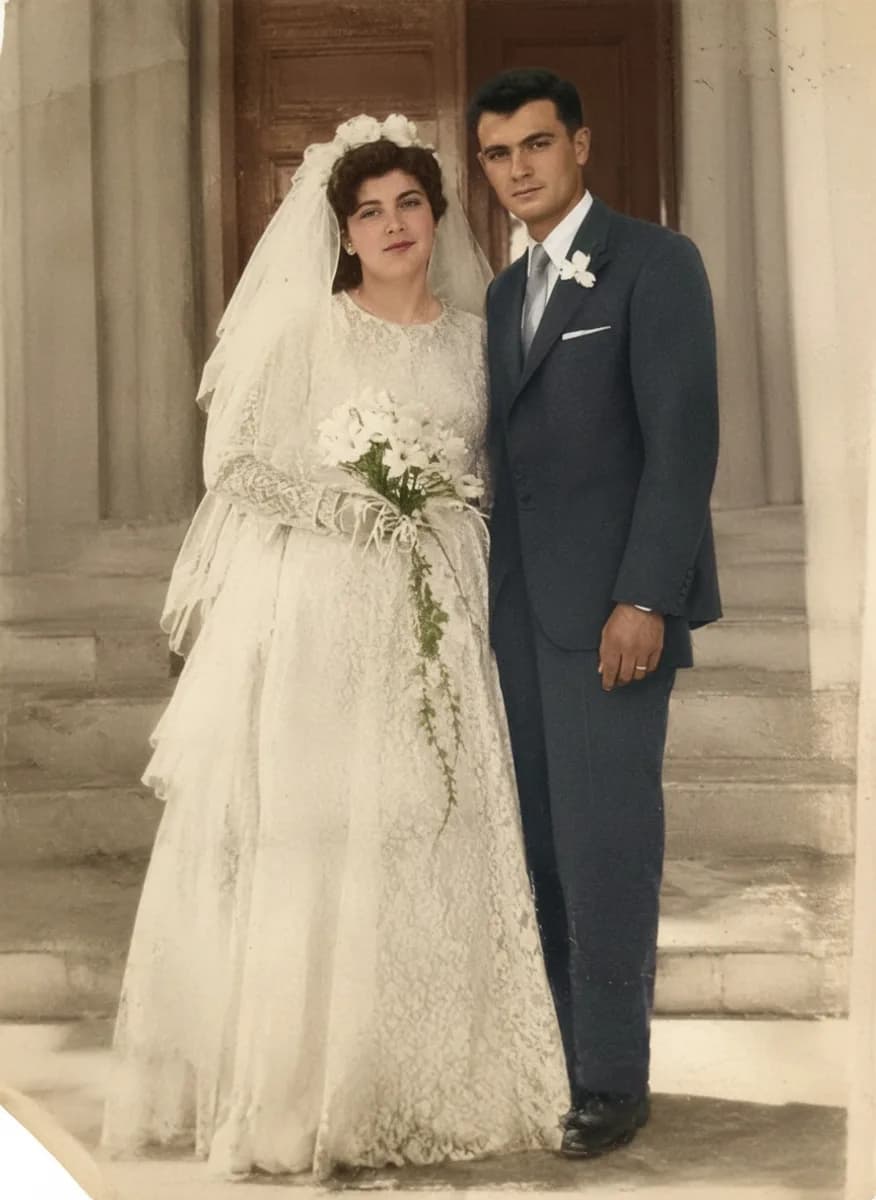
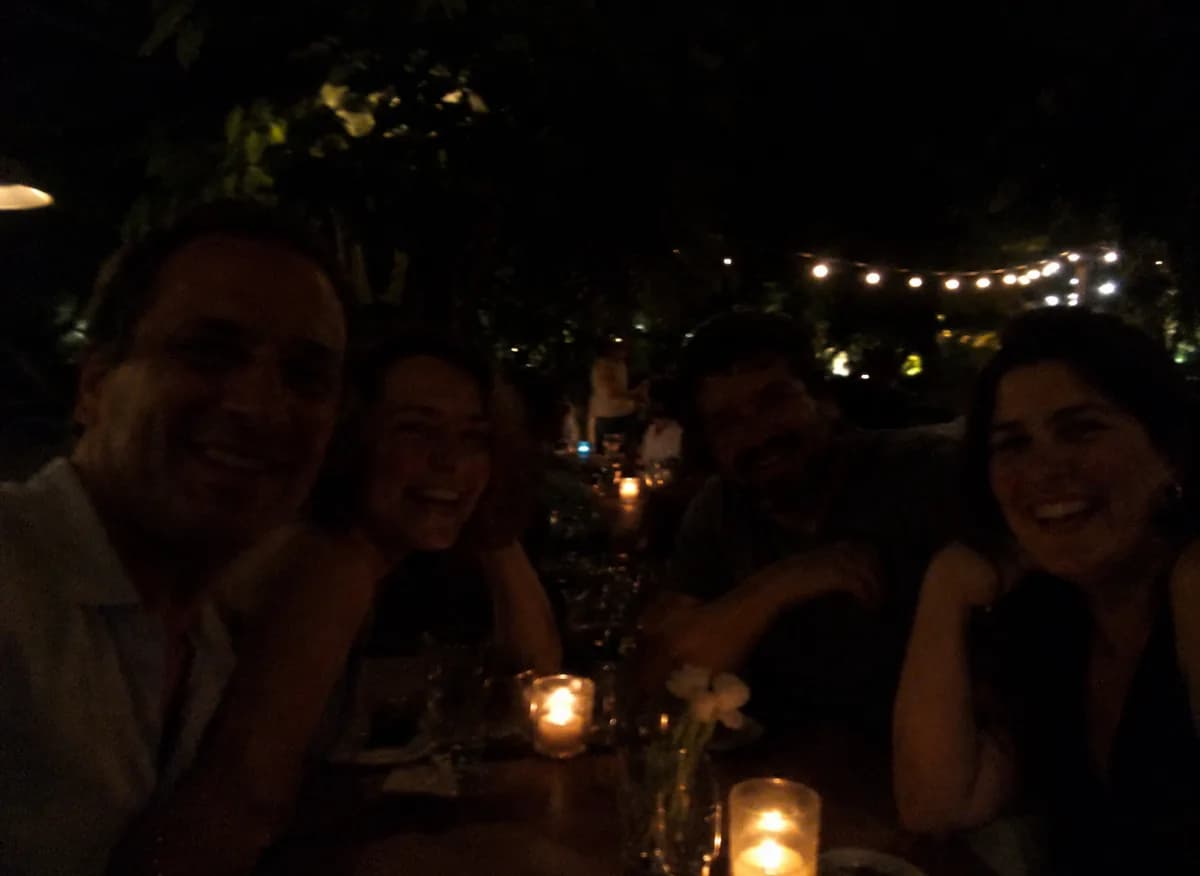
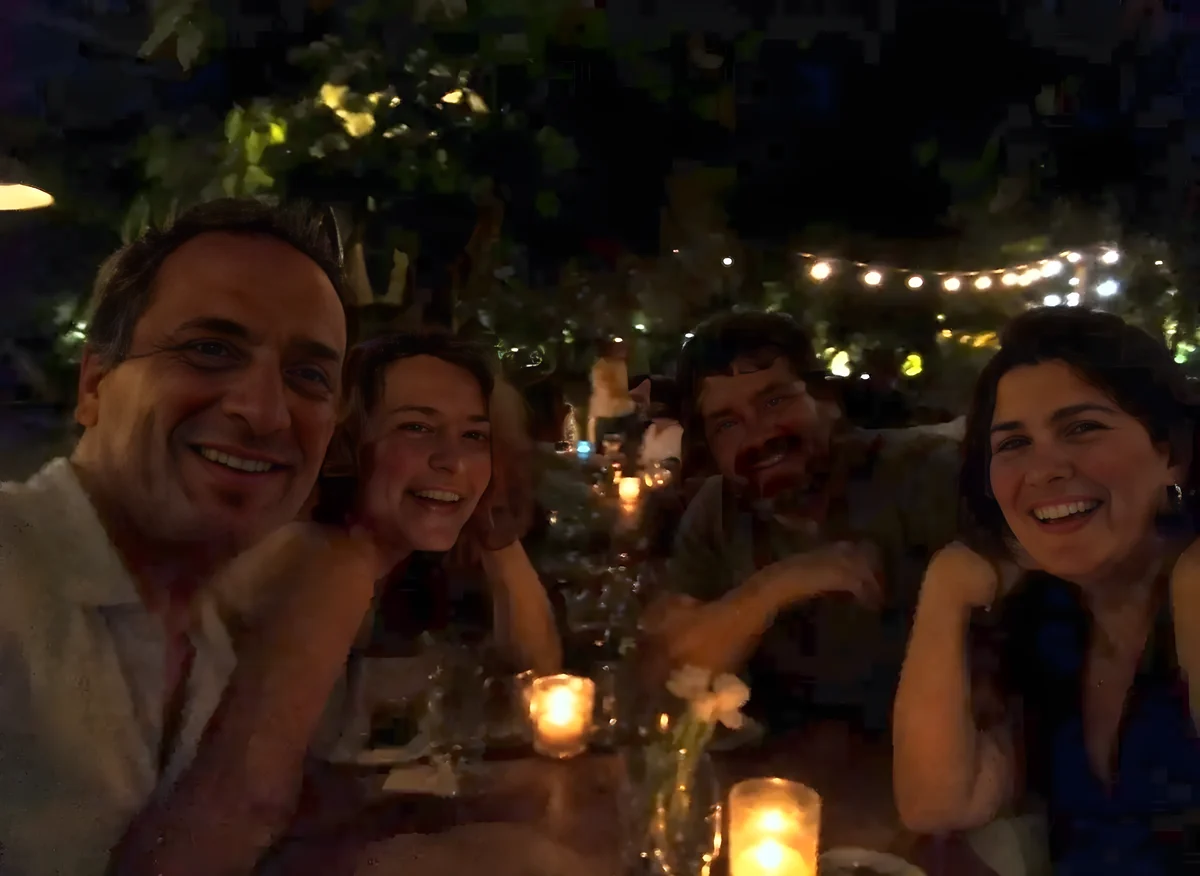
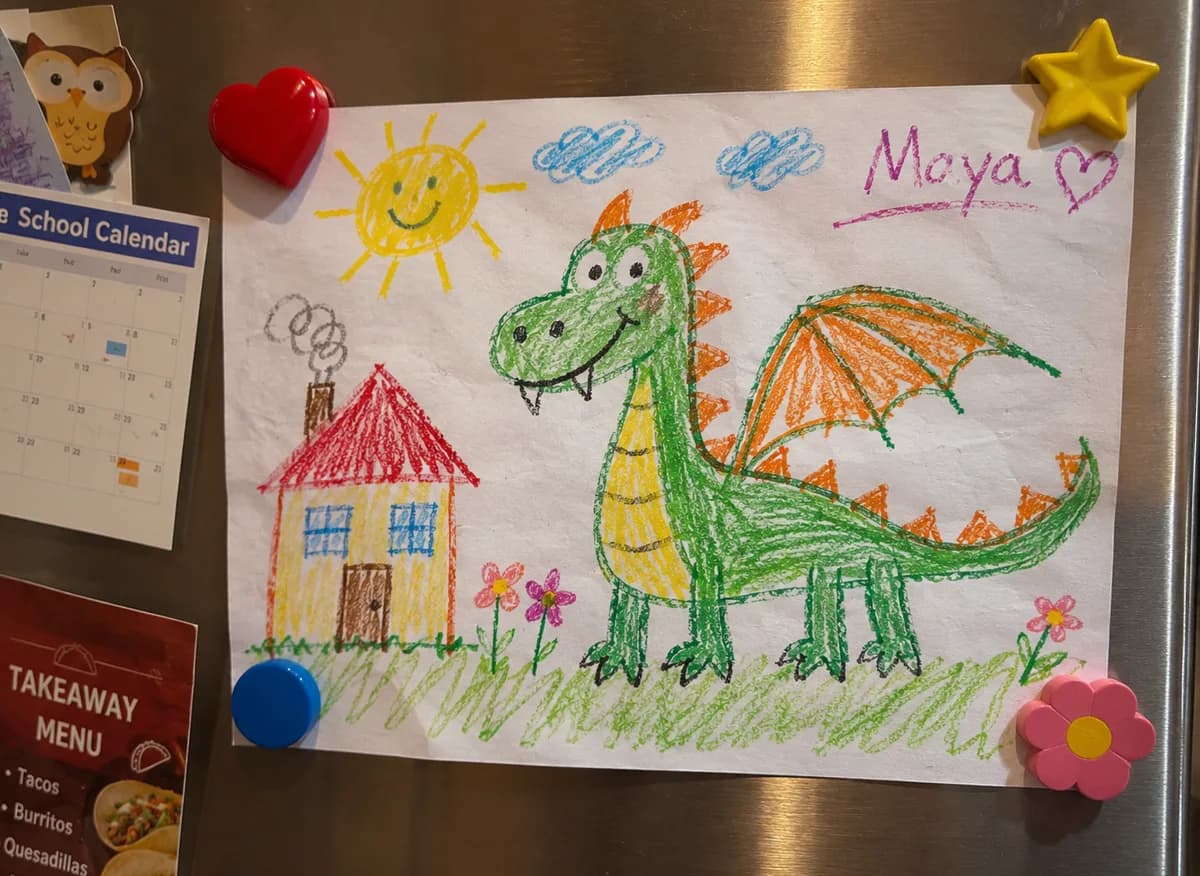
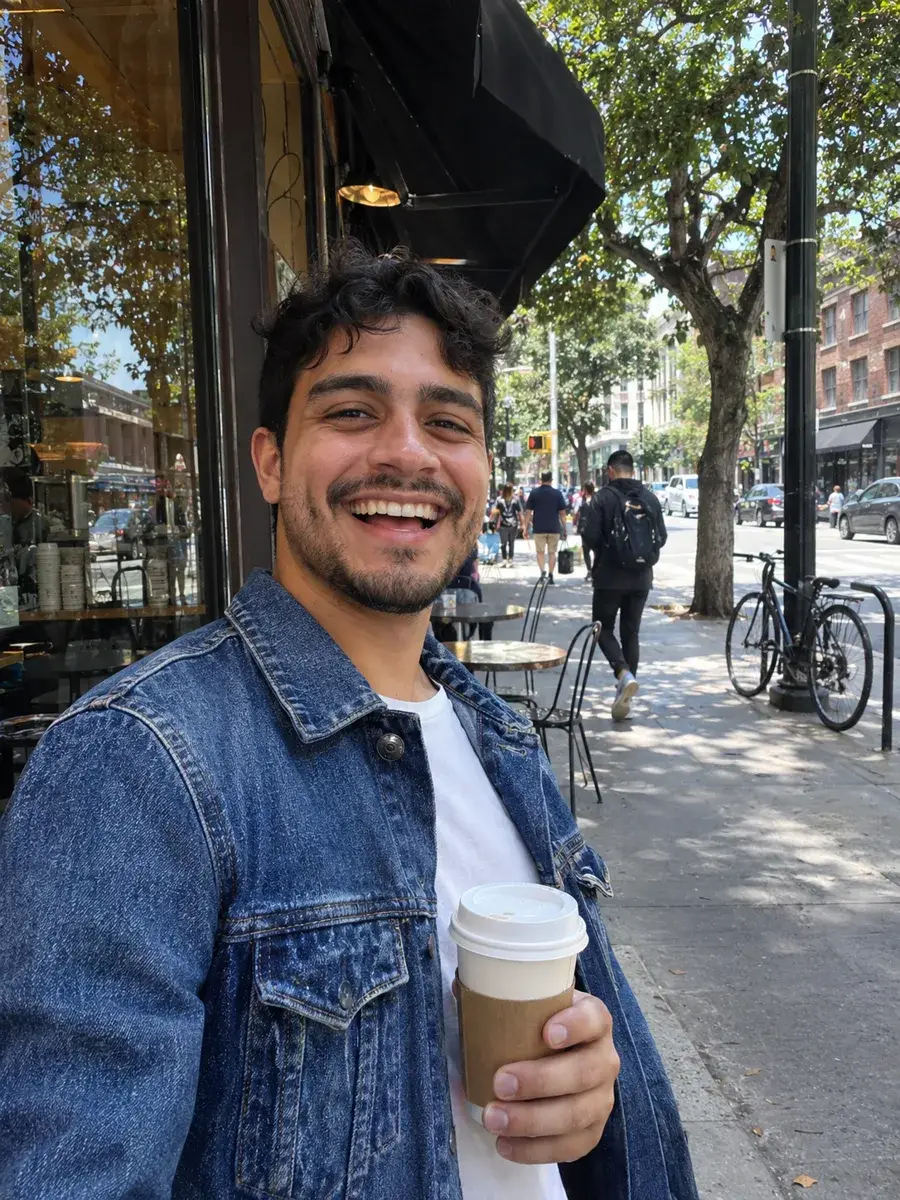
Real photos with real clutter behind them, cut out with the free remover. Drag across each one to compare before and after.




DO MORE
What to do with your cut-out
Give it a new background →
Describe a scene, such as a clean white studio or a beach at sunset, and Generate Background puts your subject in it.
Finer edges with Pro →
For wispy hair, fur or fine detail, BG Removal Pro uses Bria’s server-side model for a cleaner edge on the hardest photos.
Add a reflection →
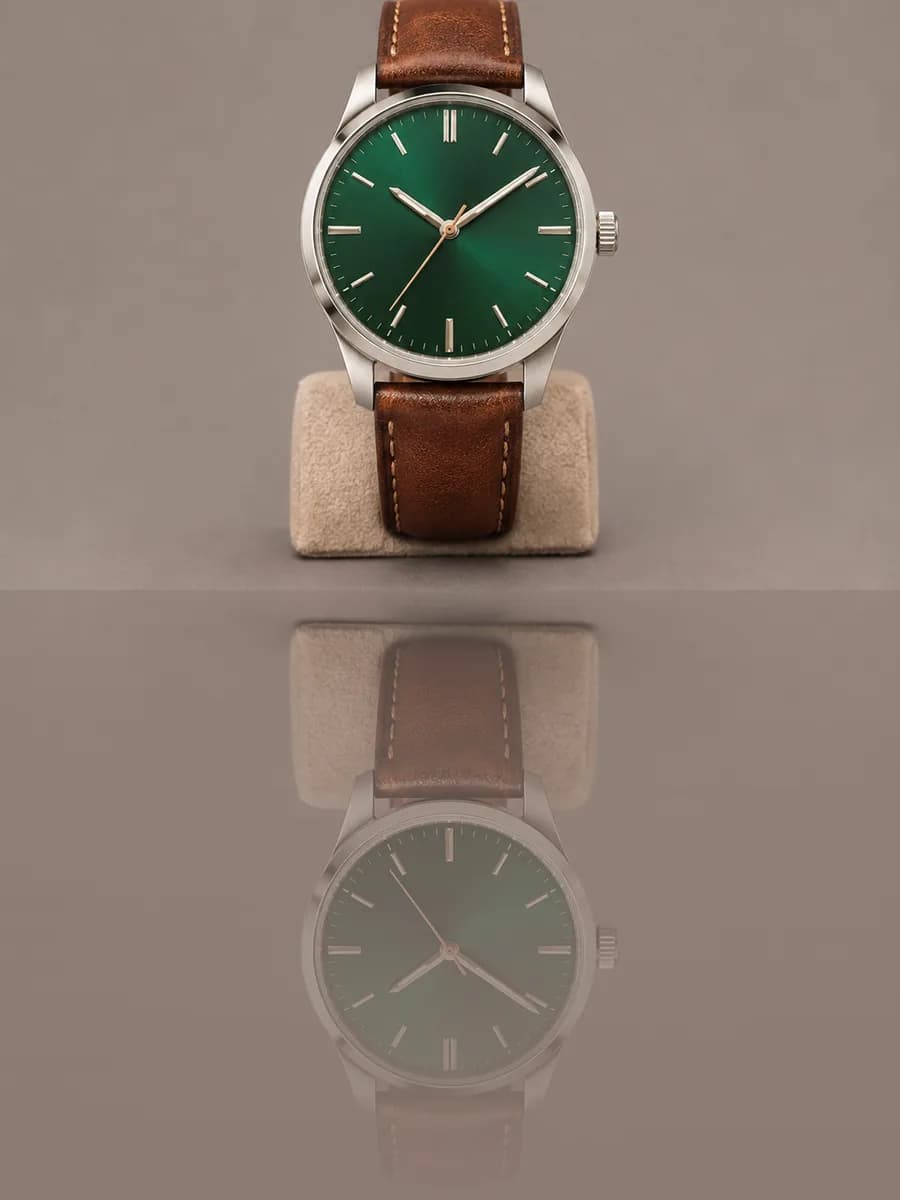
Stand a product cut-out on a glossy floor. Reflection adds a soft, fading mirror image underneath, free and in your browser.
SAFE AND YOURS
Creating is fun, and safe.
Private by design
BG Removal is free and unlimited. On most computers it runs in your browser and the photo never leaves your device. On phones, tablets and computers that can’t run it, a small copy of the photo is sent to Picazo to find the subject’s outline; it isn’t stored.
Never used to train AI
We don't train models on what you upload or make, and we require our AI providers not to either.
What you make is yours
You own the pictures and designs you create in Picazo. Use them for yourself or your business.
Background removal for every kind of creator
For online sellers
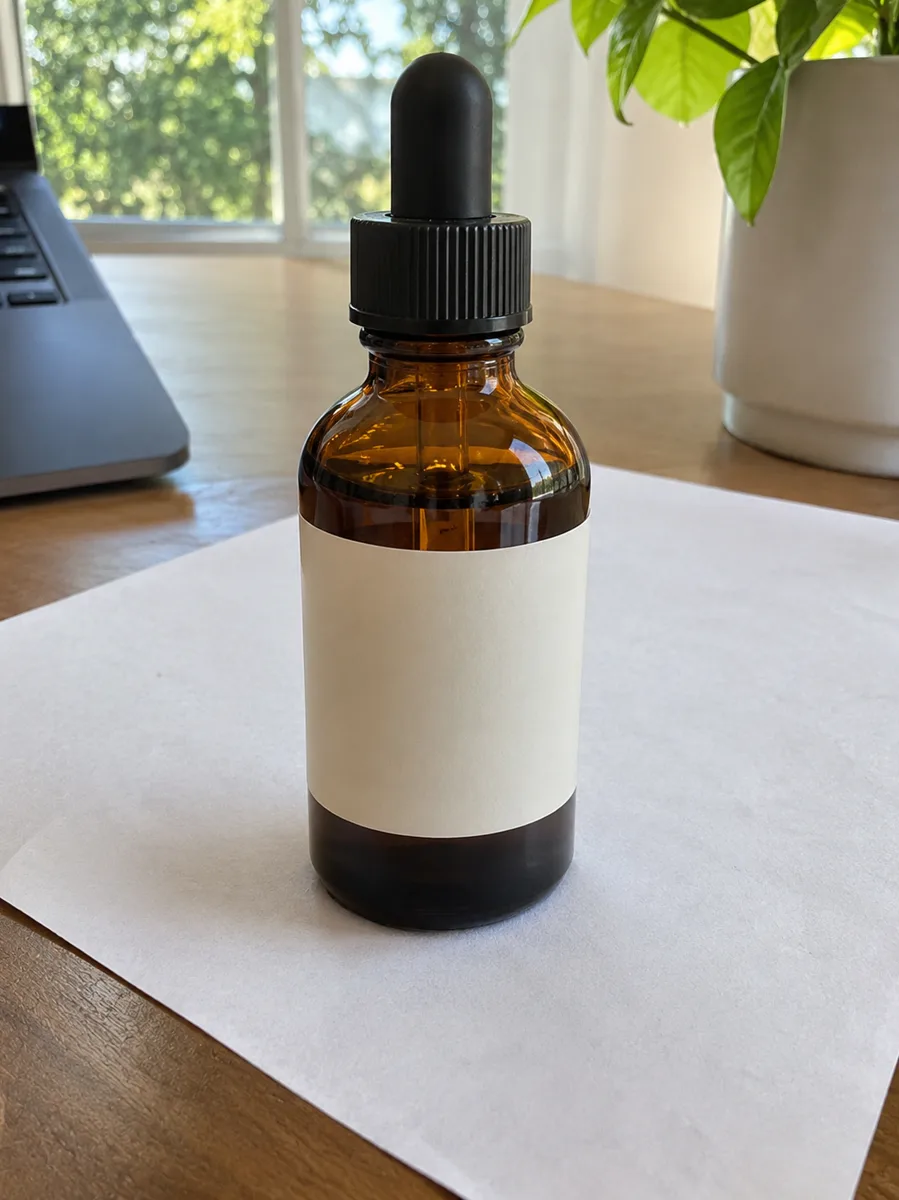
Product photos on clean transparency, ready for a white listing background, a marketplace or a branded sale post.
For profile pictures
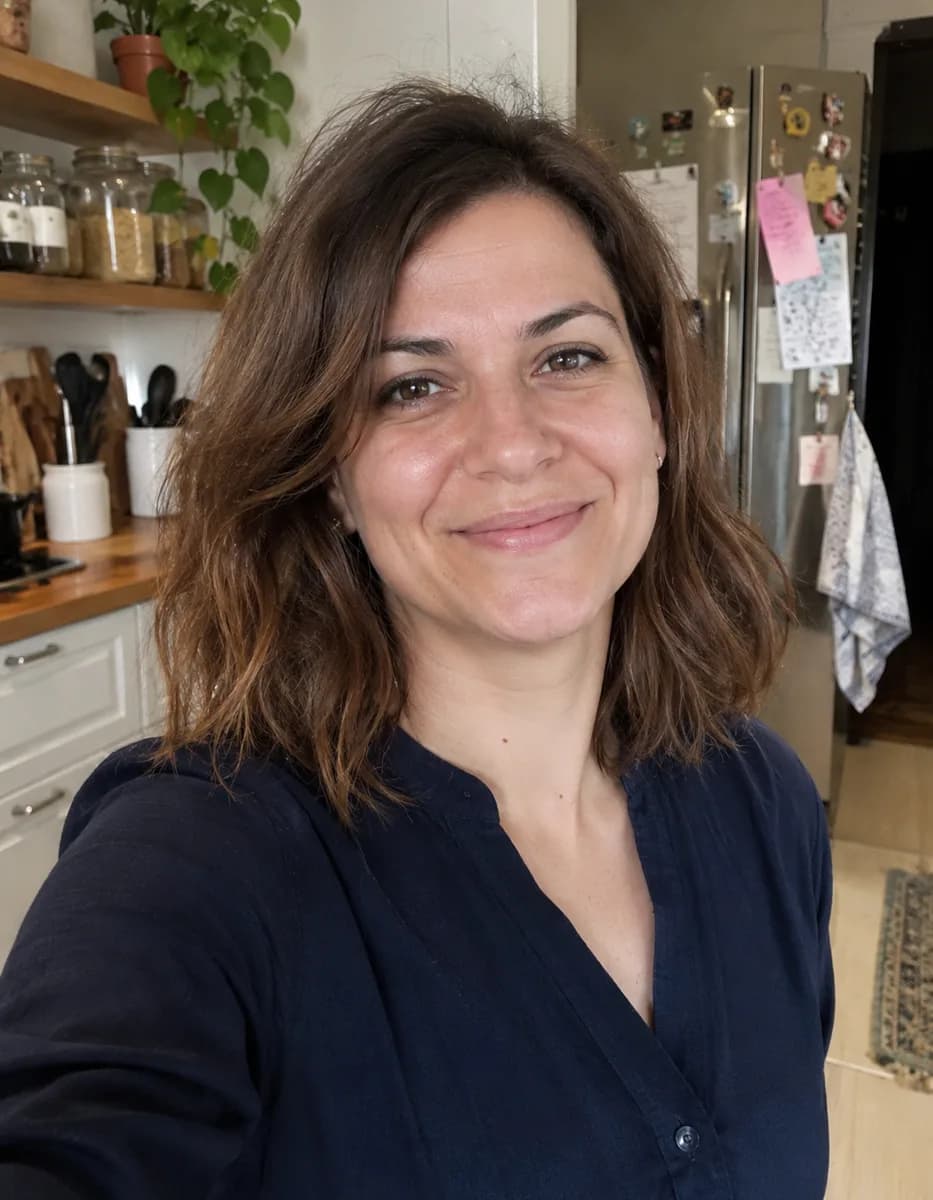
Lift yourself off a cluttered room or a busy street and onto a plain colour for LinkedIn, a team page or a CV.
For designers and makers
Cut-outs that drop straight onto a poster, flyer or social template, for as many photos as the project needs.
THE WHOLE STUDIO
All the features you need
Every AI tool sits inside a full design editor, so a result never has to leave Picazo to become something finished.
100,000+ templates →
Posts, posters, flyers, cards, menus and résumés, all fully editable.
Free background remover →
Unlimited, with no watermark, on any photo.
Make any text editable →
Turn the words in a picture or a flattened design back into real text.
AI photo tools →
Enhance, upscale, restore, expand and remove objects, all in one editor.
Layers and precise editing
Move, align, crop, clip and restyle every element on the page.
Export with no watermark
PNG, JPG, SVG and print-ready PDF, in full quality.
Open PDFs and PSDs
Bring in a PDF or a Photoshop file and edit it like any design.
Brand kit
Your colours, fonts and logo, applied to a whole design in one tap.
Bulk edit and create →
Resize or watermark 30 photos at once, or turn a spreadsheet into designs.
Translate a design →
Every text box into one of 35 languages, with the layout kept.
On your phone too
A touch editor with the AI tools, templates and export built in.
Autosave and sync
Signed in, your designs save as you go and open on any device.
HOW IT WORKS
How to use BG Removal.
Add your photo
Upload one, drop it on the page, paste it with Ctrl/⌘ V or pick a photo from My uploads. JPG, PNG, WebP and HEIC all work.
Press Remove Background
Sign in first if you’re asked to; it’s free. The cut-out takes a few seconds; on a computer the first run takes a little longer while the model downloads.
Check the edges
Drag across the result to compare it with your photo. If fine hair or fur needs more care, run BG Removal Pro on the same photo.
Download or keep editing
Download a transparent PNG, or press Edit in Picazo to place it on a new background or a template. Signed in, you can save it to My uploads too.
Doing a whole batch?
Bulk AI takes up to 30 photos at a time with the same tool. With the free remover a batch costs nothing.