42 FREE BACKGROUNDS · FREE FOR COMMERCIAL USE · NO CREDIT NEEDED
Free dark backgrounds & textures
Charcoal, navy, burgundy and black, with folded paper, copper light and gold. For launches, luxury brands and evening events. Free to download, free to use.
- Navy paper foldsFree download
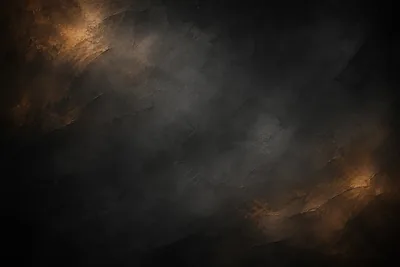
- Black plaster with copper lightFree download
- Charcoal folded paperFree download
- Navy folded paperFree download
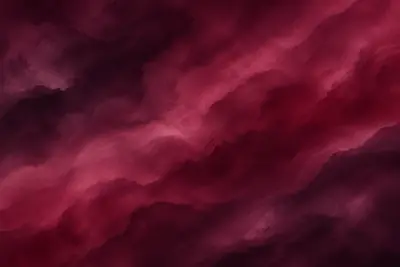
- Burgundy paper wavesFree download
- Cocoa folded paperFree download
- Burgundy watercolourFree download
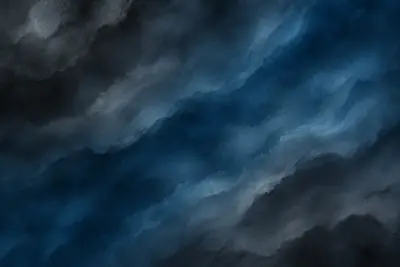
- Storm blue watercolourFree download
- Teal and navy watercolourFree download
- Forest green watercolourFree download
- Sepia brown watercolourFree download
- Navy and silver watercolourFree download
- Emerald watercolourFree download
- Midnight blue watercolourFree download
- Wine red watercolourFree download
- Charcoal grey watercolourFree download
- Green watercolour wavesFree download
- Copper glow wavesFree download
- Indigo watercolour wavesFree download
- Berry watercolourFree download
- Black and purple watercolourFree download
- Black and teal watercolourFree download
- Navy marbleFree download
- Emerald marbleFree download
- Burgundy marbleFree download
- Black marbleFree download
- Rose plum gradientFree download
- Black crumpled paperFree download
- Navy crumpled paperFree download
- Embossed olive cardFree download
- Concrete with a shaft of lightFree download
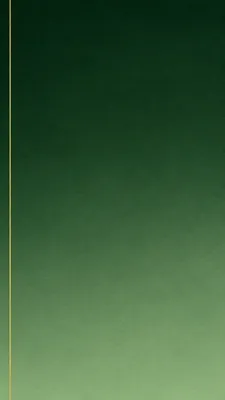
- Forest green gradientFree download
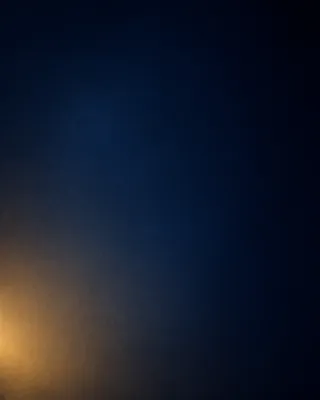
- Midnight spotlightFree download
- Aubergine with a gold domeFree download
- Glass ribbons on blackFree download
- Glowing sound wavesFree download
- Christmas fir and goldFree download
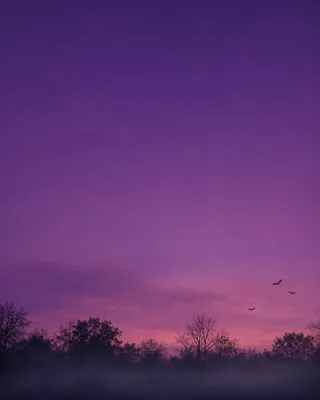
- Halloween dusk with batsFree download
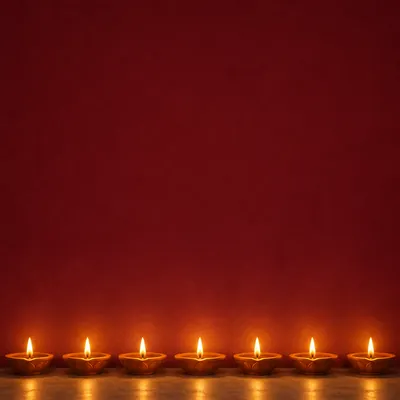
- Diwali lampsFree download
- Eid lattice and crescentFree download
- Navy studio backdropFree download
- Concrete room with a spotlightFree download

















HOW IT WORKS
From background to finished design
- 1
Pick a background
Browse by kind or by colour. Every one is free, made by Picazo.
- 2
Download it, or open it in the editor
Download the file, or open it behind a new page in the Picazo editor.
- 3
Add your words
Put your text, photos and logo on it, then download your design. No watermark.
LICENCE
Free to use, no credit needed
Every background on these pages is Picazo's own. You may download it, change it and use it in your designs, for yourself or for clients, in print and online, at no cost and without credit.
Please don't sell or share the backgrounds themselves as a collection, upload them to another stock site, or claim you made them.
Free backgrounds — questions
Make something with them
Open the free Picazo editor, pick a background in the Background panel under Picazo, and add your words.
Open the editor