THE STUDIO · No. 07 · ENHANCE
Restore old and damaged photos
Scratches, creases, fading and blur repaired in one step, with faces carefully reconstructed. Bring old family photos back to life before printing or sharing them.
Add a photo on the right to try it. Want more control? Open Restore in the full editor.
Uses 4 AI credits per run. Free accounts get 25 credits a month; Pro gets 500.
INTRODUCING
Introducing Picazo’s Old Photo Restorer
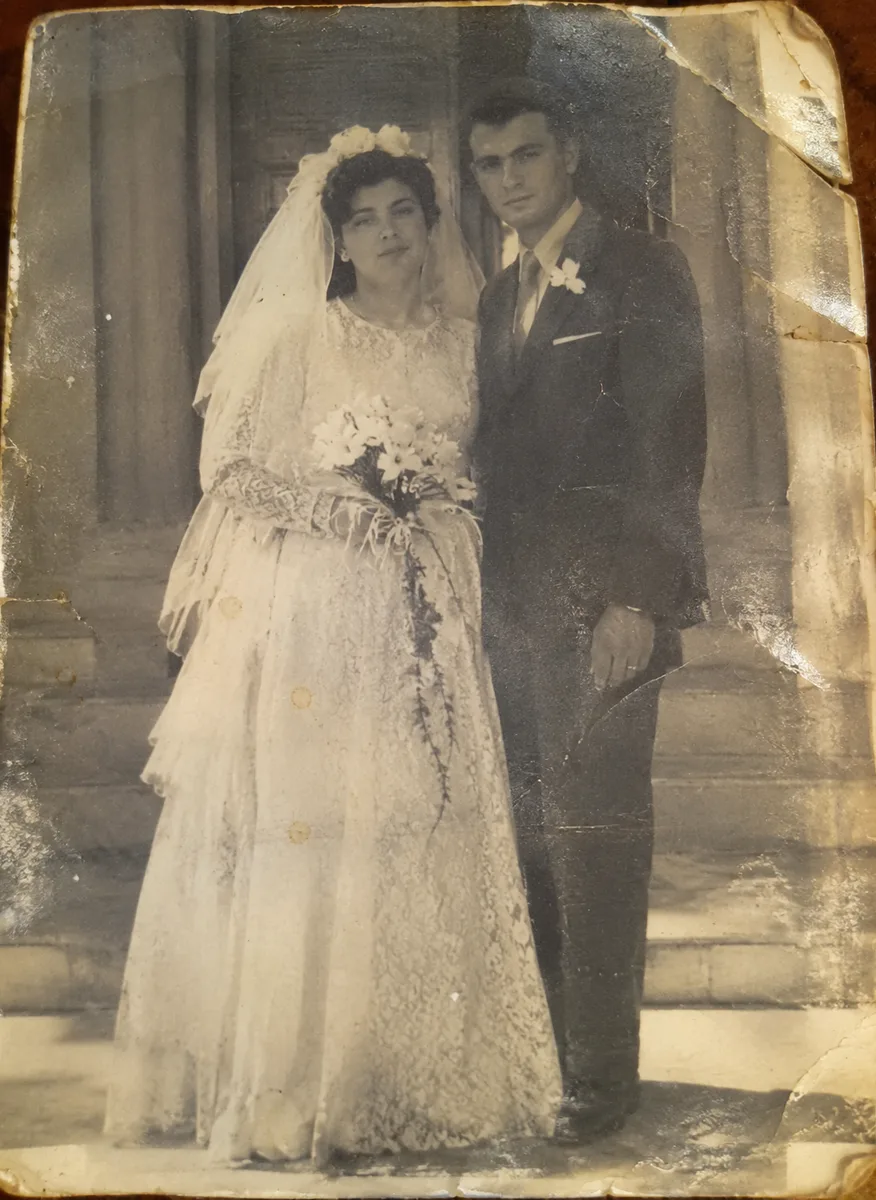
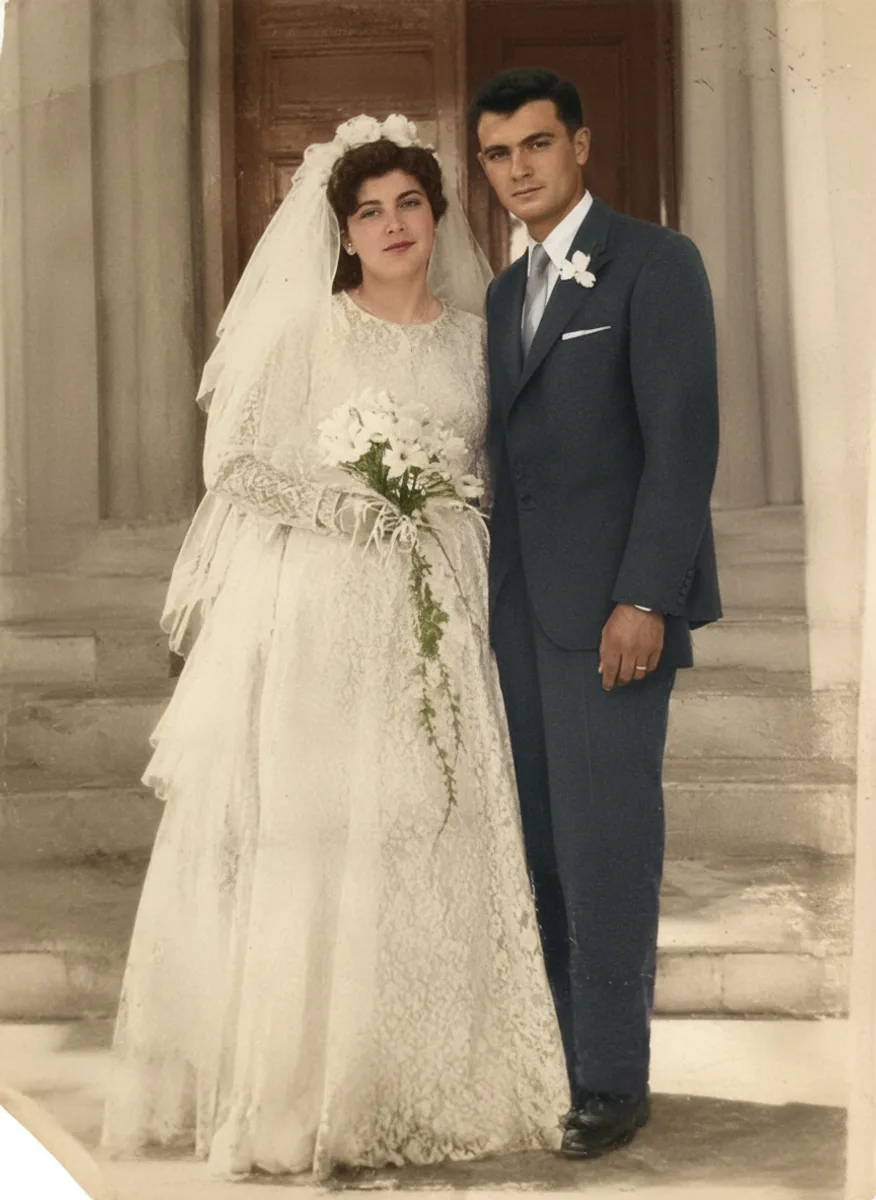
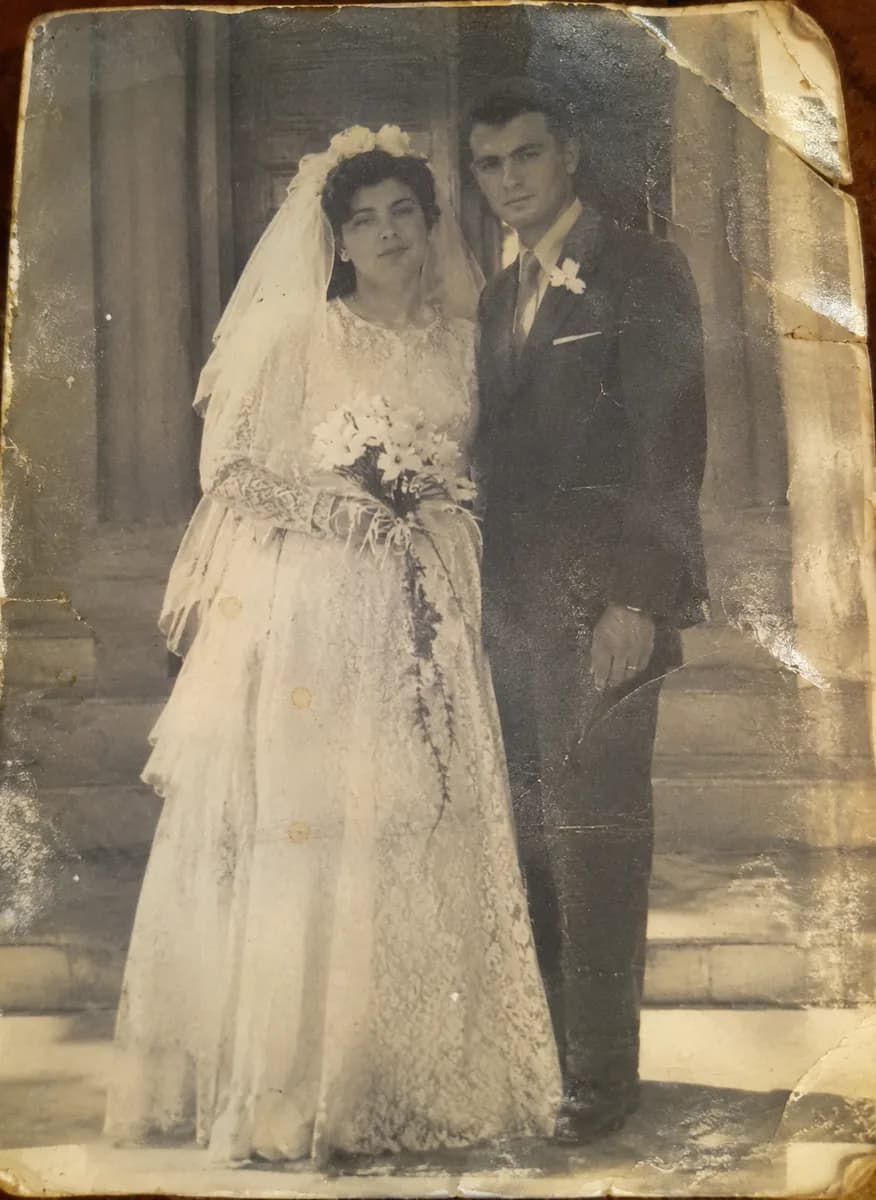
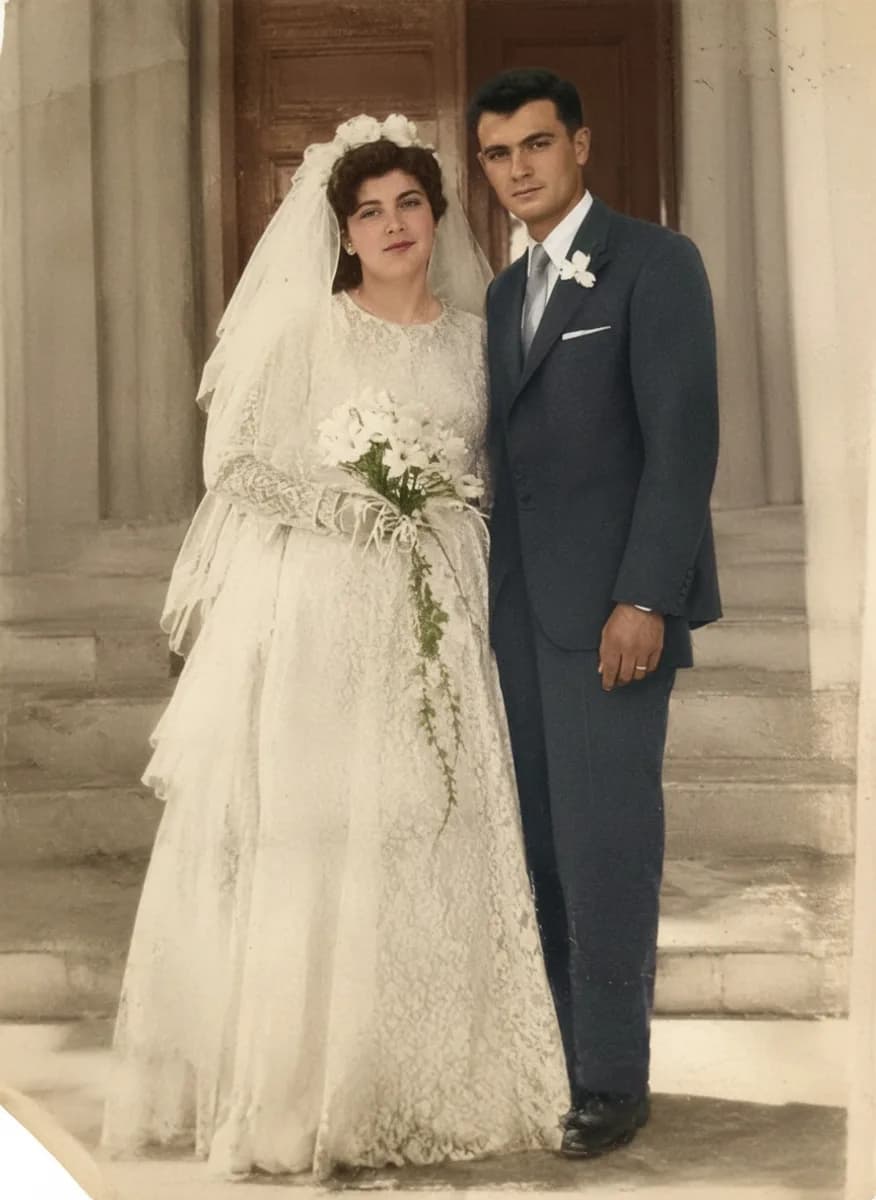
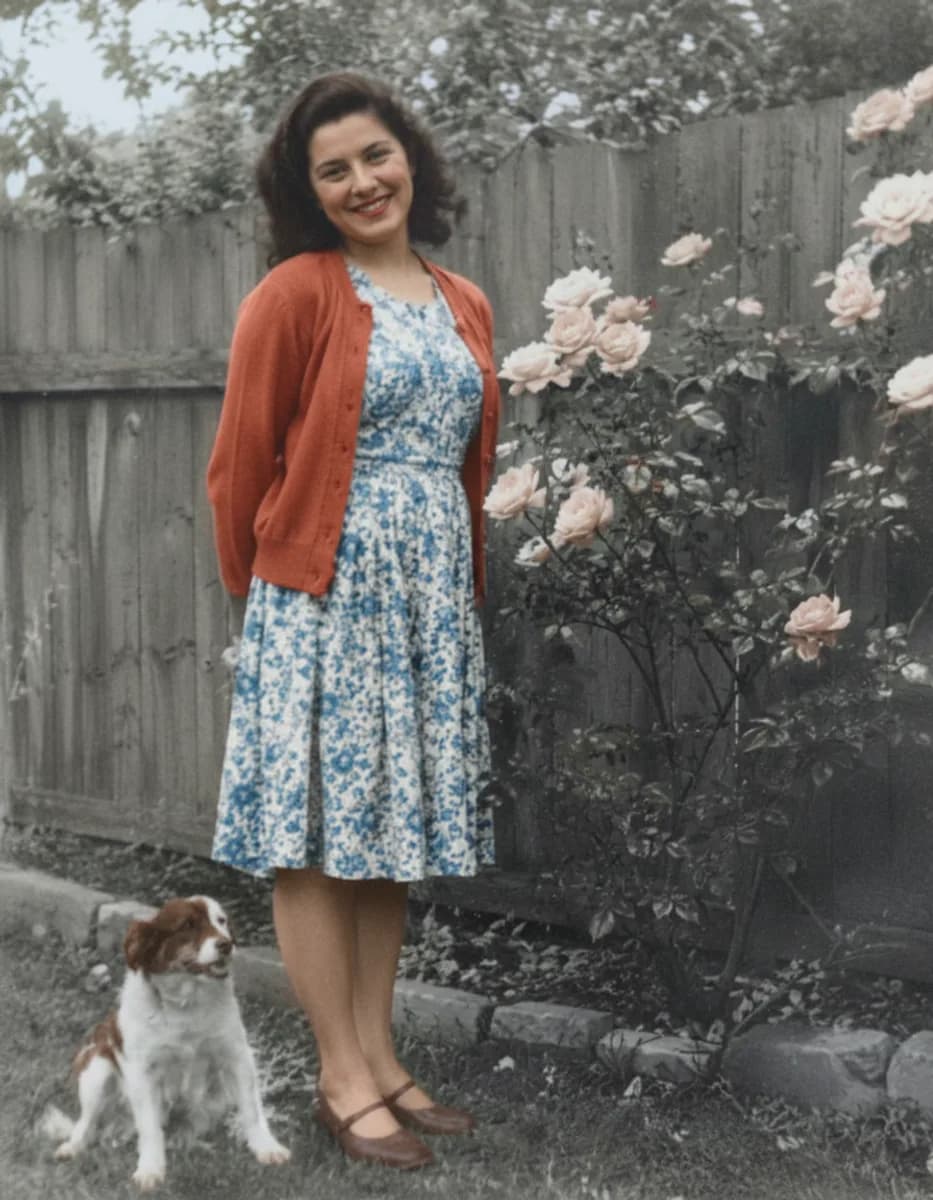
Picazo’s Old Photo Restorer brings damaged family photos back. Scratches, creases, cracks, stains, dust and fading are removed, torn or missing corners are filled in, and blur is sharpened away. Black-and-white and faded photos come back in natural colour that suits their period, so a cracked wedding print looks like the day it was taken.
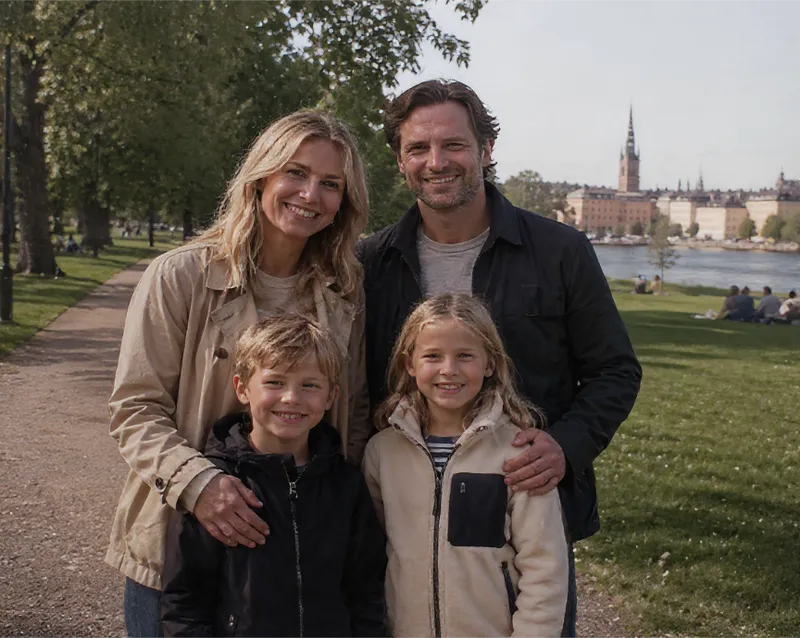
Faces matter most, so Restore is told to keep every person exactly as they were: the same face shape, eyes, smile, age and hair, so the family recognises them at once. The poses, clothes, setting and framing stay the same too, and the result keeps your photo’s shape. It’s the same photograph, repaired, not a new one.
EXAMPLES
Family photos, brought back
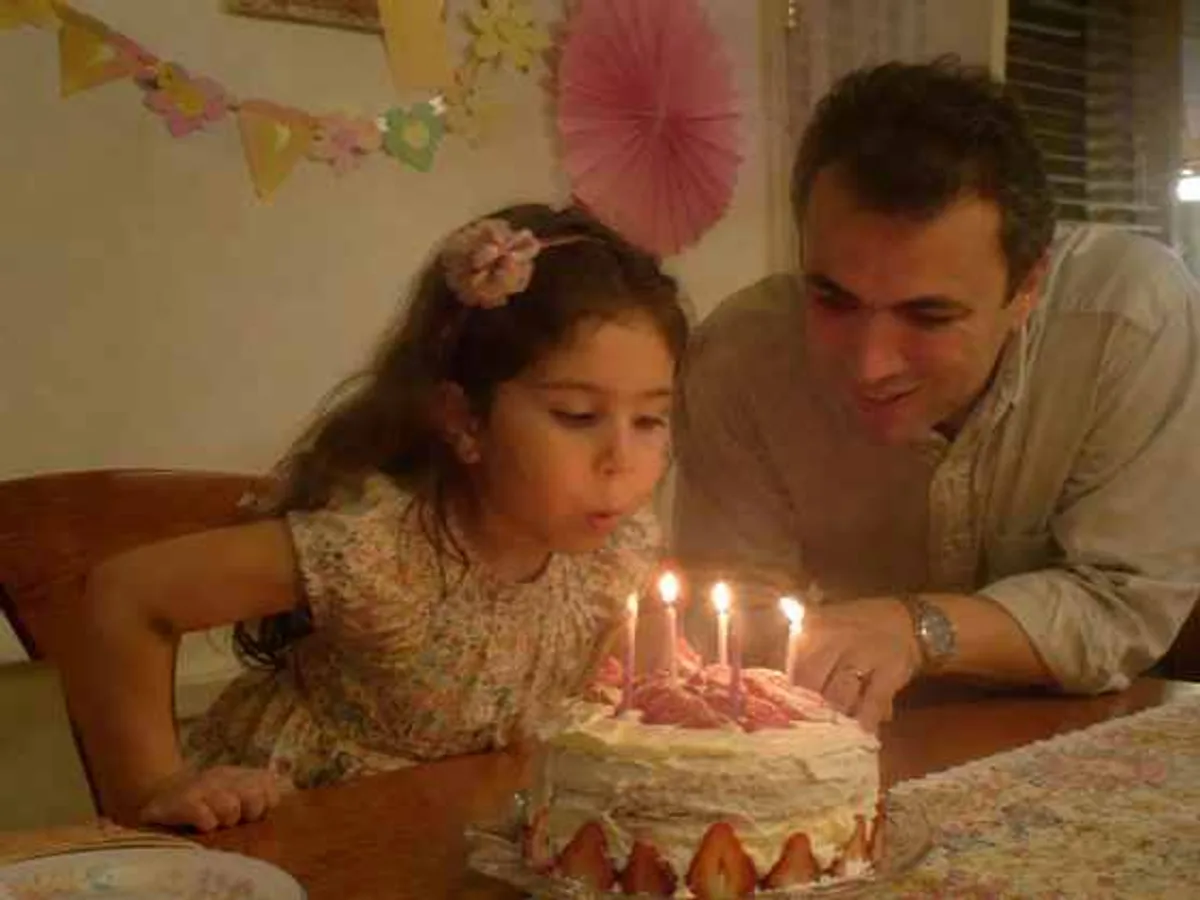
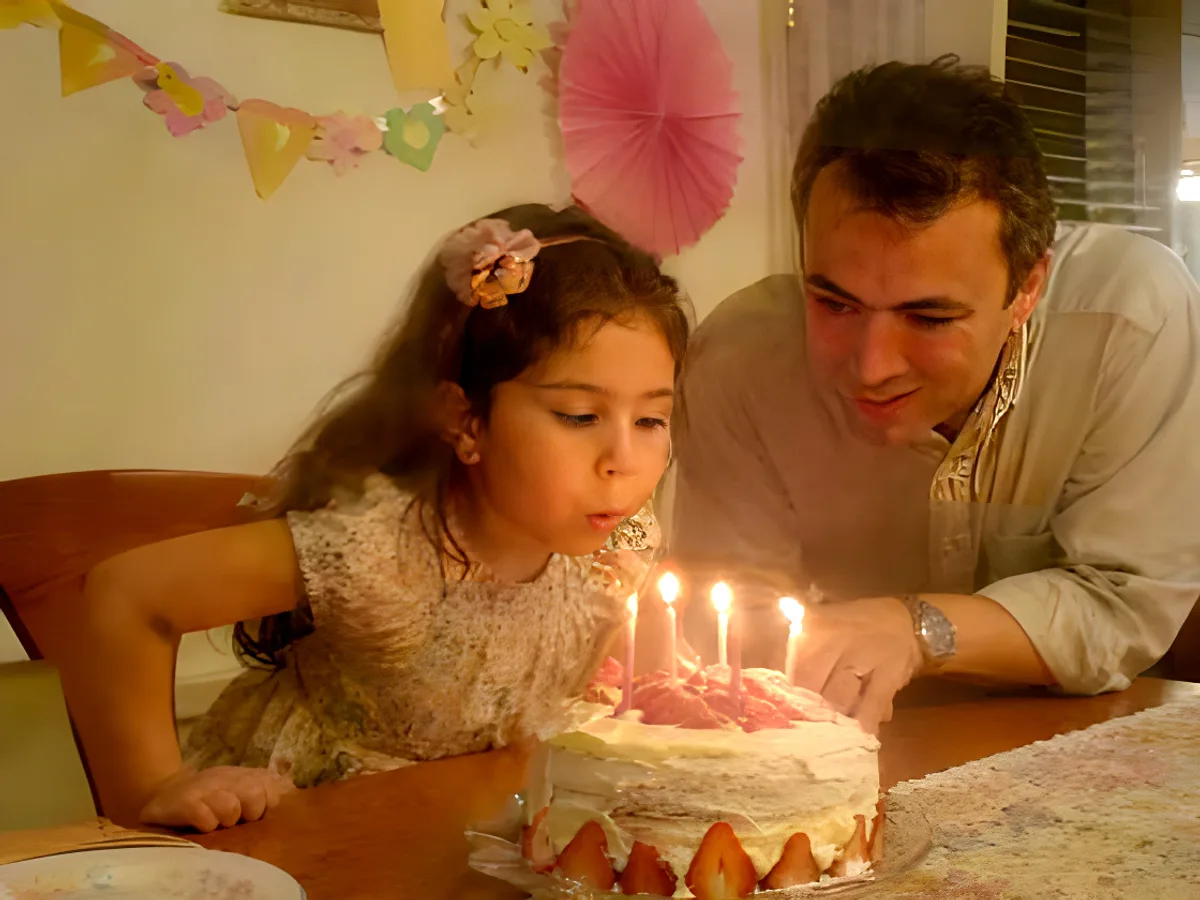
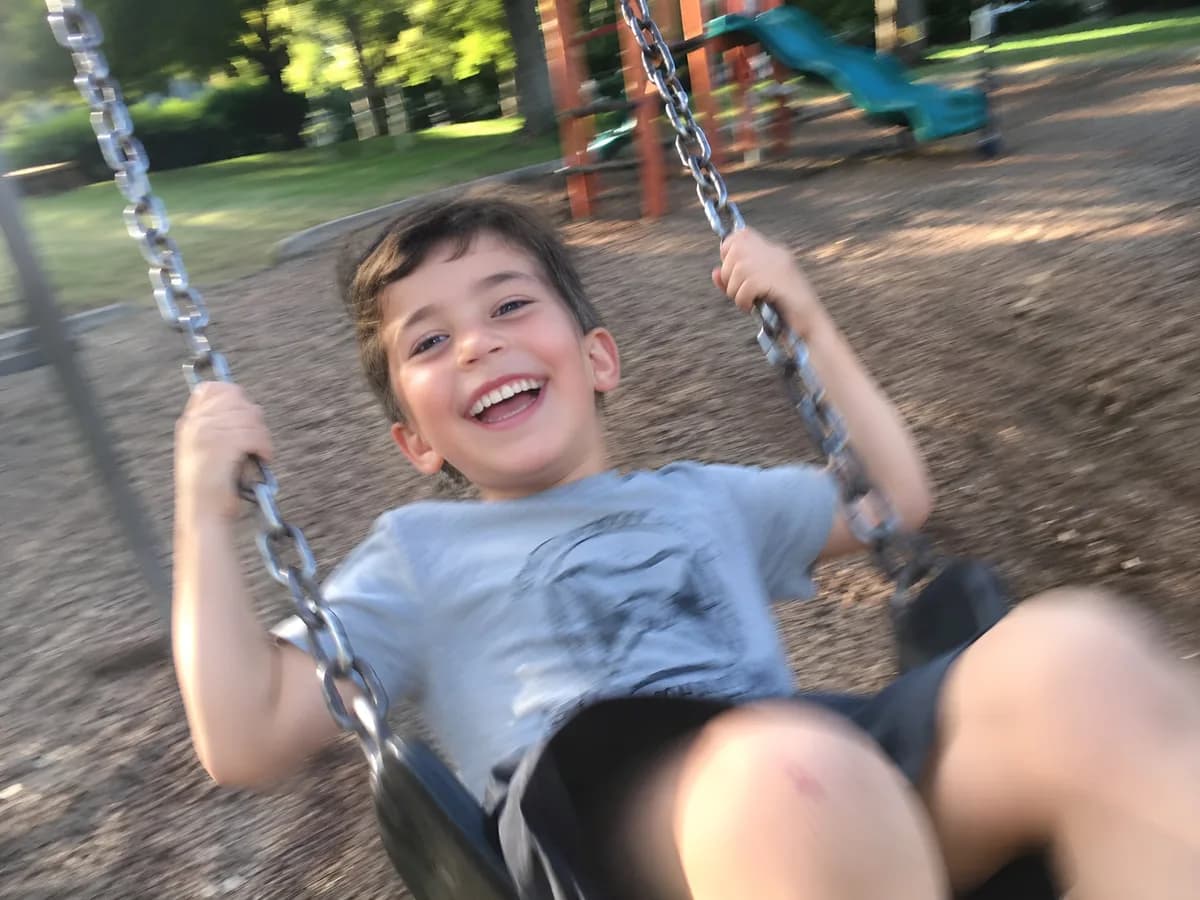
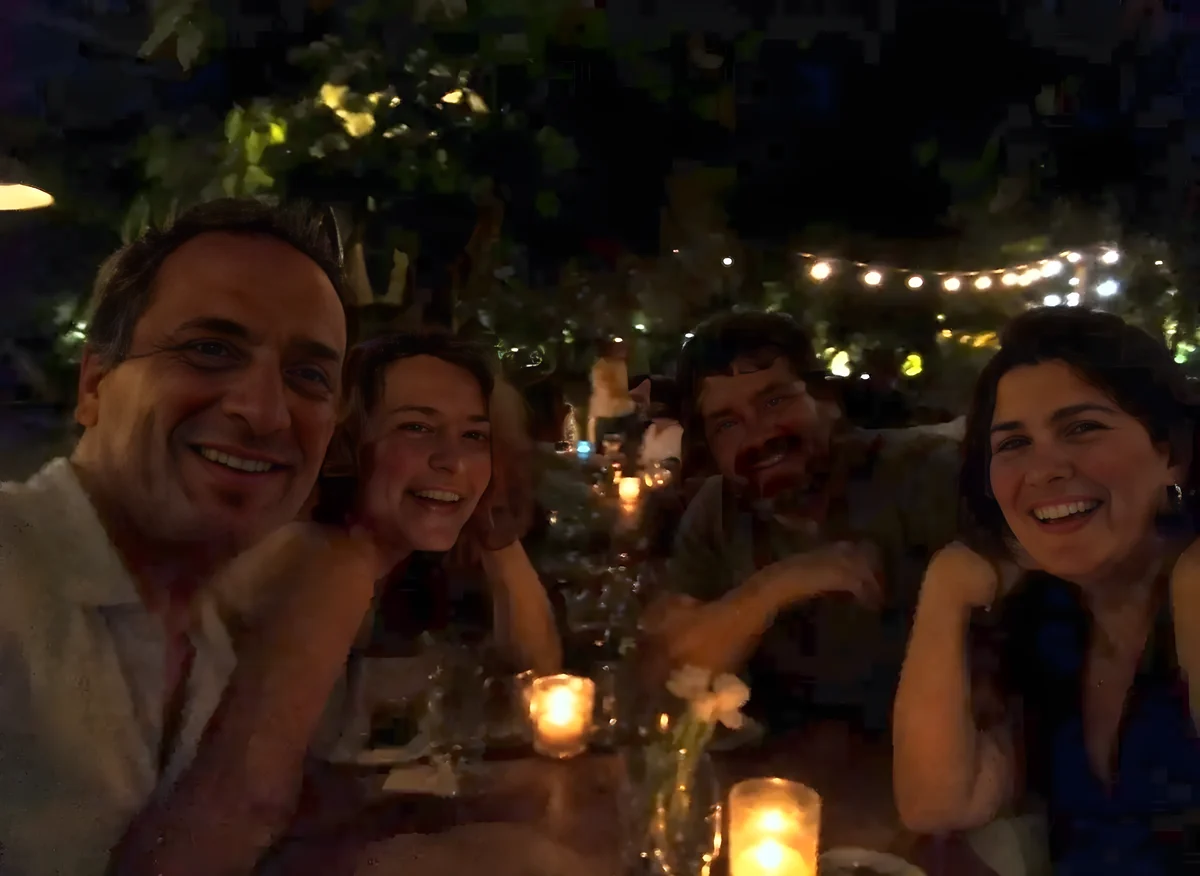
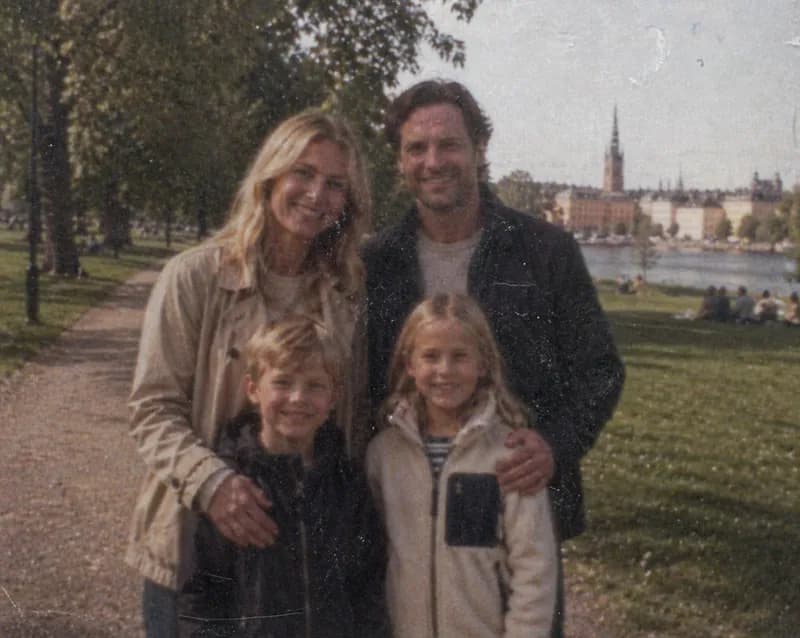
Real old photos, scanned or snapped on a phone and restored in Picazo. Drag across each one to compare before and after.
DO MORE
Do more with a restored photo
Colour without the repairs →
If a black-and-white photo is already in good shape and you only want colour, Colorize adds believable colour to skin, clothing and scenery.
Print it larger →
Small scan? Upscale the restored photo 2x or 4x before printing, so it stays crisp in a frame, an album or a photo book.
Make a keepsake
Place the restored photo on a card, invitation or memorial template, add names and dates, and download a print-ready PDF.
SAFE AND YOURS
Creating is fun, and safe.
Sent only to make your result
Your picture goes to our AI provider to make the result, and nowhere else. It's never sold or used for advertising.
Never used to train AI
We don't train models on what you upload or make, and we require our AI providers not to either.
What you make is yours
You own the pictures and designs you create in Picazo. Use them for yourself or your business.
Photo restoration for families and keepsakes
For family albums
Grandparents’ wedding photos, baby pictures and old holiday snaps, repaired and brought back to colour to print, frame or share with relatives.
For family historians
Restore the portraits you find while tracing your family tree, and keep a clean copy beside the original scan.
For reunions and memorials
A clear, complete photo for an anniversary card, a memorial order of service or a slideshow at a family gathering.
THE WHOLE STUDIO
All the features you need
Every AI tool sits inside a full design editor, so a result never has to leave Picazo to become something finished.
100,000+ templates →
Posts, posters, flyers, cards, menus and résumés, all fully editable.
Free background remover →
Unlimited, with no watermark, on any photo.
Make any text editable →
Turn the words in a picture or a flattened design back into real text.
AI photo tools →
Enhance, upscale, restore, expand and remove objects, all in one editor.
Layers and precise editing
Move, align, crop, clip and restyle every element on the page.
Export with no watermark
PNG, JPG, SVG and print-ready PDF, in full quality.
Open PDFs and PSDs
Bring in a PDF or a Photoshop file and edit it like any design.
Brand kit
Your colours, fonts and logo, applied to a whole design in one tap.
Bulk edit and create →
Resize or watermark 30 photos at once, or turn a spreadsheet into designs.
Translate a design →
Every text box into one of 35 languages, with the layout kept.
On your phone too
A touch editor with the AI tools, templates and export built in.
Autosave and sync
Signed in, your designs save as you go and open on any device.
HOW IT WORKS
How to use Restore.
Scan or photograph the print
Use a scanner, or take a phone photo of the print lying flat in even daylight, held straight above it, with no glare from a window or lamp.
Add the photo
Upload it, drop it on the page, paste it, or choose it from My uploads. JPG, PNG, WebP and HEIC all work.
Press Restore
There’s nothing to set. Damage is repaired, missing corners are filled in, blur is sharpened and colour is brought back in one pass.
Check the faces
Drag across the result to compare. If anyone doesn’t look quite like themselves, press Run again; every result stays in the strip so you can choose.
Download or make something with it
Download it as it is, save it to My uploads, or press Edit in Picazo to put it on a card or a print layout.