THE STUDIO · No. 24 · TRANSFORM
Turn the text in a picture into editable text
AI-made flyers and cards come out flat: one wrong word means starting over. Make Editable reads every line, removes it from the artwork and puts it back as real text you can retype and restyle.
Try Make Editable freeUses 5 AI credits per run. Free accounts get 25 credits a month; Pro gets 500.
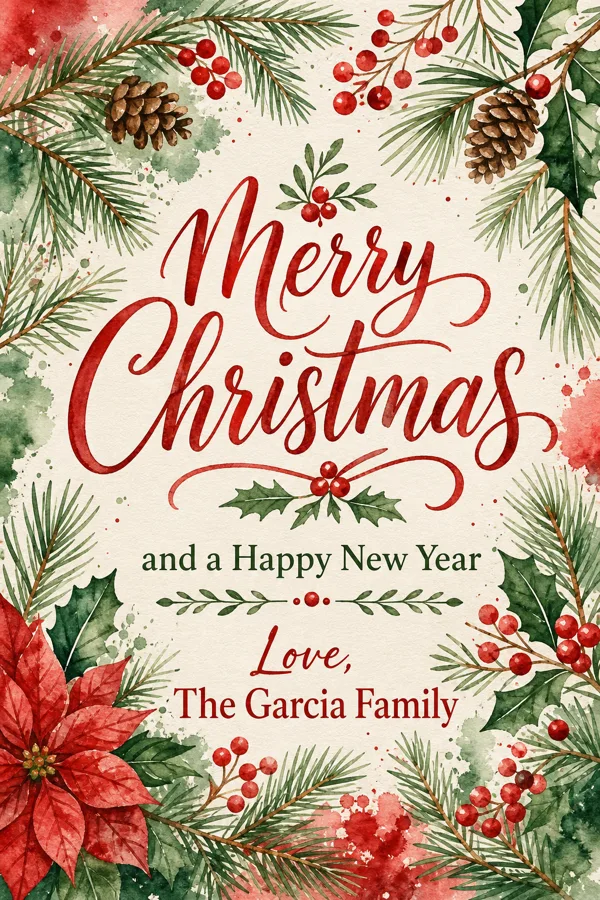
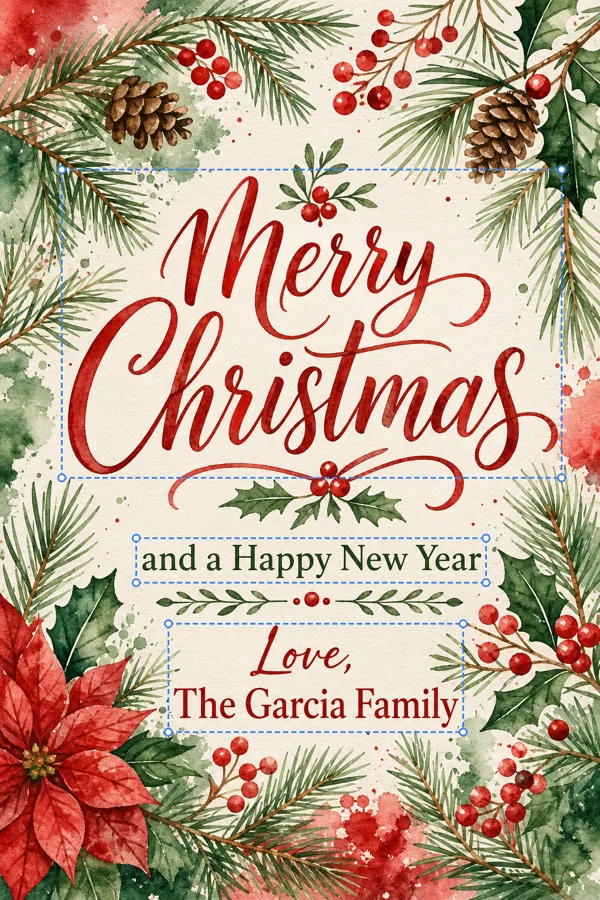
Drag to compare before and after
Open a design
✓ Done
Make Editable
Run Make Editable
Download
HOW IT WORKS
How to use Make Editable.
- 1
Open your design
Start from a template, upload a picture or draw on the page.
- 2
Run Make Editable
Choose the options, and the result lands on your page — one Undo takes it back.
- 3
Finish and download
Keep editing, then download, share or save it to your account.
QUESTIONS