THE STUDIO · No. 31 · ENHANCE
Turn a photo of a page into a clean scan
Photograph a letter, invoice or worksheet at any angle and get a straight, evenly lit scan with crisp text — no scanner needed.
Add a photo on the right to try it. Want more control? Open Document Scanner in the full editor.
Uses 4 AI credits per run. Free accounts get 25 credits a month; Pro gets 500.
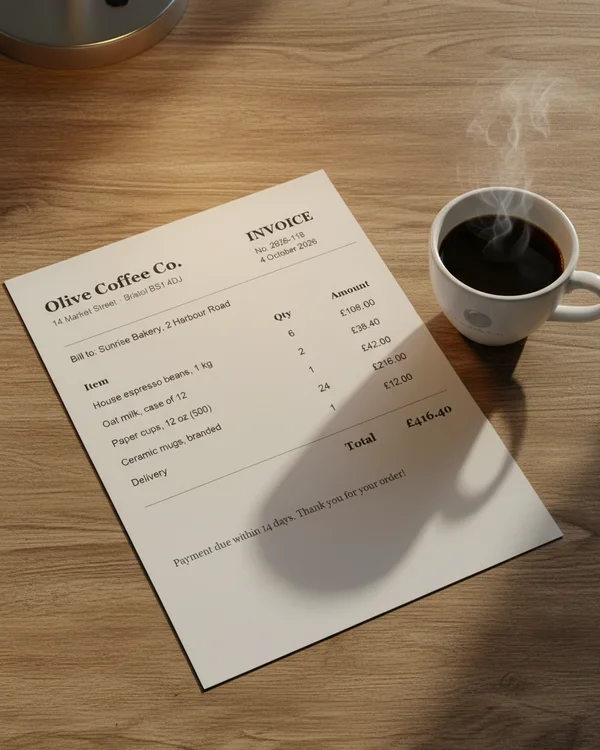
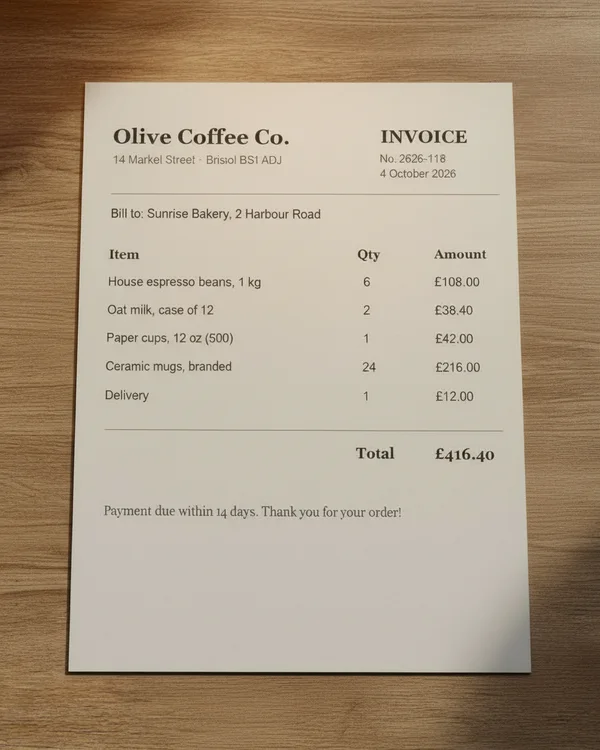
Drop a photo
✓ Done
Document Scanner
Scan Document
Download
HOW IT WORKS
How to use Document Scanner.
- 1
Add a photo
Upload one, or pick a photo already in your design. JPG, PNG, WebP and HEIC all work.
- 2
Run Document Scanner
One tap for most tools; a few let you pick a style or paint the area first.
- 3
Download or keep editing
Save the result, or carry on in the editor with text, templates and other tools.
QUESTIONS