THE STUDIO · No. 08 · ENHANCE
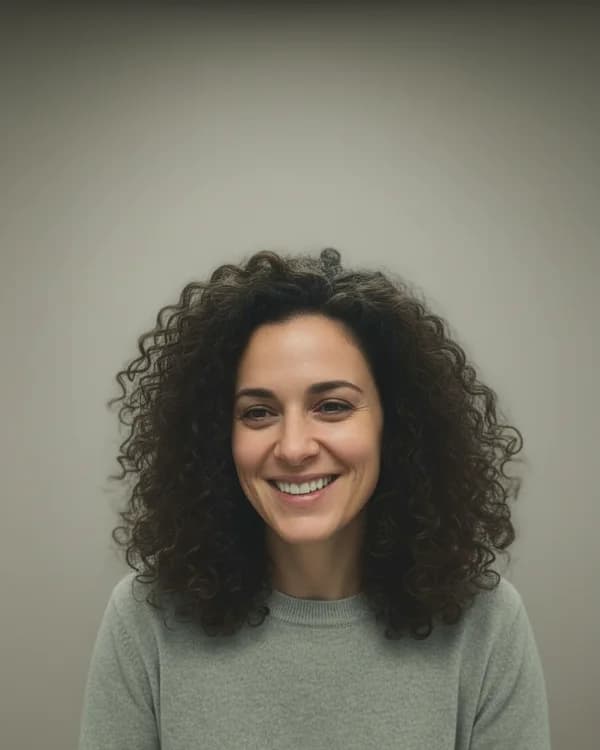
Sharpen a blurry face in a photo
A shaky hand or a low-light shot can leave the face soft. Face Unblur rebuilds the detail in eyes, skin and hair so the photo you love is usable again.
Add a photo on the right to try it. Want more control? Open Face Unblur in the full editor.
Uses 1 AI credit per run. Free accounts get 25 credits a month; Pro gets 500.
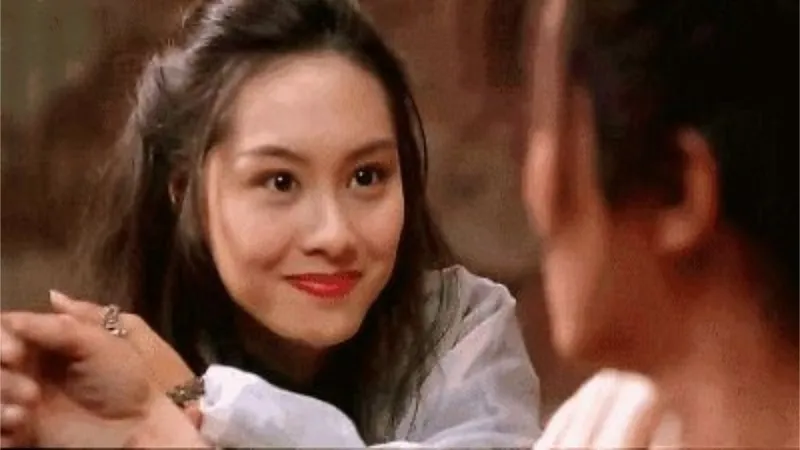
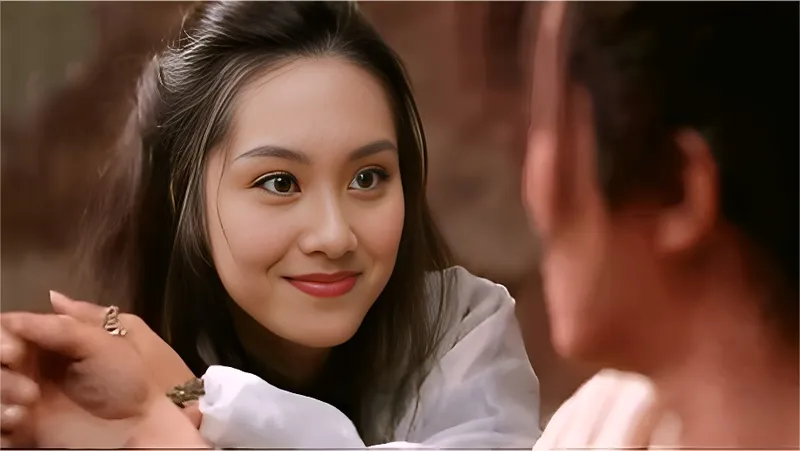
Drop a photo
✓ Done
Face Unblur
Unblur Face
Download
HOW IT WORKS
How to use Face Unblur.
- 1
Add a photo
Upload one, or pick a photo already in your design. JPG, PNG, WebP and HEIC all work.
- 2
Run Face Unblur
One tap for most tools; a few let you pick a style or paint the area first.
- 3
Download or keep editing
Save the result, or carry on in the editor with text, templates and other tools.
QUESTIONS