THE STUDIO · No. 02 · BACKGROUND
Pro background removal with clean edges
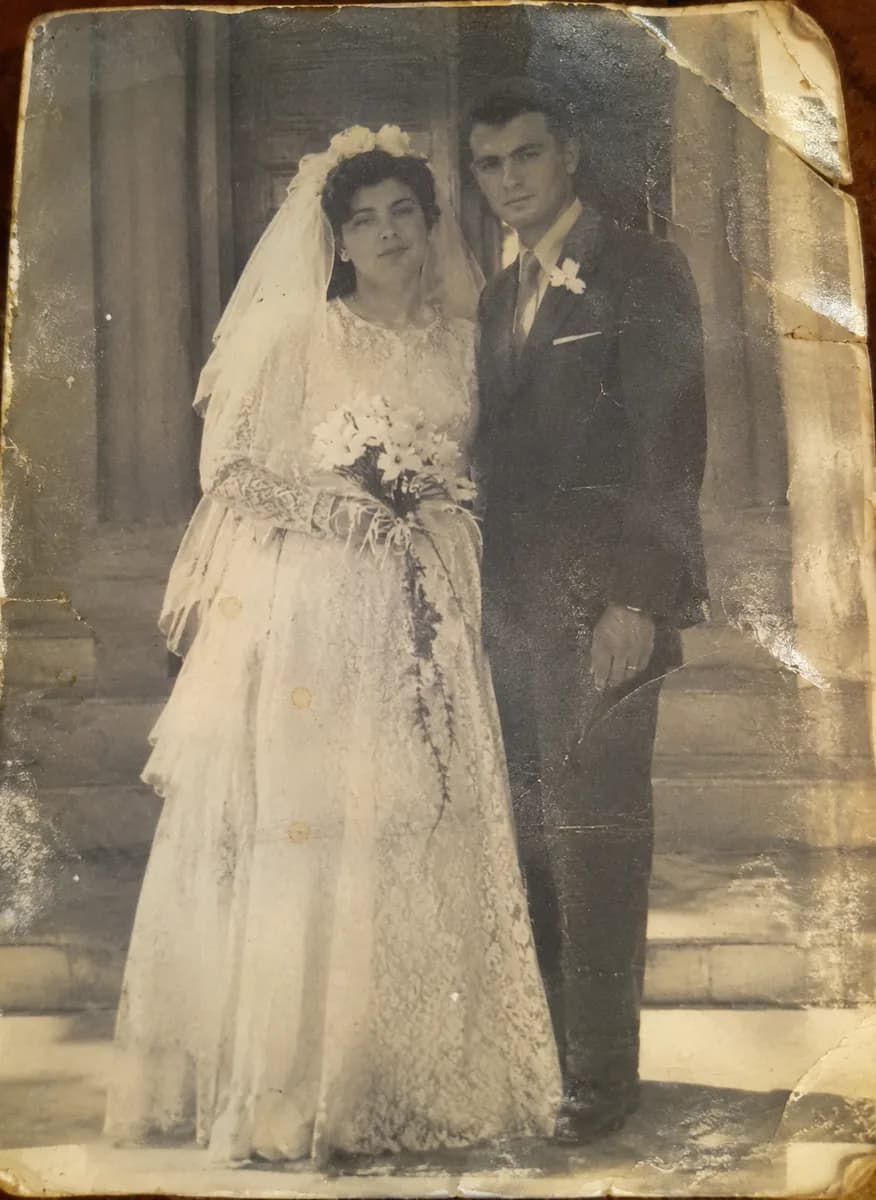
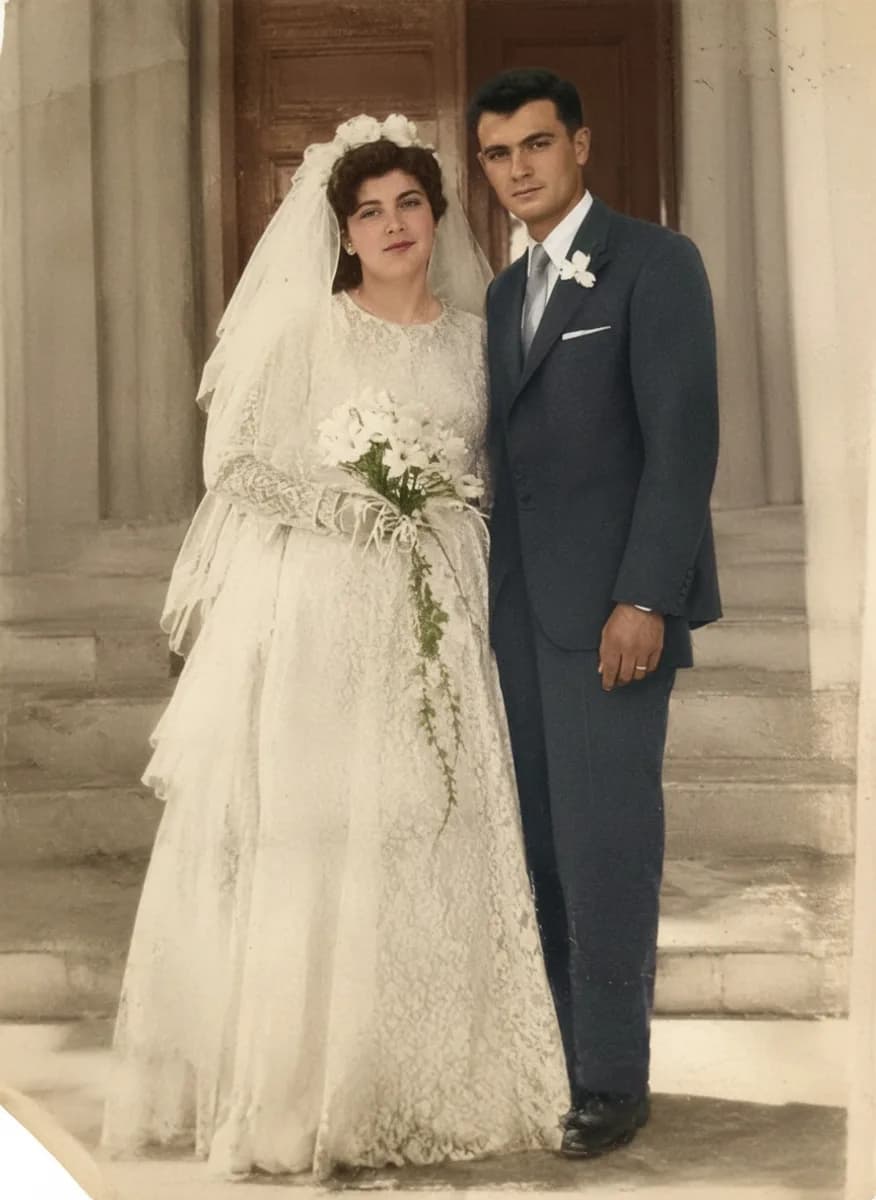
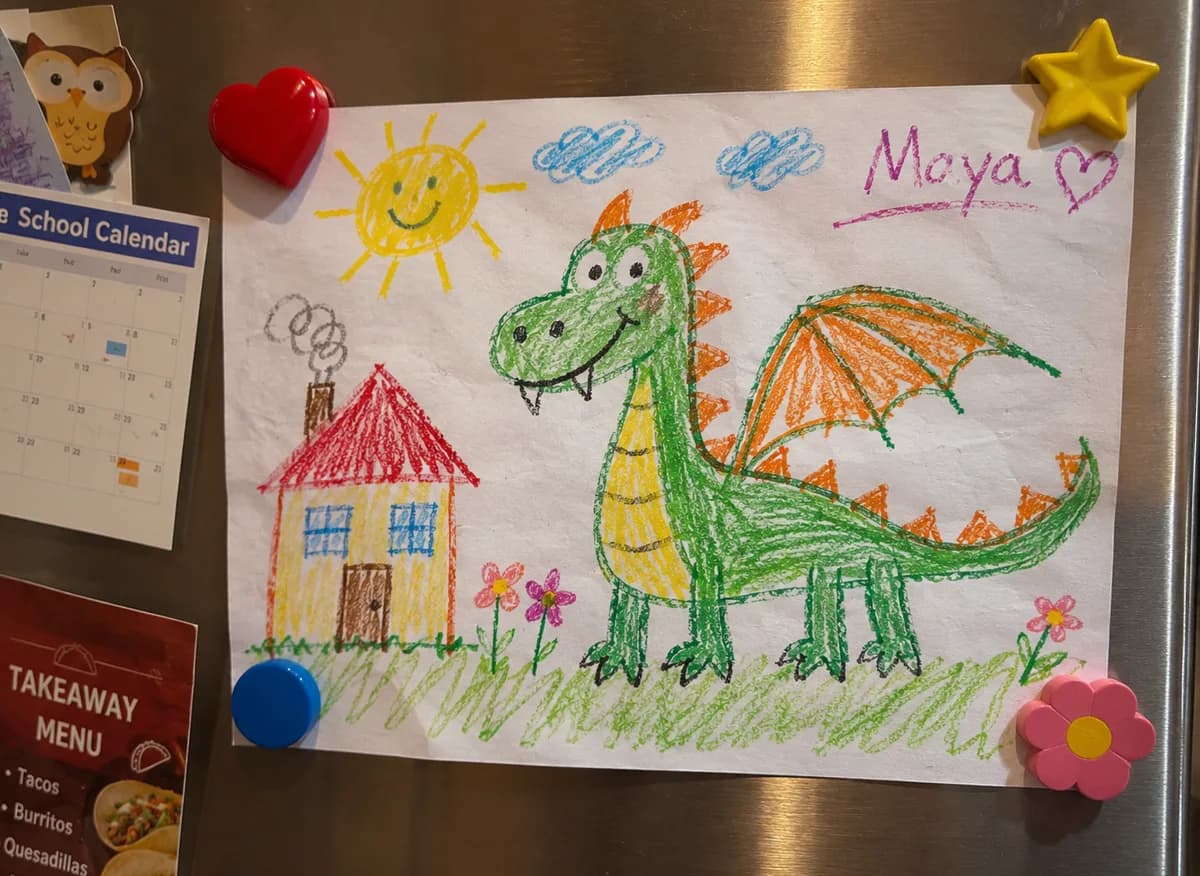
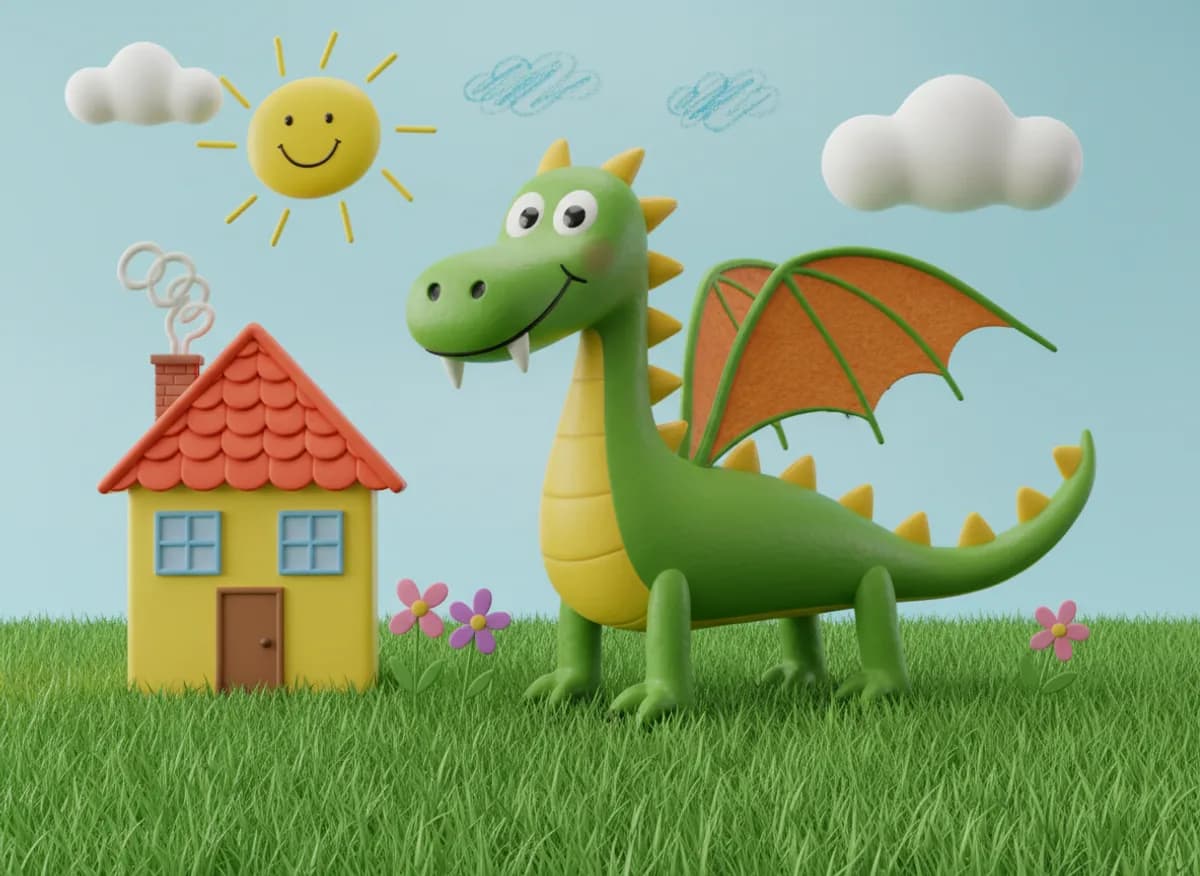
For the photos where detail matters — curly hair, fur, glassware, lace. A studio-grade model separates the subject cleanly, ready for a product page, a poster or a profile picture.
Add a photo on the right to try it. Want more control? Open BG Removal Pro in the full editor.
Uses 2 AI credits per run. Free accounts get 25 credits a month; Pro gets 500.
INTRODUCING
Introducing Picazo’s Background Remover Pro
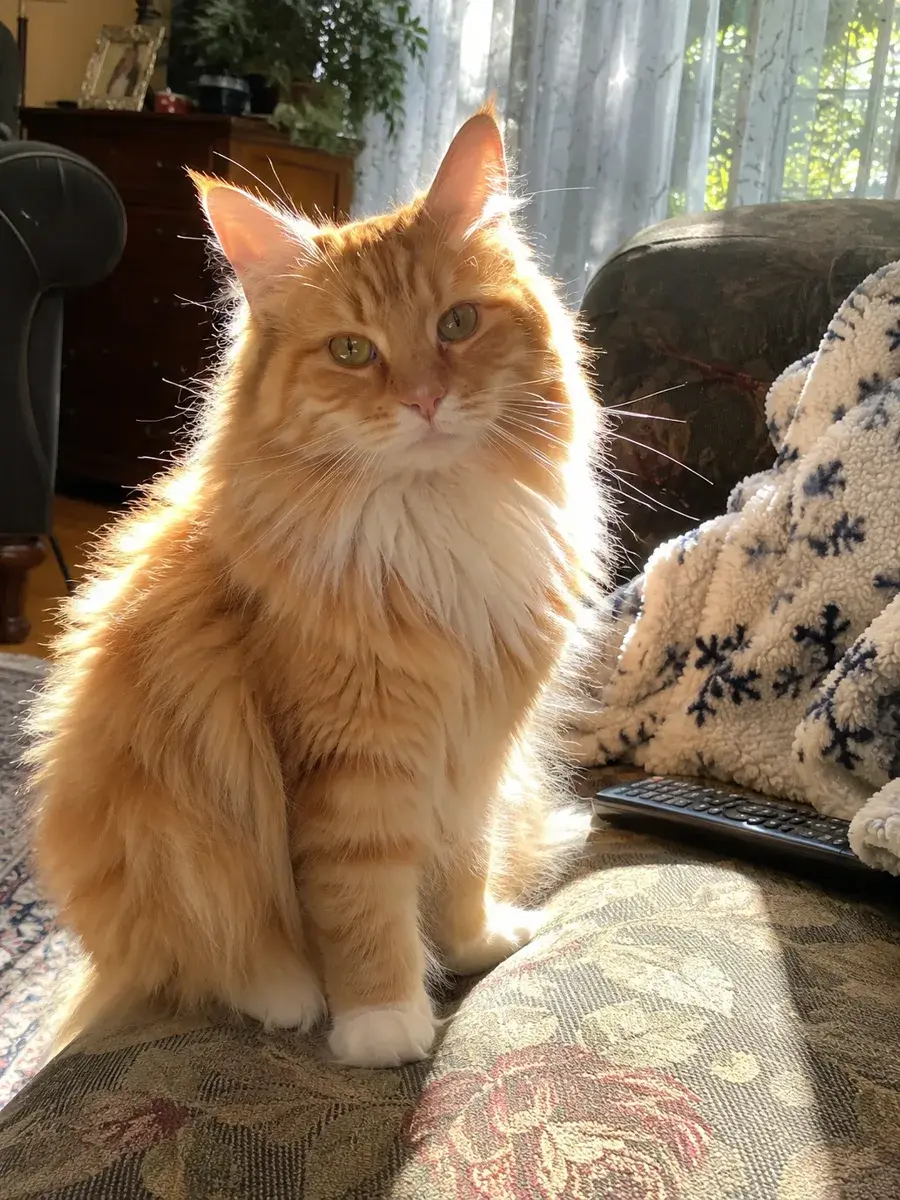
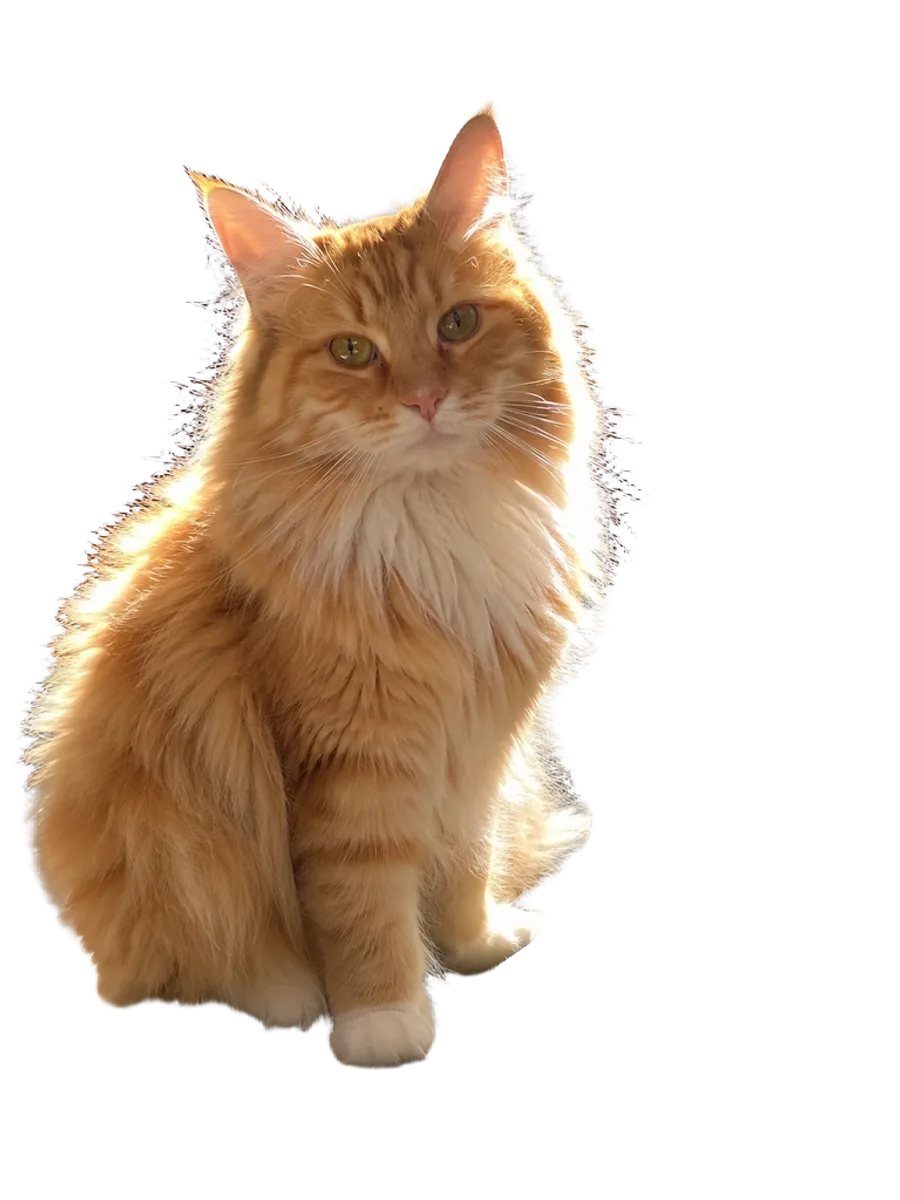
Picazo’s Background Remover Pro is for the photos where the edge matters: curly hair, a long-haired cat, fur against a patterned sofa, fine product detail. It separates the subject from everything behind it and hands back a cut-out on transparency, ready for a product page, a poster or a profile picture.
Your photo is sent to Bria’s background removal model, which runs on a server rather than on your phone or laptop. It’s our HD cut-out: part of Pro and the trial, with two free runs a month on the Free plan. Each run uses 2 AI credits, and if a run fails, the credits go back.
EXAMPLES
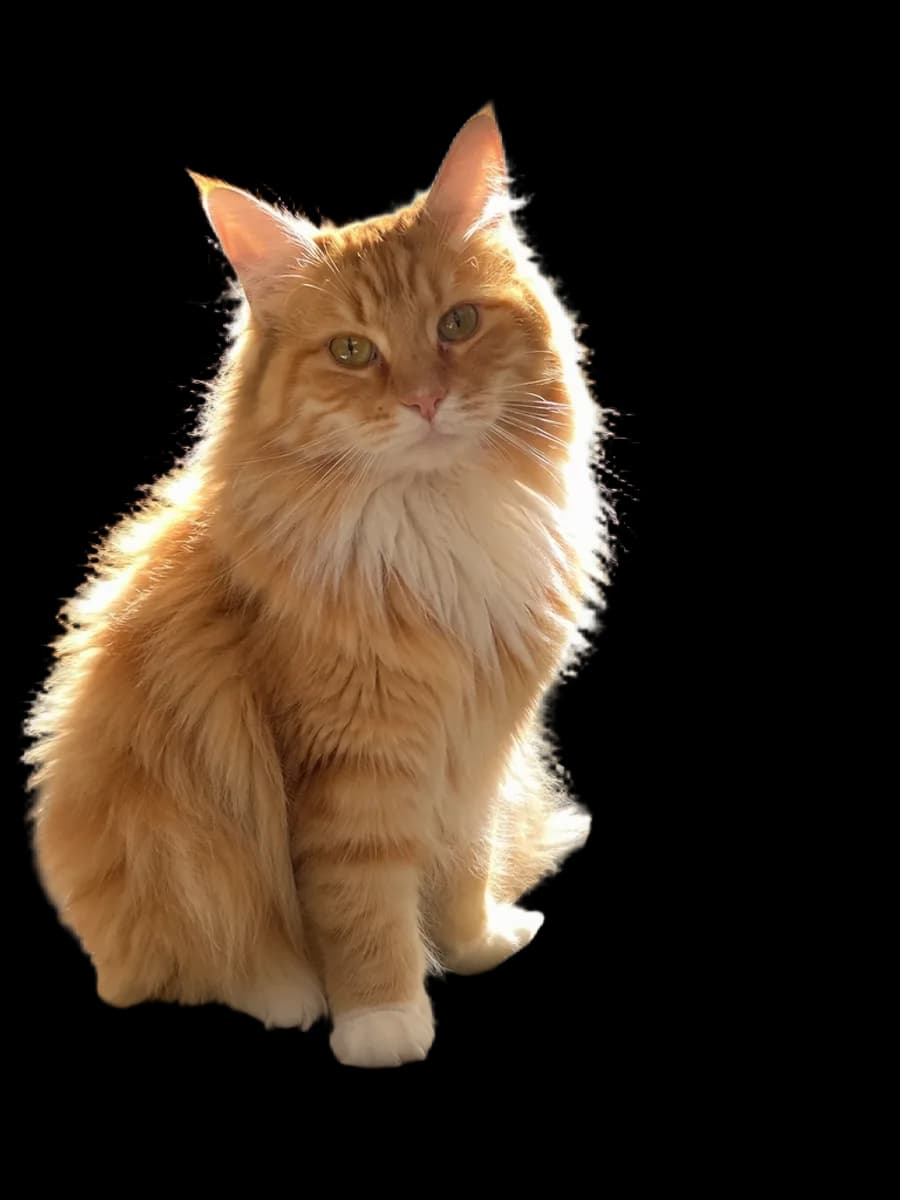
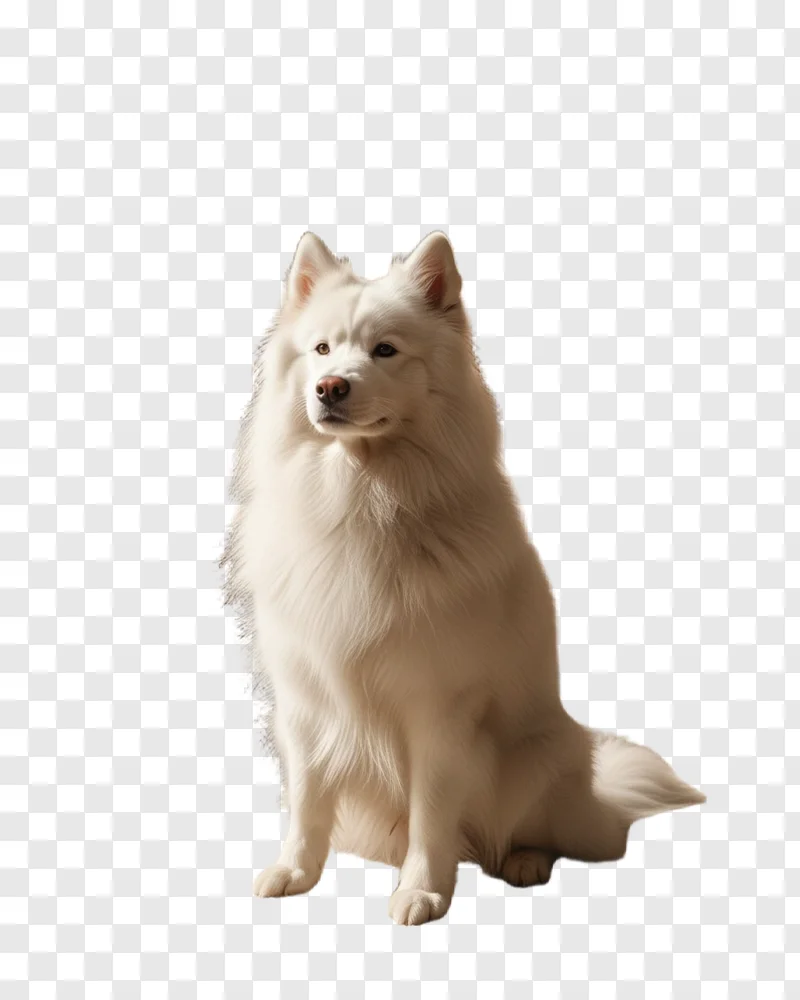
Clean edges on hair and fur
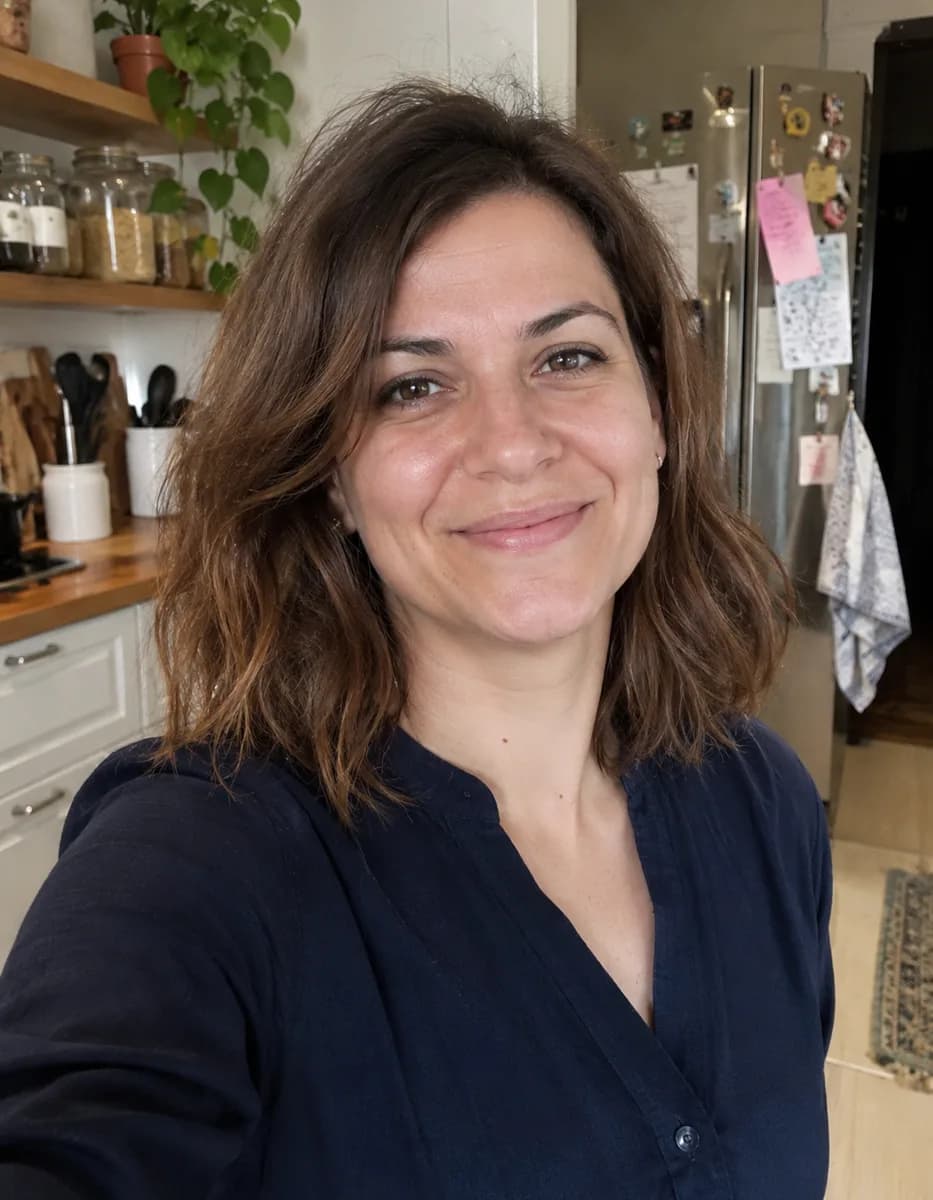
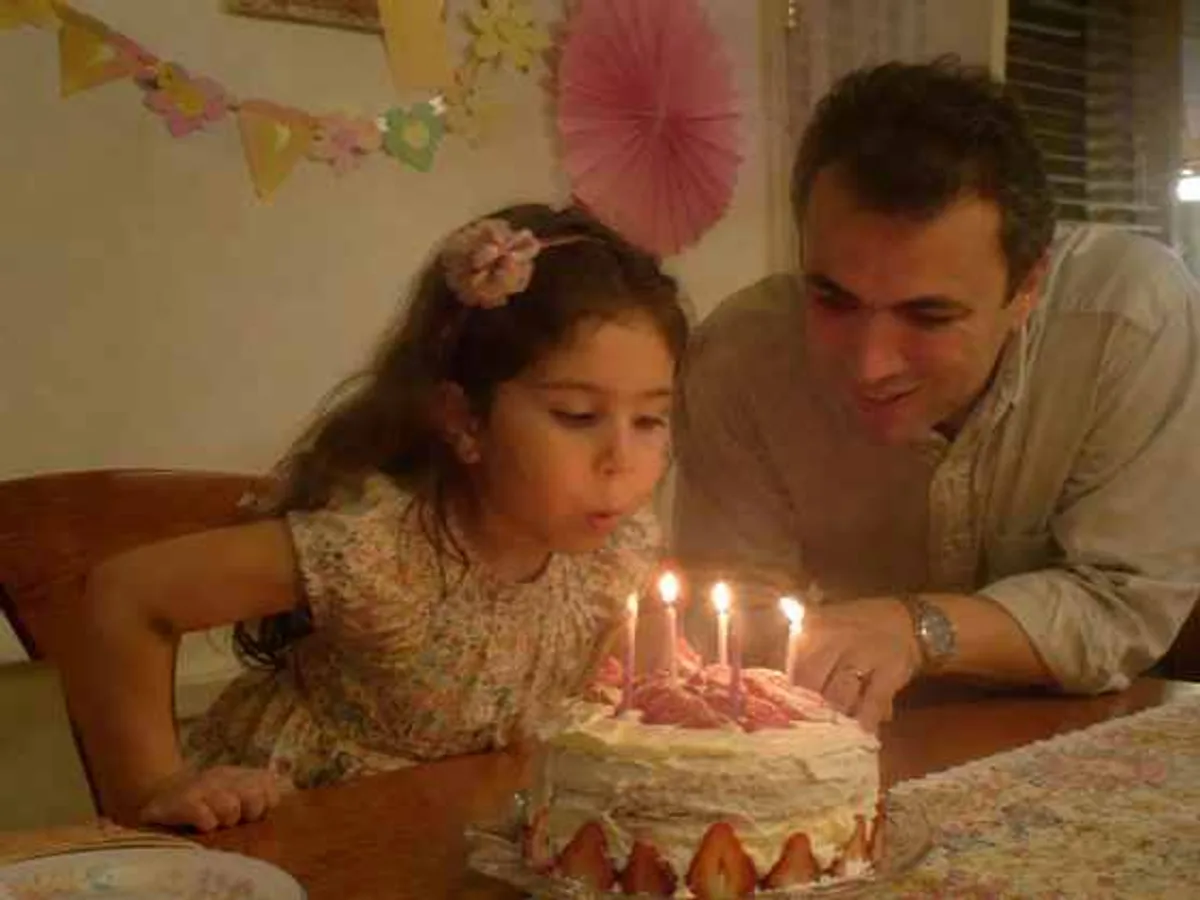
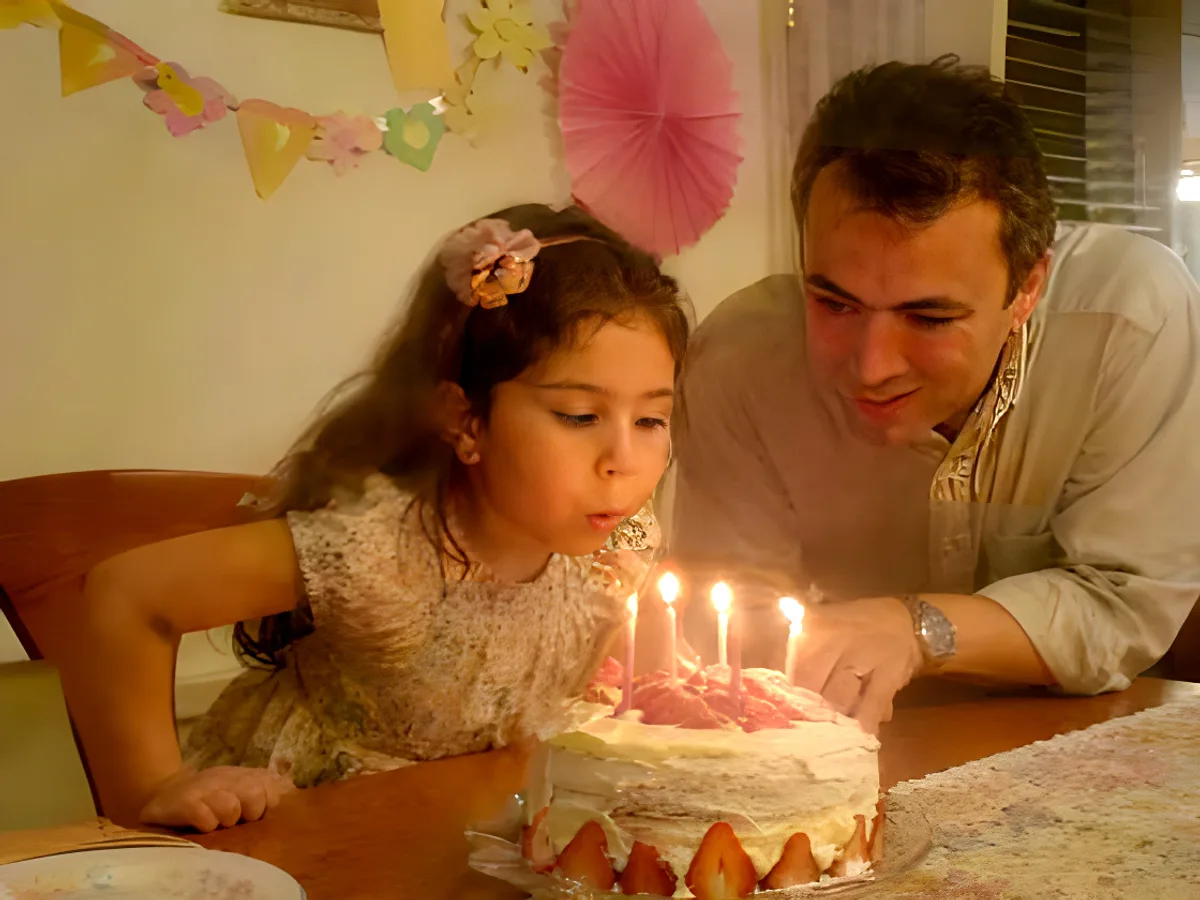
The hard cases, cut out with Pro: long fur, soft window light and busy rooms behind. Drag across each picture to compare.




DO MORE
Take your cut-out further
Put it in a new scene →
Describe a setting and Generate Background builds it around your subject, from a white studio to a beach at golden hour.
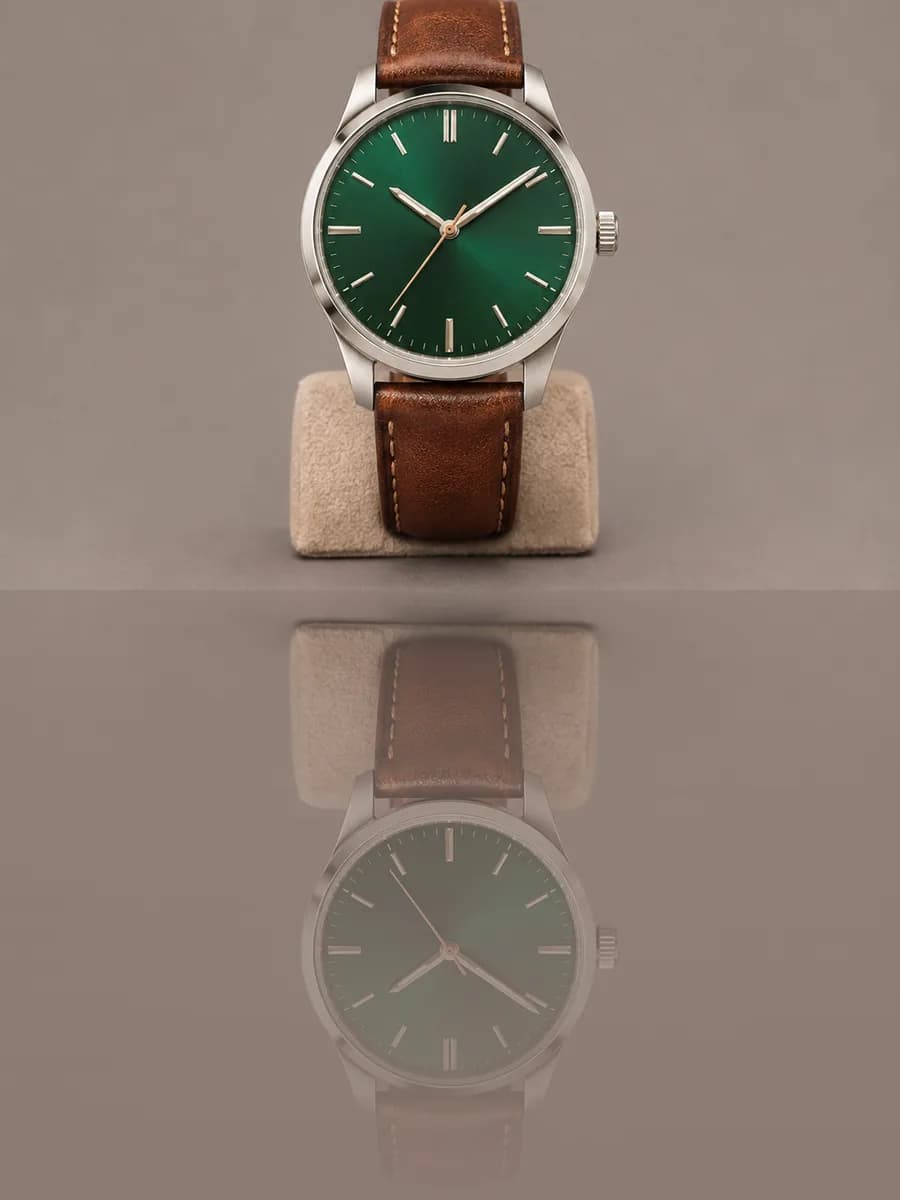
Add a studio reflection →
Stand a product cut-out on a glossy floor with a soft, fading reflection beneath it. It runs in your browser and is free.
Cut out just the head →
For stickers, avatars and memes, Face Cutout keeps only the head on transparency, trimmed close around it.
SAFE AND YOURS
Creating is fun, and safe.
Sent only to make your result
Your picture goes to our AI provider to make the result, and nowhere else. It's never sold or used for advertising.
Never used to train AI
We don't train models on what you upload or make, and we require our AI providers not to either.
What you make is yours
You own the pictures and designs you create in Picazo. Use them for yourself or your business.
Pro cut-outs for detailed work
For product photographers
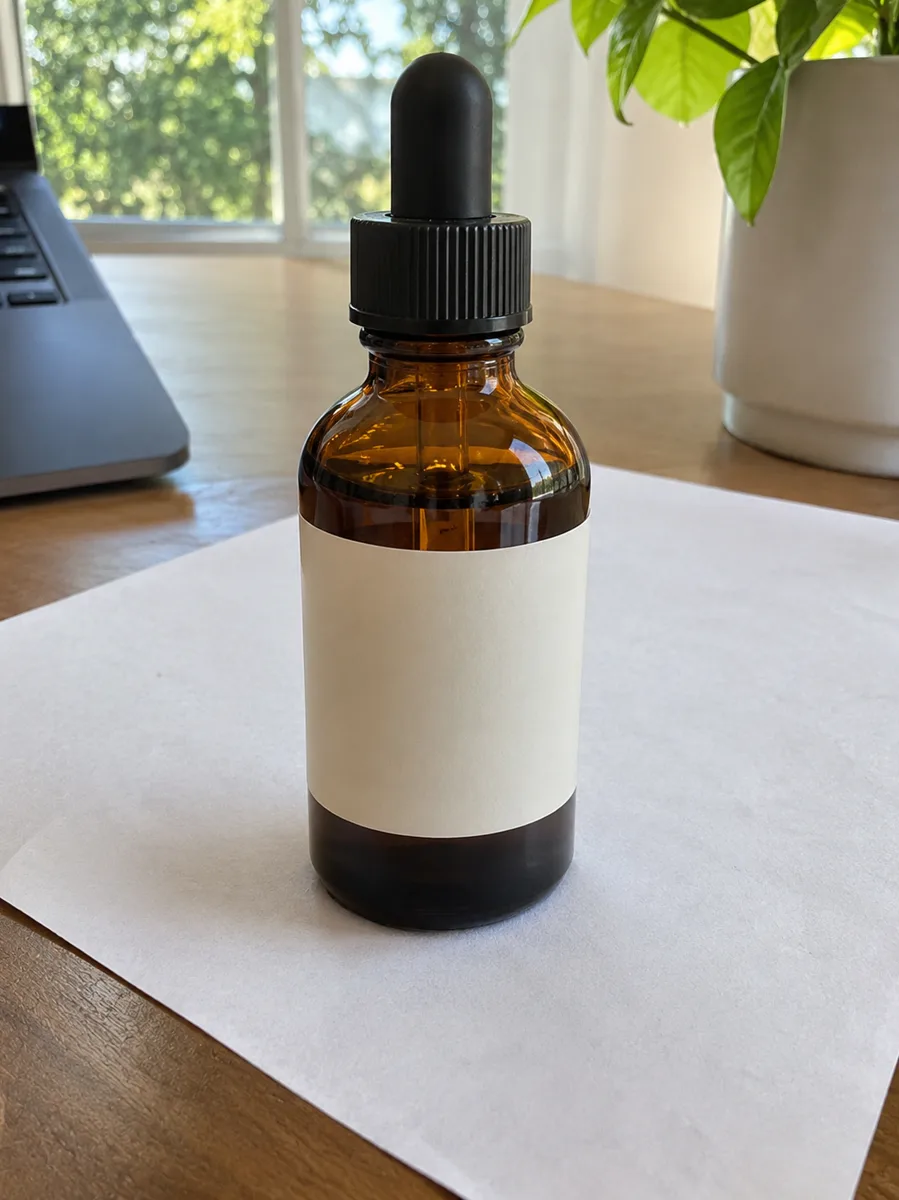
Glassware, jewellery and textured fabrics cut out cleanly, ready for a white listing, a catalogue page or a seasonal banner.
For pet portraits
Fluffy coats, whiskers and ears kept intact, so your dog or cat can go on a card, a mug or a birthday post.
For designers and agencies
Dependable cut-outs of people with real hair, for client posters, team pages and campaign layouts that can’t show a jagged edge.
THE WHOLE STUDIO
All the features you need
Every AI tool sits inside a full design editor, so a result never has to leave Picazo to become something finished.
100,000+ templates →
Posts, posters, flyers, cards, menus and résumés, all fully editable.
Free background remover →
Unlimited, with no watermark, on any photo.
Make any text editable →
Turn the words in a picture or a flattened design back into real text.
AI photo tools →
Enhance, upscale, restore, expand and remove objects, all in one editor.
Layers and precise editing
Move, align, crop, clip and restyle every element on the page.
Export with no watermark
PNG, JPG, SVG and print-ready PDF, in full quality.
Open PDFs and PSDs
Bring in a PDF or a Photoshop file and edit it like any design.
Brand kit
Your colours, fonts and logo, applied to a whole design in one tap.
Bulk edit and create →
Resize or watermark 30 photos at once, or turn a spreadsheet into designs.
Translate a design →
Every text box into one of 35 languages, with the layout kept.
On your phone too
A touch editor with the AI tools, templates and export built in.
Autosave and sync
Signed in, your designs save as you go and open on any device.
HOW IT WORKS
How to use BG Removal Pro.
Add your photo
Upload, drop or paste a photo, or pick one from My uploads. JPG, PNG, WebP and HEIC all work, and a busy background is fine.
Press Remove Background
Sign in if you’re asked to. Your photo goes to Bria’s model and the cut-out comes back to the page; each run uses 2 AI credits.
Compare the edges
Drag across the result to check hair, fur and fine detail against your original before you use it anywhere.
Download or keep editing
Download a transparent PNG, or press Edit in Picazo to place it on a template, add text or give it a new background.
Do a whole shoot
With Pro or the trial, Bulk AI cuts out up to 30 photos at a time with the same tool, each charged like a single run.