ONE-TAP FIXES · ENHANCE
Fix a dark or underexposed photo
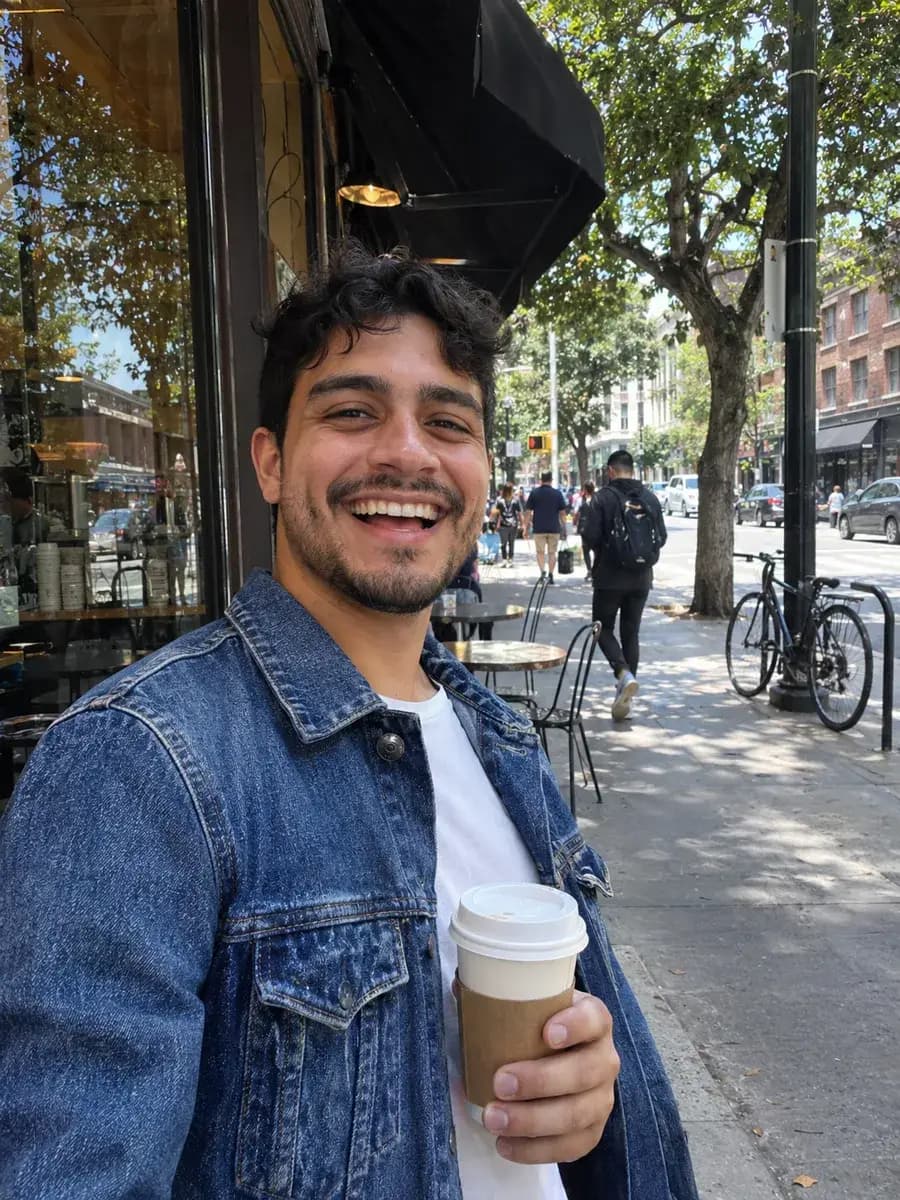
Night shots, dim restaurants and indoor events: Low-Light Fix lifts the shadows, recovers detail and keeps colours natural instead of washed out or noisy.
Add a photo on the right to try it. Want more control? Open Low-light Fix in the full editor.
Free with a Picazo account, up to 10 runs a day (100 on Pro).
INTRODUCING
Introducing Picazo’s Low-Light Photo Fixer
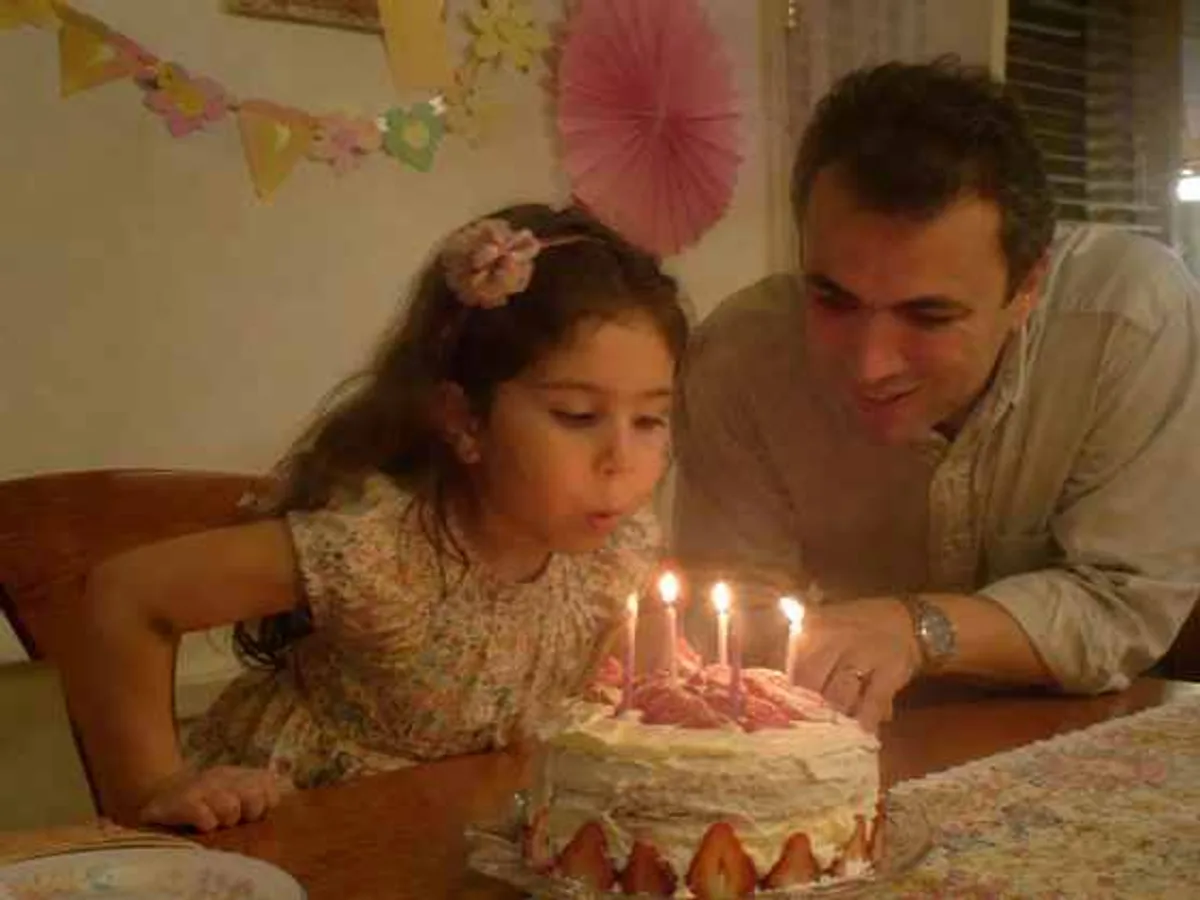
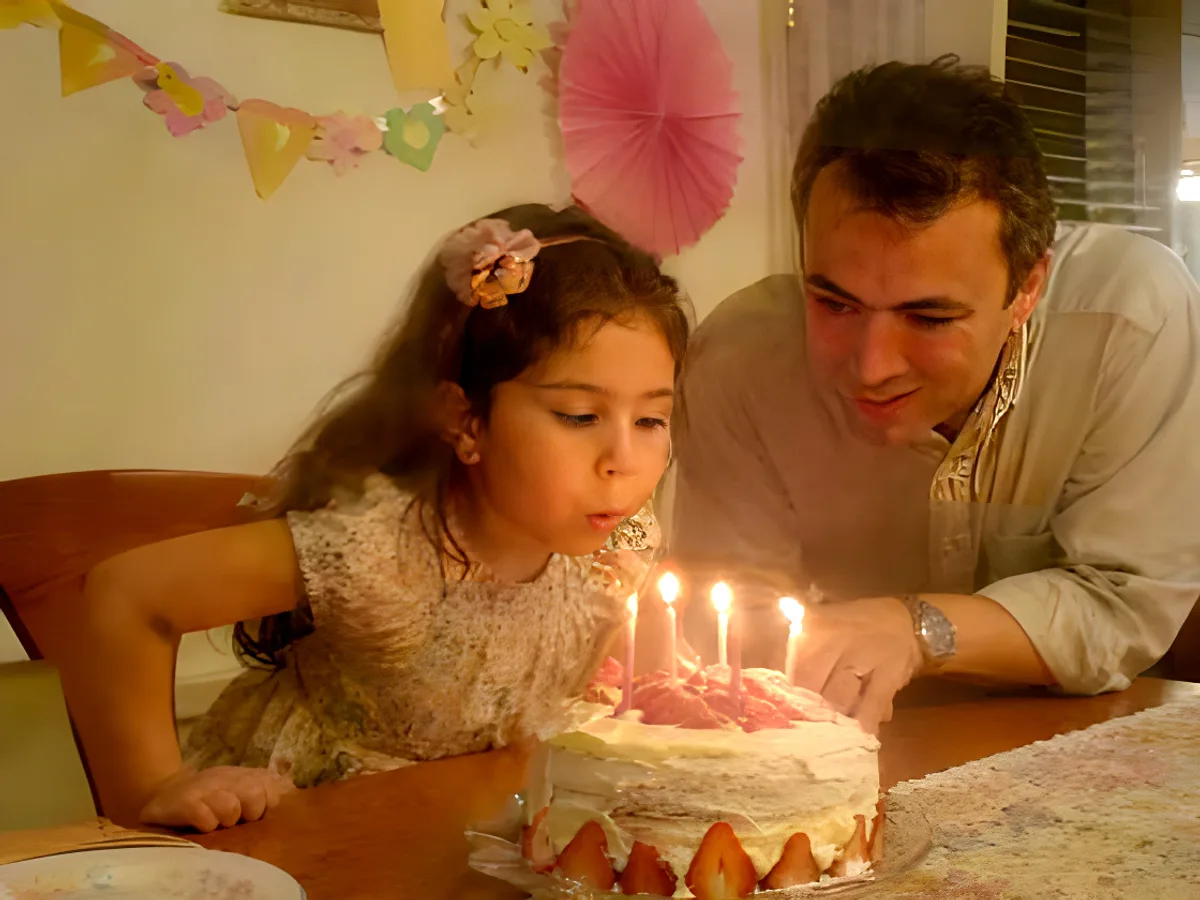
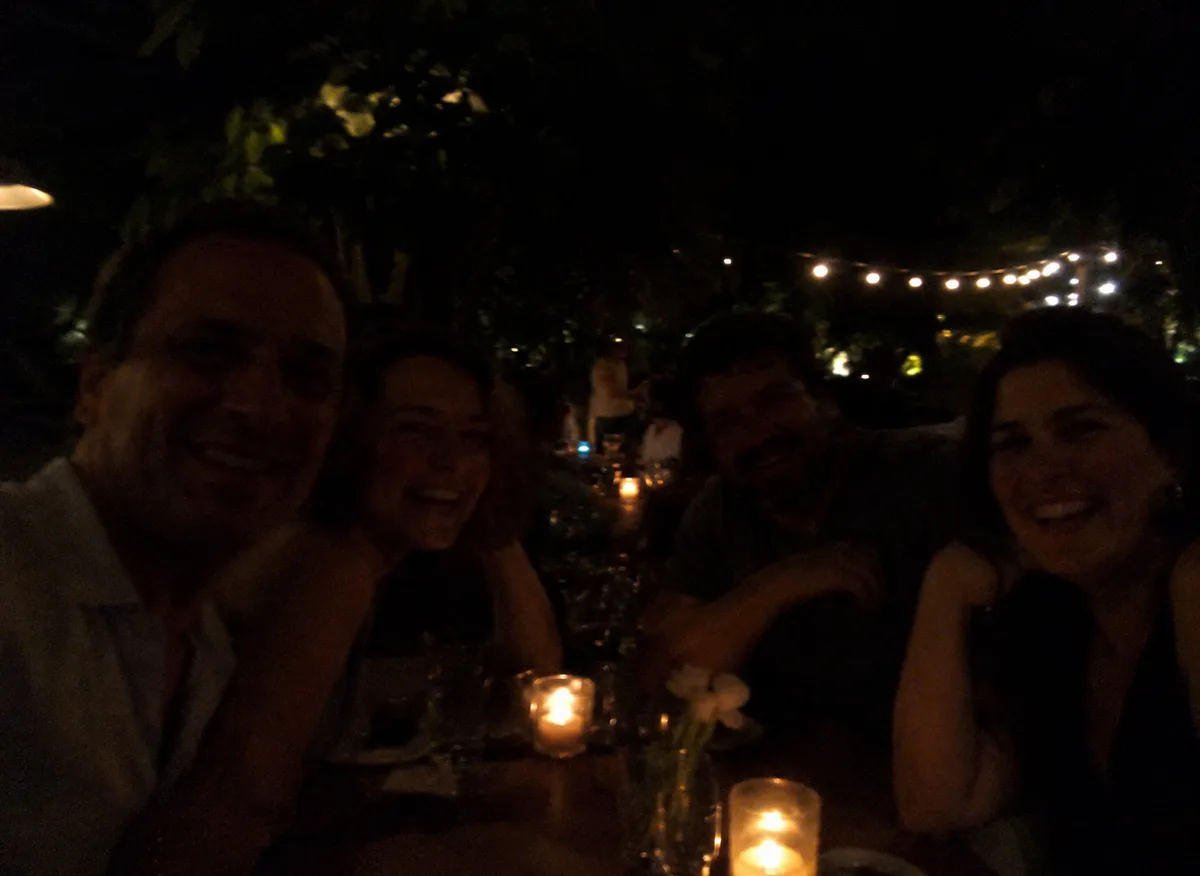
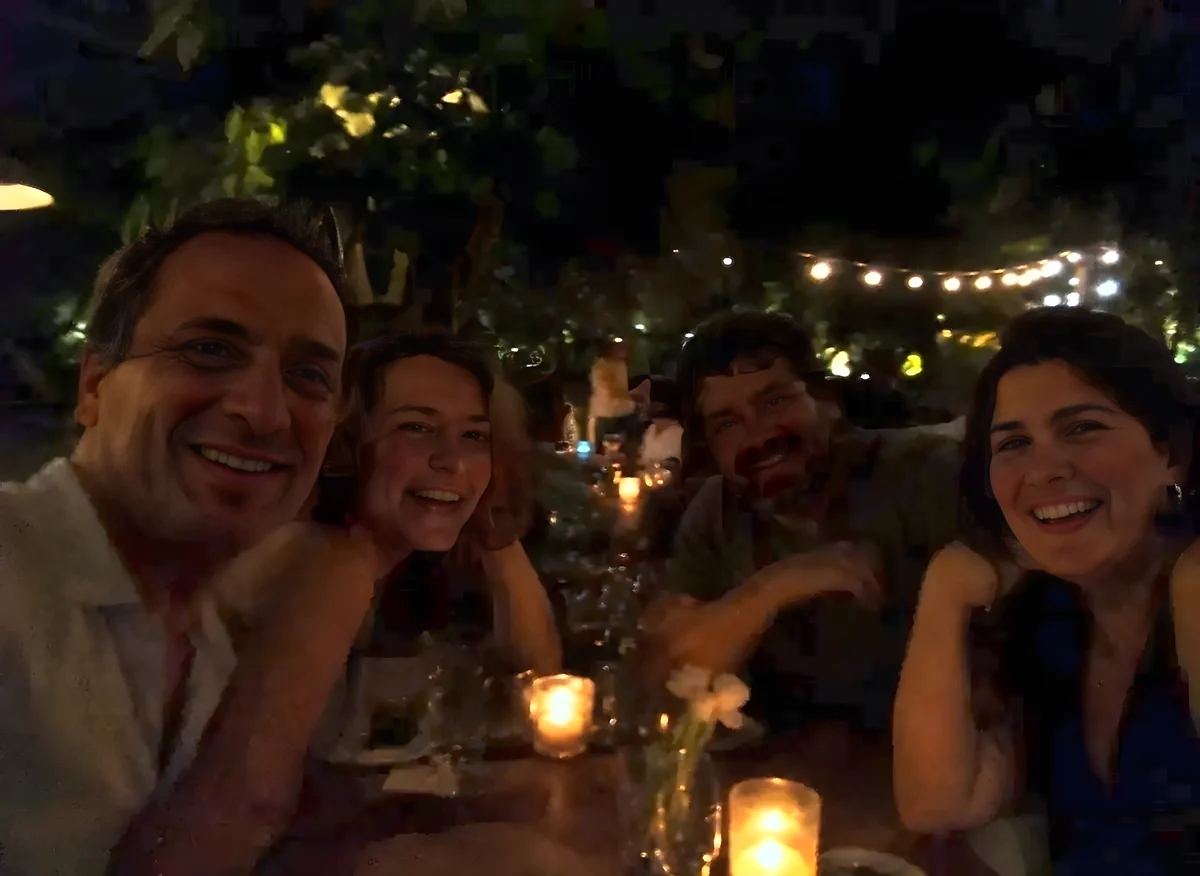
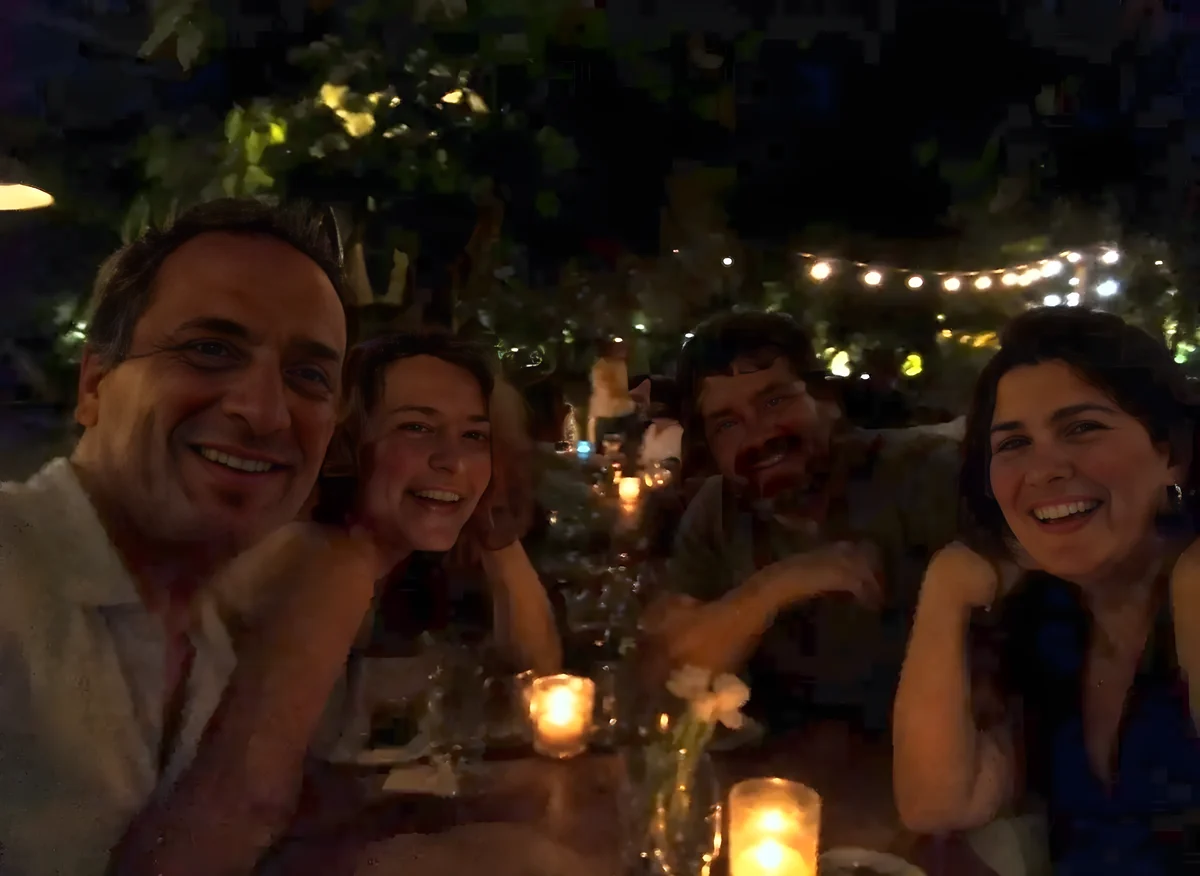
Picazo’s Low-Light Photo Fixer rescues the shots you took in the dark: a candlelit dinner, an evening garden, a dim restaurant or a party after sunset. Faces come out clearly lit with natural skin tones, detail appears in the shadows, the grain is cleaned up and the colours stay true rather than washed out.
It works like the Auto button on a phone, done for you in one click. The light is fixed first, the way a photo editor would: exposure, shadows, black point, contrast and colour, set from your photo rather than a one-size preset. Then AI cleans up the grain and softness that dark photos always have. Nothing is redrawn, so the people, faces and everything in the scene stay exactly as they were. The result keeps your photo’s shape, ready to download or use in a design.
EXAMPLES
From too dark to just right
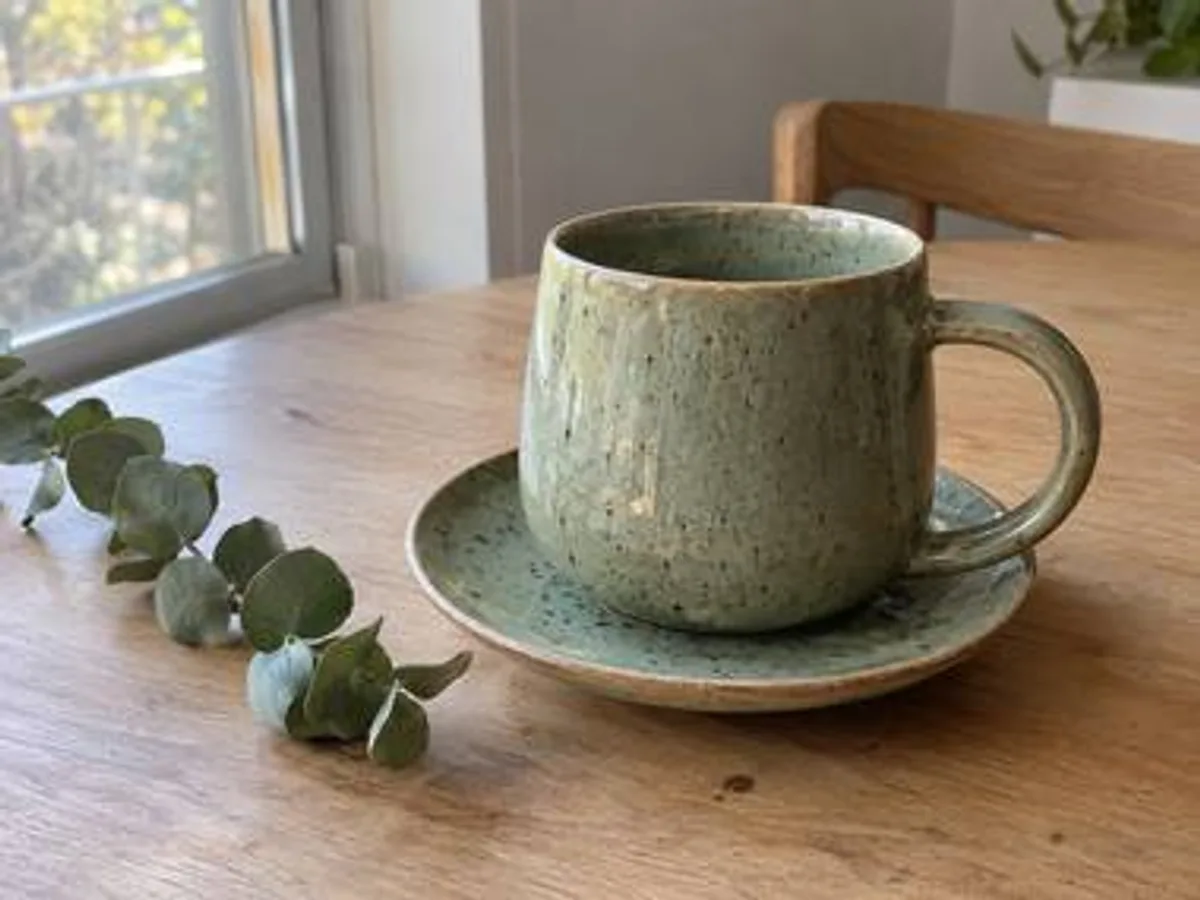
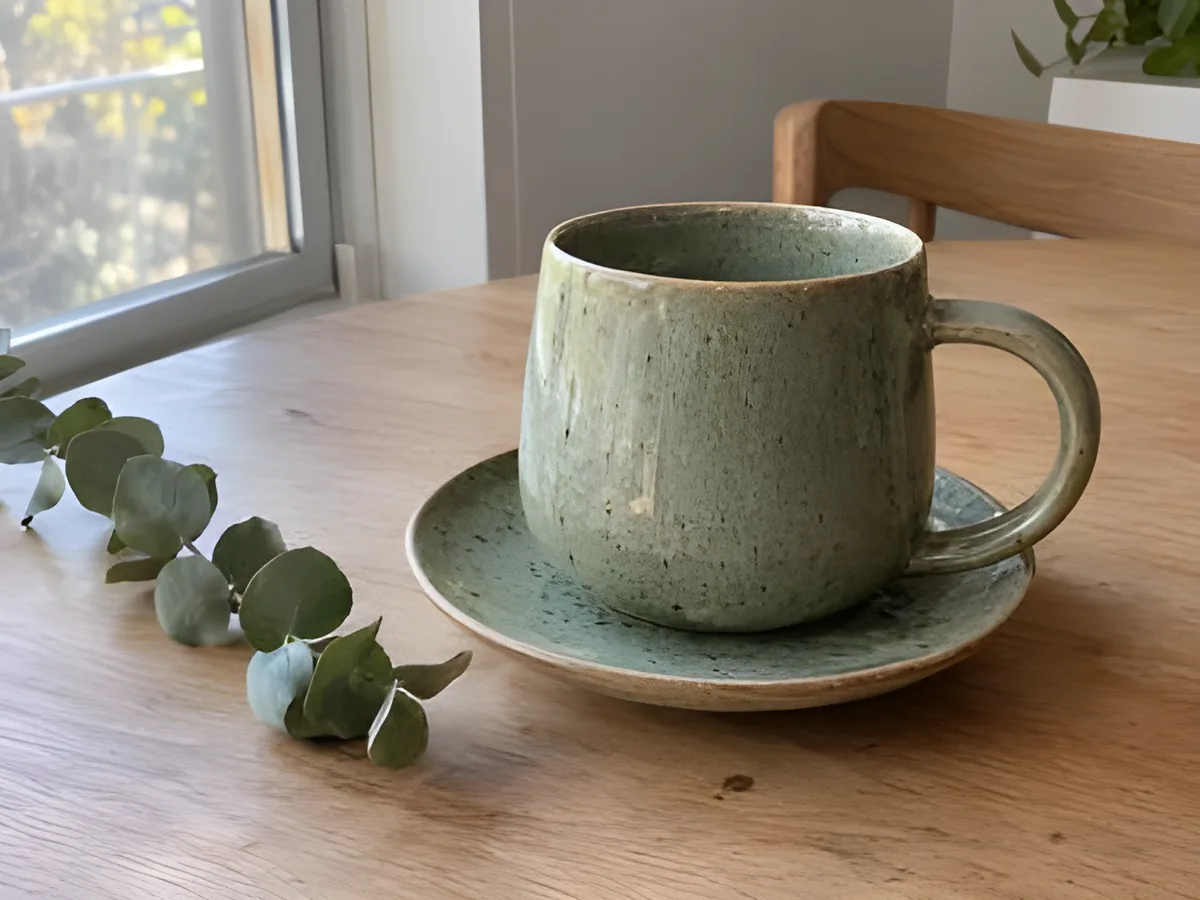
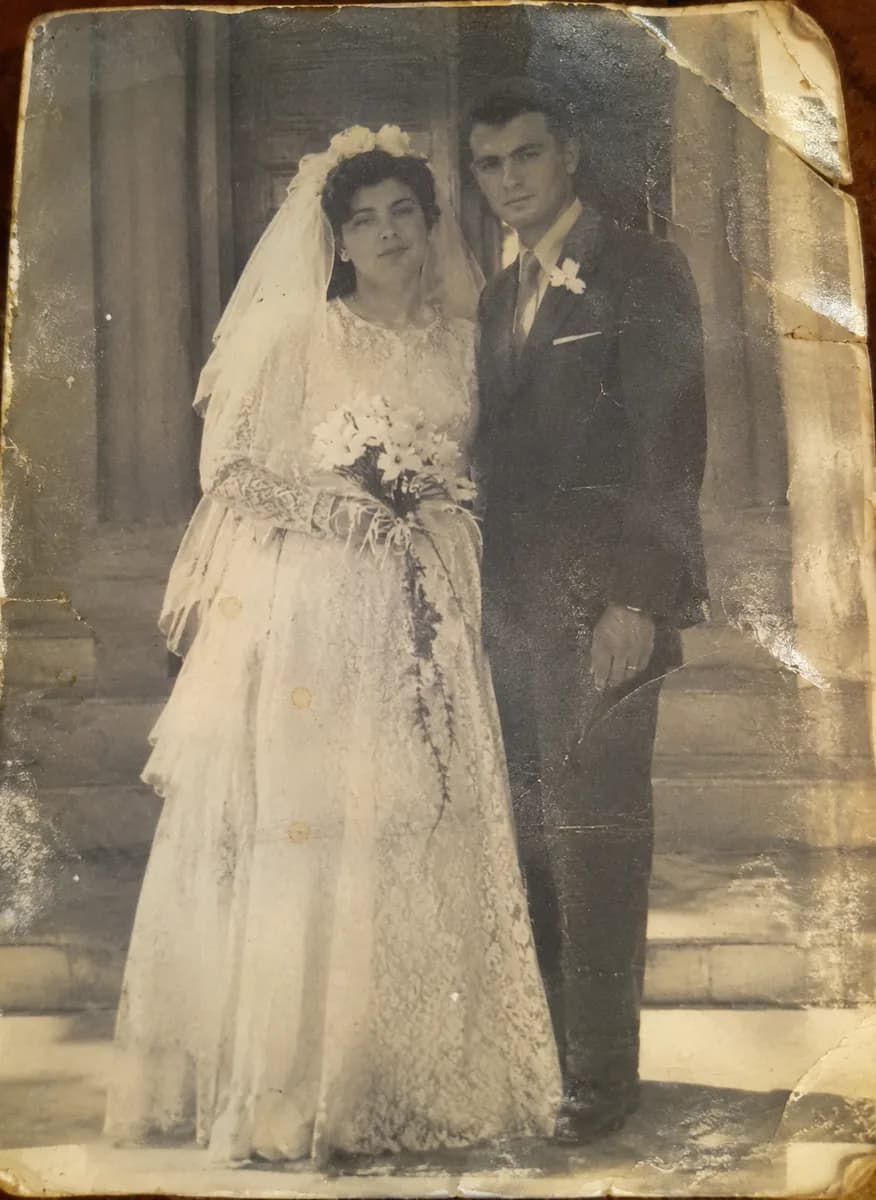
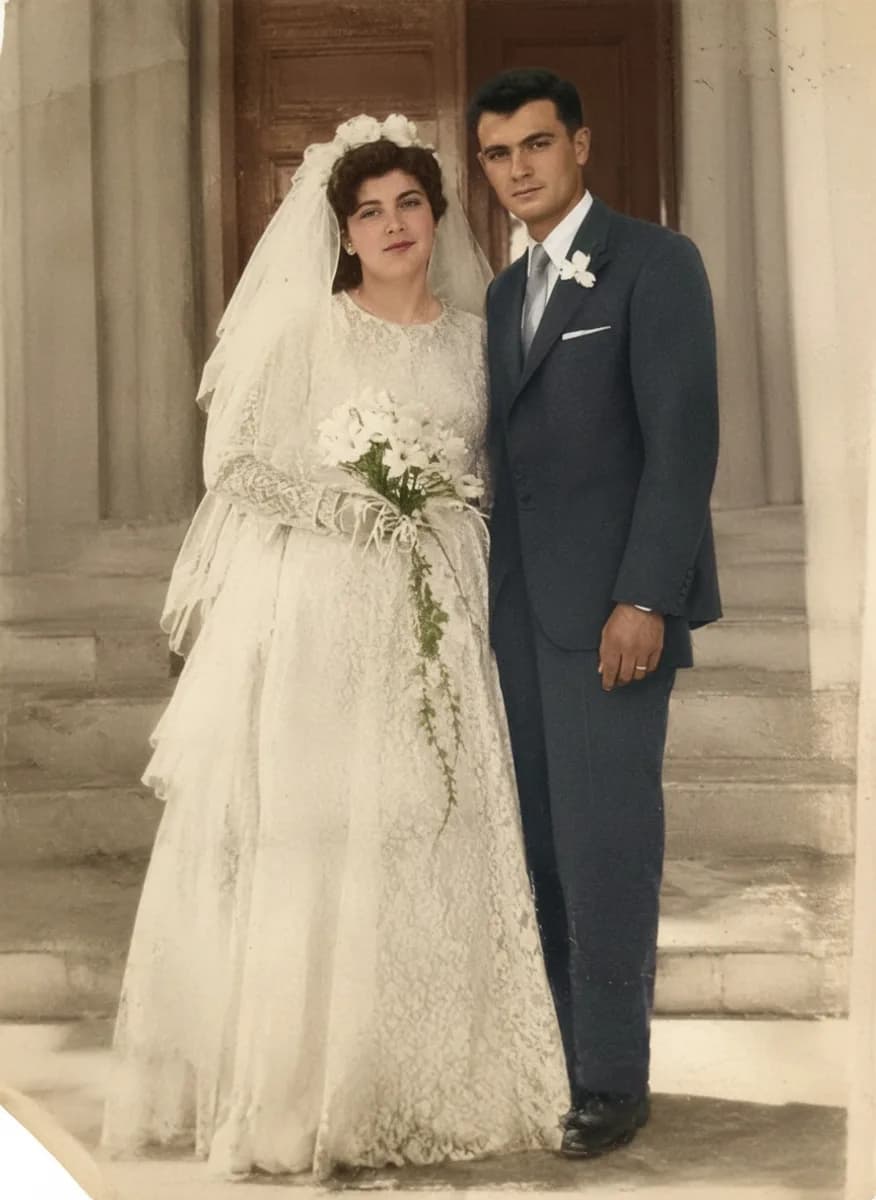
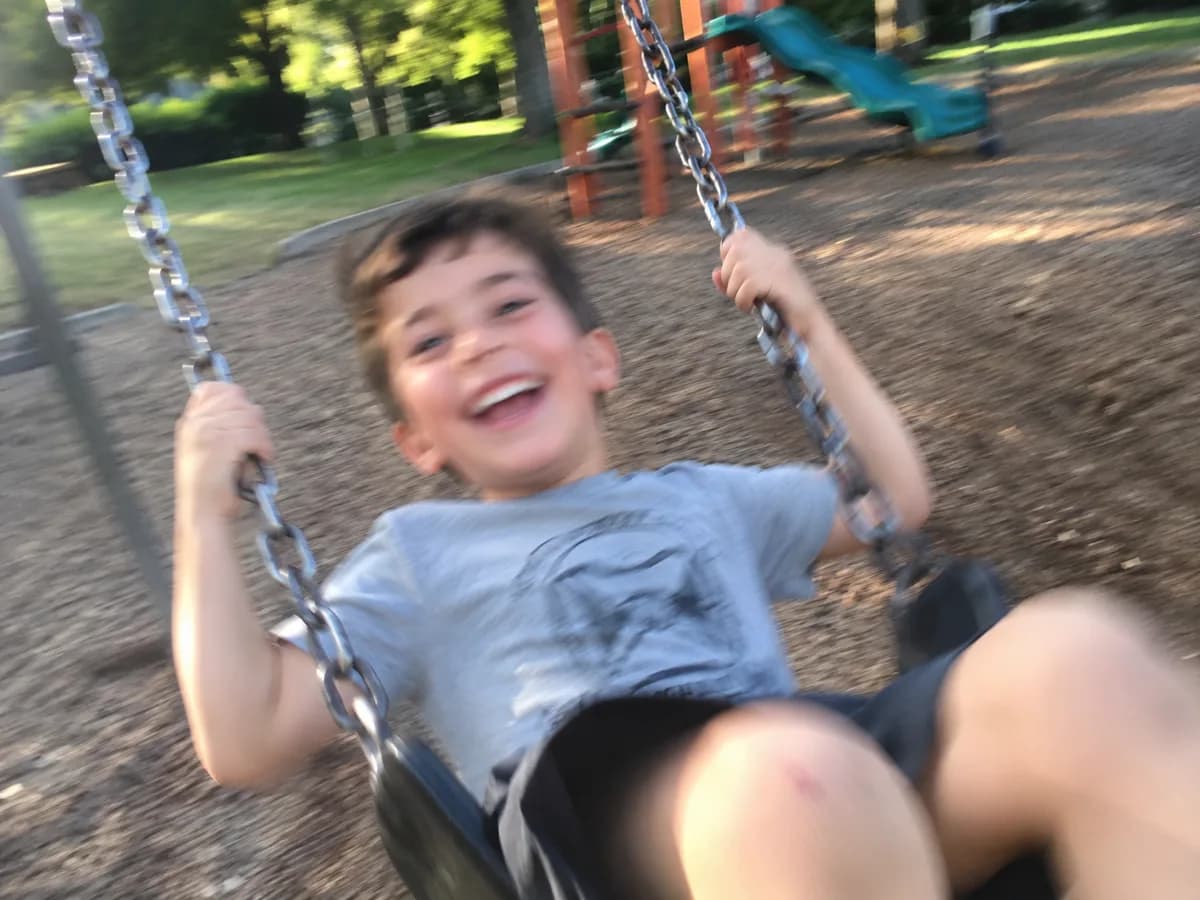
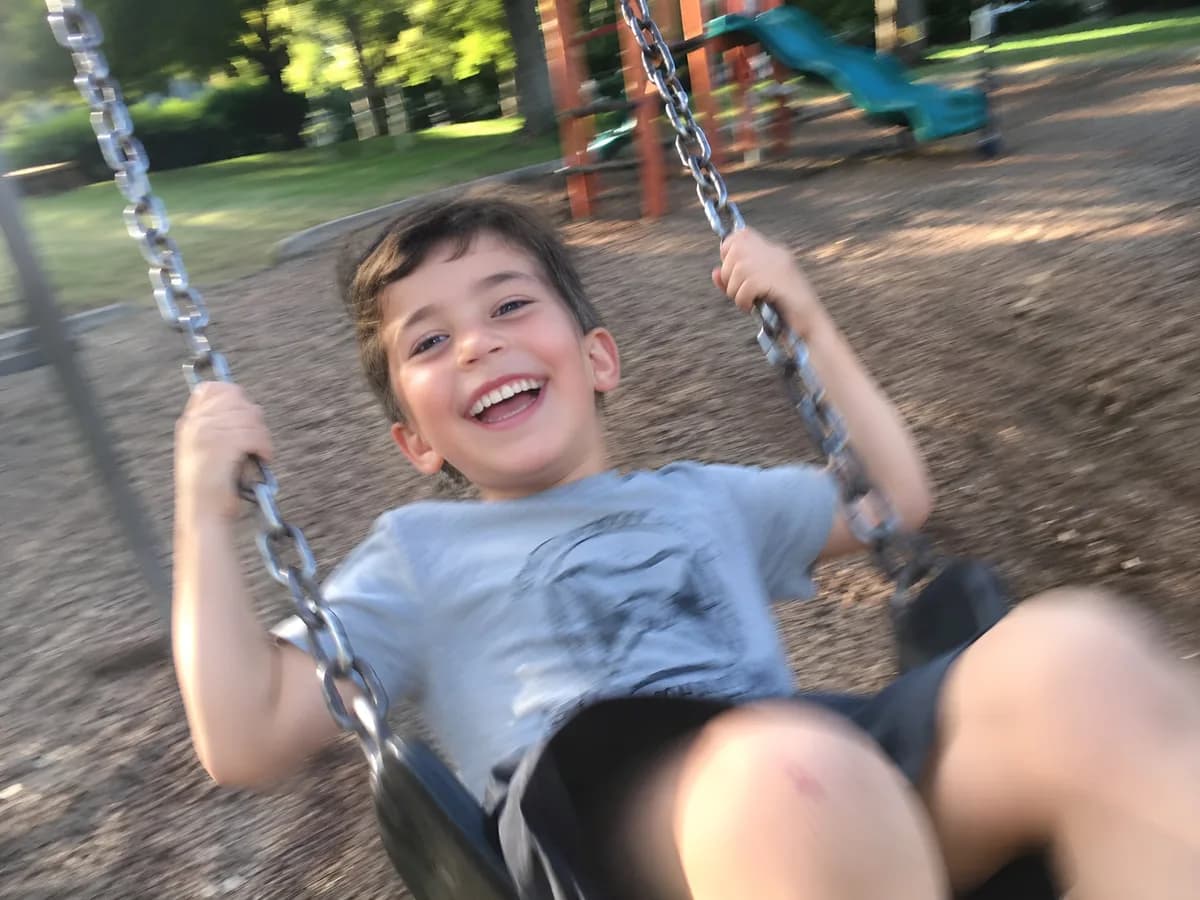
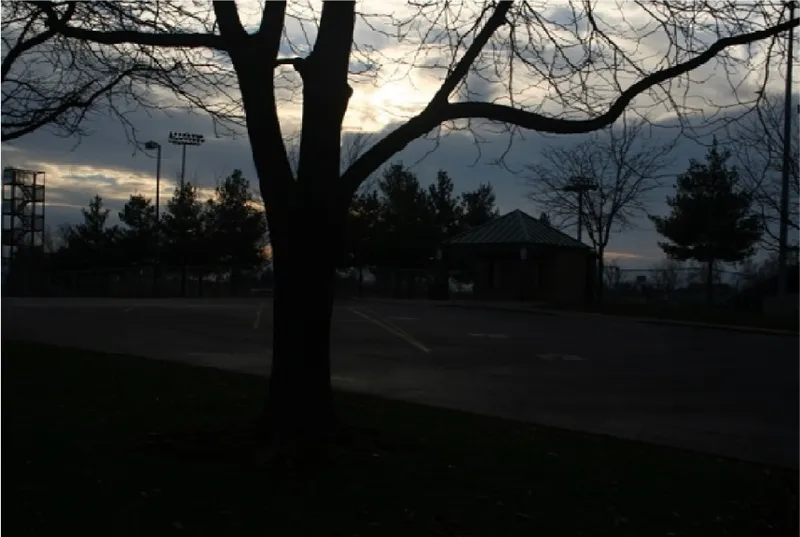
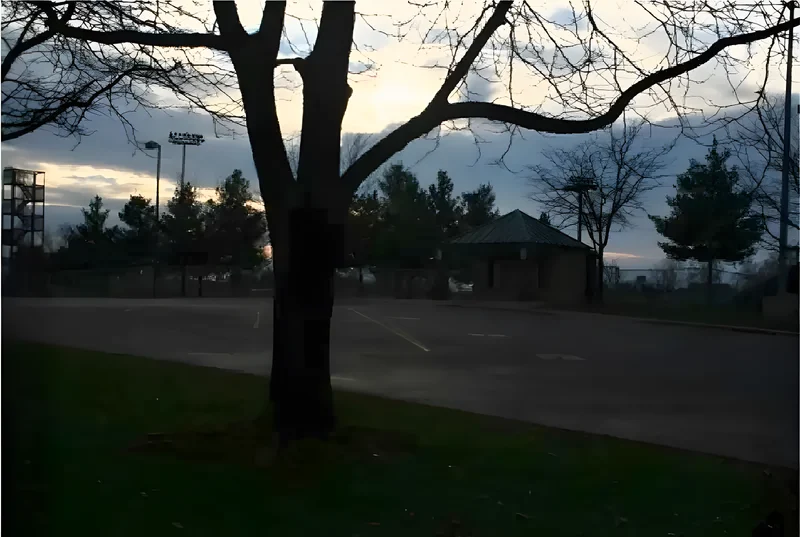
Real night and dusk photos fixed in Picazo. Drag across each one to compare before and after.
DO MORE
After the light comes back
Sharpen a soft face →
Night photos are often a little shaky too. Once the light is fixed, Face Unblur brings the faces back into focus.
Change the light itself →
For portraits and products, Studio Relight relights the photo in the style you choose: studio, soft, dramatic, golden hour, neon or product shot.
Fine-tune by hand
Open the result in the editor to adjust the curves, colour grading and colour mixer yourself, then add text or put it on a template.
SAFE AND YOURS
Creating is fun, and safe.
Sent only to make your result
Your picture goes to our AI provider to make the result, and nowhere else. It's never sold or used for advertising.
Never used to train AI
We don't train models on what you upload or make, and we require our AI providers not to either.
What you make is yours
You own the pictures and designs you create in Picazo. Use them for yourself or your business.
Night-time photos for every occasion
For nights out
Dinner, drinks and birthday photos where everyone’s smiling but most of the picture is shadow.
For travellers
Evening streets, sunsets and lantern-lit markets that looked bright to your eyes but came out murky on the phone.
For restaurants and venues
Atmospheric interiors and evening events, brightened enough to post while keeping the candlelit mood guests come for.
THE WHOLE STUDIO
All the features you need
Every AI tool sits inside a full design editor, so a result never has to leave Picazo to become something finished.
100,000+ templates →
Posts, posters, flyers, cards, menus and résumés, all fully editable.
Free background remover →
Unlimited, with no watermark, on any photo.
Make any text editable →
Turn the words in a picture or a flattened design back into real text.
AI photo tools →
Enhance, upscale, restore, expand and remove objects, all in one editor.
Layers and precise editing
Move, align, crop, clip and restyle every element on the page.
Export with no watermark
PNG, JPG, SVG and print-ready PDF, in full quality.
Open PDFs and PSDs
Bring in a PDF or a Photoshop file and edit it like any design.
Brand kit
Your colours, fonts and logo, applied to a whole design in one tap.
Bulk edit and create →
Resize or watermark 30 photos at once, or turn a spreadsheet into designs.
Translate a design →
Every text box into one of 35 languages, with the layout kept.
On your phone too
A touch editor with the AI tools, templates and export built in.
Autosave and sync
Signed in, your designs save as you go and open on any device.
HOW IT WORKS
How to use Low-light Fix.
Add the dark photo
Upload it, drop it on the page, paste it, or choose one from My uploads. JPG, PNG, WebP and HEIC all work.
Press Fix Low Light
There’s nothing to set. The light is fixed for your photo, faces lit and shadows opened up, and the grain is cleaned away.
Compare before and after
Drag across the result to see what changed. For more control, open it in the editor and adjust the light by hand.
Download or keep editing
Download it, save it to My uploads, or press Edit in Picazo to fine-tune the colour, add text or place it in a design.