ONE-TAP FIXES · BACKGROUNDFree
Blur the background of a photo
Get the shallow depth of field of a professional camera from any phone photo. The subject is kept pixel for pixel, the background falls away, and attention goes where you want it. It's free and unlimited. On most computers it runs in your browser; on phones, tablets and computers that can't run it, a small copy of the photo is sent to Picazo to find the subject, and isn't stored.
Add a photo on the right to try it. Want more control? Open Blur BG in the full editor.
Free and unlimited.
INTRODUCING
Introducing Picazo’s Background Blur
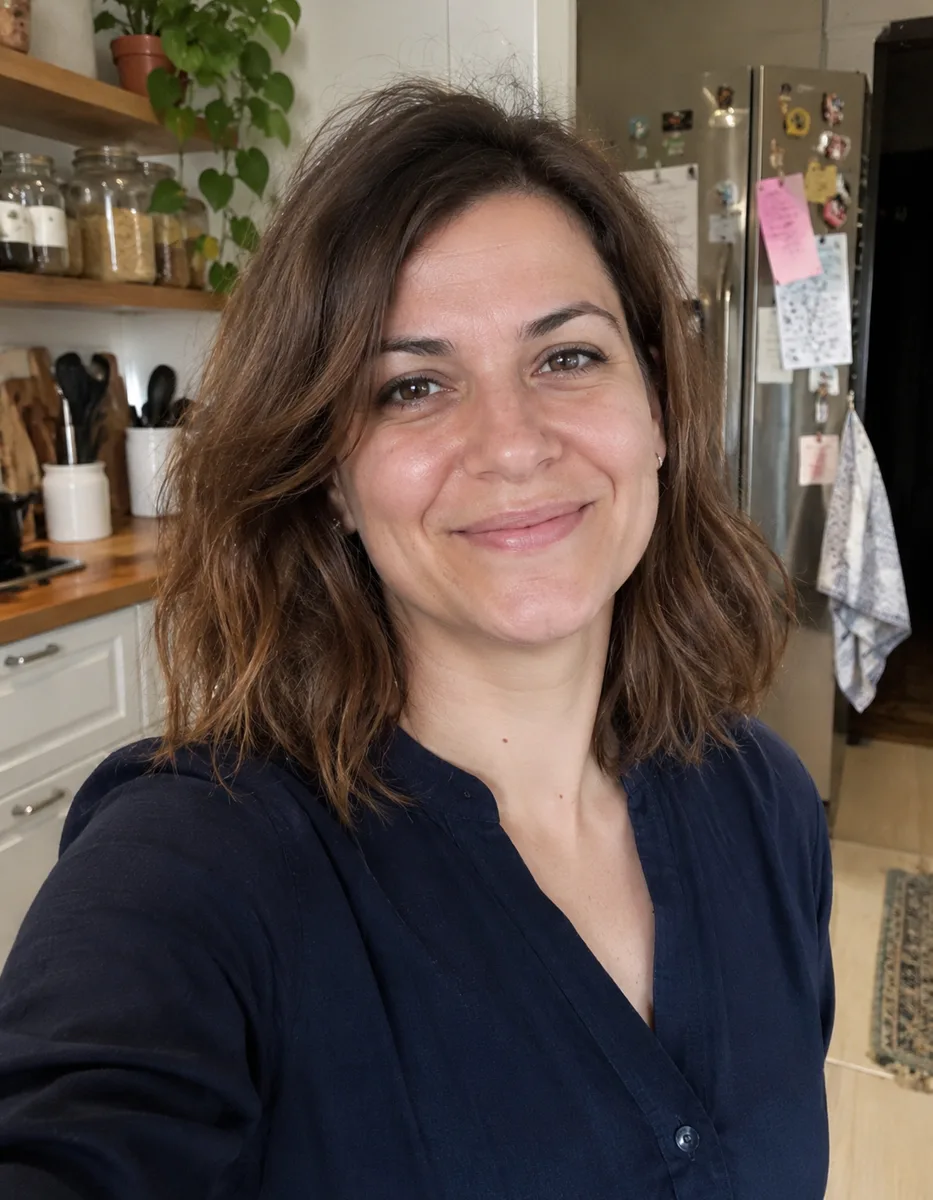
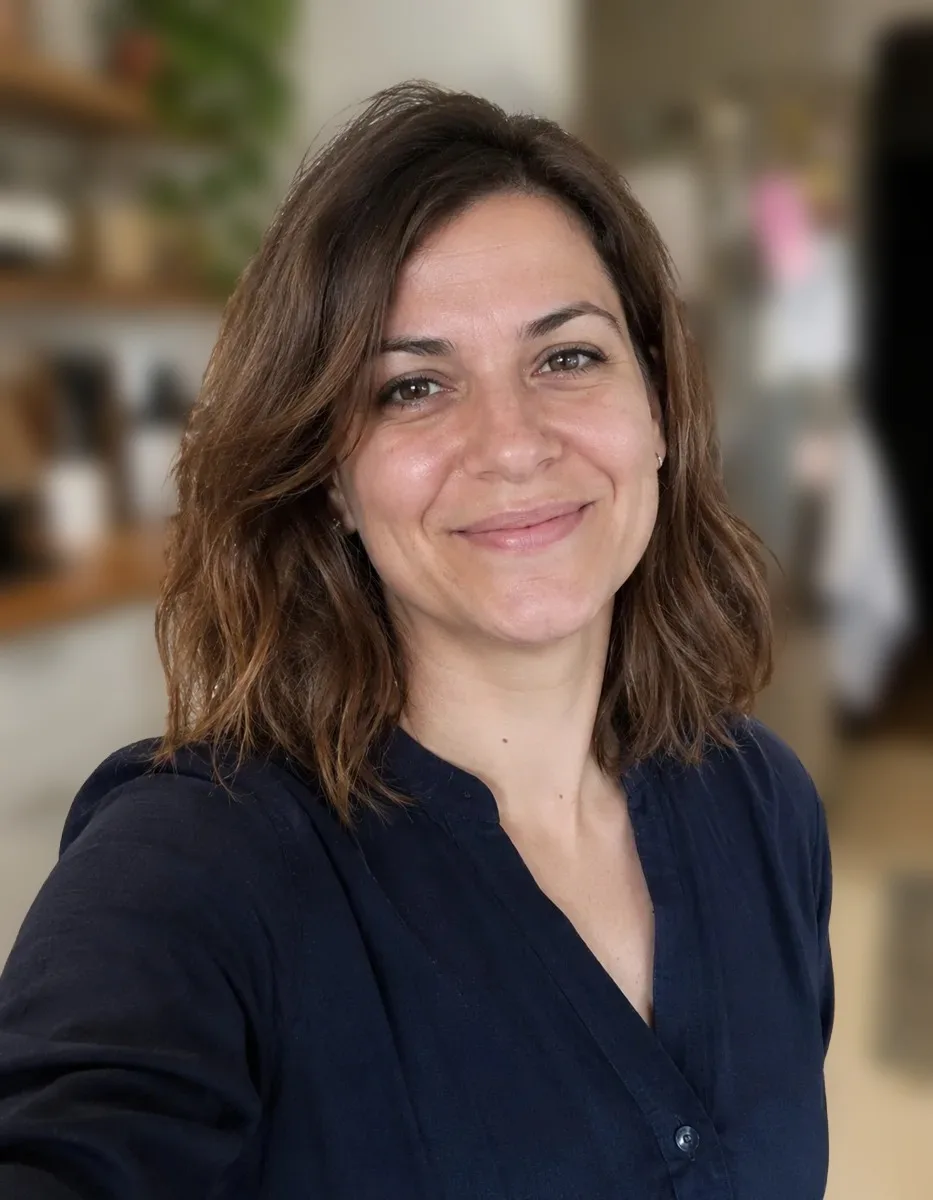
Picazo’s Background Blur gives any photo the soft, out-of-focus look of portrait mode. The person, pet or object in front stays sharp and everything behind it falls away, so the eye goes straight to what matters. It’s free, there’s no limit, and it works on photos you’ve already taken.
The free background remover finds your subject, the background is blurred around it, and then the subject’s own pixels go back on top untouched, so a face is never repainted. Choose Light, Medium or Heavy. On most computers this all happens in your browser; on phones, tablets and computers that can’t run it, a small copy of the photo is sent to Picazo to find the subject, and isn’t stored.
EXAMPLES
Portrait mode for photos you’ve already taken
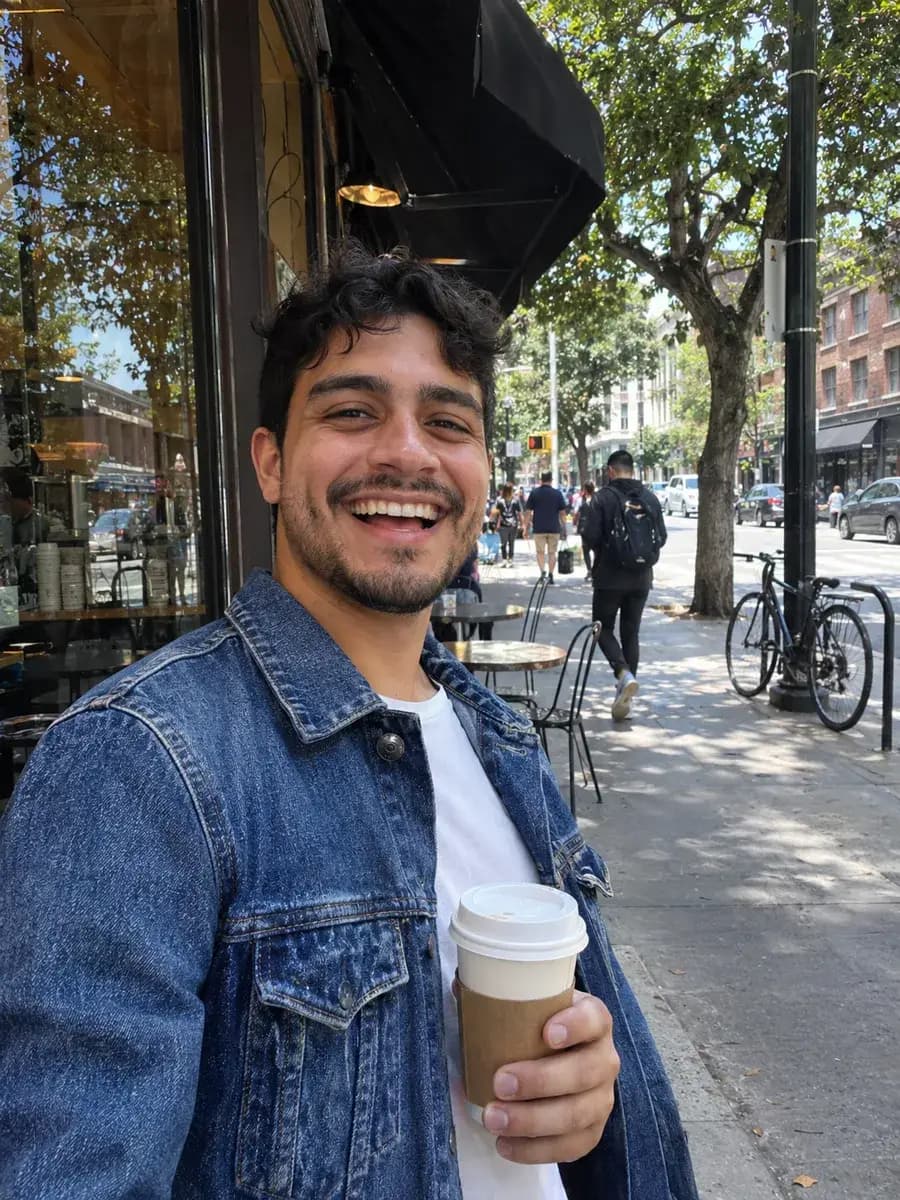
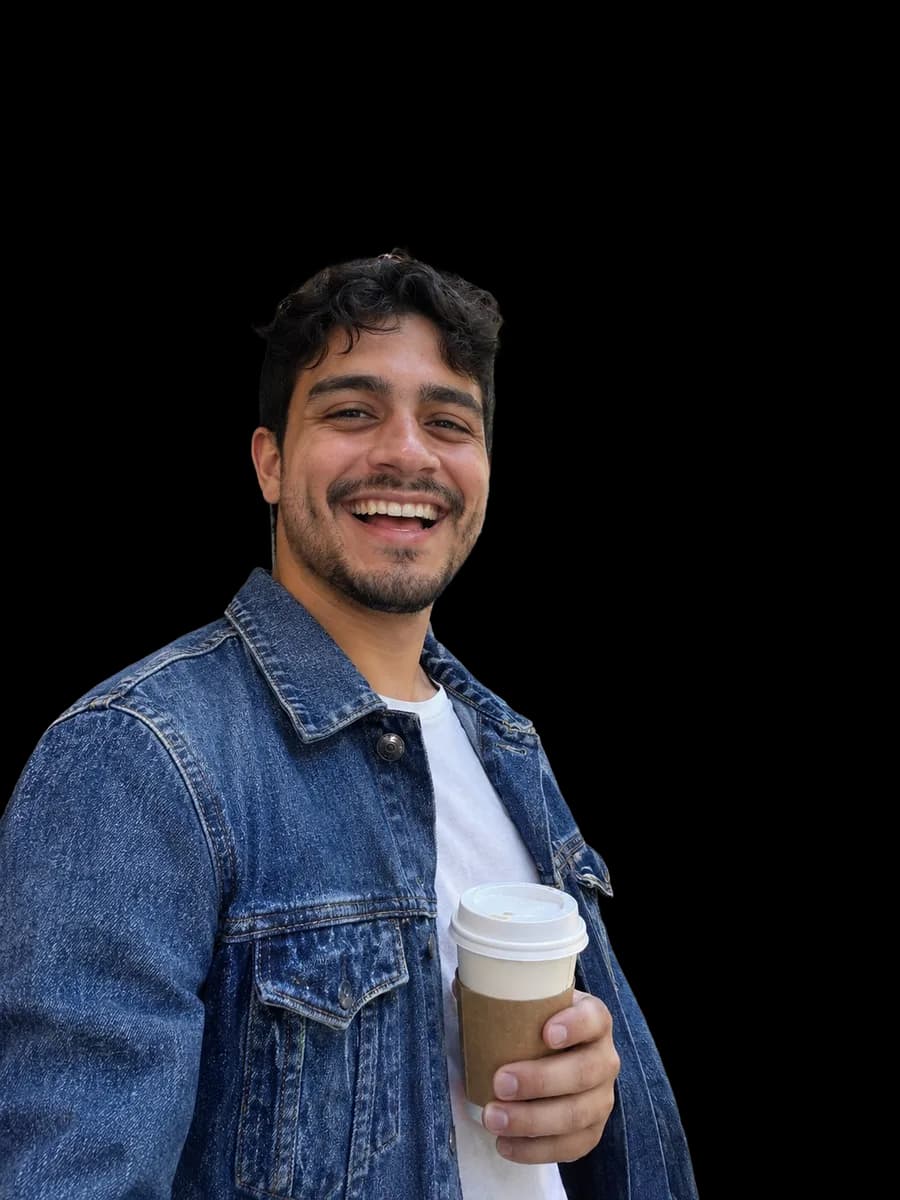
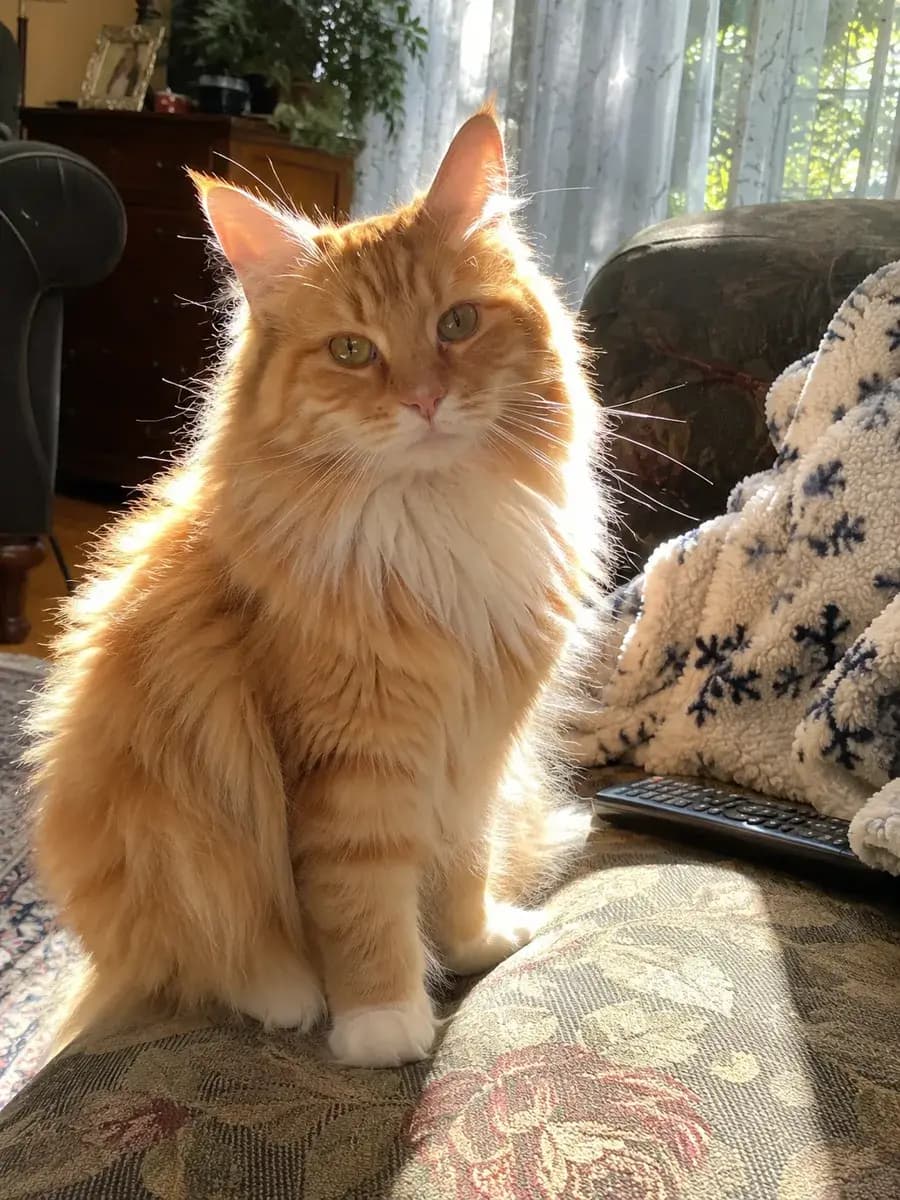
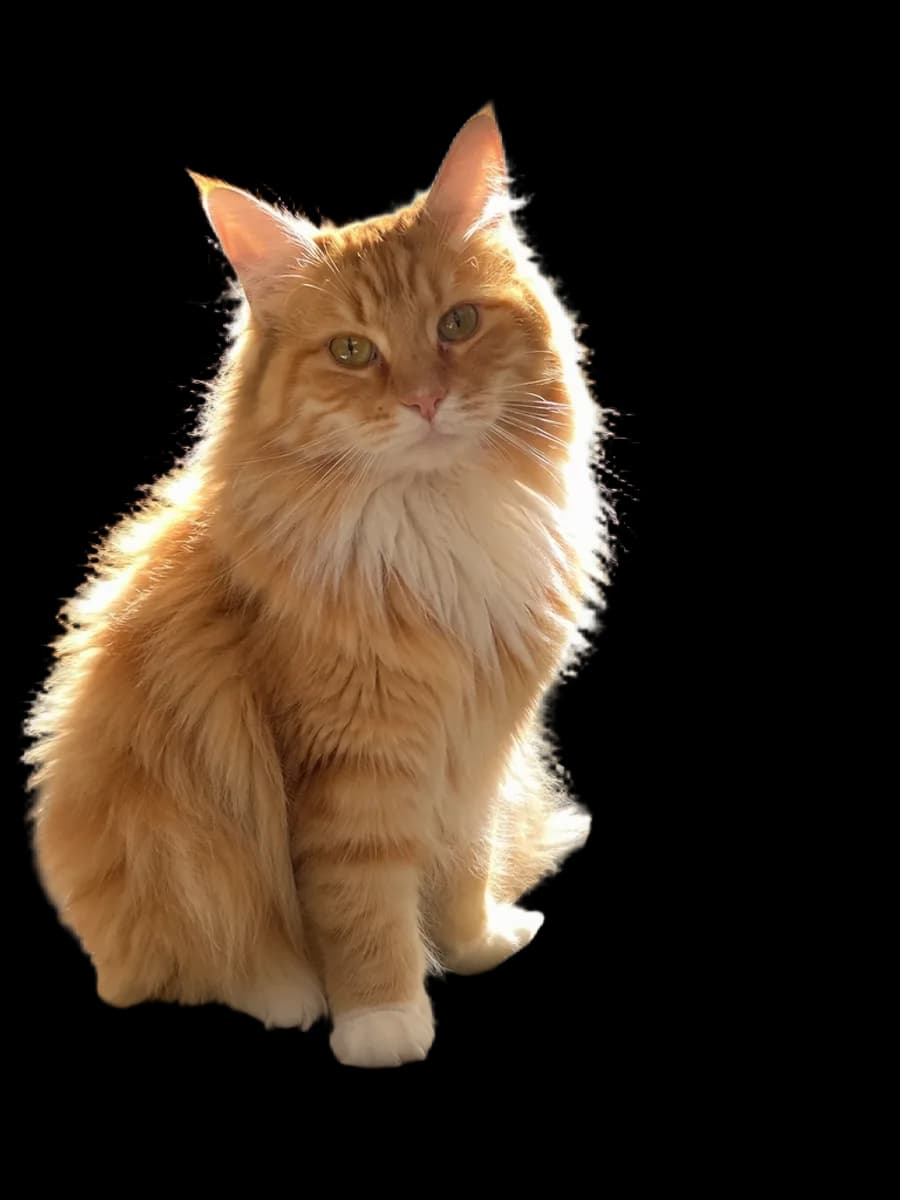
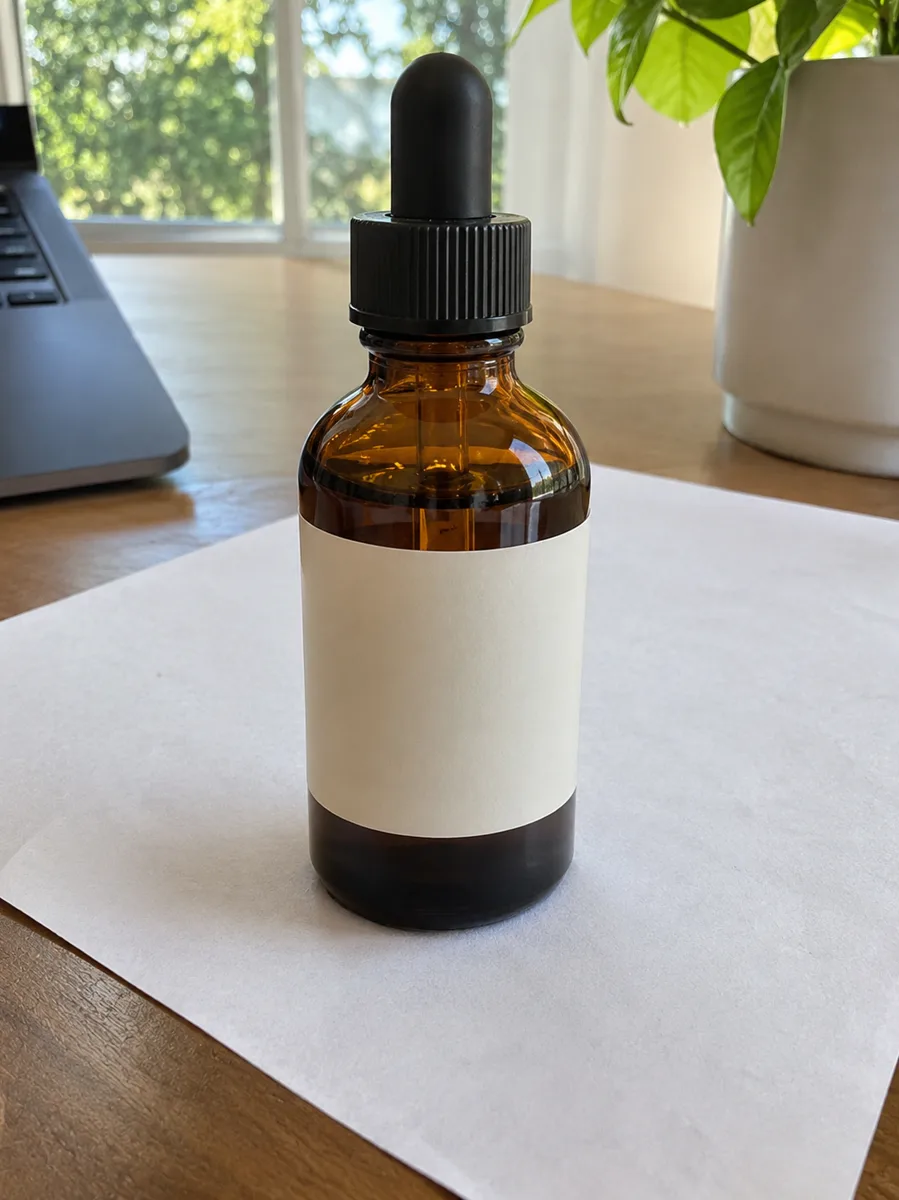
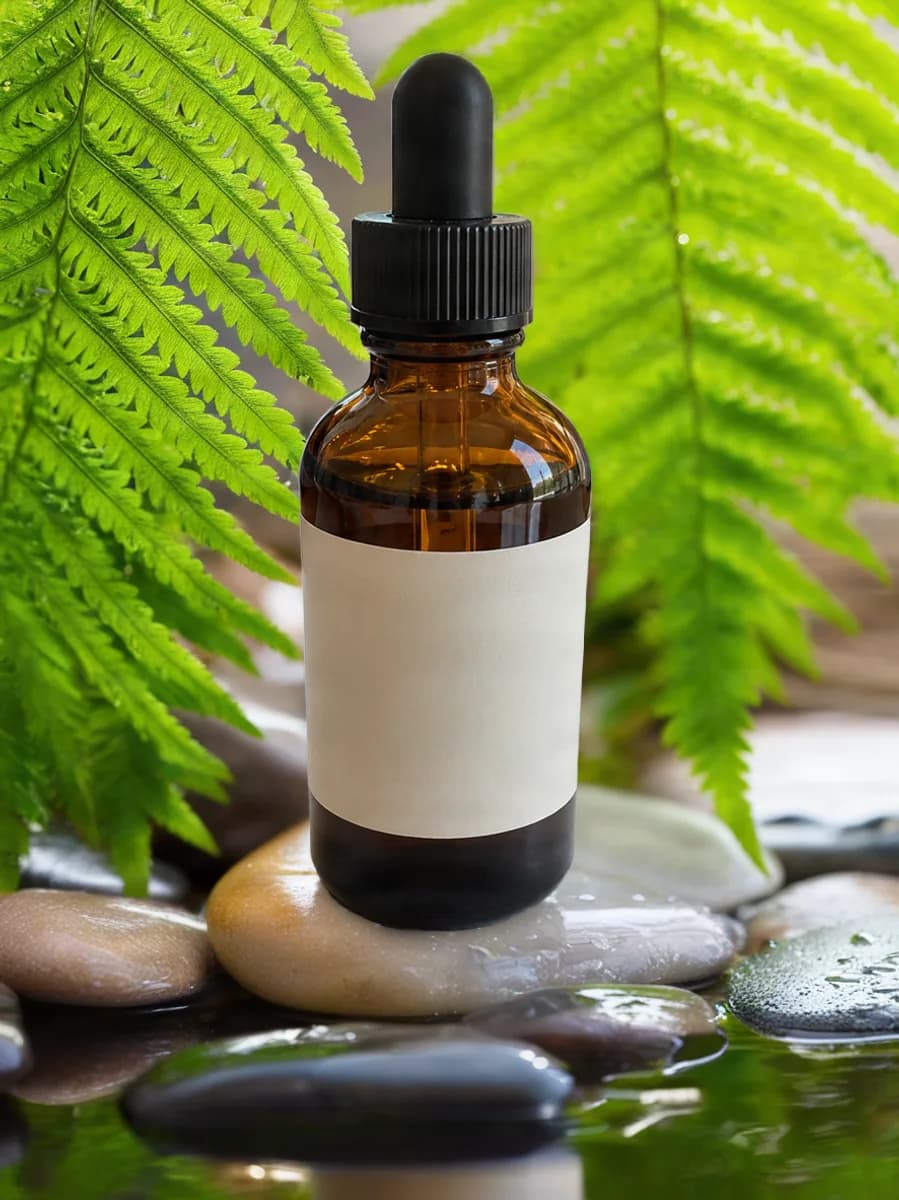
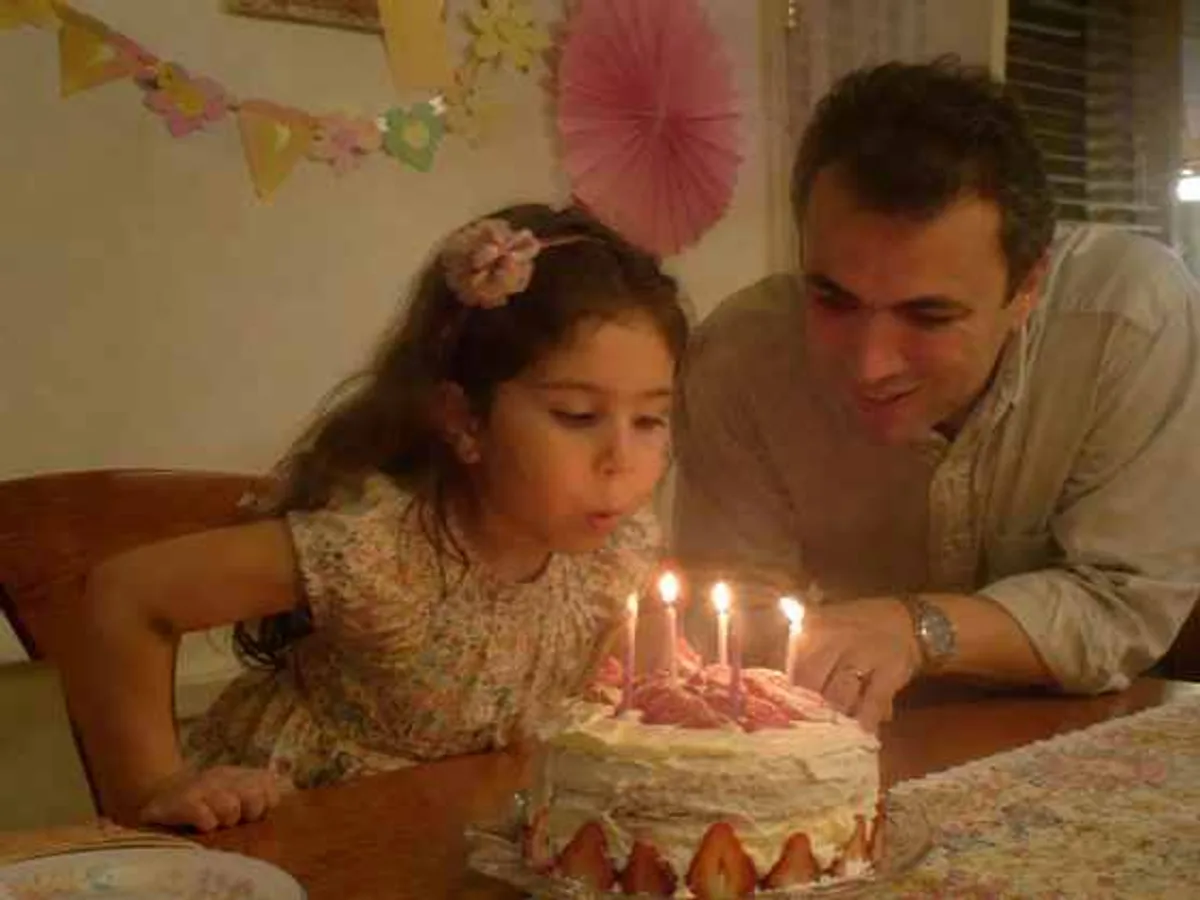
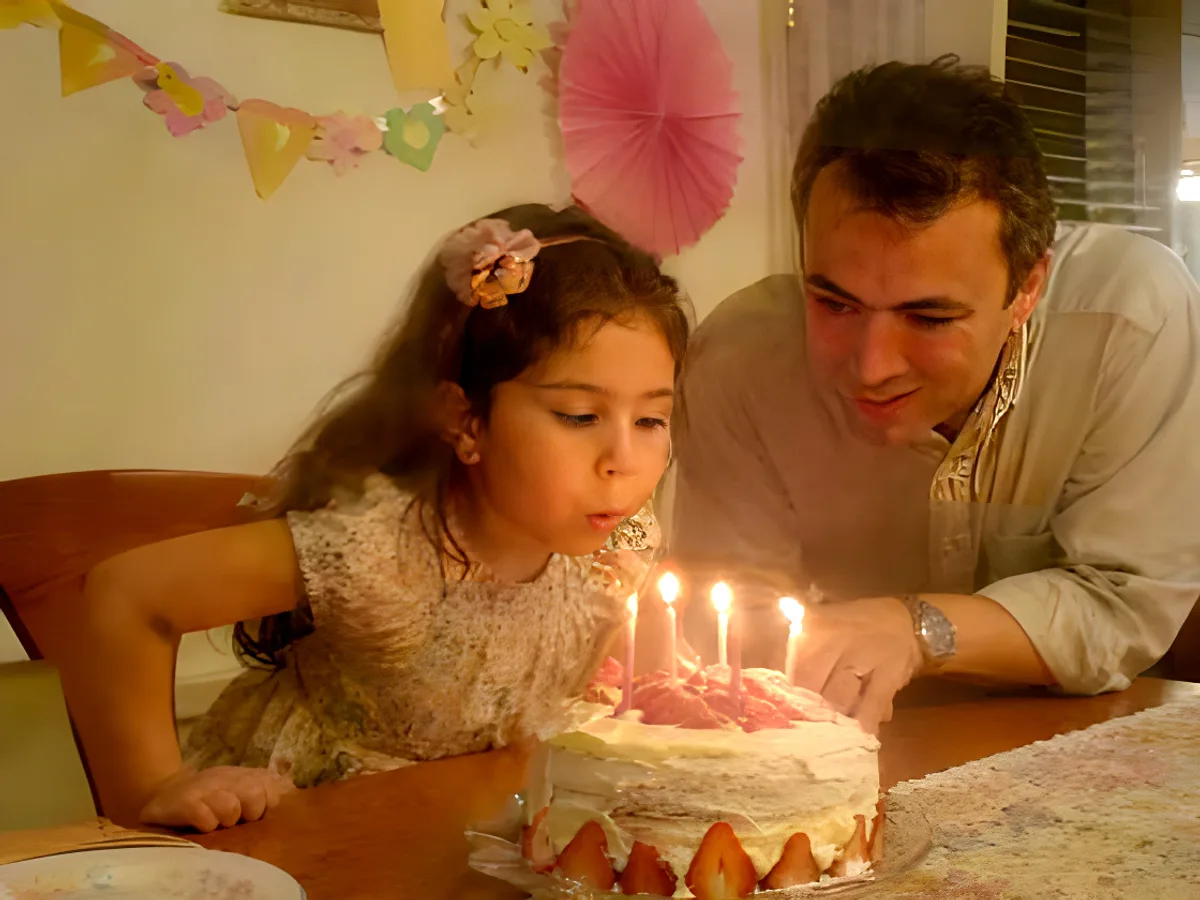
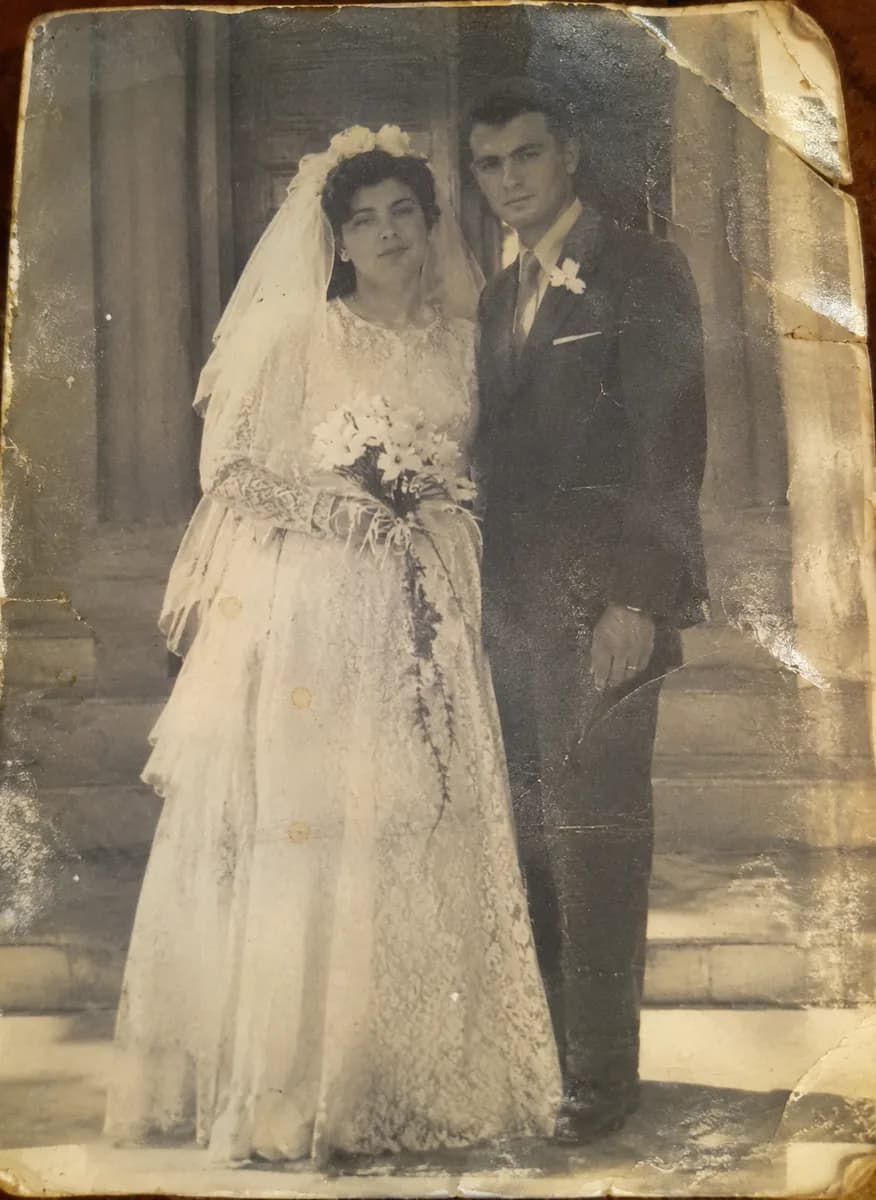
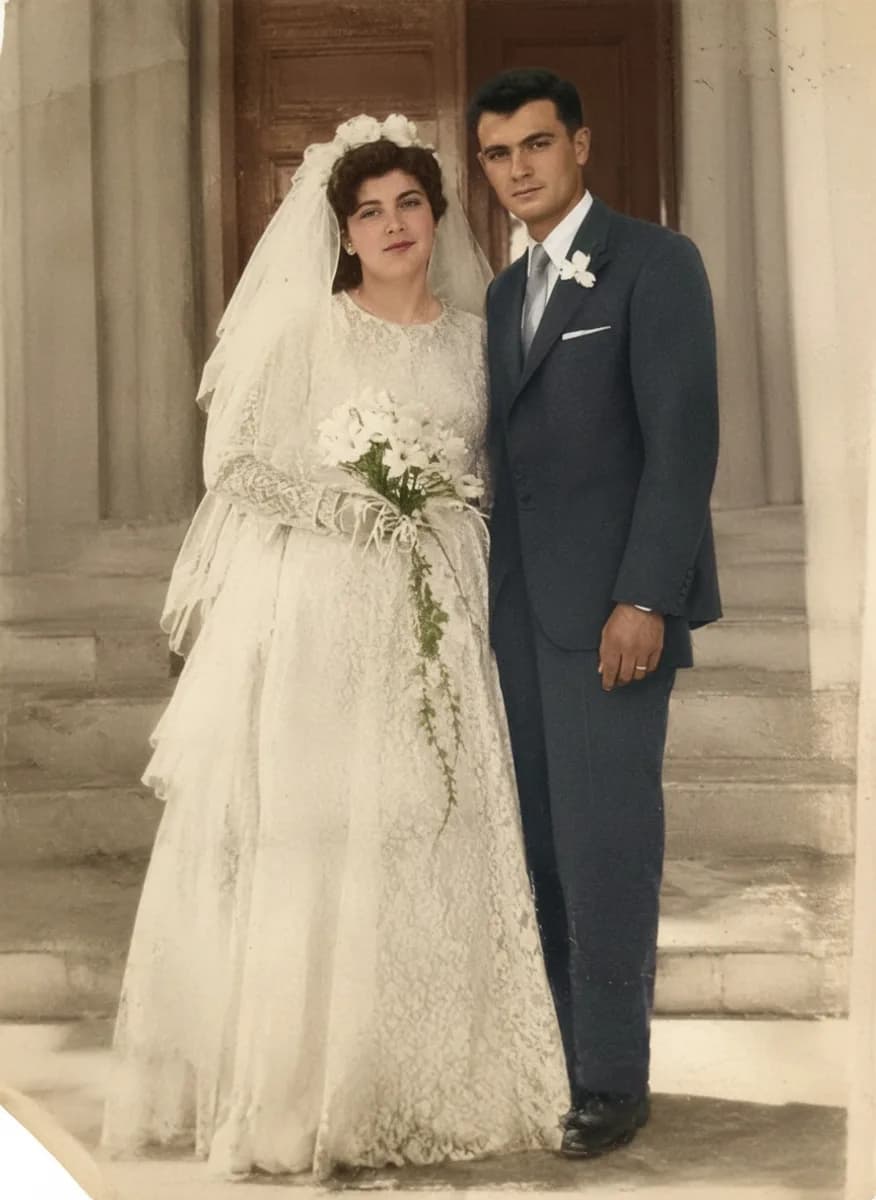
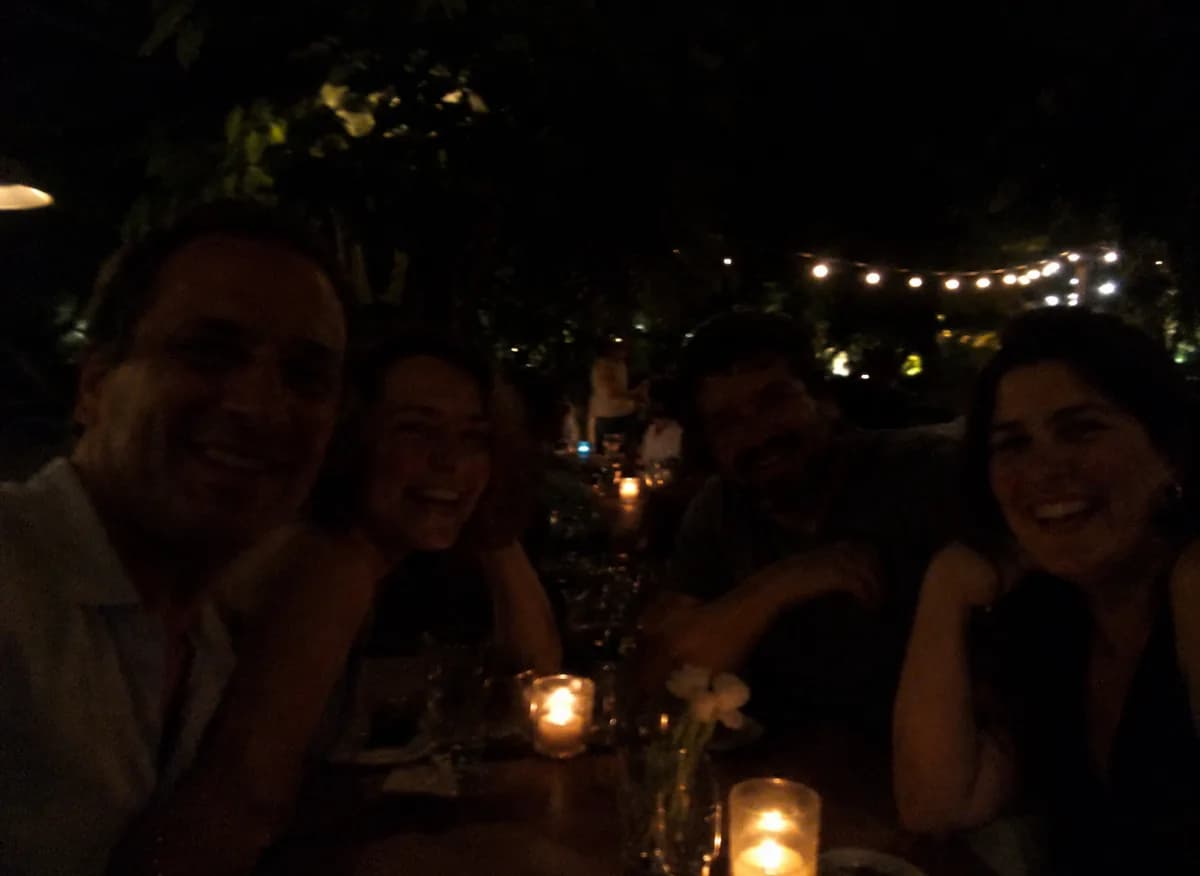
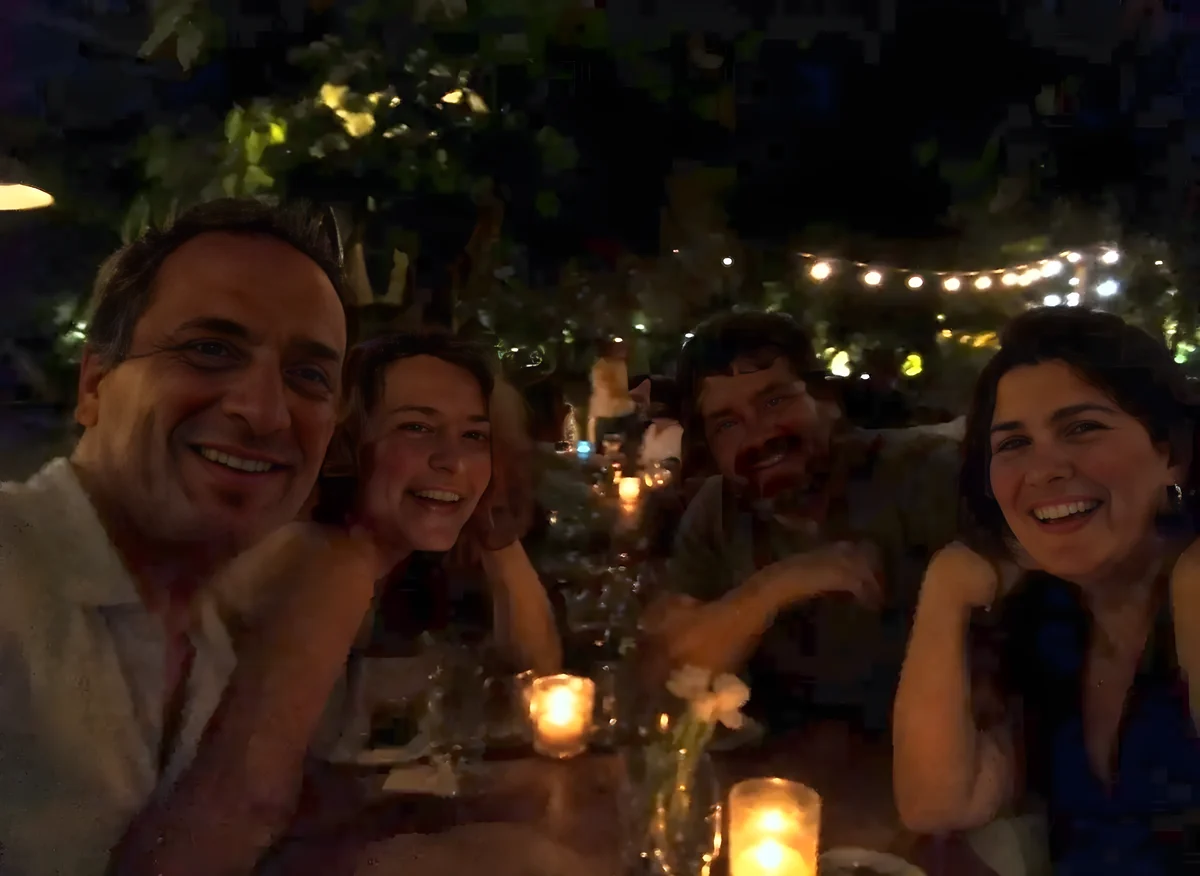
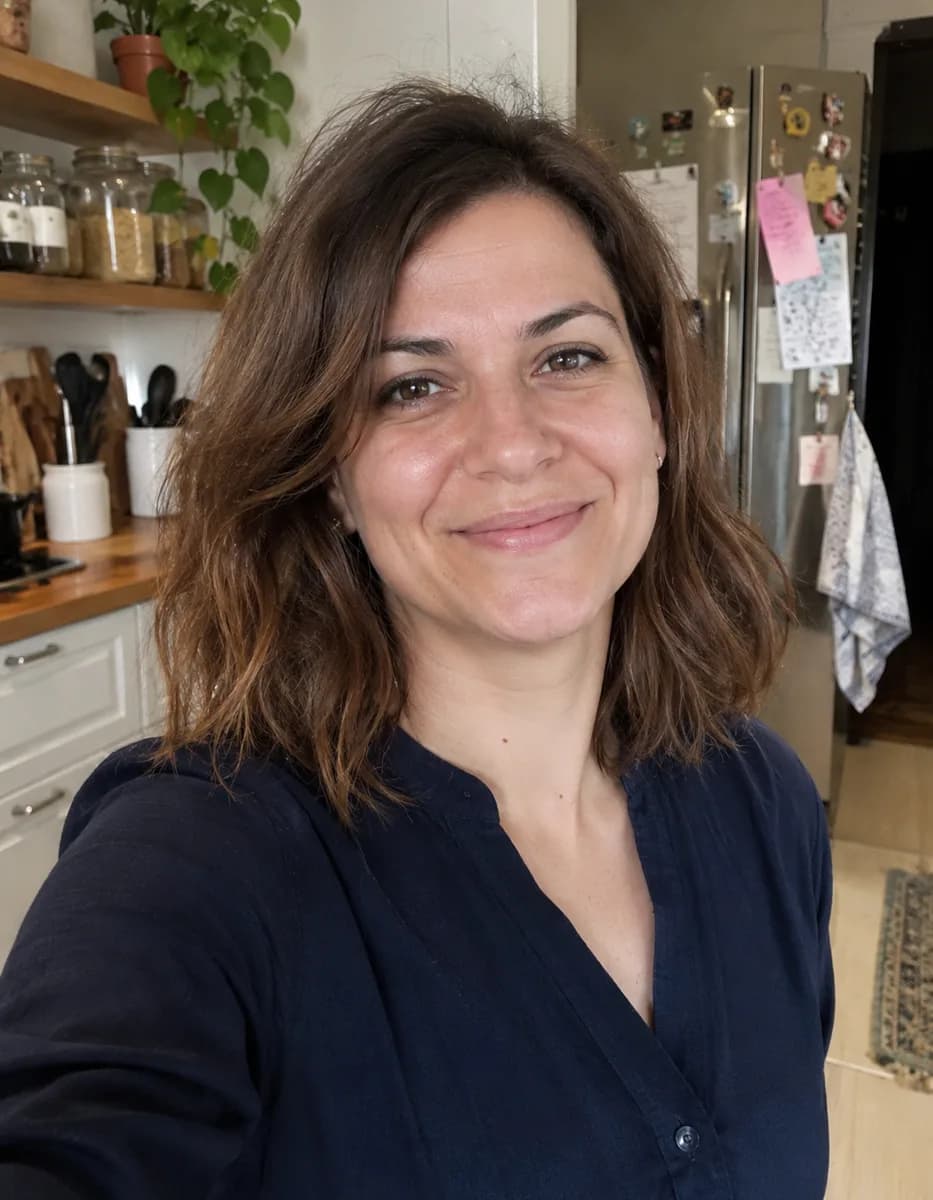
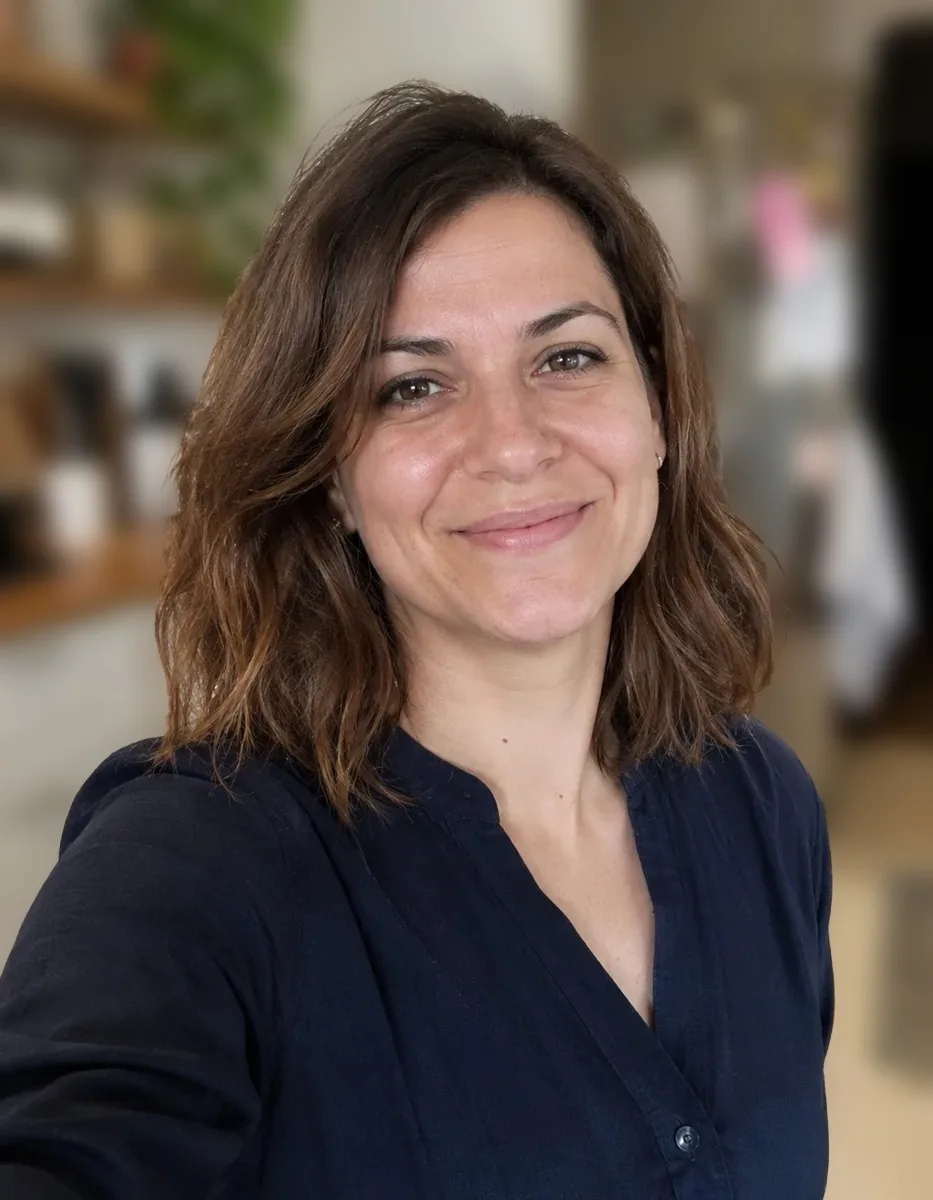
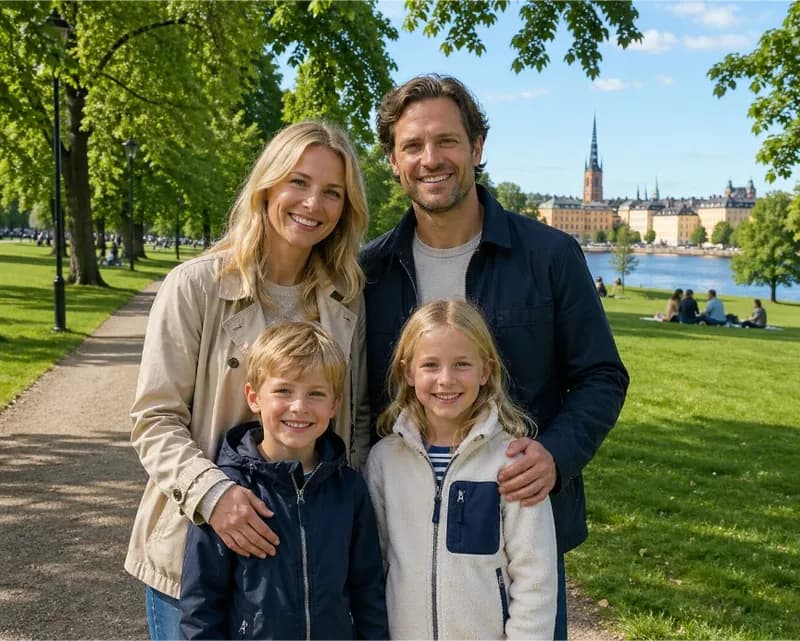
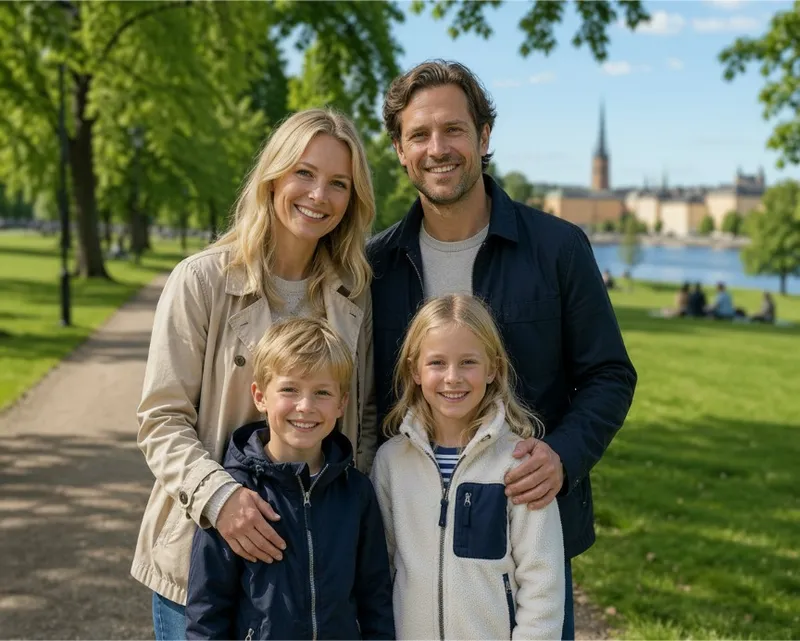
Everyday photos with busy backgrounds, softened with this tool. Drag across each one to compare before and after.
DO MORE
More for your portraits
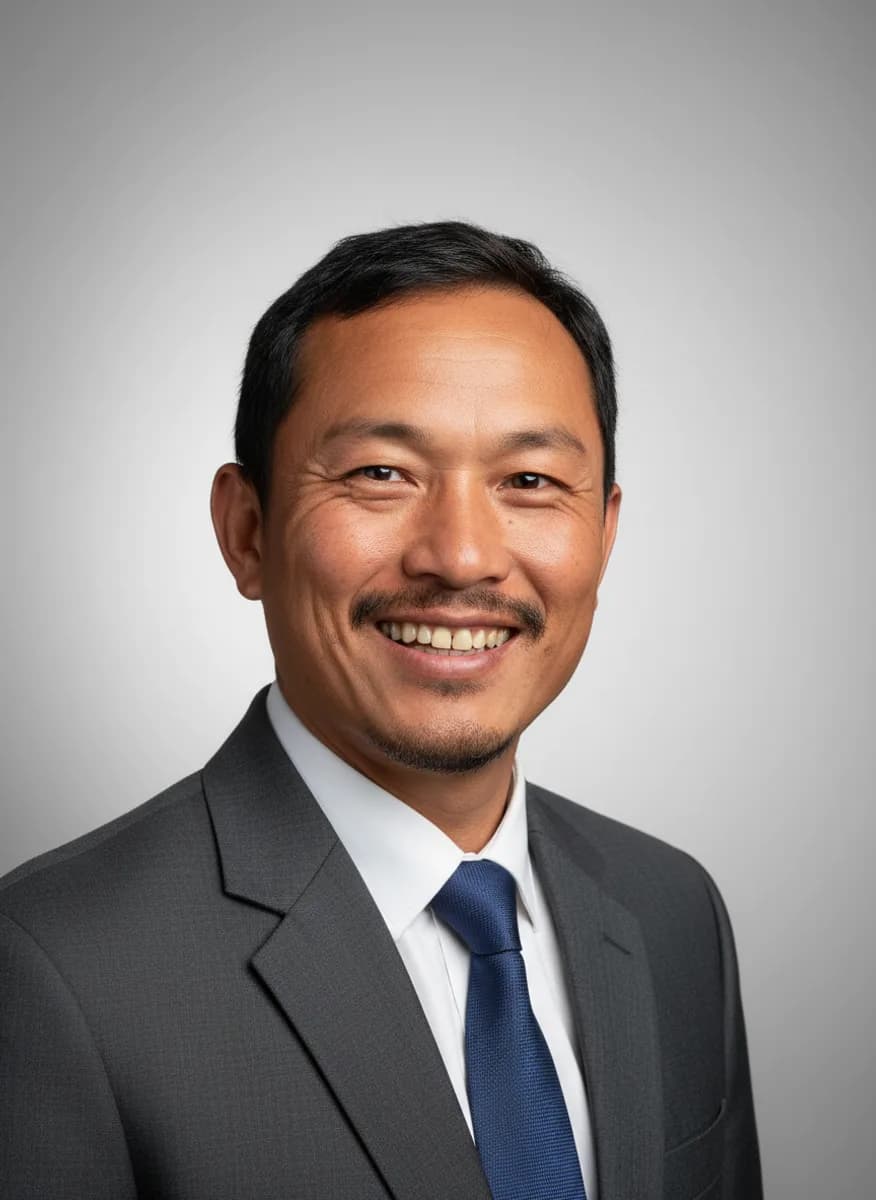
Turn it into a headshot →
AI Headshot makes a polished, professional headshot from an everyday photo of you, ready for LinkedIn or a team page.
Sharpen a soft face →
If the face itself is a little blurry from a shaky hand or low light, Face Unblur brings back the detail in eyes, skin and hair.
Remove the background entirely →
Want the subject on its own? The free background remover cuts it out on transparency, with no limit.
SAFE AND YOURS
Creating is fun, and safe.
Private by design
Blur BG is free and unlimited. On most computers it runs in your browser and the photo never leaves your device. On phones, tablets and computers that can’t run it, a small copy of the photo is sent to Picazo to find the subject’s outline; it isn’t stored.
Never used to train AI
We don't train models on what you upload or make, and we require our AI providers not to either.
What you make is yours
You own the pictures and designs you create in Picazo. Use them for yourself or your business.
Background blur for everyday photos
For profile pictures
A selfie taken at home or in the office, with the clutter softened so it looks like a deliberate portrait.
For family and travel photos
Keep the people sharp and let a crowded park, street or beach melt into the background before you print or share.
For small shops
Product photos taken on a busy counter or shelf, with the surroundings softened so the item stands out in a listing or a post.
THE WHOLE STUDIO
All the features you need
Every AI tool sits inside a full design editor, so a result never has to leave Picazo to become something finished.
100,000+ templates →
Posts, posters, flyers, cards, menus and résumés, all fully editable.
Free background remover →
Unlimited, with no watermark, on any photo.
Make any text editable →
Turn the words in a picture or a flattened design back into real text.
AI photo tools →
Enhance, upscale, restore, expand and remove objects, all in one editor.
Layers and precise editing
Move, align, crop, clip and restyle every element on the page.
Export with no watermark
PNG, JPG, SVG and print-ready PDF, in full quality.
Open PDFs and PSDs
Bring in a PDF or a Photoshop file and edit it like any design.
Brand kit
Your colours, fonts and logo, applied to a whole design in one tap.
Bulk edit and create →
Resize or watermark 30 photos at once, or turn a spreadsheet into designs.
Translate a design →
Every text box into one of 35 languages, with the layout kept.
On your phone too
A touch editor with the AI tools, templates and export built in.
Autosave and sync
Signed in, your designs save as you go and open on any device.
HOW IT WORKS
How to use Blur BG.
Add your photo
Upload, drop or paste one, or pick a photo from My uploads. JPG, PNG, WebP and HEIC all work. A clear subject in front works best.
Choose how much blur
Light keeps the setting recognisable, Medium is the everyday portrait look, and Heavy turns the background into soft shapes and colour.
Press Blur Background
Sign in if you’re asked to; it’s free. Your subject is found and kept exactly, and the blur is done in your browser.
Compare and adjust
Drag across the result to see the difference. Pick another strength and run it again if you’d like more or less blur.
Download or keep editing
Download the photo, or press Edit in Picazo to add text, crop it for a post or place it on a template. Doing a set? Bulk AI blurs up to 30 at once, free.