THE STUDIO · No. 18 · TRANSFORM
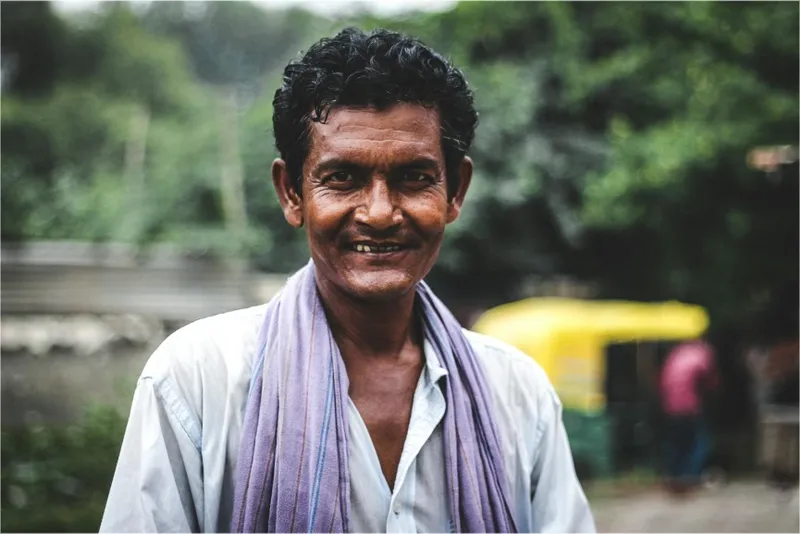
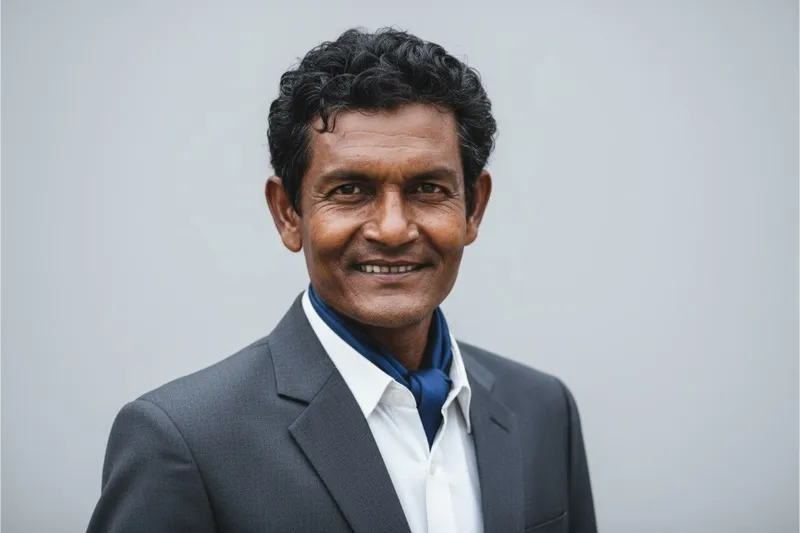
Get a professional headshot from any photo
Upload a clear selfie and get a headshot fit for LinkedIn, a CV or a company page — your face and expression kept, with a professional outfit, light and backdrop.
Add a photo on the right to try it. Want more control? Open AI Headshot in the full editor.
Uses 4 AI credits per run. Free accounts get 25 credits a month; Pro gets 500.
Drop a photo
✓ Done
AI Headshot
Generate Headshot
Download
HOW IT WORKS
How to use AI Headshot.
- 1
Add a photo
Upload one, or pick a photo already in your design. JPG, PNG, WebP and HEIC all work.
- 2
Run AI Headshot
One tap for most tools; a few let you pick a style or paint the area first.
- 3
Download or keep editing
Save the result, or carry on in the editor with text, templates and other tools.
QUESTIONS