THE STUDIO · No. 33 · ENHANCE
Give any photo studio lighting
Office light, cloudy days and flat phone flash: Studio Relight re-lights the photo with a soft key light, gentle fill and a clean background, keeping the person exactly as they are.
Add a photo on the right to try it. Want more control? Open Studio Relight in the full editor.
Uses 4 AI credits per run. Free accounts get 25 credits a month; Pro gets 500.


INTRODUCING
Introducing Picazo’s AI Photo Relighter
Picazo’s AI Photo Relighter gives a photo the light it should have had. Flat office light, a grey day or harsh phone flash is replaced with light that shapes the face or product, lifts it off the background and leaves a clean, even backdrop. The person, pose, expression, clothes and framing stay exactly as they were.
You choose the lighting. Studio adds a soft key light, gentle fill and a subtle rim light; Soft is like a big softbox or an overcast sky; Dramatic is moody side light; Golden hour is warm, low sun; Neon brings magenta and cyan city light; and Product shot gives a clean white backdrop for a shop listing.
EXAMPLES
New light, same person
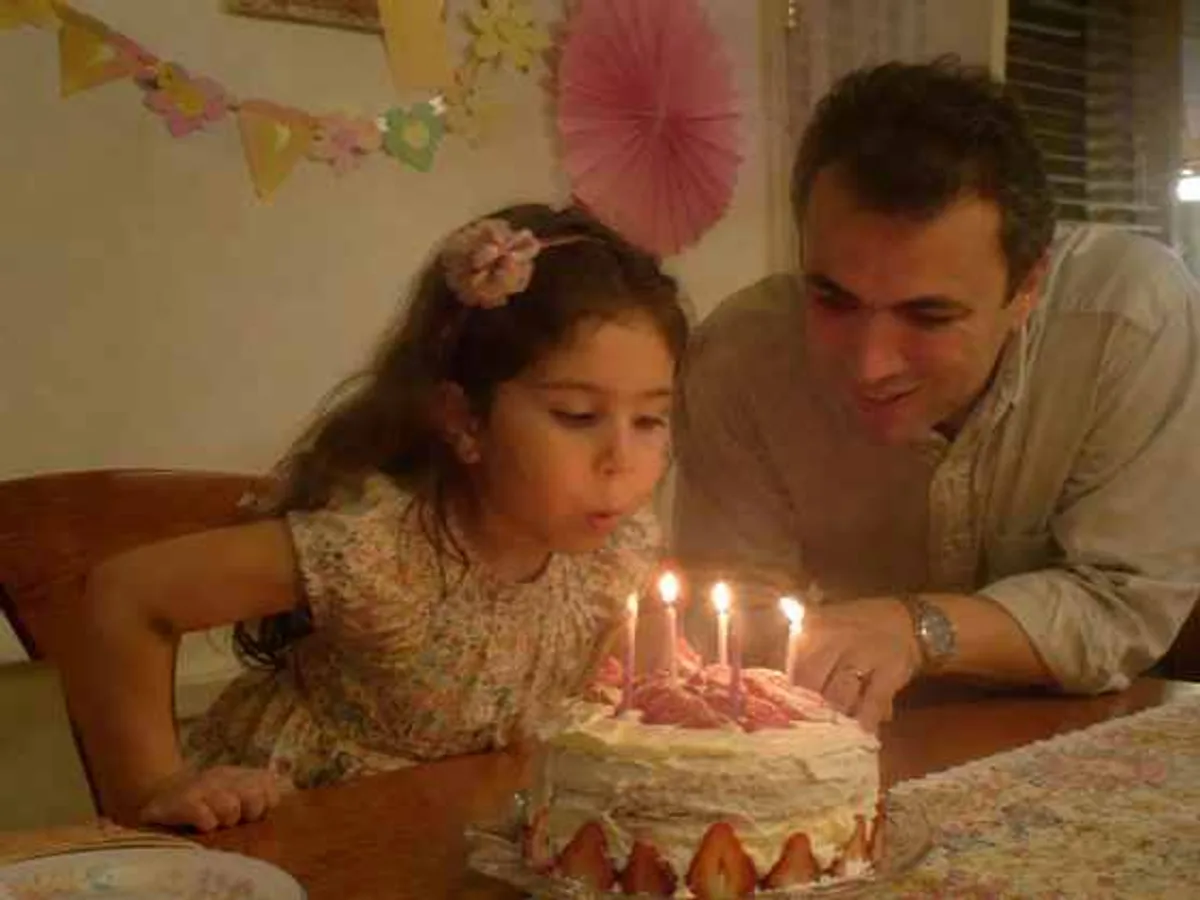
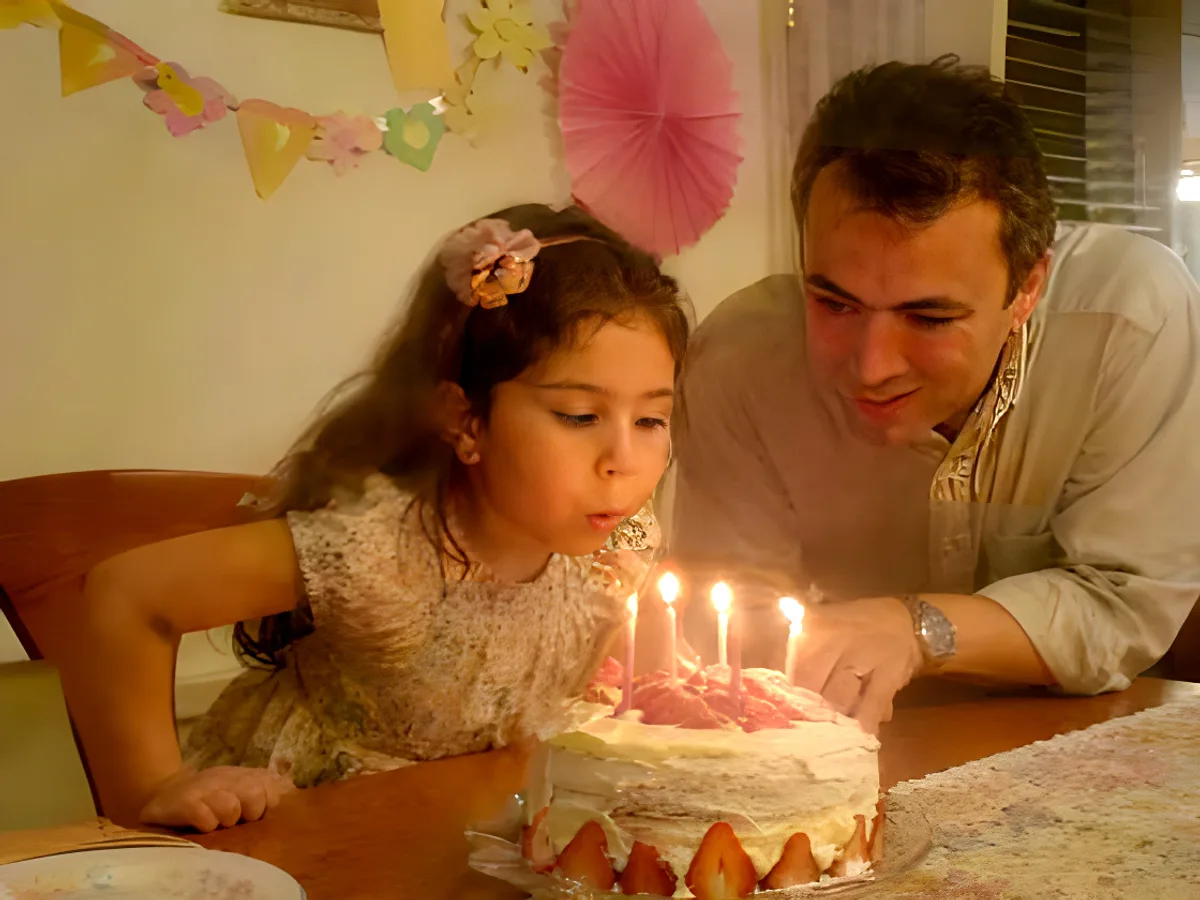
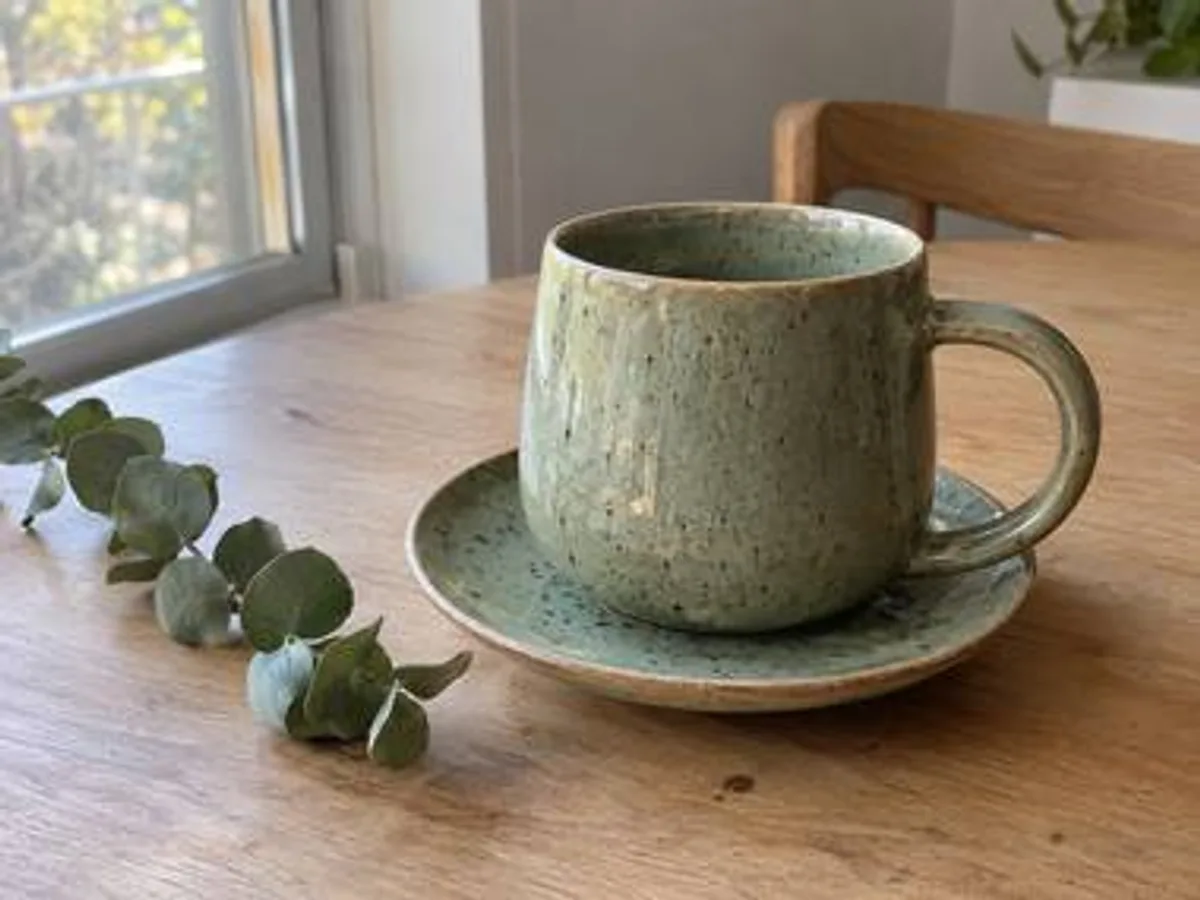
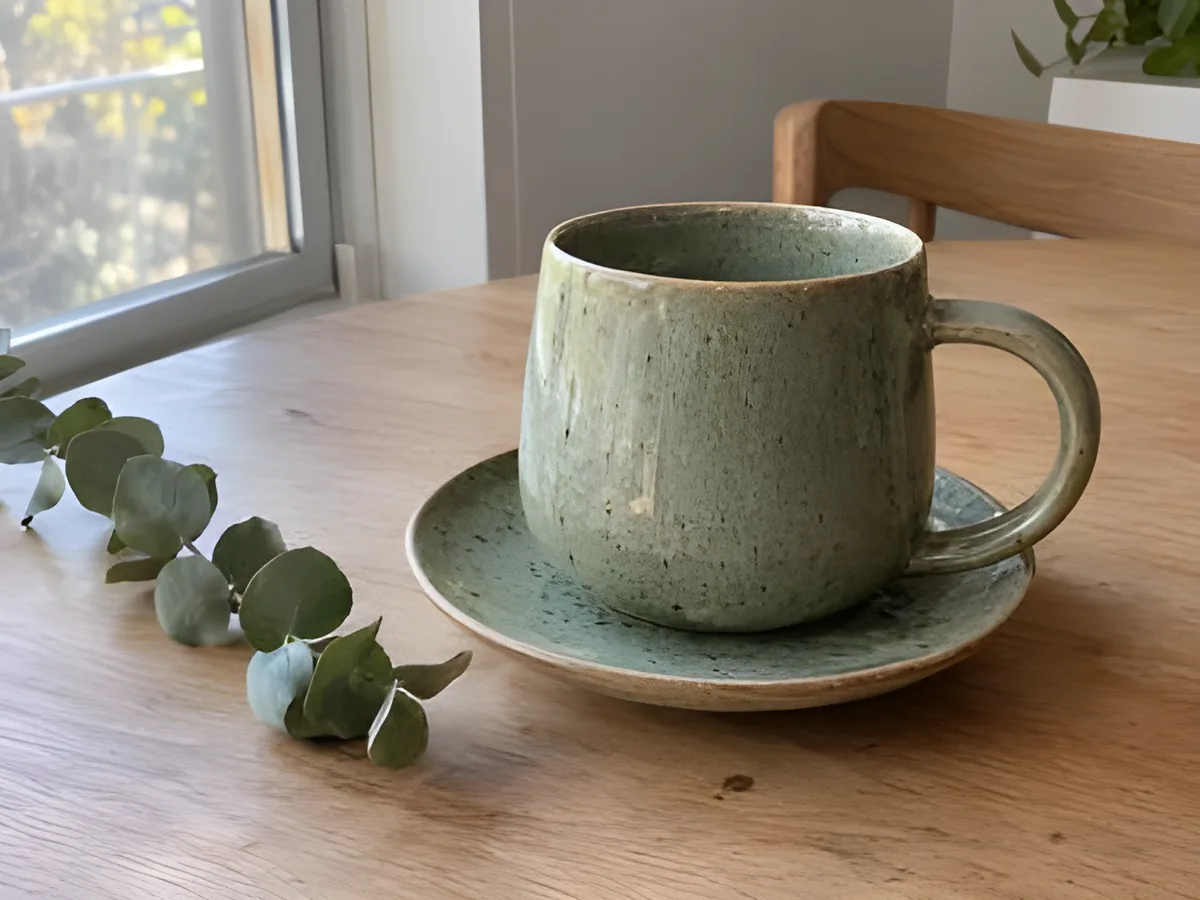
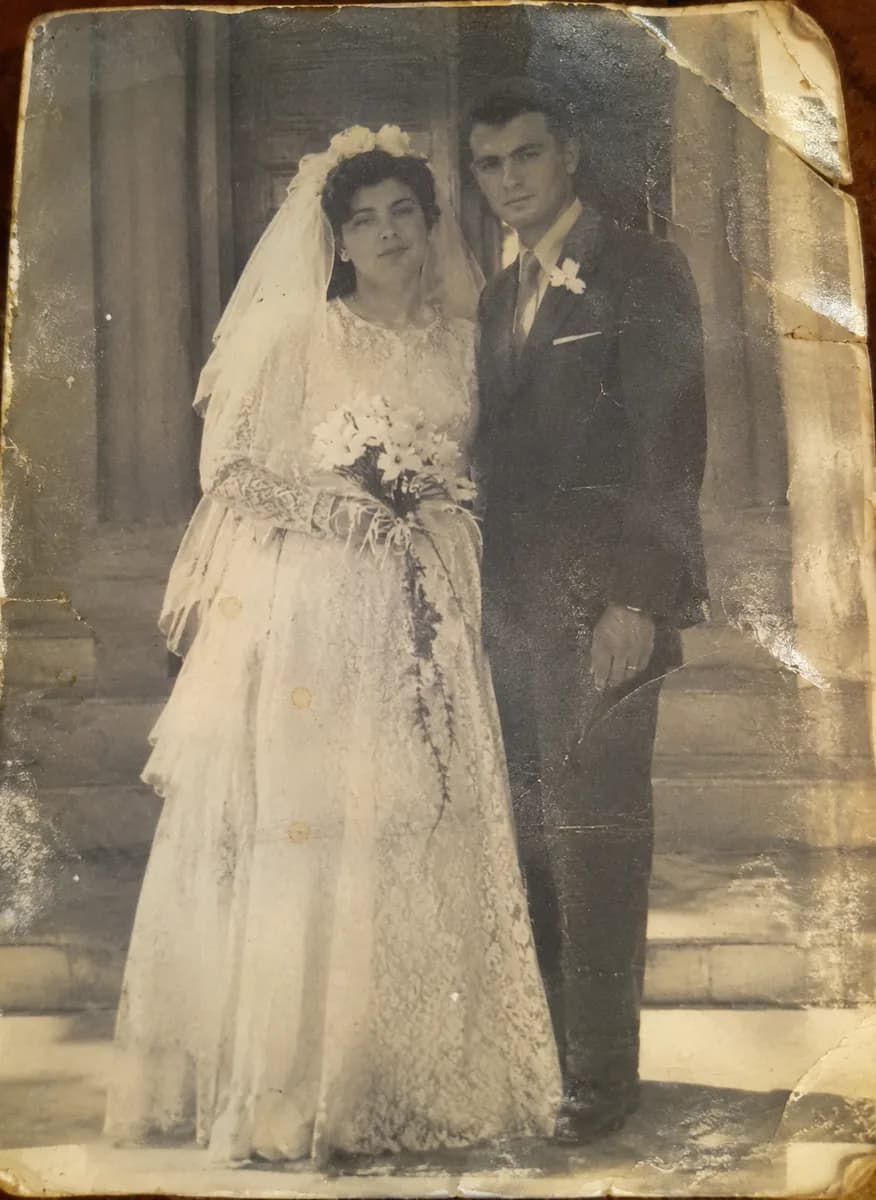
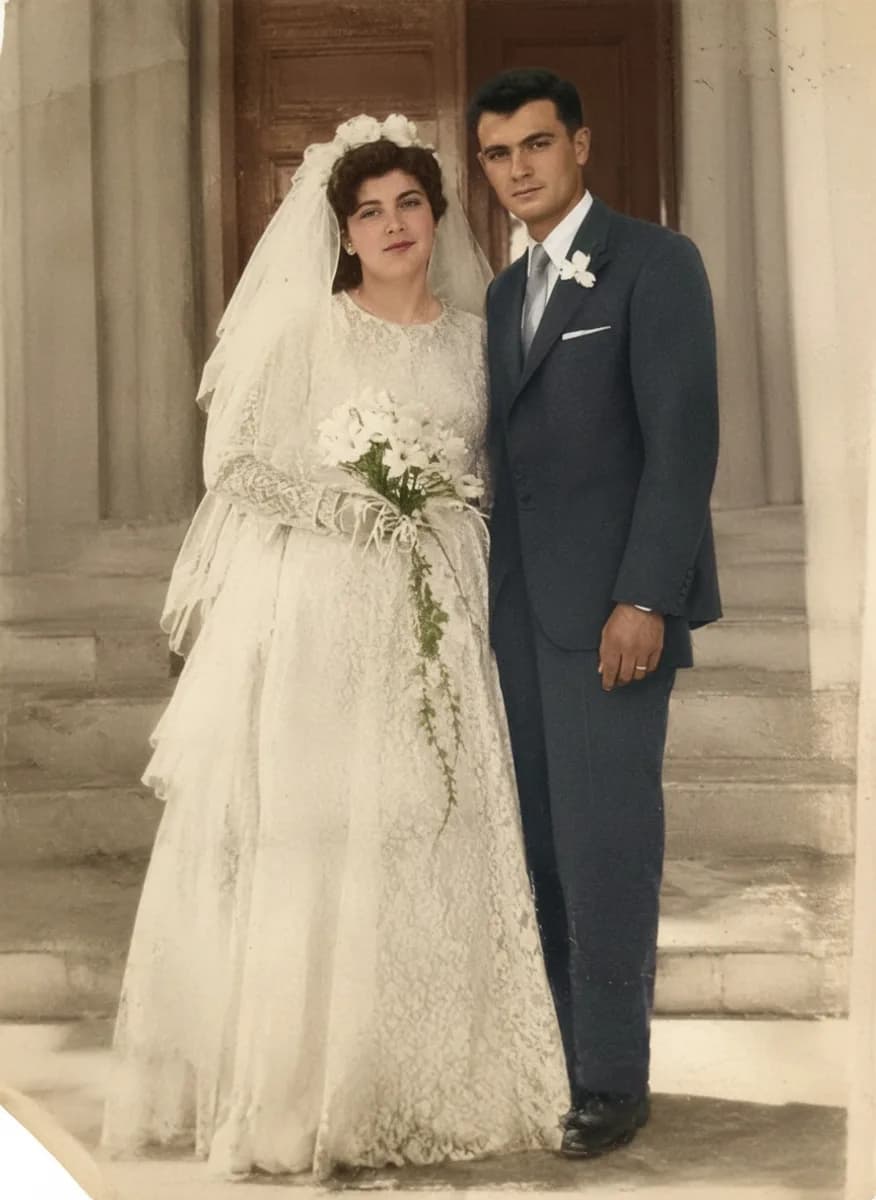
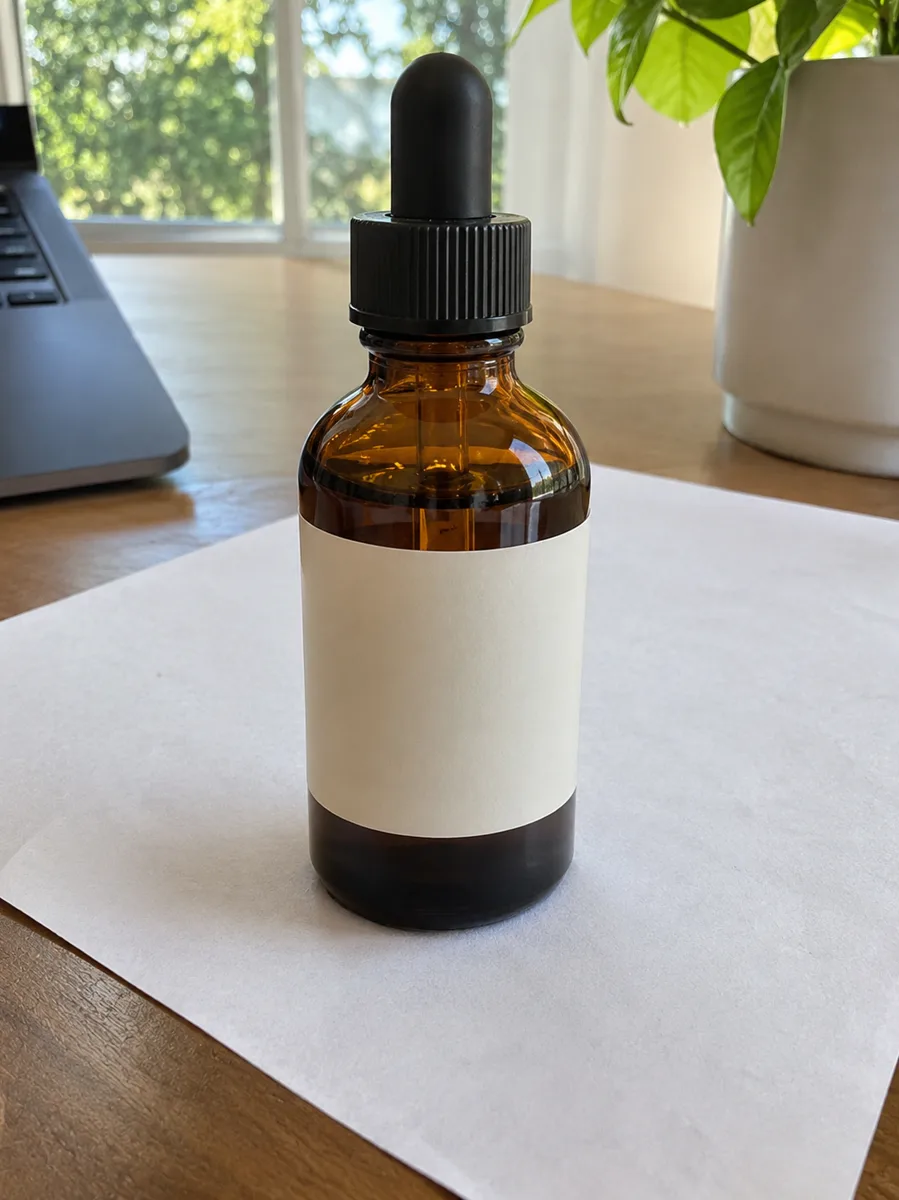
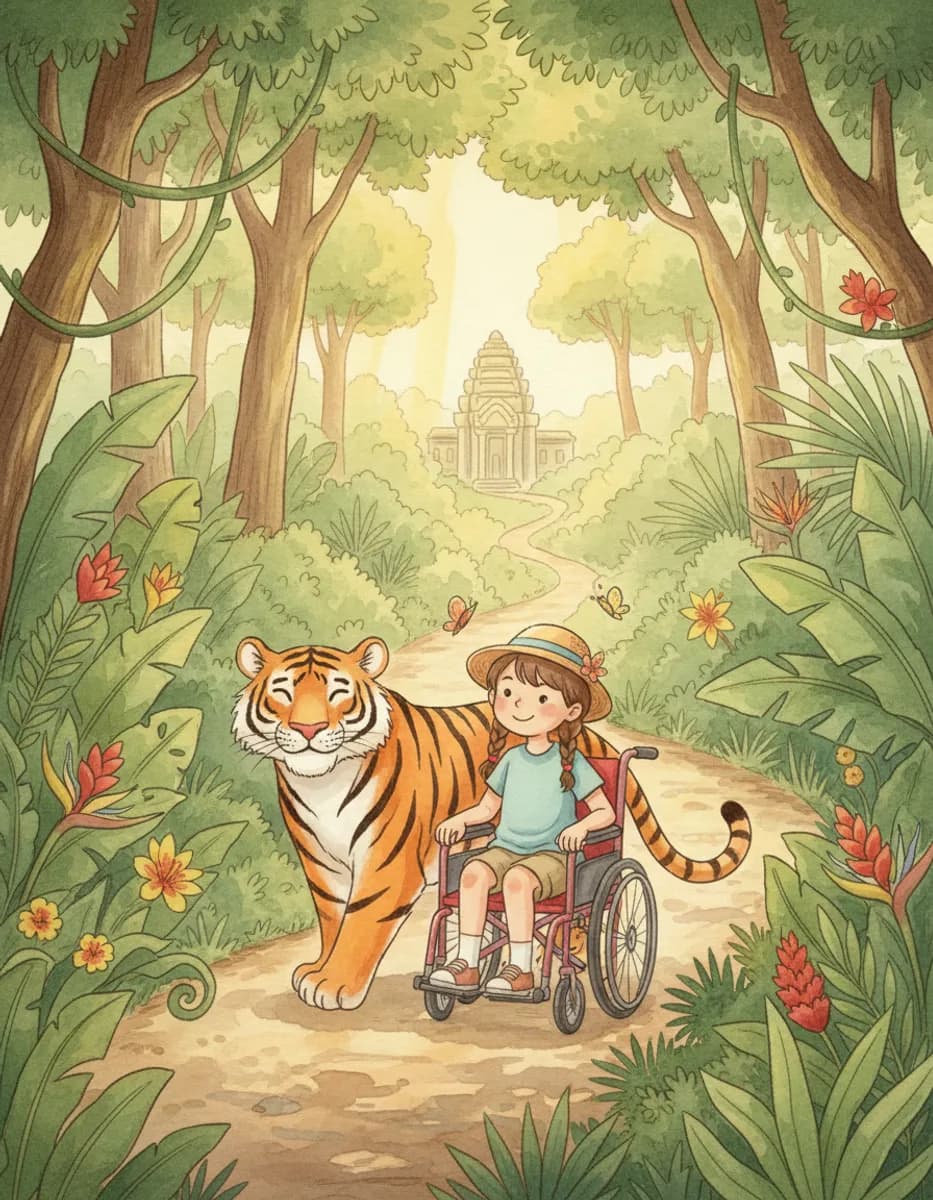
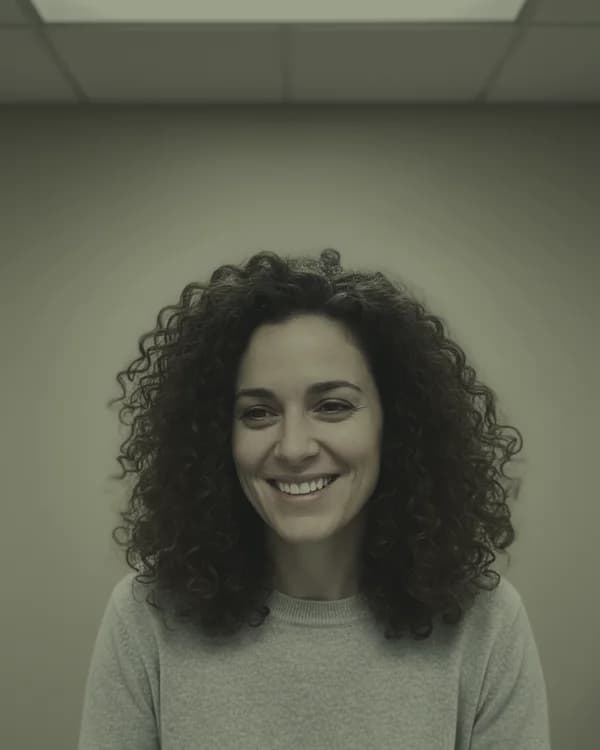
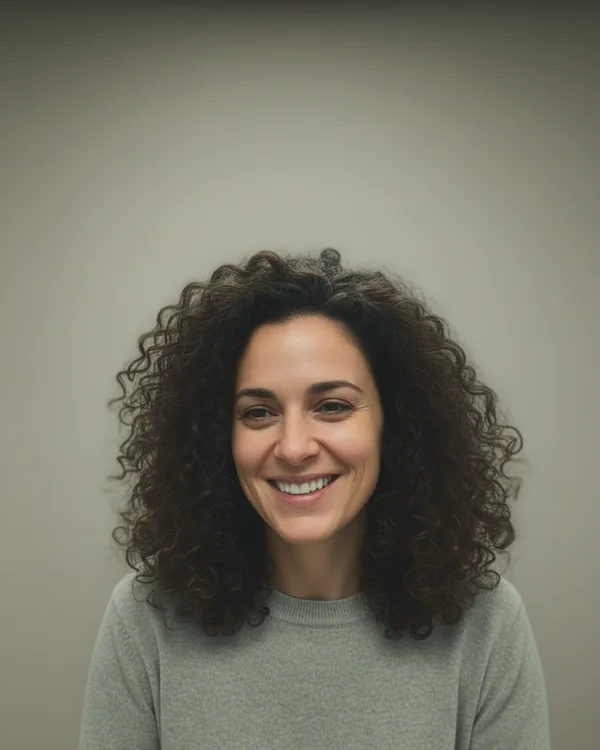
Everyday photos relit with Studio Relight. Drag across each picture to compare the light before and after.


DO MORE
Build on the new light
Go all the way to a headshot →
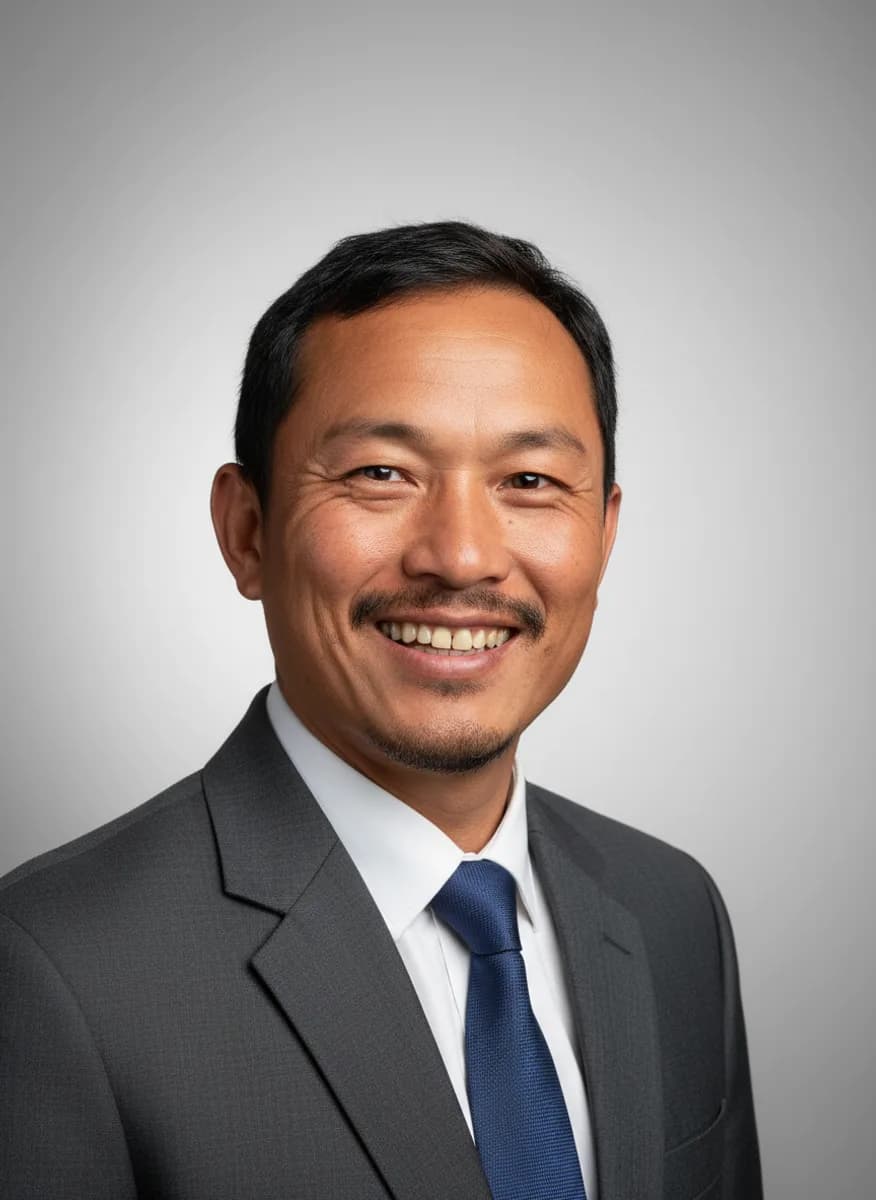
AI Headshot keeps your face and changes the outfit, light and backdrop too, for a polished photo for LinkedIn, a CV or a company page.
Put it in a new scene →
Describe a beach, a studio or a city at night, and Generate BG places your subject in it with matching light and perspective.
Finish the product shot →
After a Product shot relight, cut the product out and add a glossy floor reflection beneath it, free and right in your browser.
SAFE AND YOURS
Creating is fun, and safe.
Sent only to make your result
Your picture goes to our AI provider to make the result, and nowhere else. It's never sold or used for advertising.
Never used to train AI
We don't train models on what you upload or make, and we require our AI providers not to either.
What you make is yours
You own the pictures and designs you create in Picazo. Use them for yourself or your business.
Studio light for portraits and products
For profile photos
A selfie at your desk or a photo from a grey day, relit so it looks as if it was taken with proper lights.
For online sellers
Product photos taken at home, relit with the Product shot style for a clean white backdrop and even, retail-ready light.
For creators
Give a photo a mood for a post or a thumbnail: warm golden hour, moody dramatic light or a neon city glow.
THE WHOLE STUDIO
All the features you need
Every AI tool sits inside a full design editor, so a result never has to leave Picazo to become something finished.
100,000+ templates →
Posts, posters, flyers, cards, menus and résumés, all fully editable.
Free background remover →
Unlimited, with no watermark, on any photo.
Make any text editable →
Turn the words in a picture or a flattened design back into real text.
AI photo tools →
Enhance, upscale, restore, expand and remove objects, all in one editor.
Layers and precise editing
Move, align, crop, clip and restyle every element on the page.
Export with no watermark
PNG, JPG, SVG and print-ready PDF, in full quality.
Open PDFs and PSDs
Bring in a PDF or a Photoshop file and edit it like any design.
Brand kit
Your colours, fonts and logo, applied to a whole design in one tap.
Bulk edit and create →
Resize or watermark 30 photos at once, or turn a spreadsheet into designs.
Translate a design →
Every text box into one of 35 languages, with the layout kept.
On your phone too
A touch editor with the AI tools, templates and export built in.
Autosave and sync
Signed in, your designs save as you go and open on any device.
HOW IT WORKS
How to use Studio Relight.
Add a photo
Upload it, drop it on the page, paste it, or choose one from My uploads. JPG, PNG, WebP and HEIC all work; portraits and products suit it best.
Choose the lighting
Studio, Soft, Dramatic, Golden hour, Neon or Product shot. Studio is chosen to start with and suits most portraits and profile photos.
Press Relight
Only the lighting, the shadows and the background’s tone change. The subject, pose, clothes and framing are kept, and the photo keeps its shape.
Try another style
Drag across the result to compare. Pick a different lighting and press Run again; every result stays in the strip so you can compare them side by side.
Download or keep editing
Download it, save it to My uploads, or press Edit in Picazo to add text, remove the background or place it in a design.