THE STUDIO · No. 21 · TRANSFORM
Colorize a black-and-white photo
Old portraits, wartime letters, grandparents' wedding photos: Colorize adds believable colour to skin, clothing and scenery so the past feels close again.
Add a photo on the right to try it. Want more control? Open Colorize B&W in the full editor.
Uses 4 AI credits per run. Free accounts get 25 credits a month; Pro gets 500.
INTRODUCING
Introducing Picazo’s Photo Colouriser
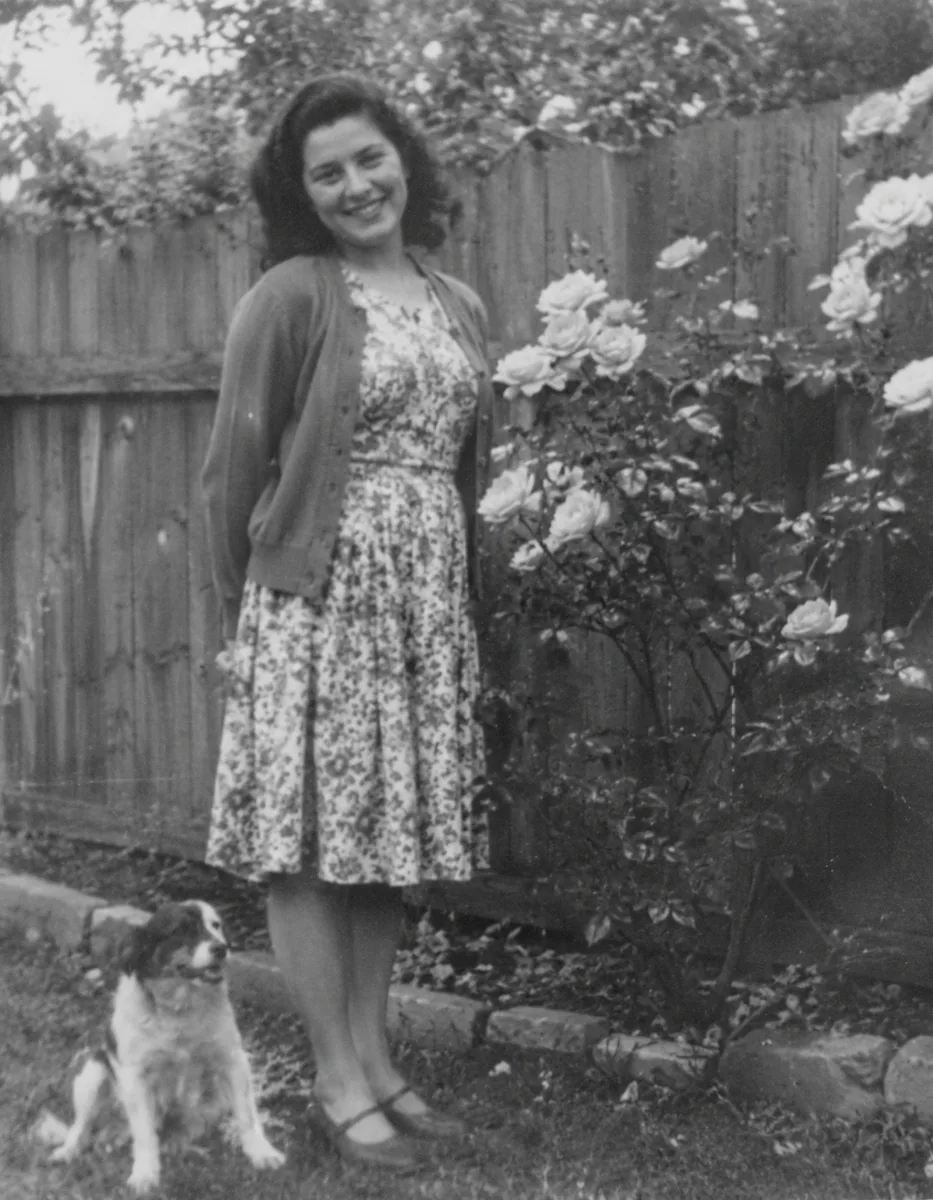
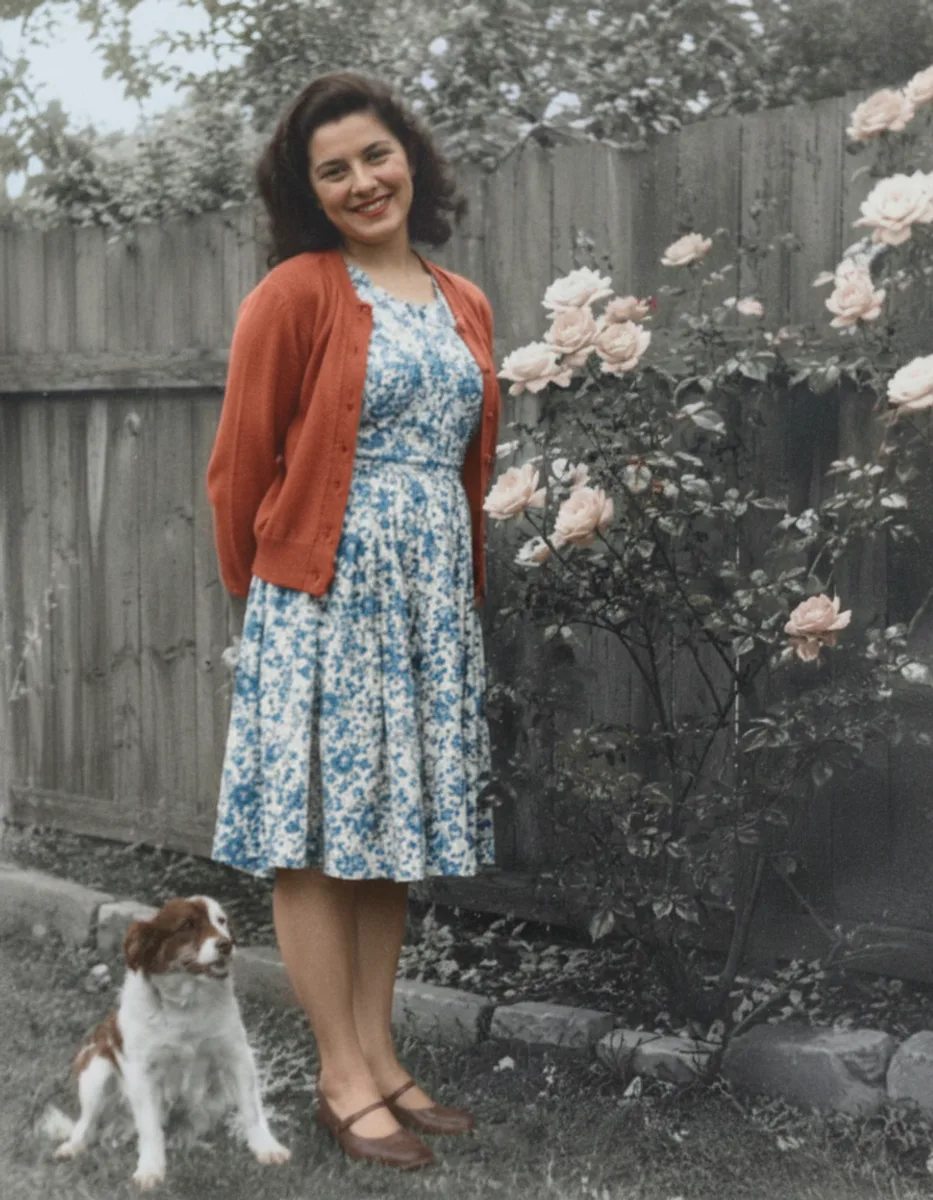
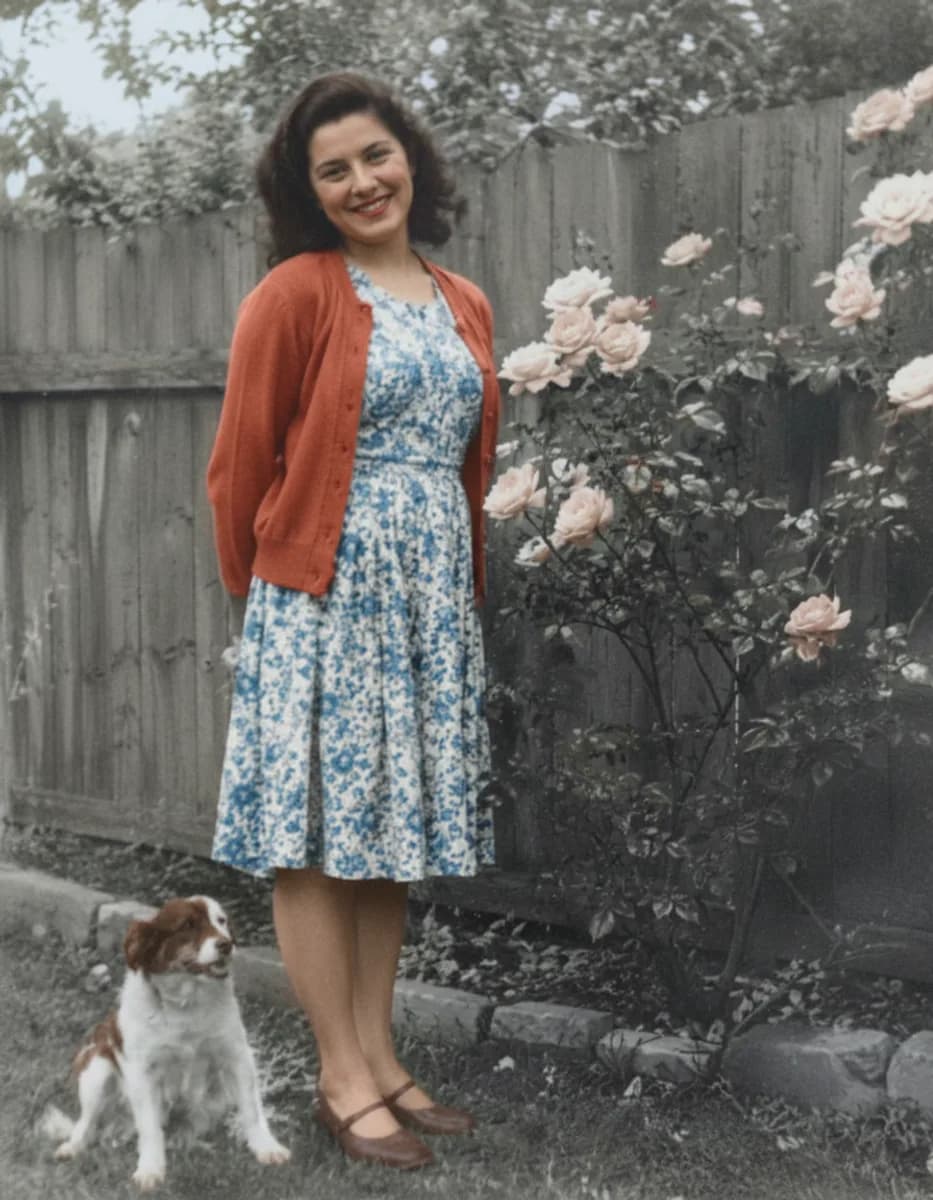
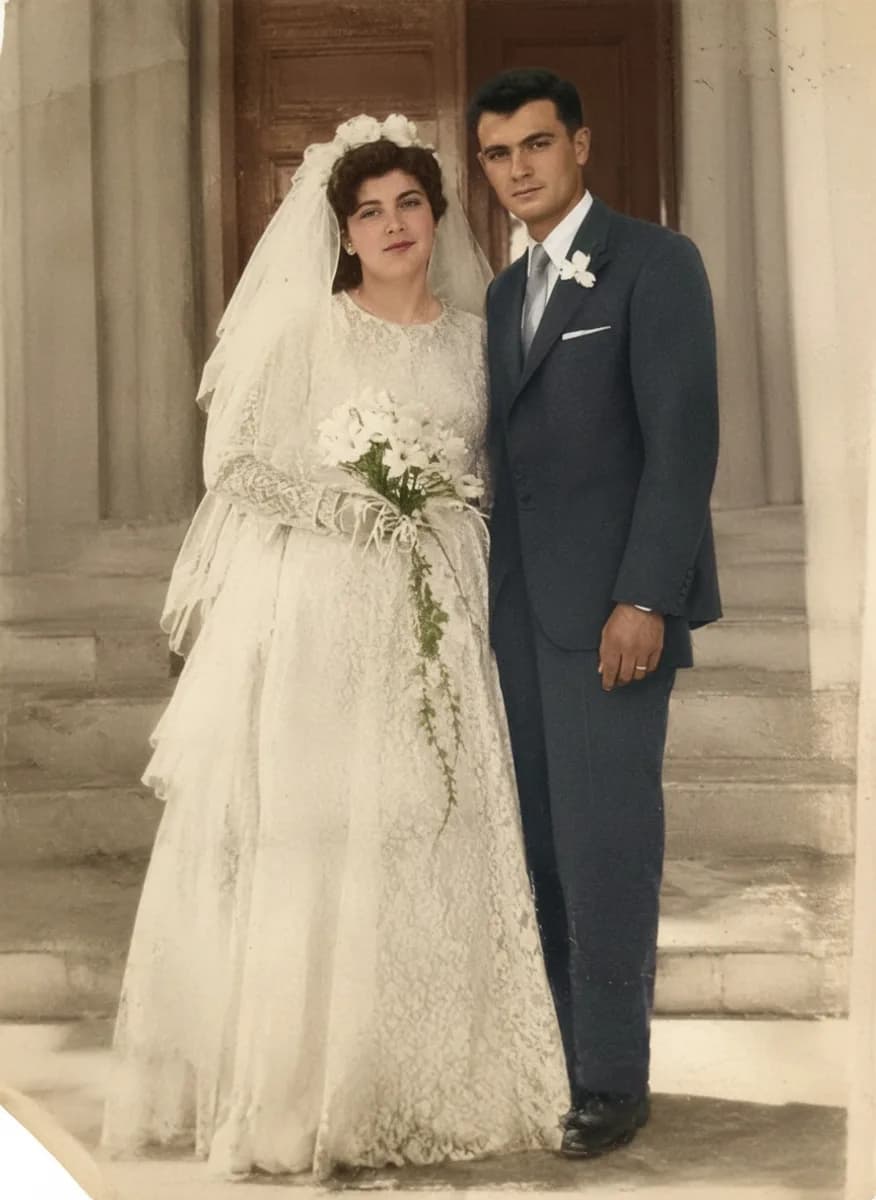
Picazo’s Photo Colouriser adds natural colour to black-and-white photos. Skin, clothing, gardens, skies and pets get believable colours for the era and the scene, so a grandmother’s portrait or an old family snapshot feels close again. It’s a single tap: no brushes, no picking colours by hand.
It only adds colour. The AI is told to keep every face, edge, shadow and the grain exactly where they are, without smoothing, sharpening or redrawing anything, so the result looks like the same photograph shot in colour. The picture keeps the shape and framing of your scan, ready to print, frame or share.
EXAMPLES
Black and white, brought to colour
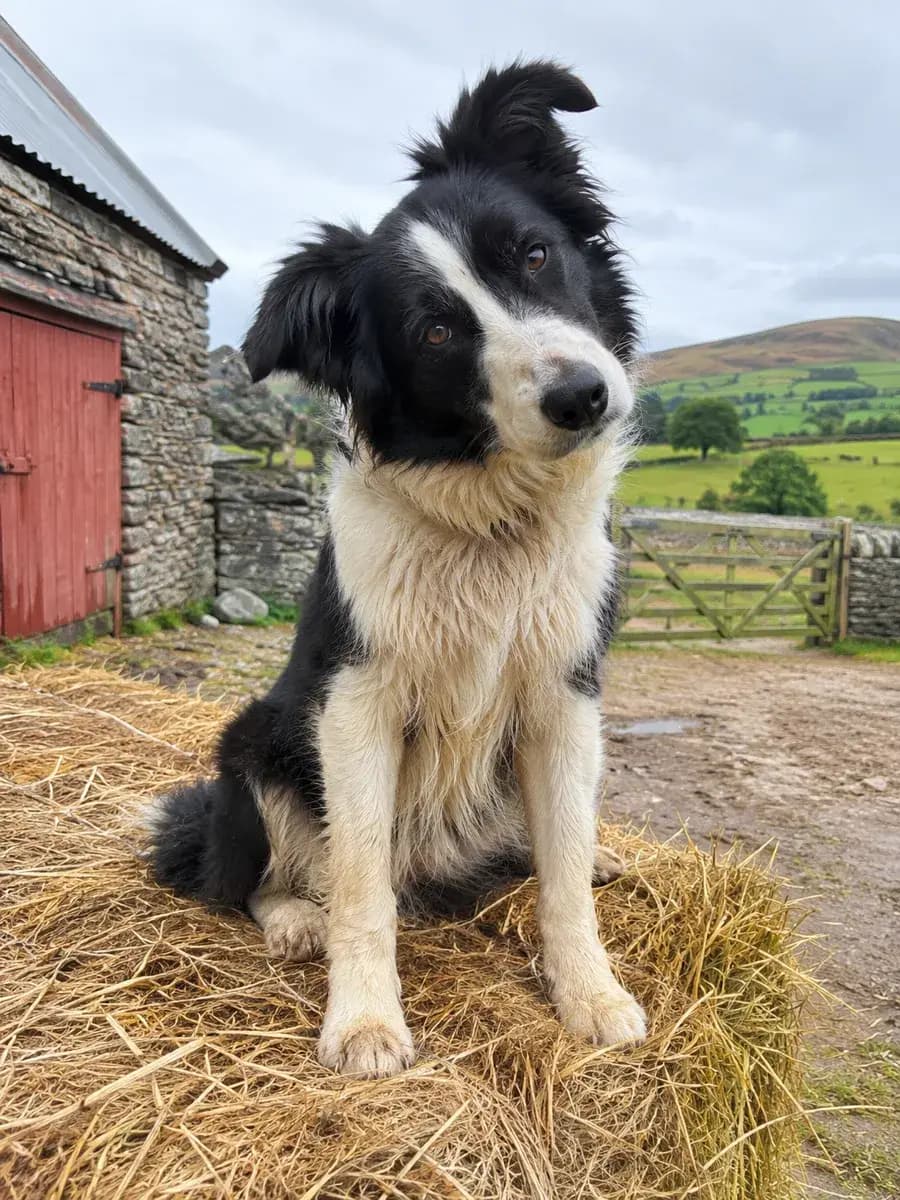
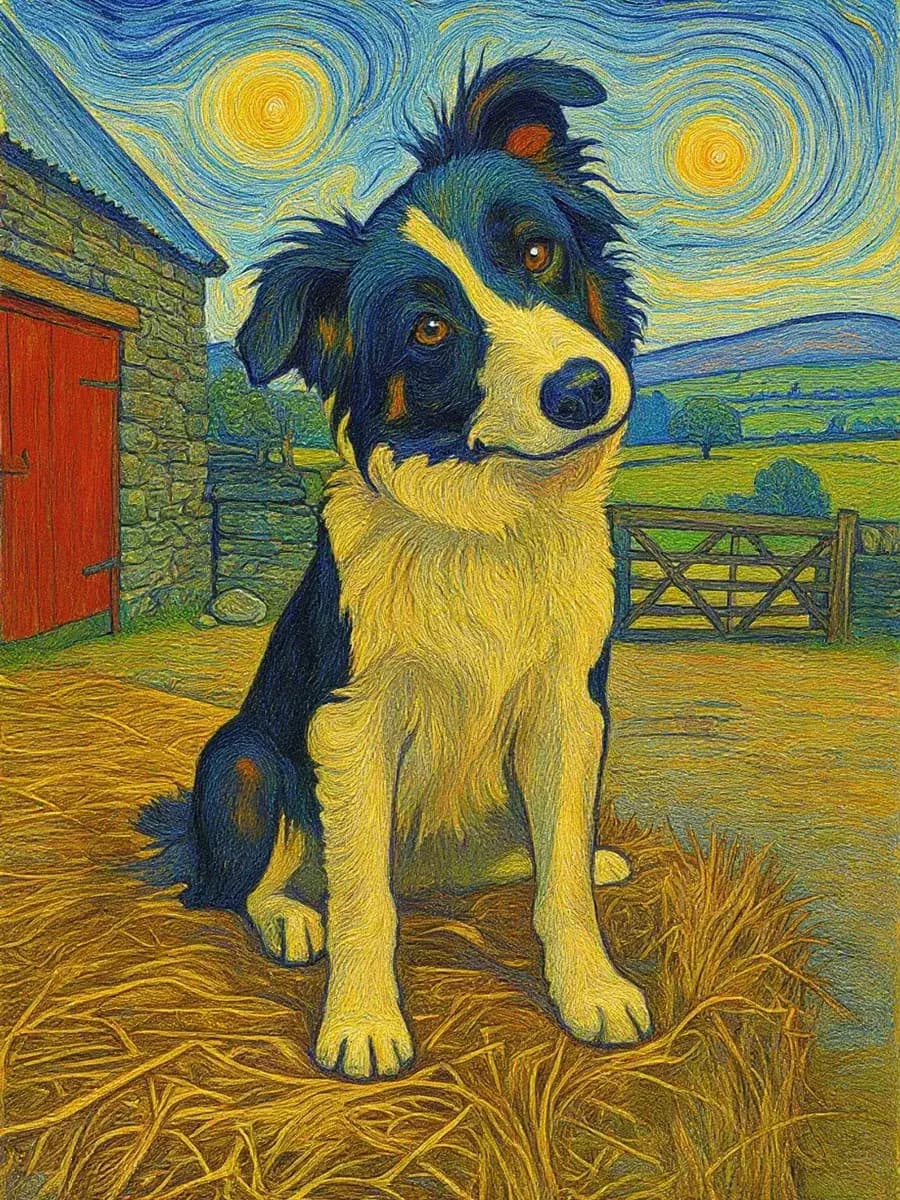
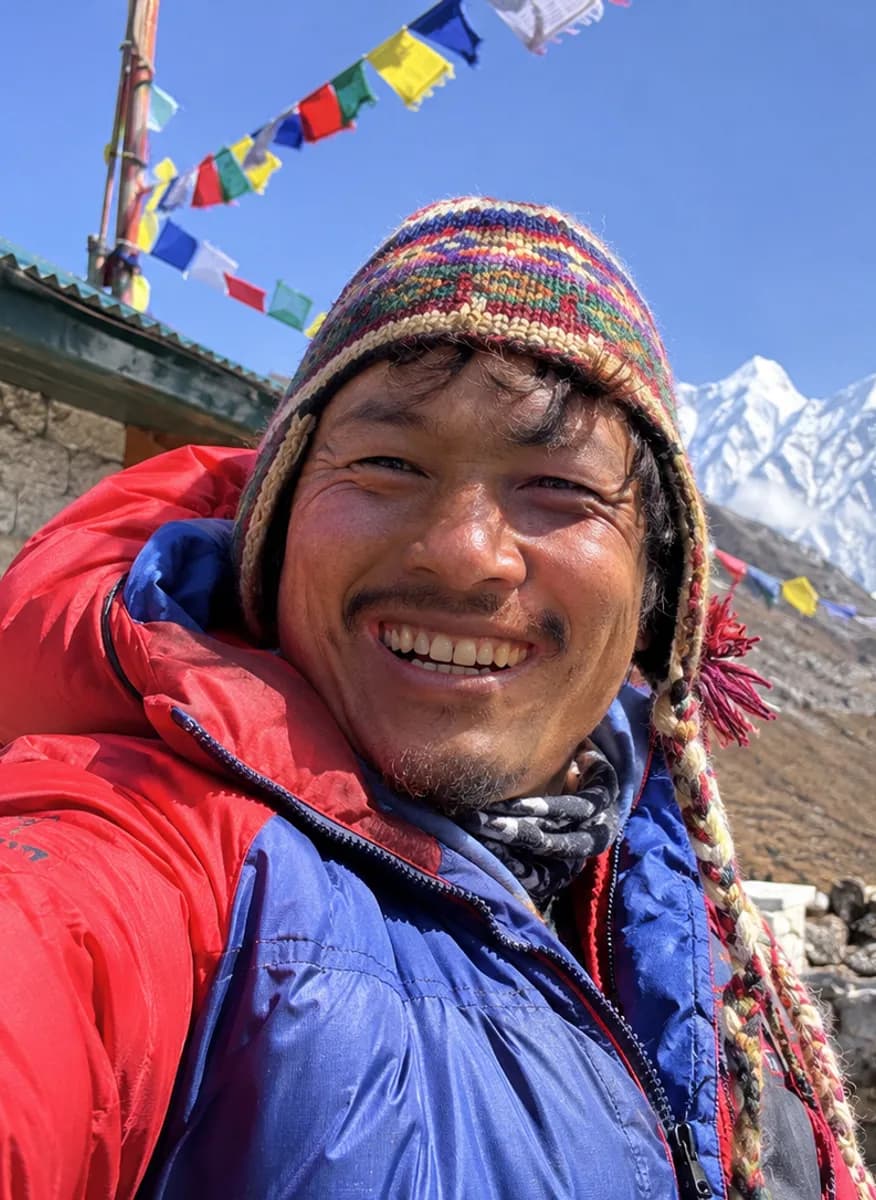
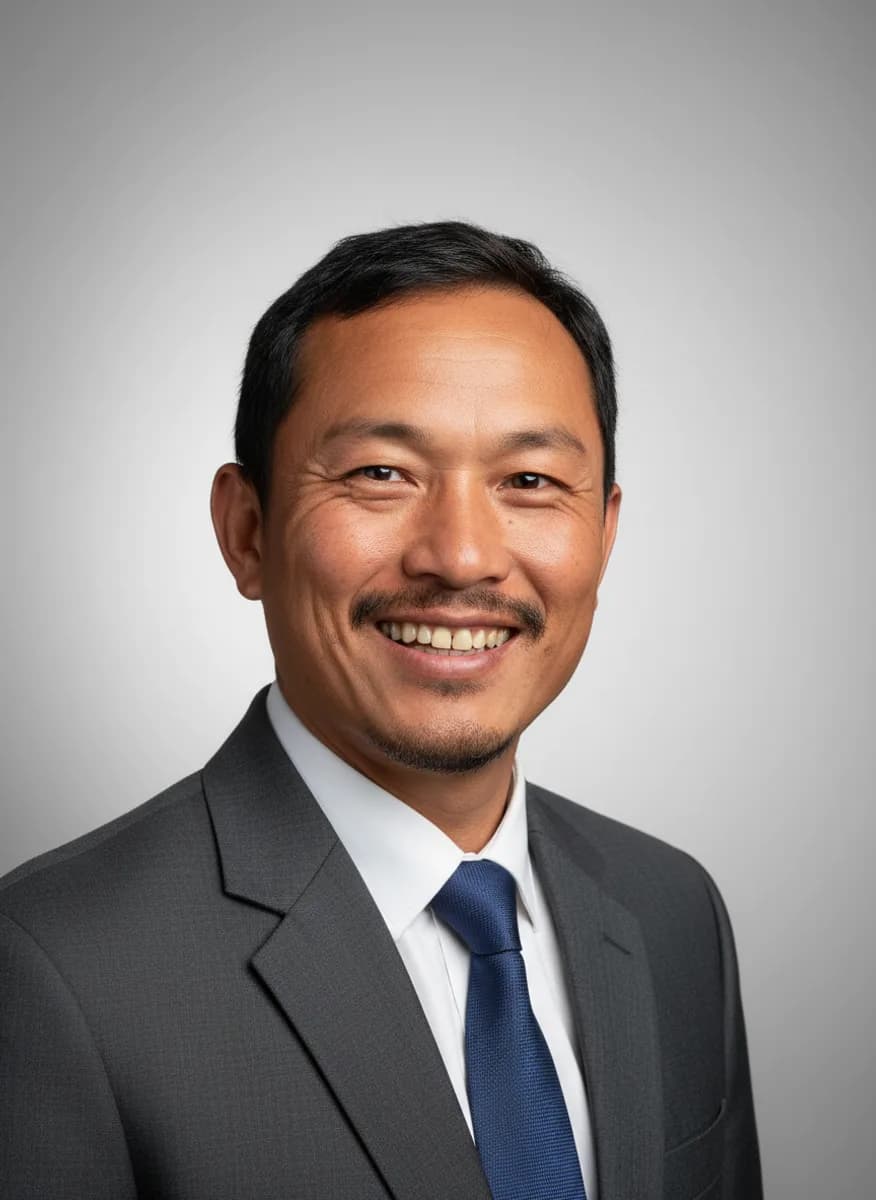
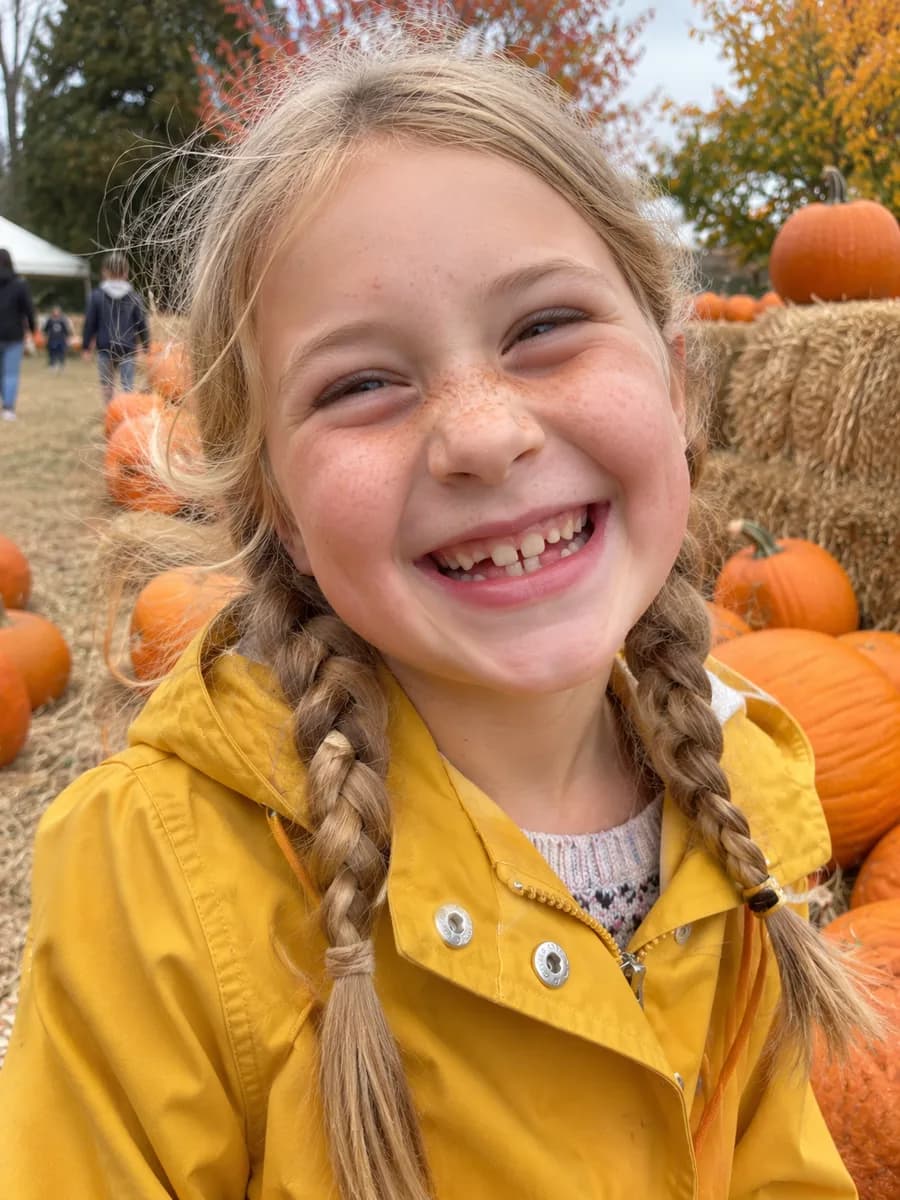
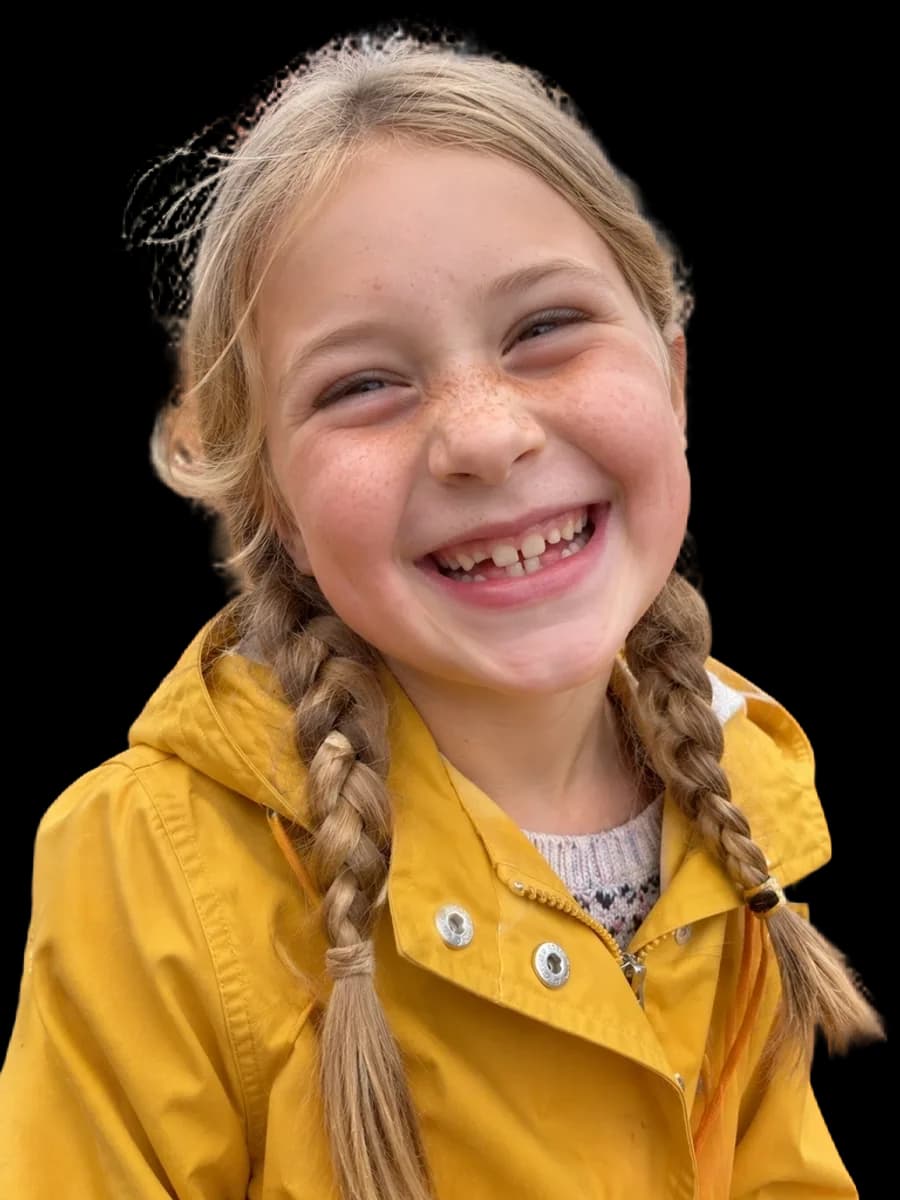
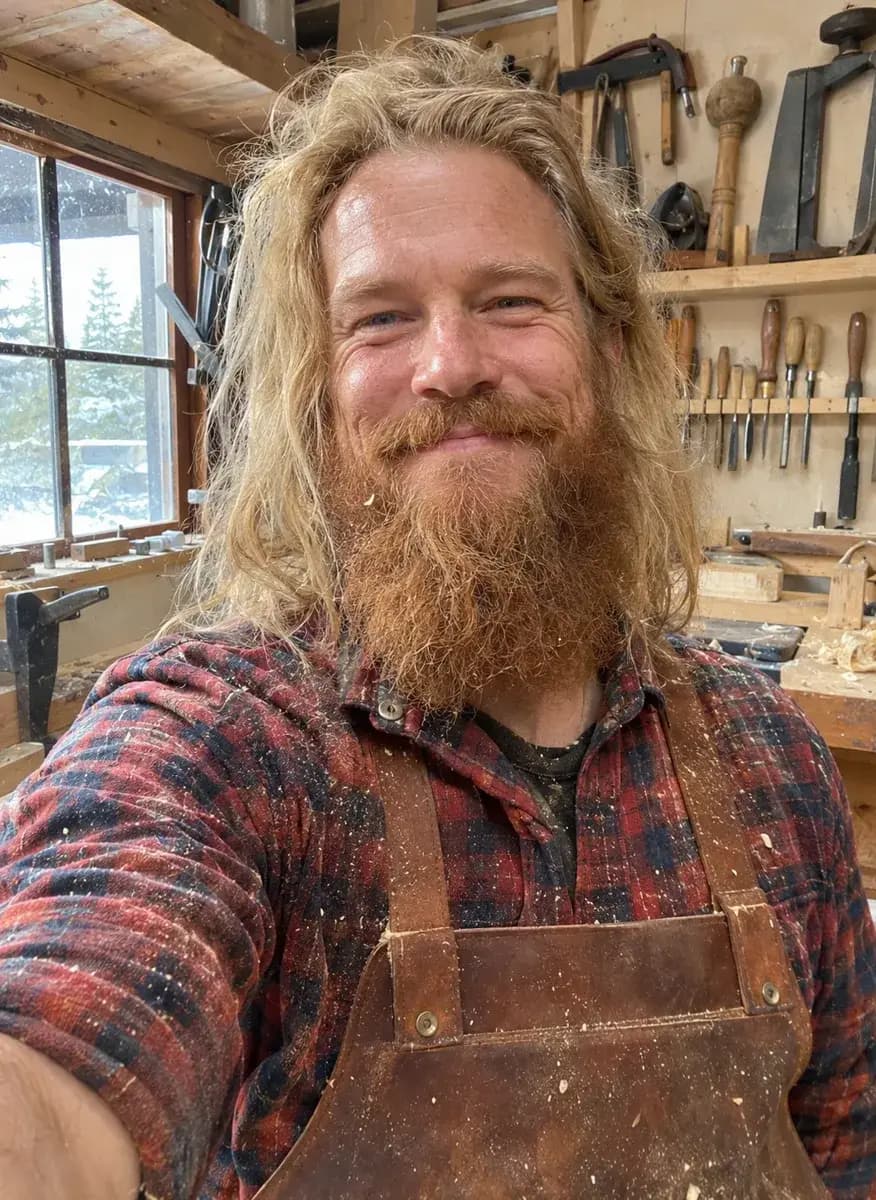
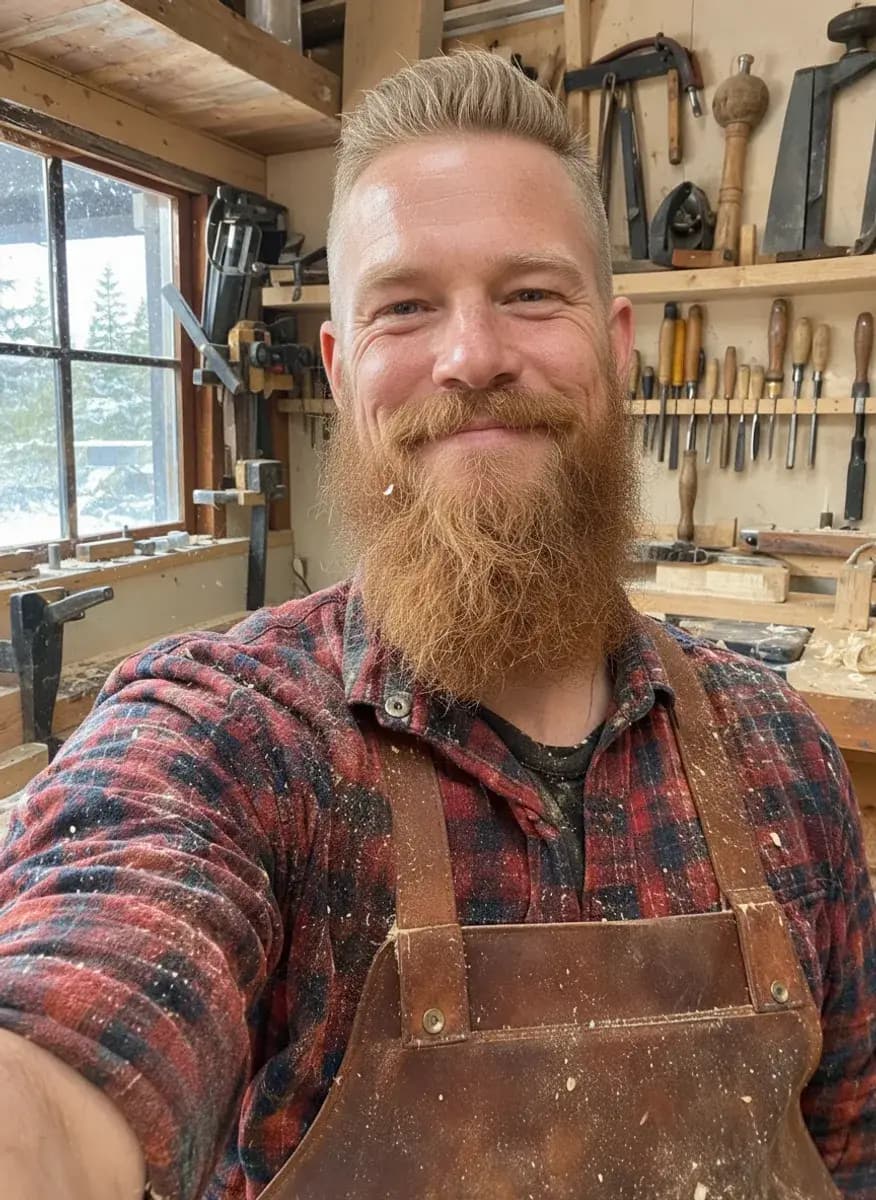
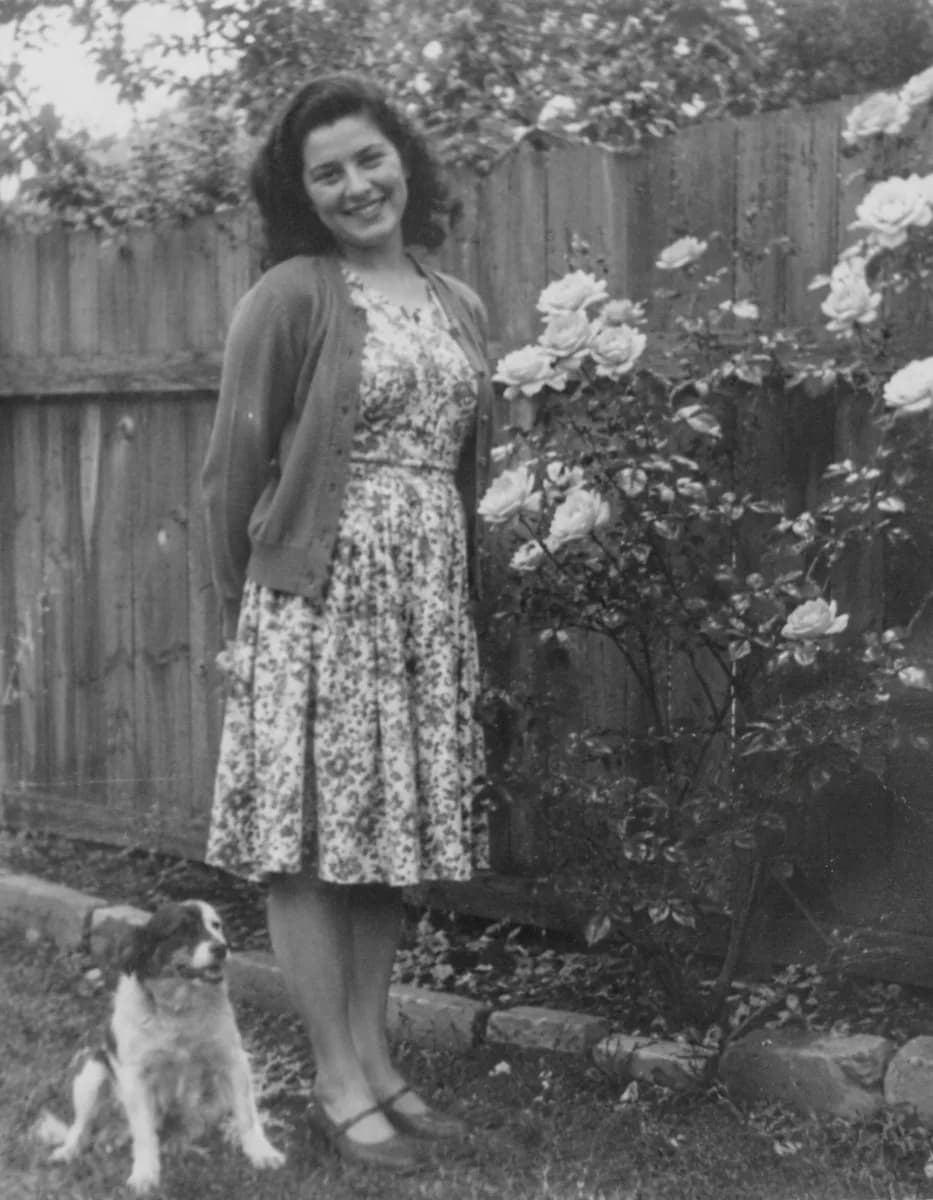
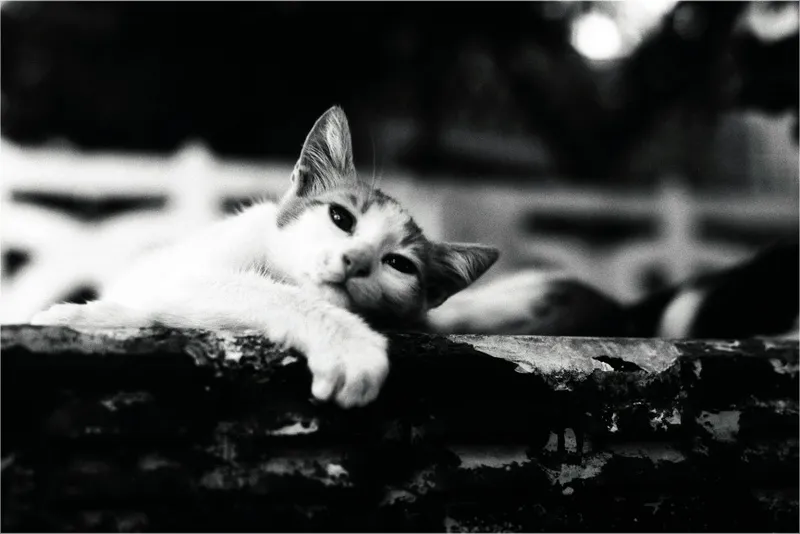
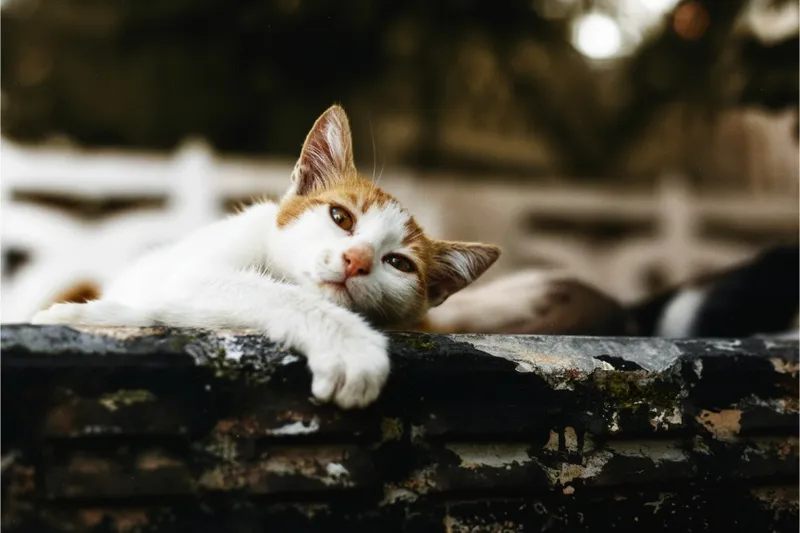
Family photos and animals alike. Every example here was made with the tool itself; drag across each one to compare.
DO MORE
Bring old photos all the way back
Repair scratches and creases →
Restore fixes tears, fading and blur in old prints. Run it first, then add colour to the repaired photo.
Bring faces into focus →
Face Unblur sharpens soft eyes and features, which helps with small or out-of-focus faces in old snapshots.
Make it big enough to print →
Small scans can be upscaled with added detail, so a colourised photo holds up as a framed print.
SAFE AND YOURS
Creating is fun, and safe.
Sent only to make your result
Your picture goes to our AI provider to make the result, and nowhere else. It's never sold or used for advertising.
Never used to train AI
We don't train models on what you upload or make, and we require our AI providers not to either.
What you make is yours
You own the pictures and designs you create in Picazo. Use them for yourself or your business.
Colourised photos for families and historians
For family albums
See grandparents, weddings and childhood photos in colour, then print them or share them with the whole family.
For family historians
Bring ancestors closer in a family tree, a memorial slideshow or a printed history for relatives.
For local history and archives
Give old street scenes and archive photos a fresh look for a talk, a museum display or a community page.
THE WHOLE STUDIO
All the features you need
Every AI tool sits inside a full design editor, so a result never has to leave Picazo to become something finished.
100,000+ templates →
Posts, posters, flyers, cards, menus and résumés, all fully editable.
Free background remover →
Unlimited, with no watermark, on any photo.
Make any text editable →
Turn the words in a picture or a flattened design back into real text.
AI photo tools →
Enhance, upscale, restore, expand and remove objects, all in one editor.
Layers and precise editing
Move, align, crop, clip and restyle every element on the page.
Export with no watermark
PNG, JPG, SVG and print-ready PDF, in full quality.
Open PDFs and PSDs
Bring in a PDF or a Photoshop file and edit it like any design.
Brand kit
Your colours, fonts and logo, applied to a whole design in one tap.
Bulk edit and create →
Resize or watermark 30 photos at once, or turn a spreadsheet into designs.
Translate a design →
Every text box into one of 35 languages, with the layout kept.
On your phone too
A touch editor with the AI tools, templates and export built in.
Autosave and sync
Signed in, your designs save as you go and open on any device.
HOW IT WORKS
How to use Colorize B&W.
Add a black-and-white photo
Upload a scan or a phone photo of the print, paste it, drop it in or pick one from My uploads. A straight, evenly lit copy works best.
Colorize it
Press Colorize. The AI assigns natural colours to what’s already there and leaves every line and shadow in place.
Compare before and after
Drag across the result to see the change. Colours are an informed guess, so run it again if you’d like another take.
Download or keep restoring
Download the colour photo, save it to My uploads, or open it in the editor to crop, adjust and add a caption.
Your questions, answered
FROM THE STUDIO