ICAZO

Transform · AI tool

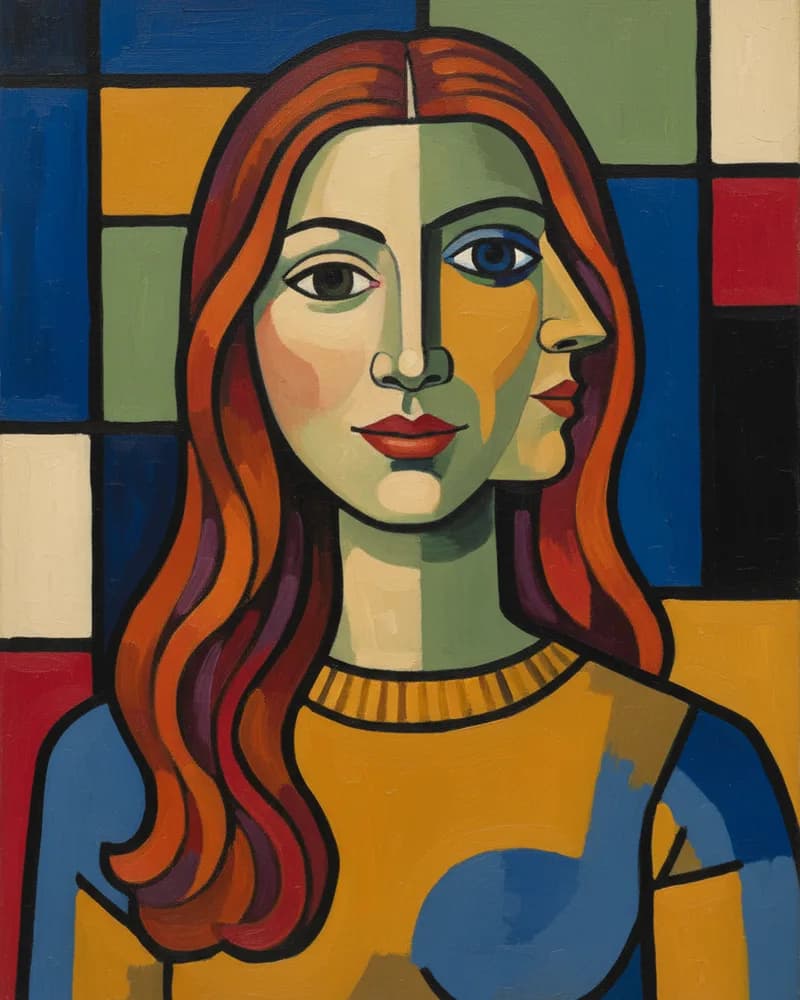
Turn a photo into art

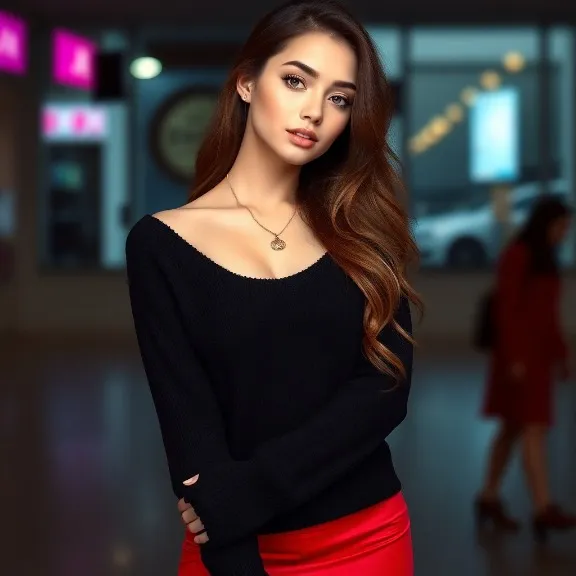
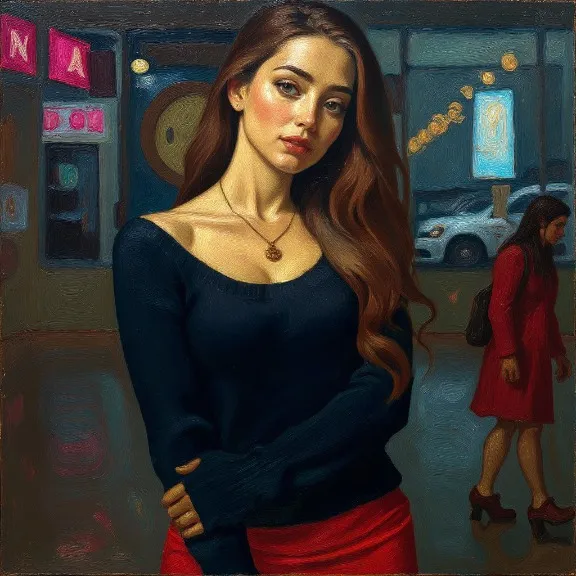
Make a portrait look painted, a city look like an anime still or a pet look like a watercolour — the people and places stay recognisable while the style changes.

Add a photo on the right to try it. Want more control? Open AI Art Effects in the full editor.

Uses 4 AI credits per run. Free accounts get 25 credits a month; Pro gets 500.
or drop one here, or paste with Ctrl/⌘ V

Uses 4 AI credits · free account gets 25 a month

How to use AI Art Effects

  1. 1

    Add a photo

    Upload one, or pick a photo already in your design. JPG, PNG, WebP and HEIC all work.

  2. 2

    Run AI Art Effects

    One tap for most tools; a few let you pick a style or paint the area first.

  3. 3

    Download or keep editing

    Save the result, or carry on in the editor with text, templates and other tools.

AI Art Effects — questions

Is AI Art Effects free?+
Uses 4 AI credits per run. Free accounts get 25 credits a month; Pro gets 500. No card is needed to start.
Does it work on my phone?+
Yes. Picazo runs in the browser on iPhone, Android and computers, and AI Art Effects is in the AI tools on both.
What happens to my photos?+
Your image is sent to our AI provider only to make your result, and is never sold or used for advertising. Signed-in designs are stored privately in your account.

More transform tools

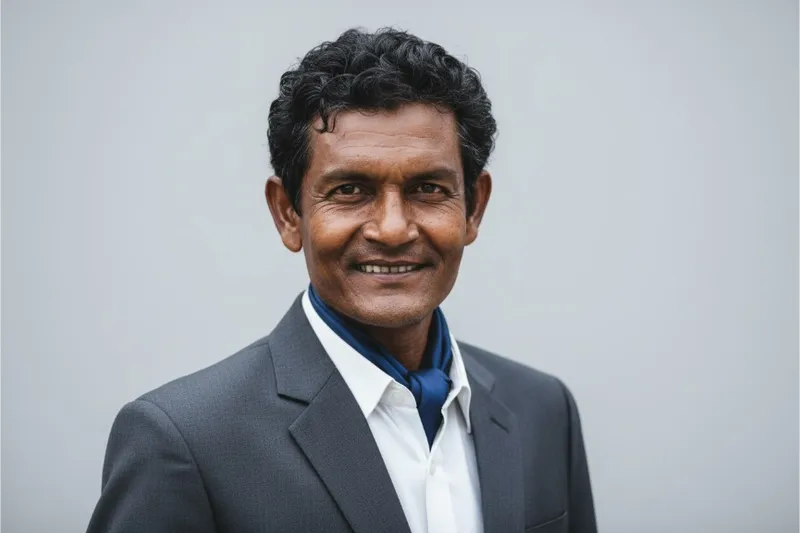
AI Headshot
Professional headshot
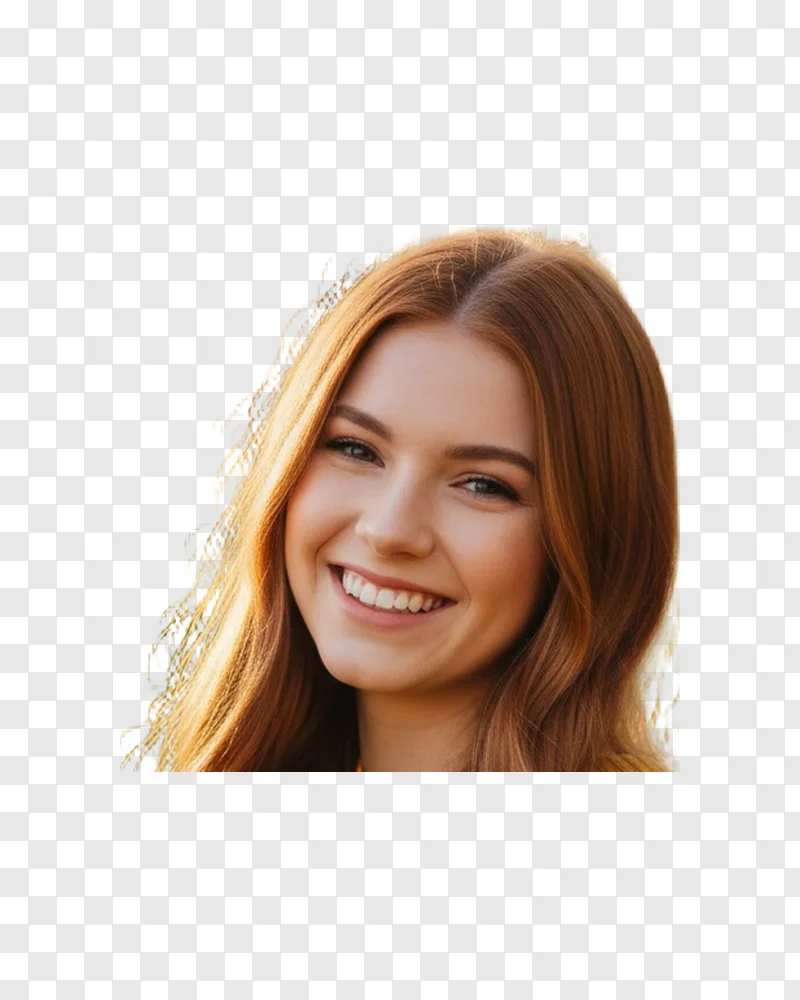
Face Cutout
Cut out just the head on transparency
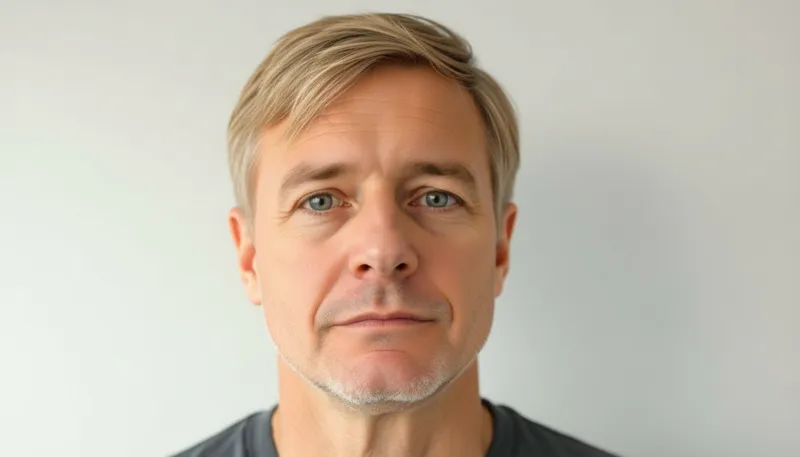
AI Hairstyle
Change hairstyle with AI
Colorize B&W
Add color to B&W photos
Clothes Changer
Virtual try-on
Make Editable
Turn the text in a design into editable text

See all 32 AI tools →