ICAZO

Transform · AI tool

Try clothes on a photo

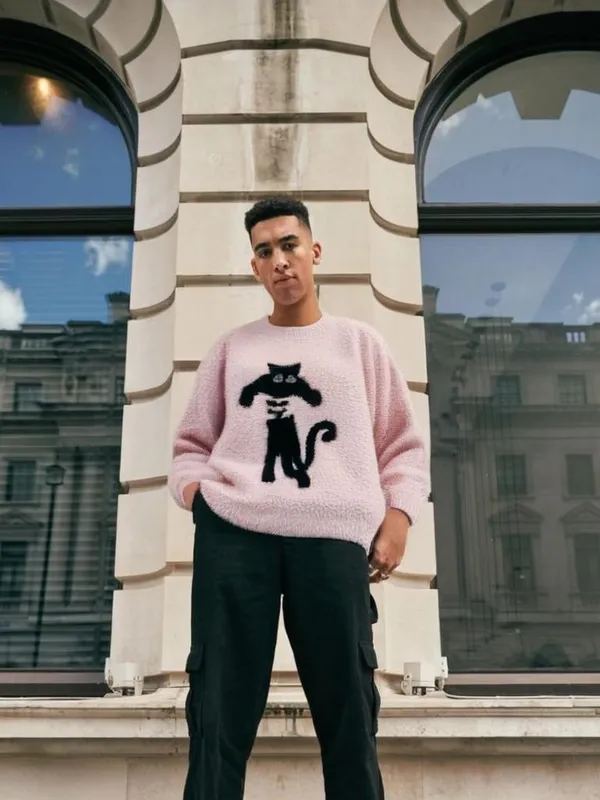
Upload a person and a garment and see how it looks on them — for online shopping, styling ideas or showing a product on a model without a photo shoot.

Add a photo on the right to try it. Want more control? Open Clothes Changer in the full editor.

Uses 5 AI credits per run. Free accounts get 25 credits a month; Pro gets 500.

or drop one here, or paste with Ctrl/⌘ V

Uses 5 AI credits · free account gets 25 a month

How to use Clothes Changer

  1. 1

    Add a photo

    Upload one, or pick a photo already in your design. JPG, PNG, WebP and HEIC all work.

  2. 2

    Run Clothes Changer

    One tap for most tools; a few let you pick a style or paint the area first.

  3. 3

    Download or keep editing

    Save the result, or carry on in the editor with text, templates and other tools.

Clothes Changer — questions

Is Clothes Changer free?+
Uses 5 AI credits per run. Free accounts get 25 credits a month; Pro gets 500. No card is needed to start.
Does it work on my phone?+
Yes. Picazo runs in the browser on iPhone, Android and computers, and Clothes Changer is in the AI tools on both.
What happens to my photos?+
Your image is sent to our AI provider only to make your result, and is never sold or used for advertising. Signed-in designs are stored privately in your account.

More transform tools

AI Art Effects
Apply artistic styles
AI Headshot
Professional headshot
Face Cutout
Cut out just the head on transparency
AI Hairstyle
Change hairstyle with AI
Colorize B&W
Add color to B&W photos
Make Editable
Turn the text in a design into editable text

See all 32 AI tools →