THE STUDIO · No. 26 · TRANSFORM
The words for your design, written for you
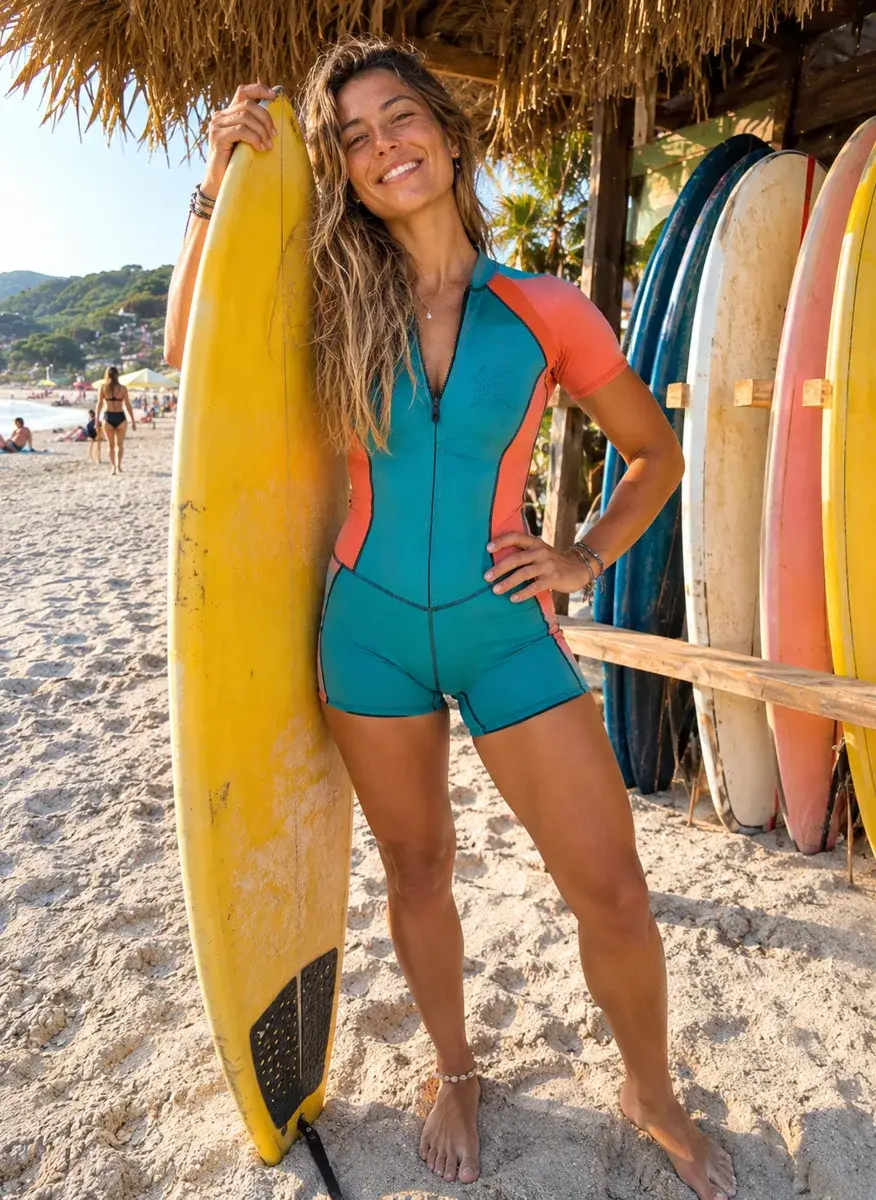
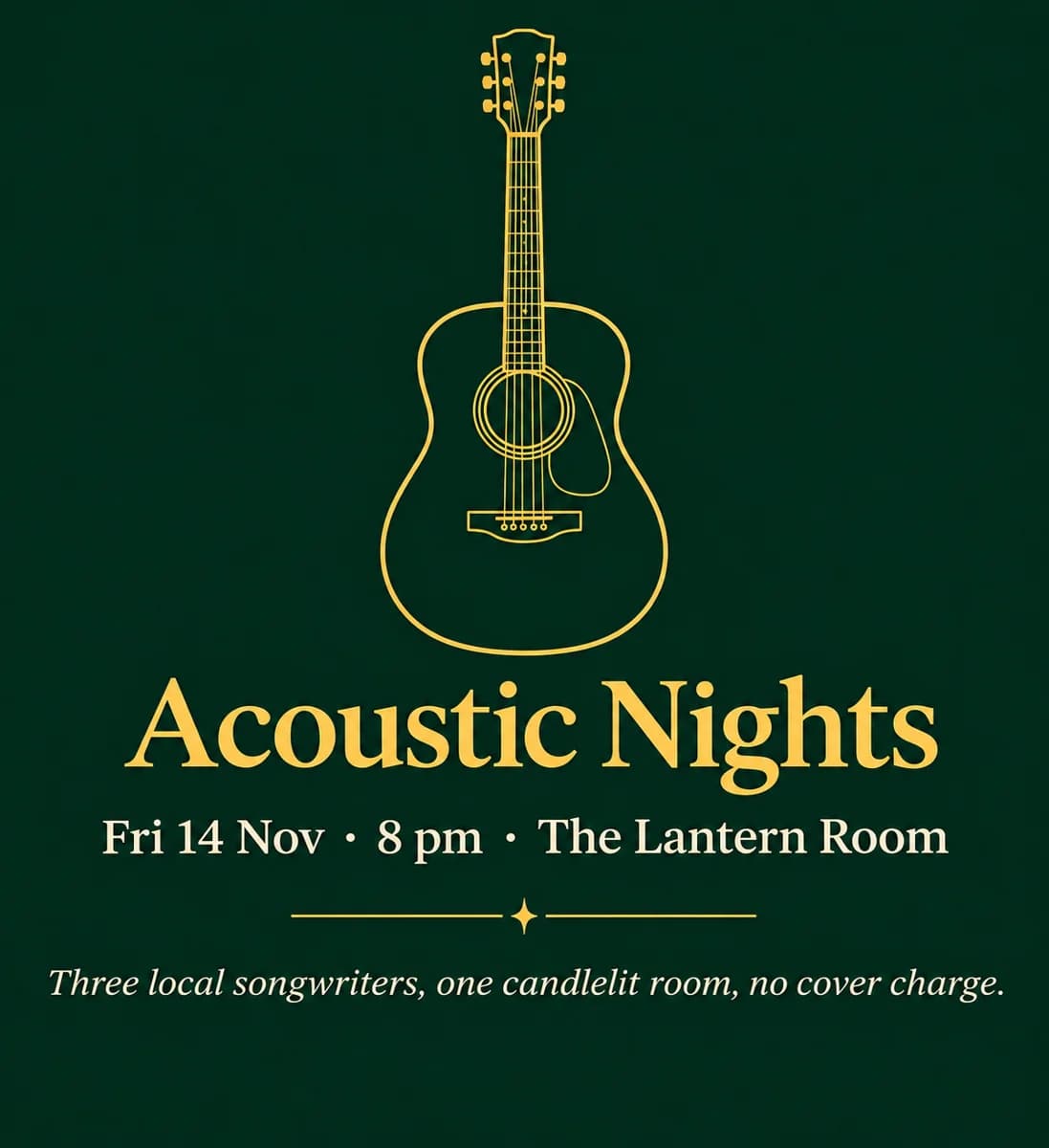
Placeholder text out, real words in. Say what the design is for and pick a tone, and every text box is written to fit its place, so a template becomes your post without a blank page.
Try Write with AI freeFree with a Picazo account, up to 10 runs a day (100 on Pro).
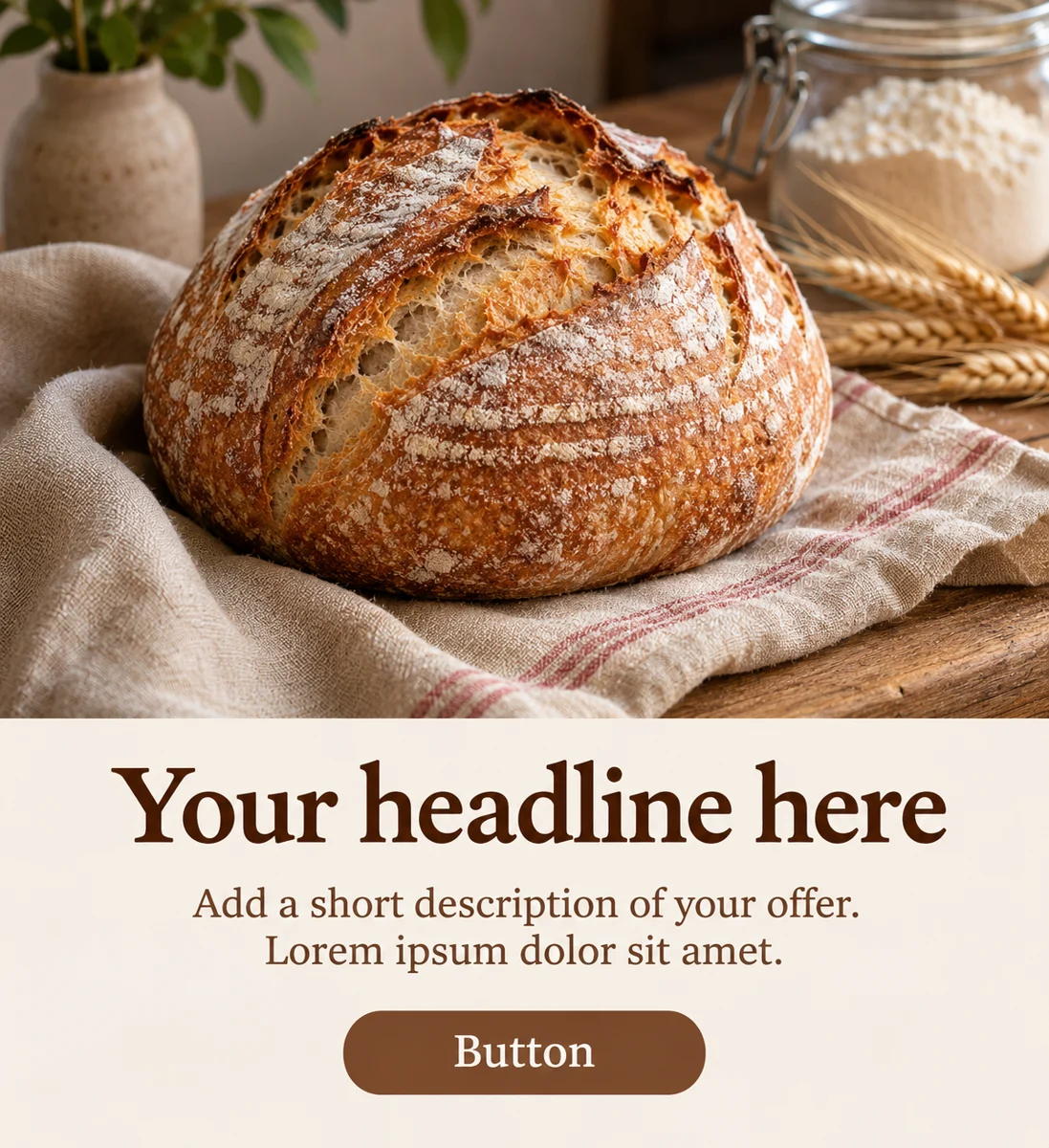
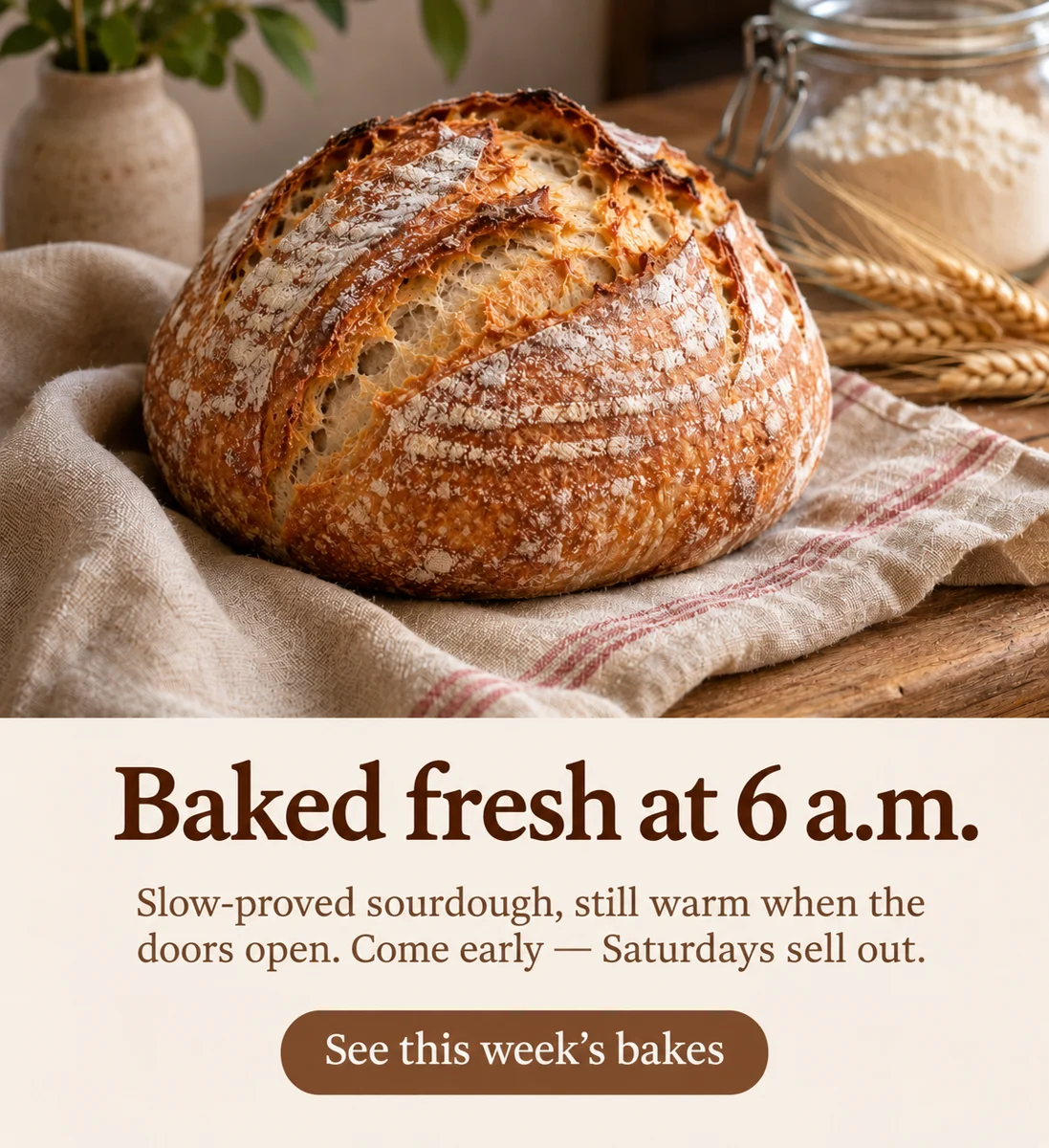
Drag to compare before and after
INTRODUCING
Introducing Picazo’s Write with AI
Placeholder text out, real words in. Say what the design is for and pick a tone, and every text box is written to fit its place, so a template becomes your post without a blank page.
Write with AI is built into the Picazo editor, so the result lands where you're already working: put it on a template, add text, or carry on with any other AI tool.
EXAMPLES
What Write with AI can do
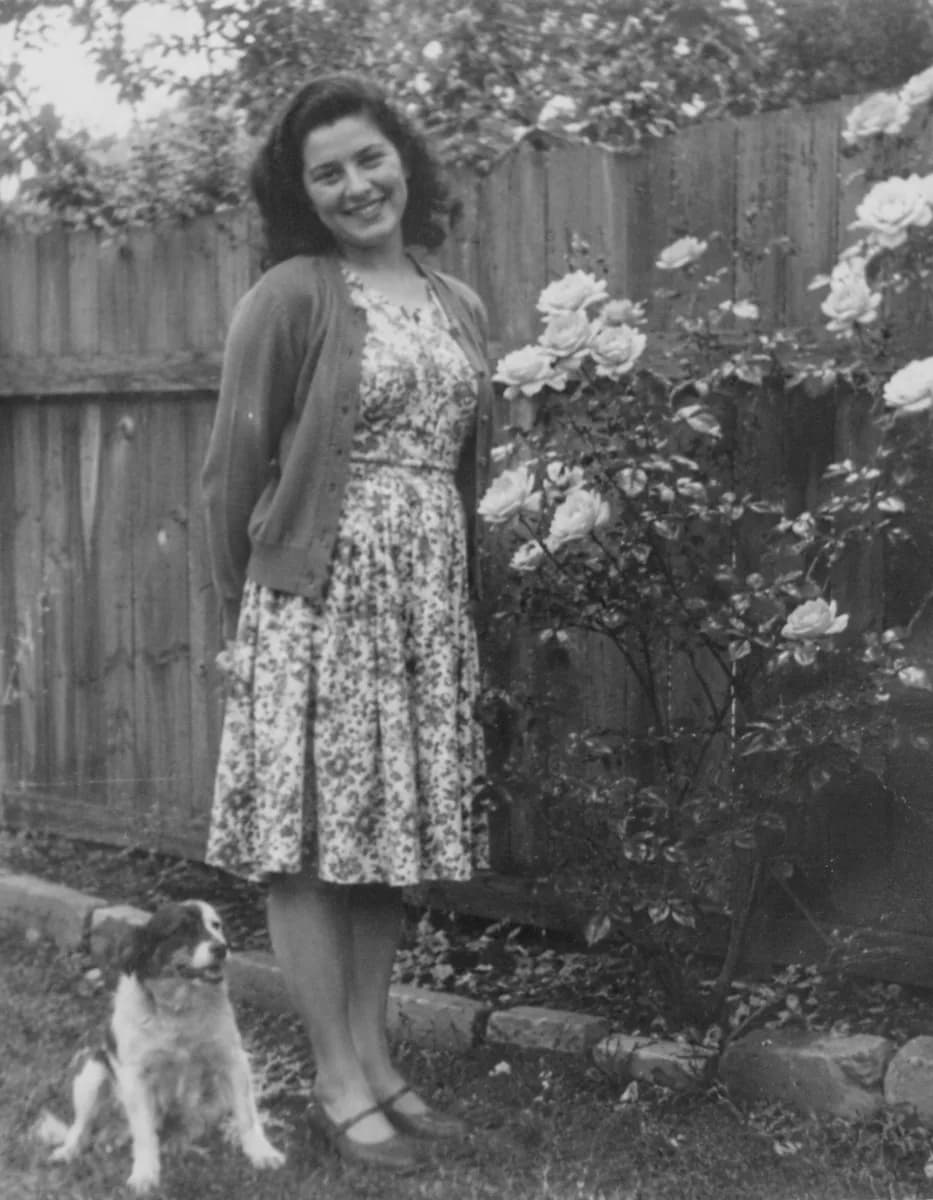
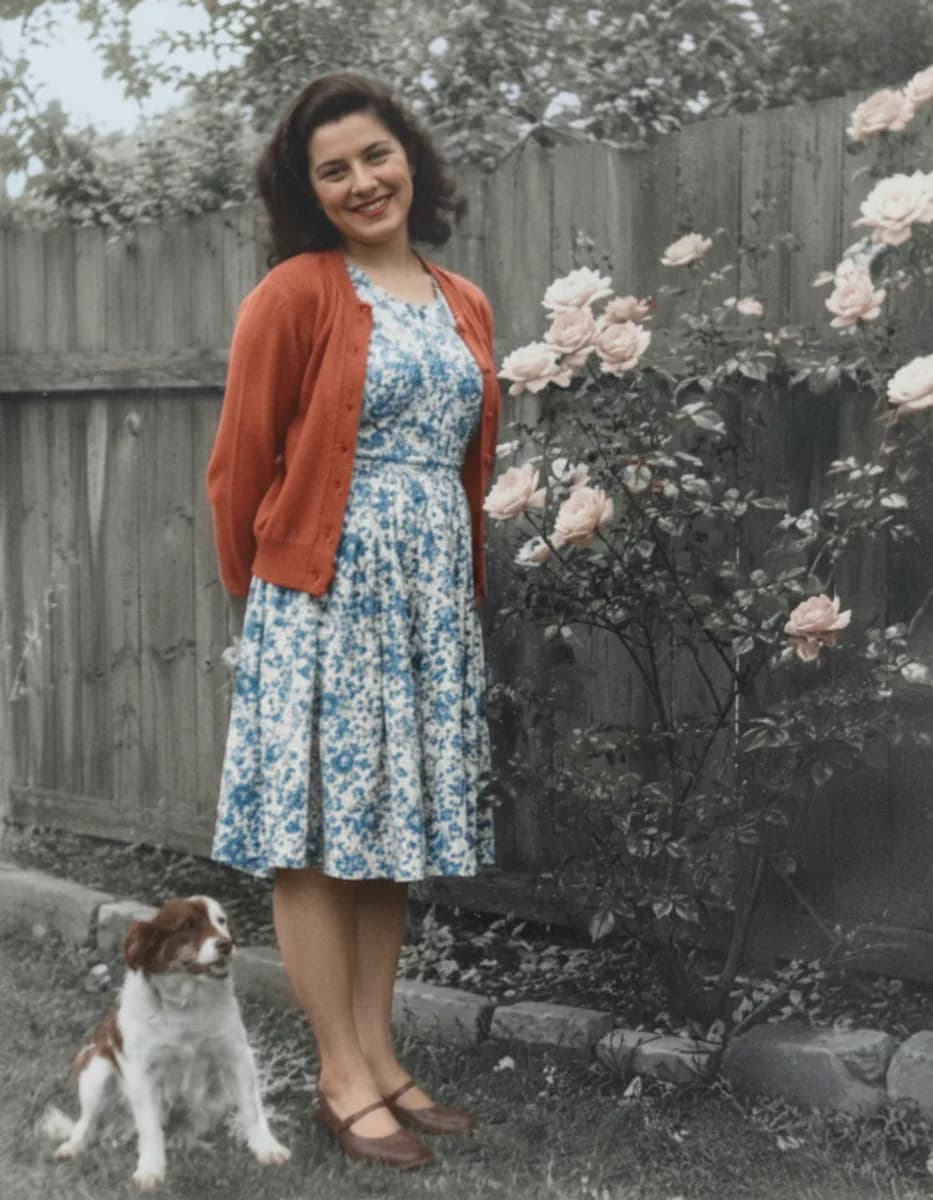
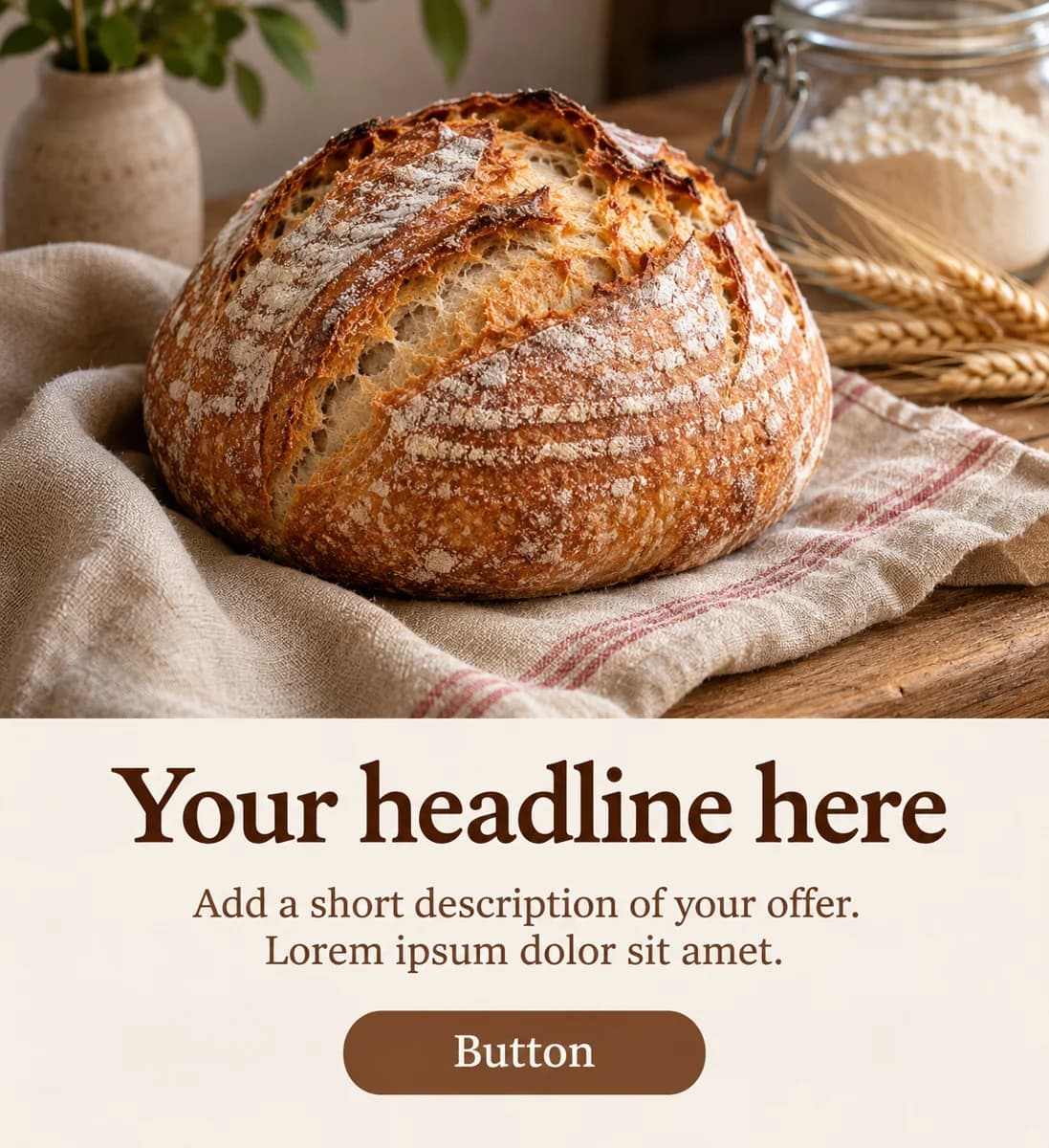
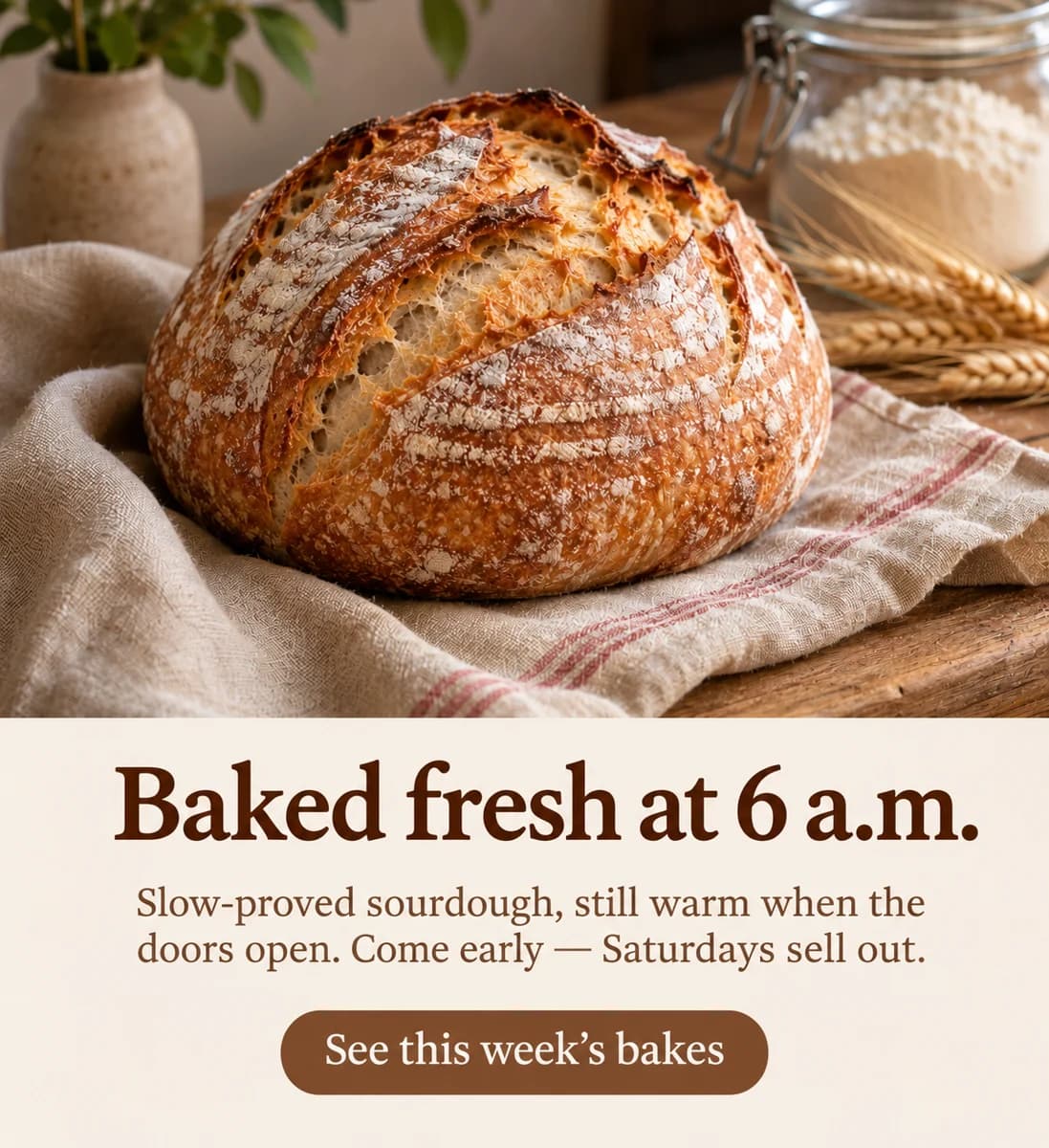
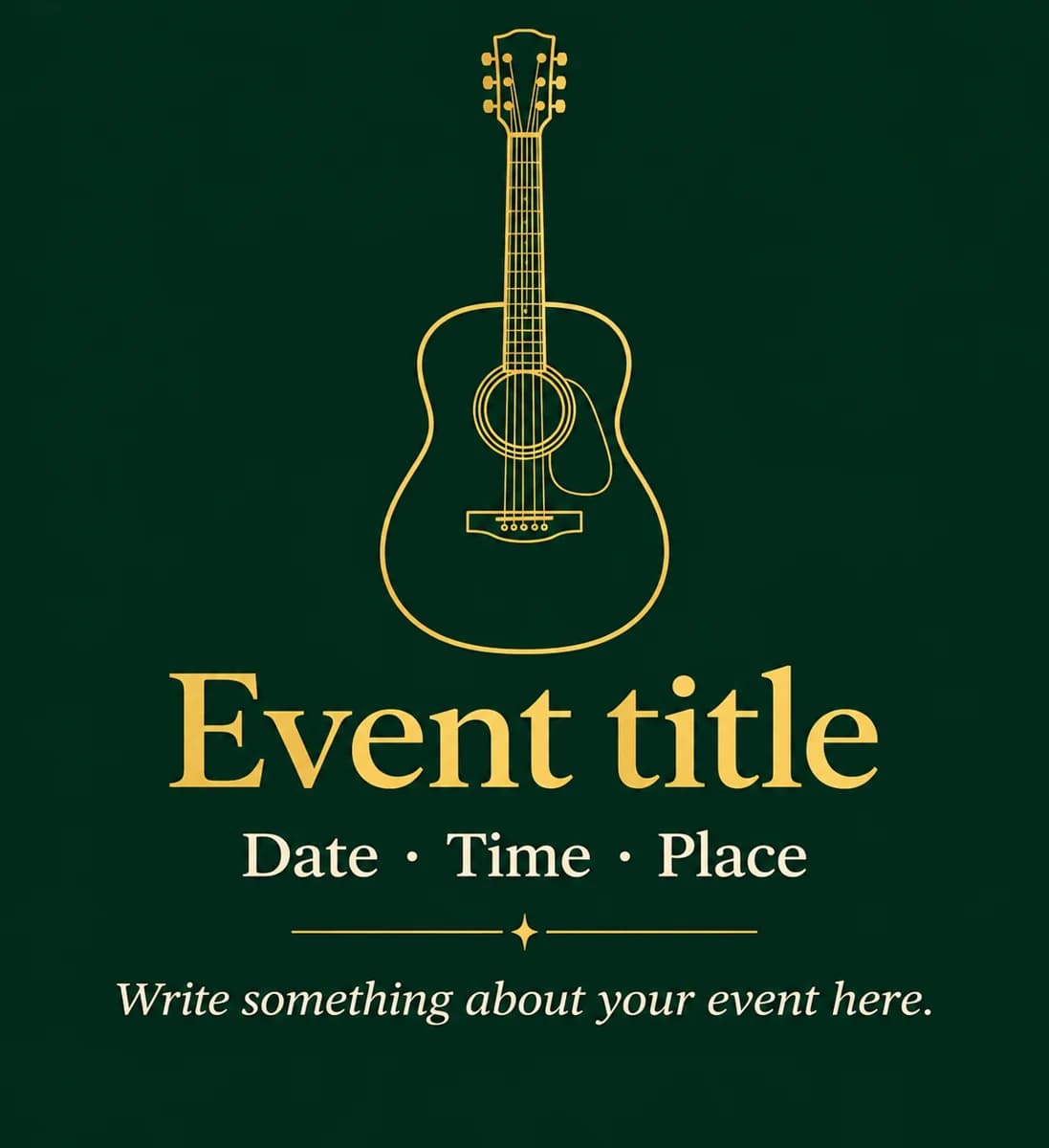
Every example here was made with the tool itself. Hover or drag to compare before and after.
DO MORE
Do more in the same editor
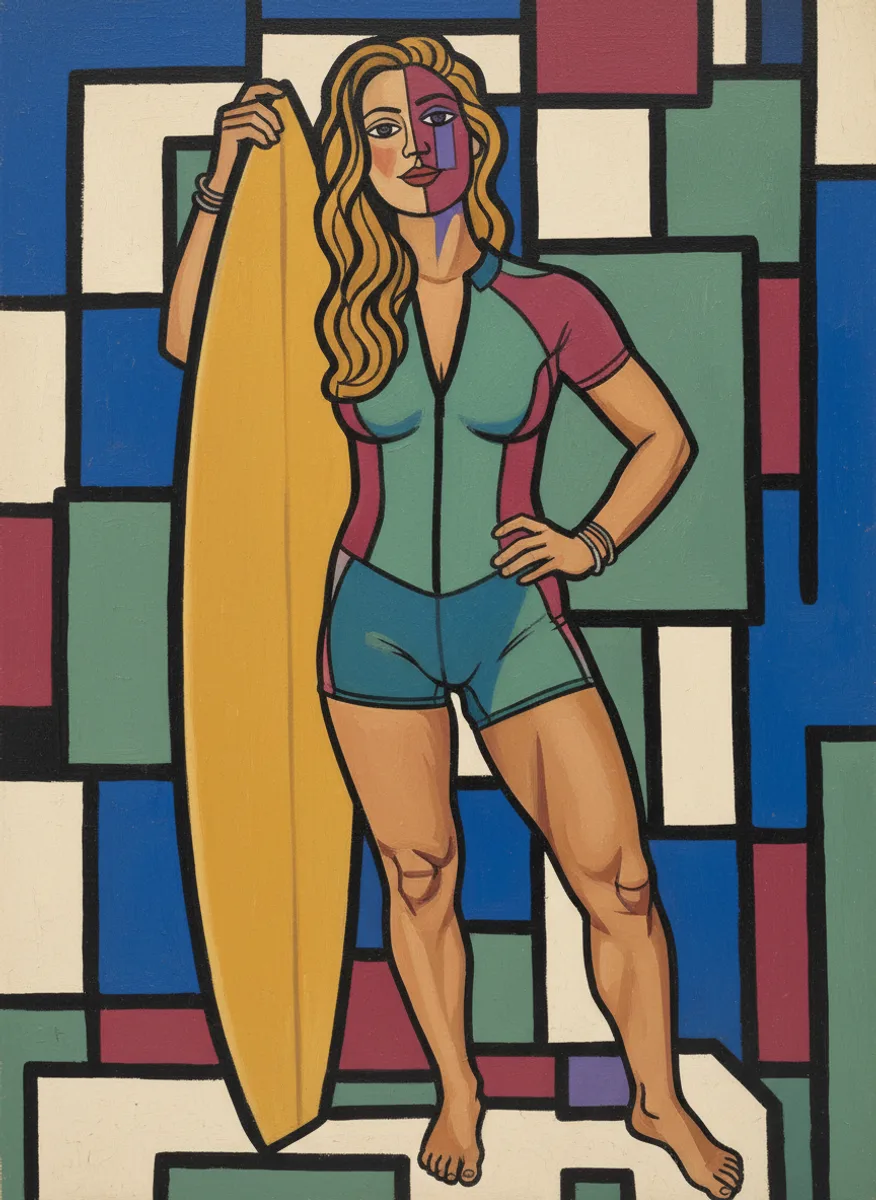
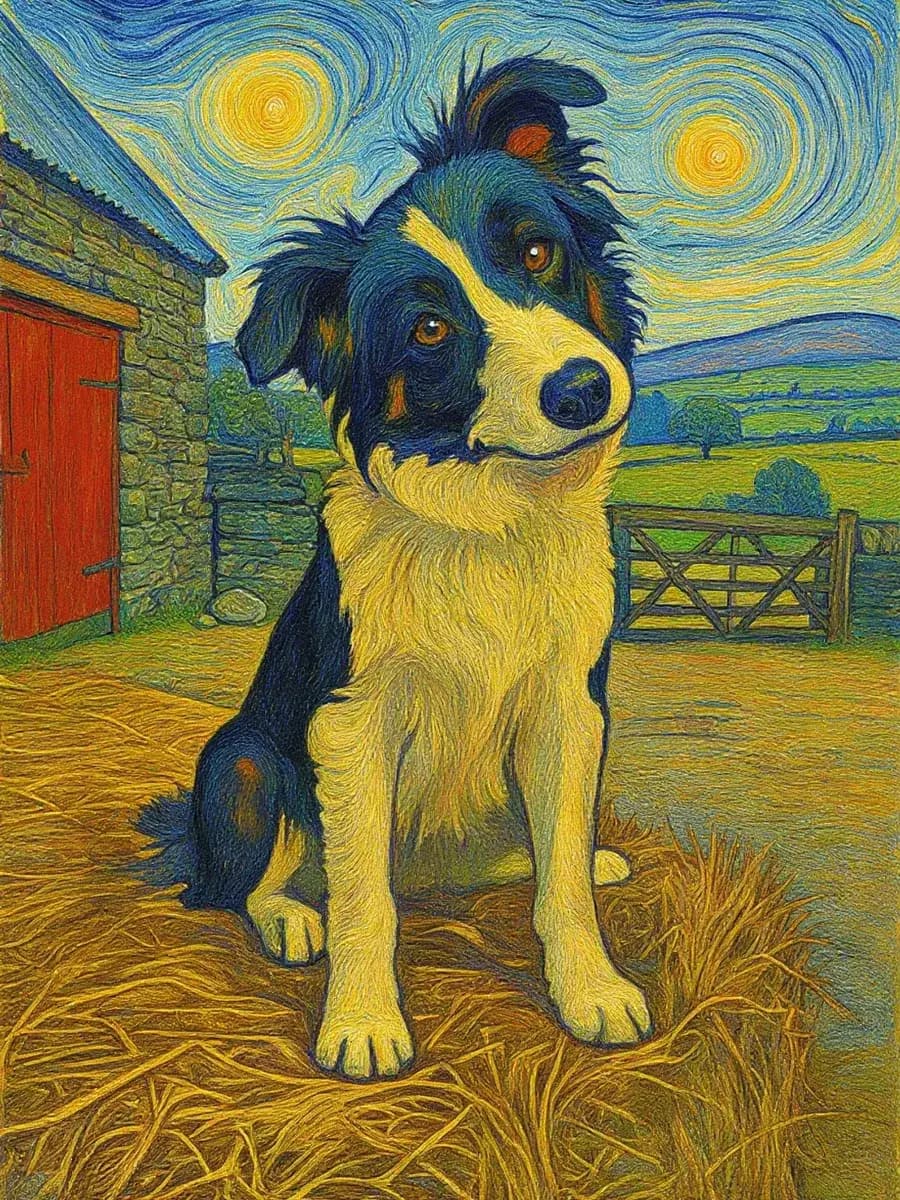
AI Art Effects →
Apply artistic styles.
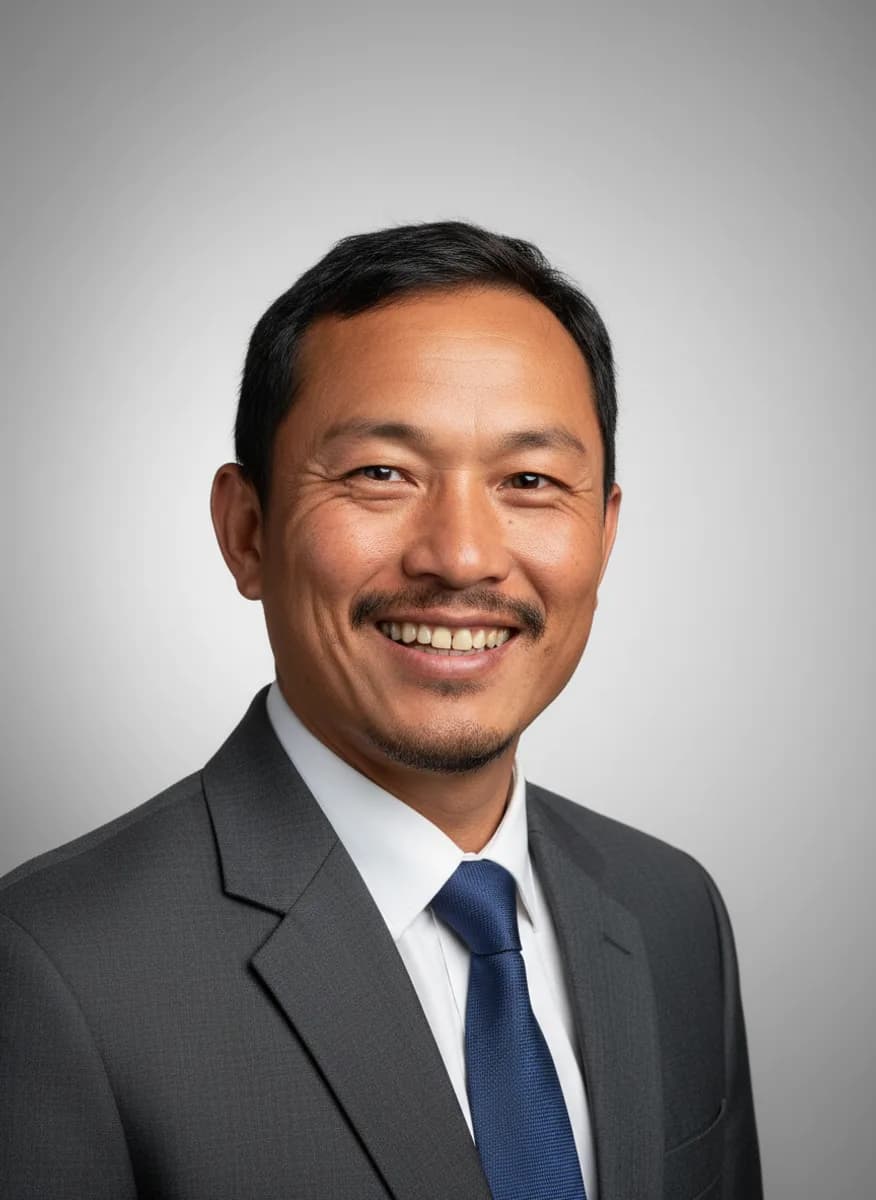
AI Headshot →
Professional headshot.
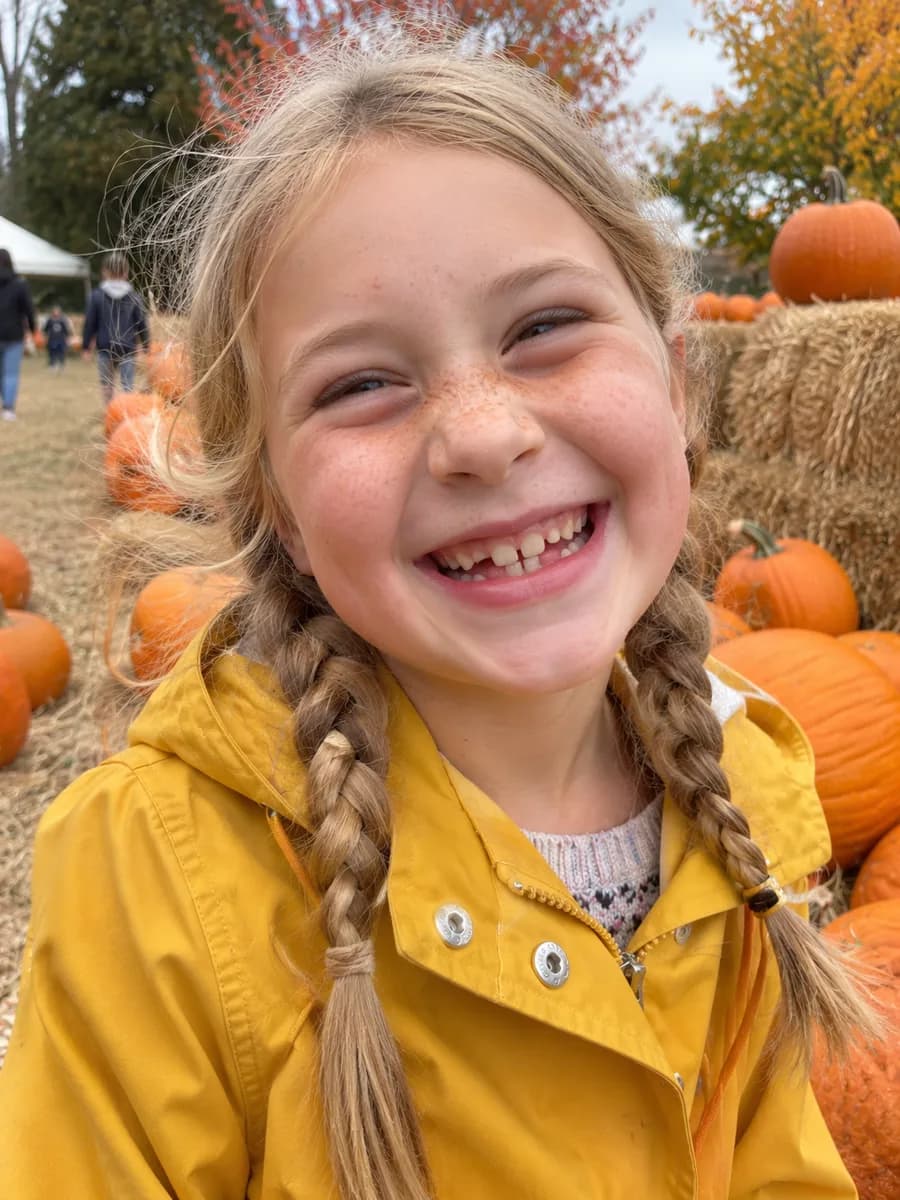
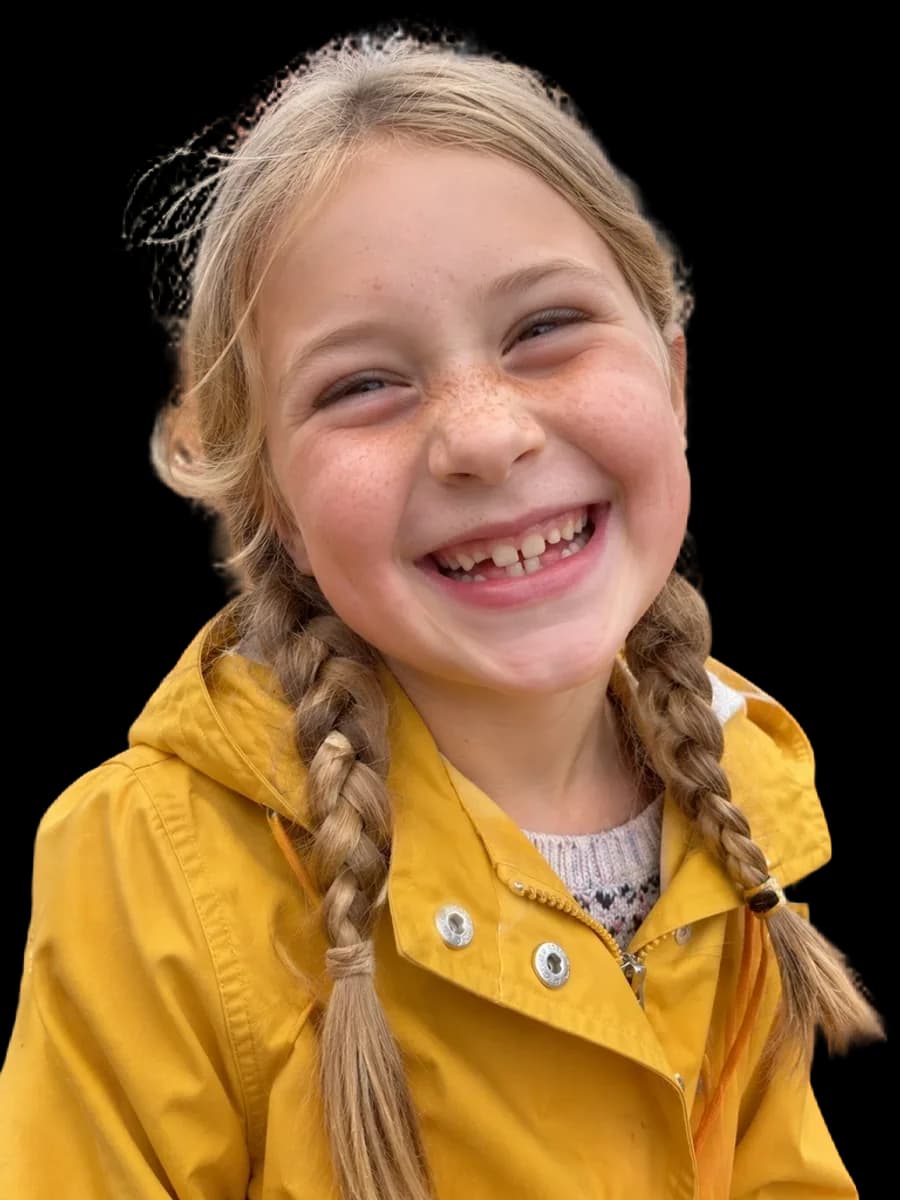
Face Cutout →
Cut out just the head on transparency.
SAFE AND YOURS
Creating is fun, and safe.
Sent only to make your result
Your picture goes to our AI provider to make the result, and nowhere else. It's never sold or used for advertising.
Never used to train AI
We don't train models on what you upload or make, and we require our AI providers not to either.
What you make is yours
You own the pictures and designs you create in Picazo. Use them for yourself or your business.
Made for every kind of creator
For creators
A new look for a photo or a design in one step, ready for the next post.
For small businesses
Turn one picture or design into the versions you need, without starting over.
For designers
Get to an editable starting point quickly, then finish it by hand in the editor.
THE WHOLE STUDIO
All the features you need
Every AI tool sits inside a full design editor, so a result never has to leave Picazo to become something finished.
100,000+ templates →
Posts, posters, flyers, cards, menus and résumés, all fully editable.
Free background remover →
Unlimited, and it runs on your device, so your photo is never uploaded.
Make any text editable →
Turn the words in a picture or a flattened design back into real text.
AI photo tools →
Enhance, upscale, restore, expand and remove objects, all in one editor.
Layers and precise editing
Move, align, crop, clip and restyle every element on the page.
Export with no watermark
PNG, JPG, SVG and print-ready PDF, in full quality.
Open PDFs and PSDs
Bring in a PDF or a Photoshop file and edit it like any design.
Brand kit
Your colours, fonts and logo, applied to a whole design in one tap.
Bulk edit and create →
Resize or watermark 30 photos at once, or turn a spreadsheet into designs.
Translate a design →
Every text box into one of 35 languages, with the layout kept.
On your phone too
A touch editor with the AI tools, templates and export built in.
Autosave and sync
Signed in, your designs save as you go and open on any device.
HOW IT WORKS
How to use Write with AI.
Open your design
Start from a template, upload a picture or draw on the page.
Run Write with AI
Choose the options, and the result lands on your page. One Undo takes it back.
Finish it by hand
Everything stays editable: move it, restyle it, add your brand colours and fonts.
Download or share
Download as PNG, JPG, PDF or SVG, or save it to your account to come back to it.
Your questions, answered
FROM THE STUDIO