ONE-TAP FIXES · TRANSFORMFree
Resize a design for every platform
Made a square post and need it as a story, a Facebook cover or a LinkedIn banner? Pick the sizes and each one is added as a new page, with every part of your design laid out to fit. Your original page stays as it is.
Try Resize Design freeFree and unlimited — it runs in your browser.

INTRODUCING
Introducing Picazo’s Design Resizer
Picazo’s Design Resizer turns one design into every size you need. Made a square post and need it as a story, a Facebook cover or a LinkedIn banner? Pick the sizes, press Resize, and each one is added to your design as a new page, with your text, photos, shapes and logo copied over and laid out to fit. The page you started from stays exactly as it was.
The layout follows simple rules rather than guesswork, so you get the same result every time. A photo or colour that fills the page fills the new one too, with the photo’s subject kept in view. Everything else keeps its place relative to the page and its proportions, text keeps its font and rewraps in its box, and nothing is left hanging off the edge. It runs in your browser: free, with no credits.
EXAMPLES
One design, laid out for every shape
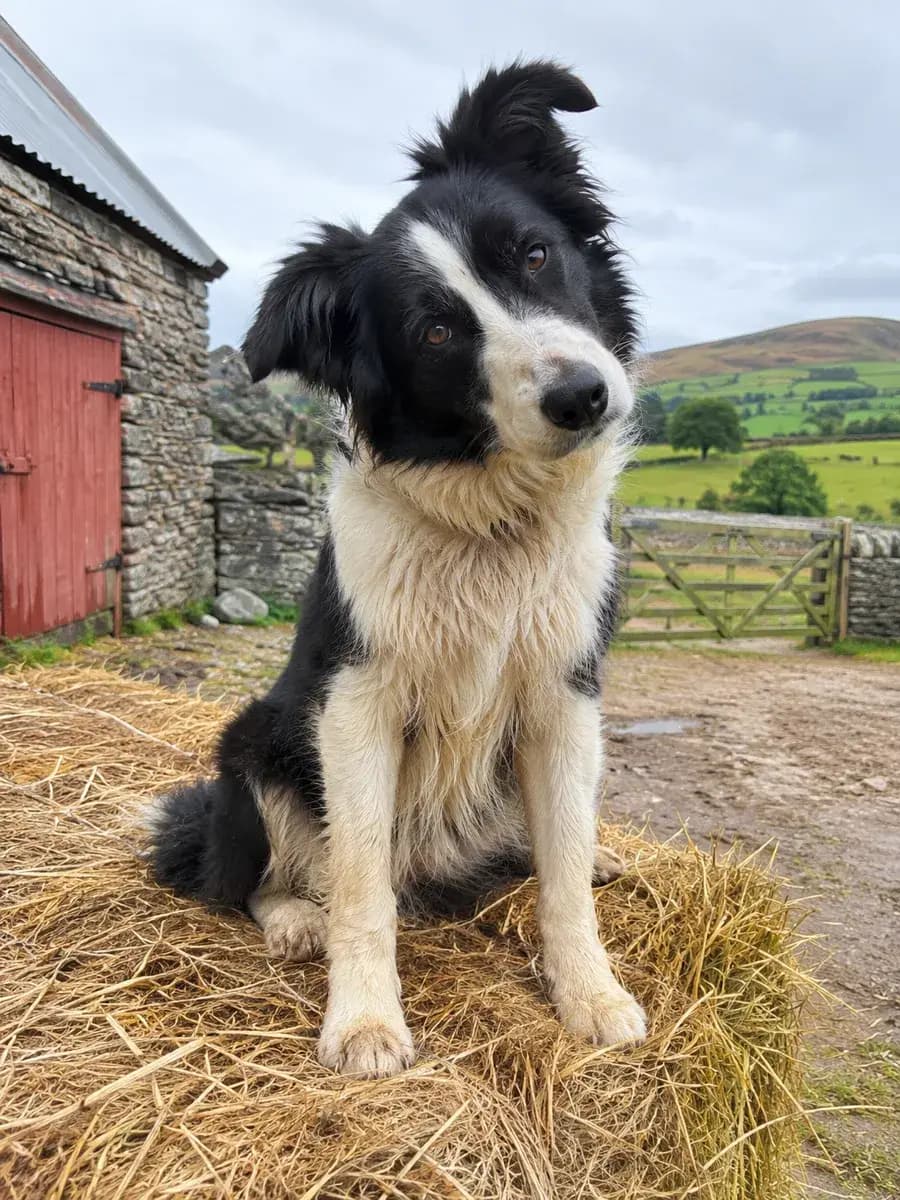
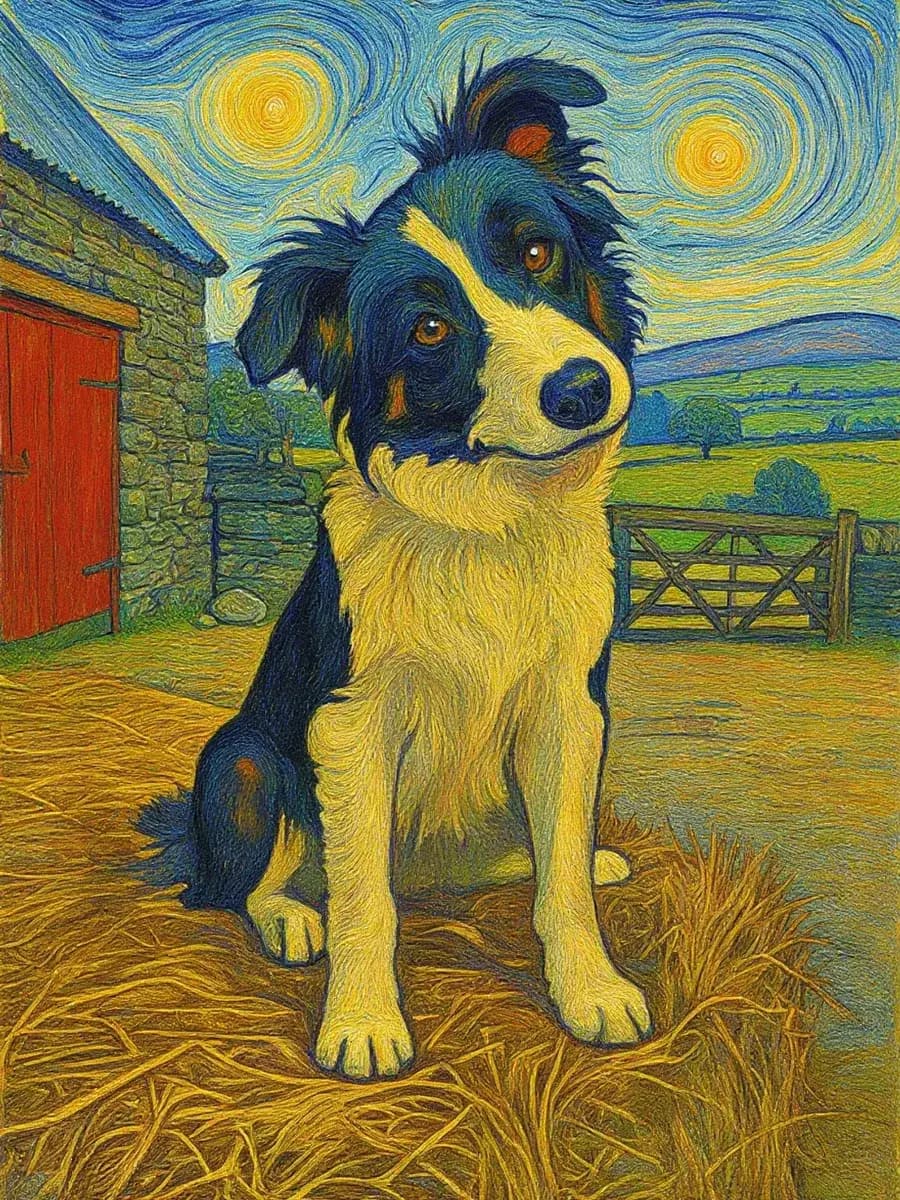
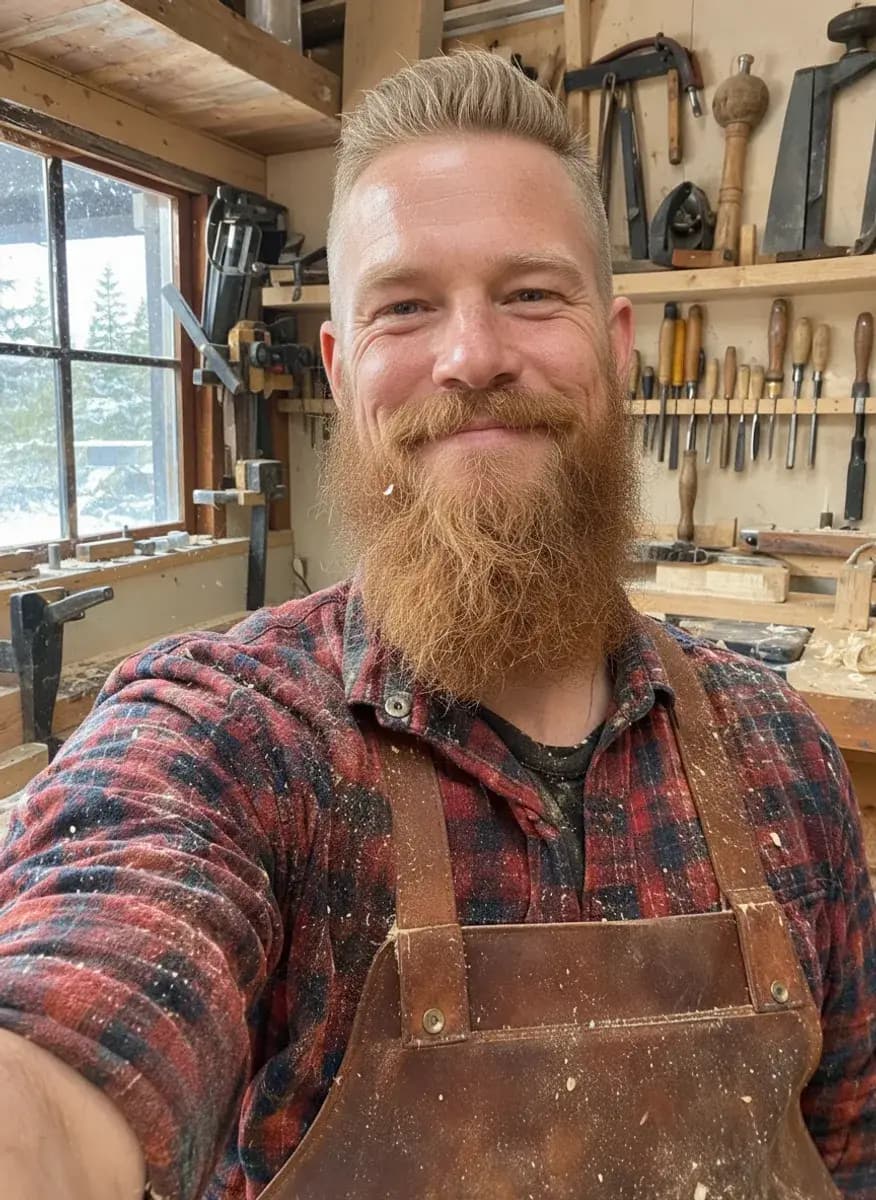
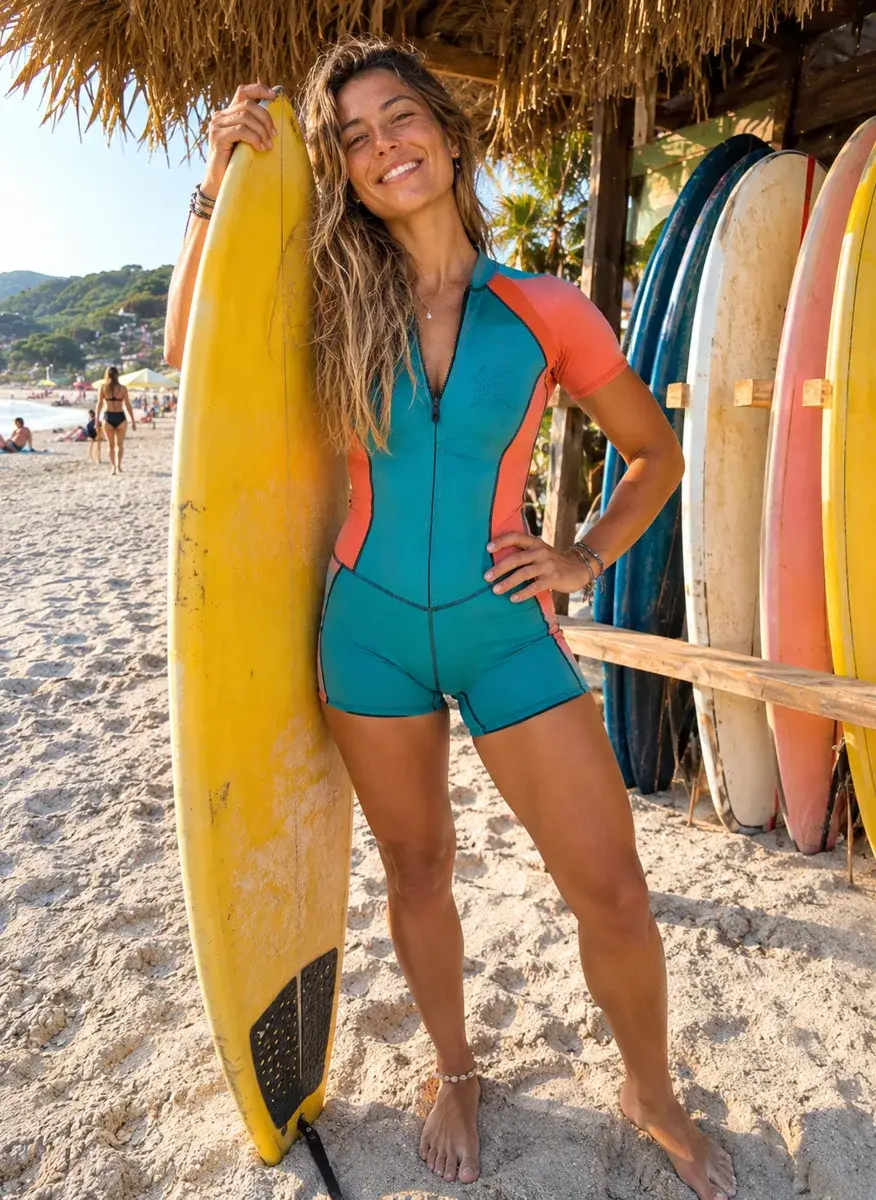
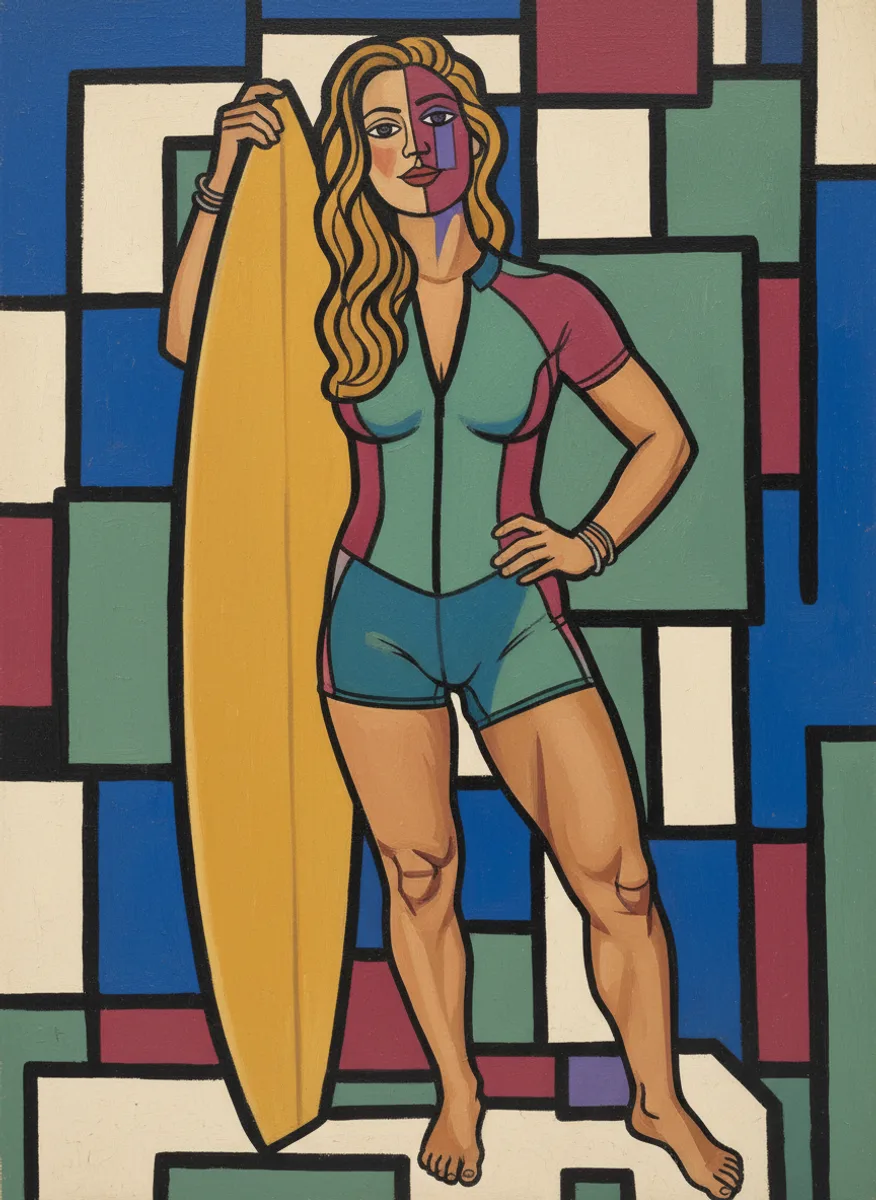
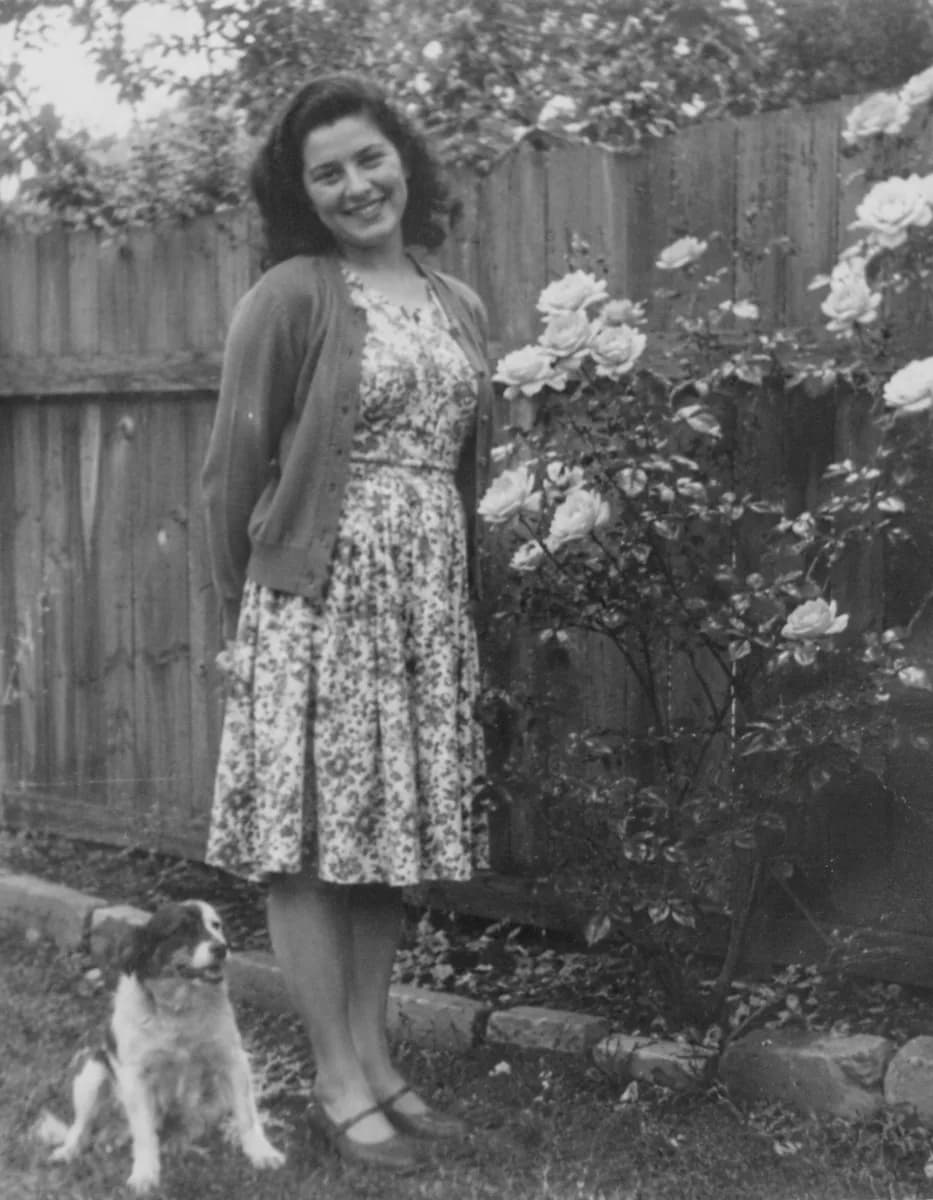
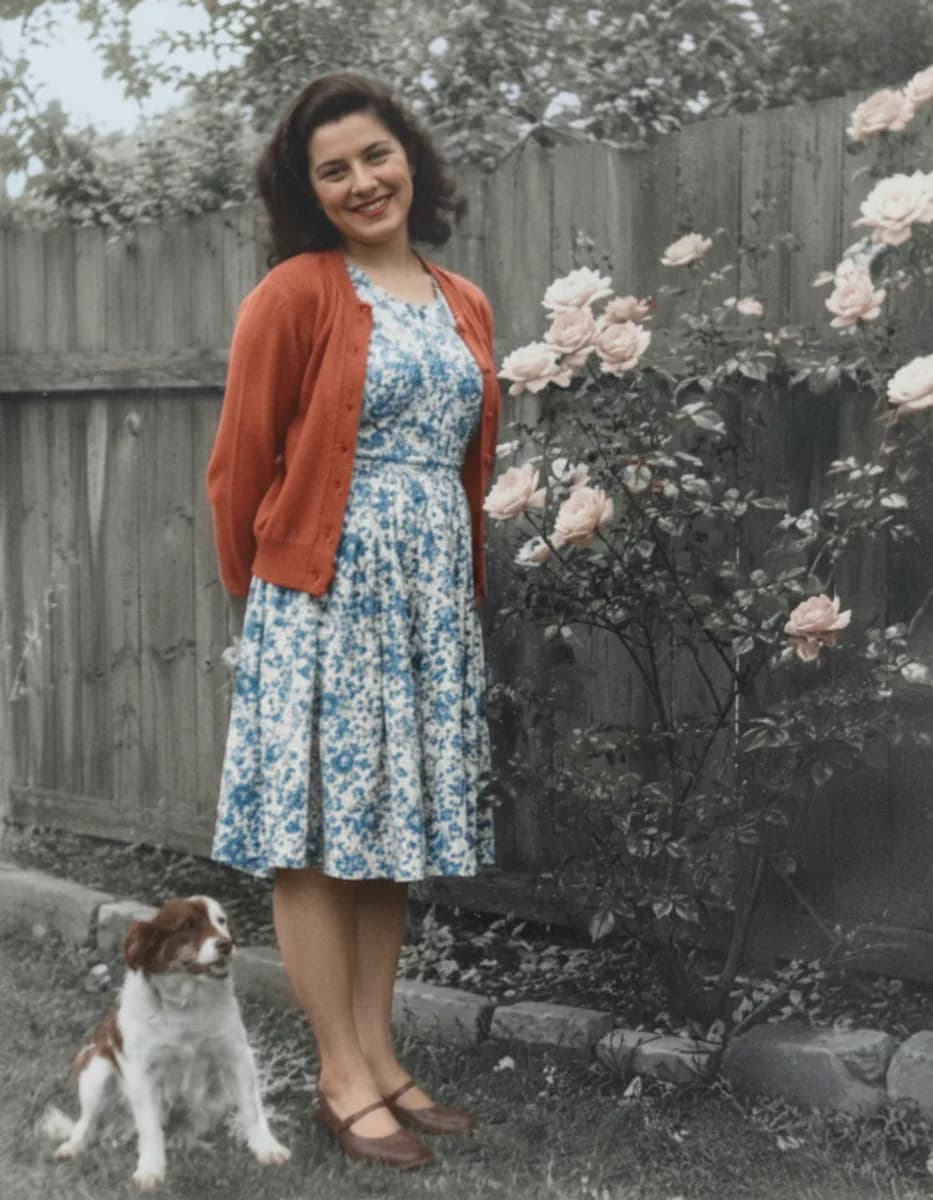
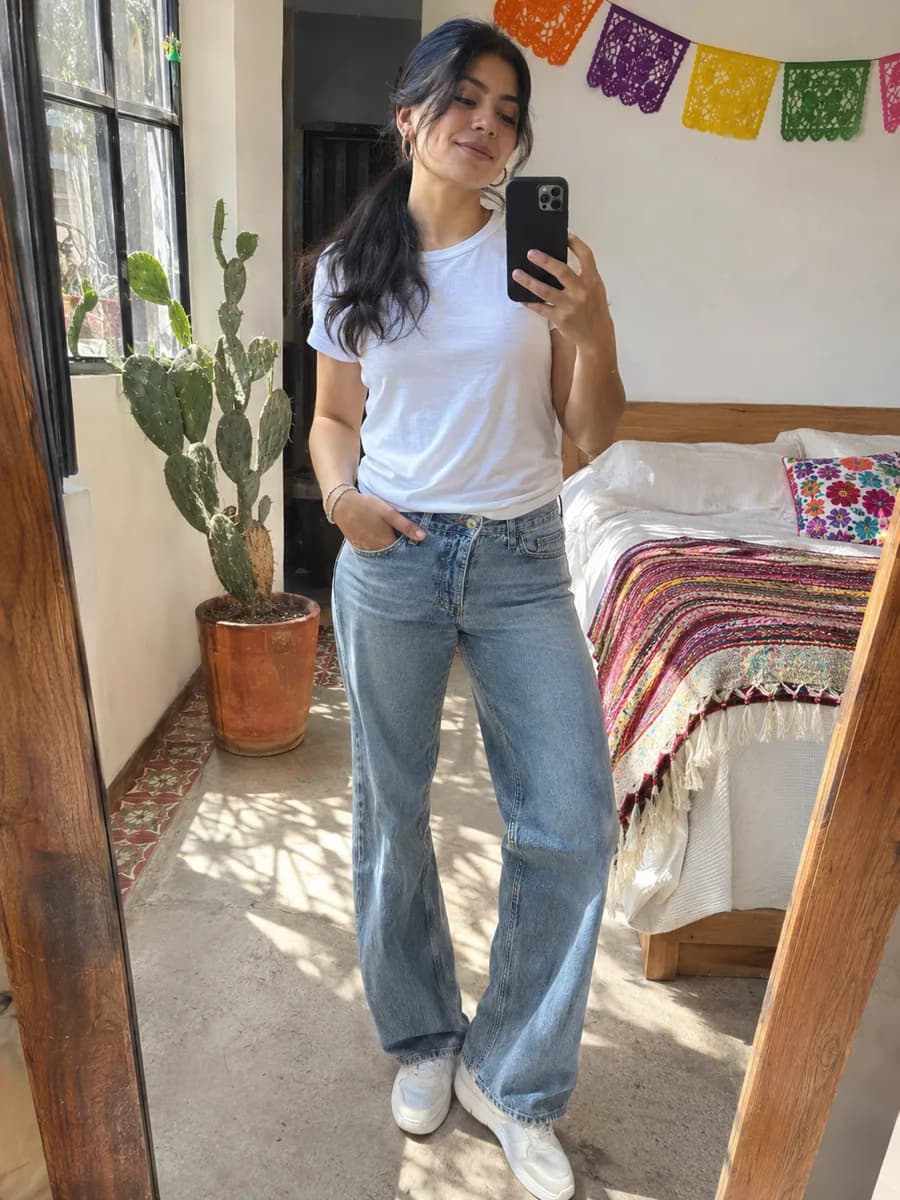
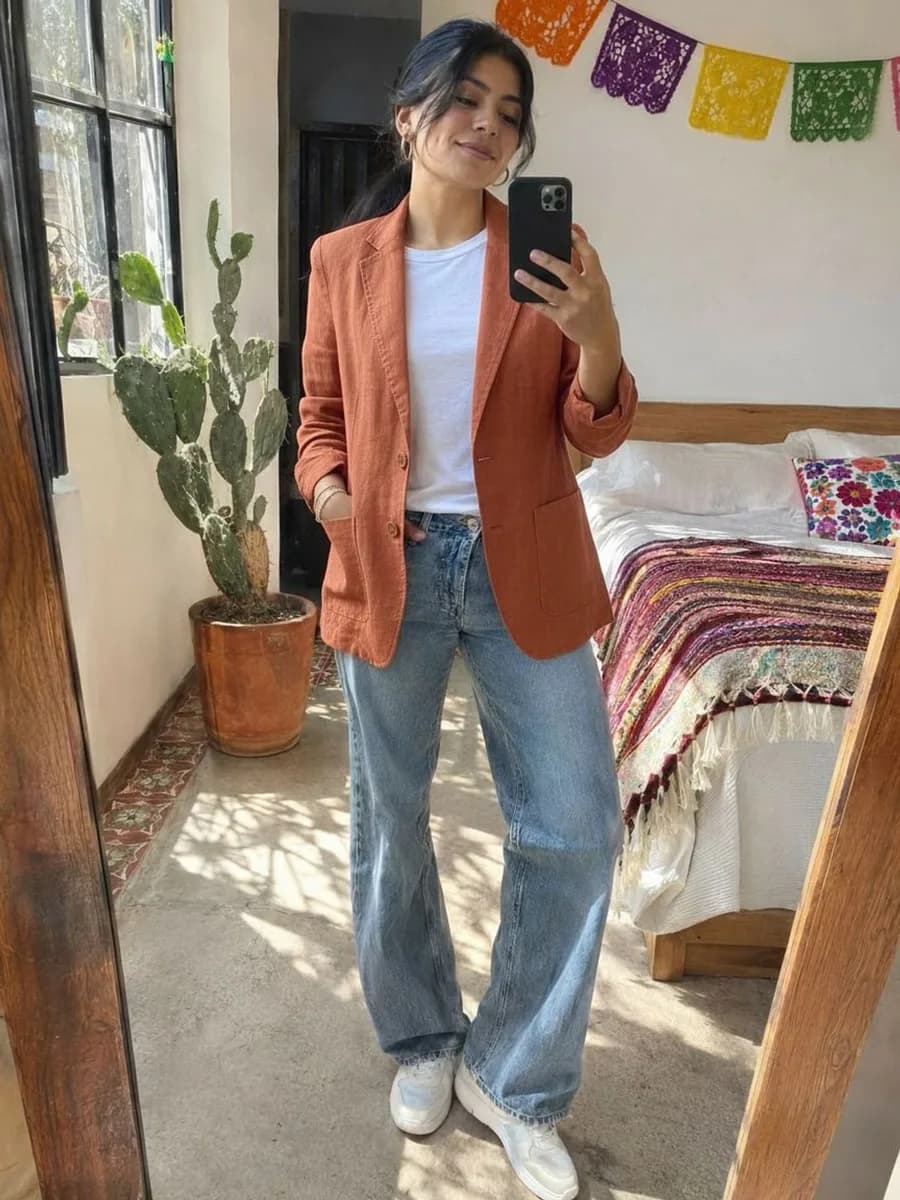
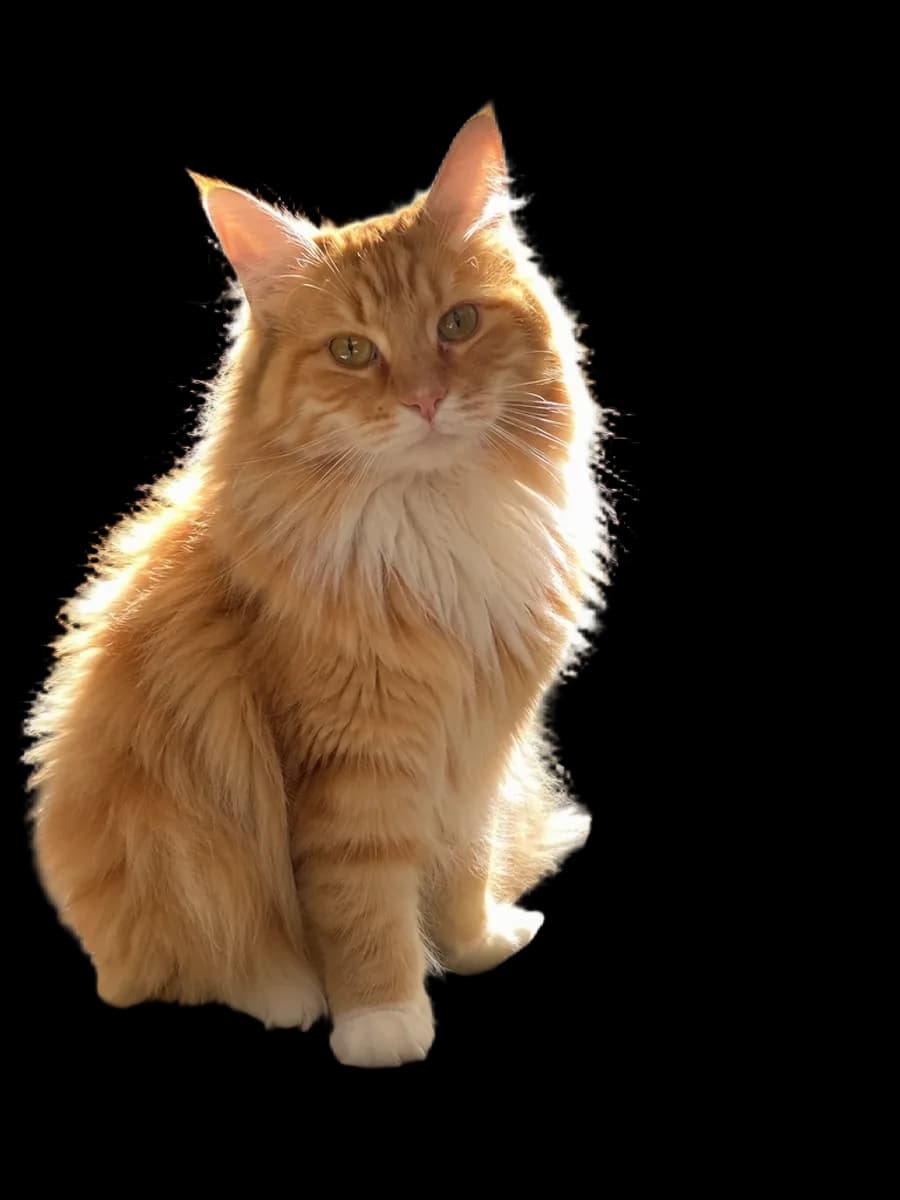
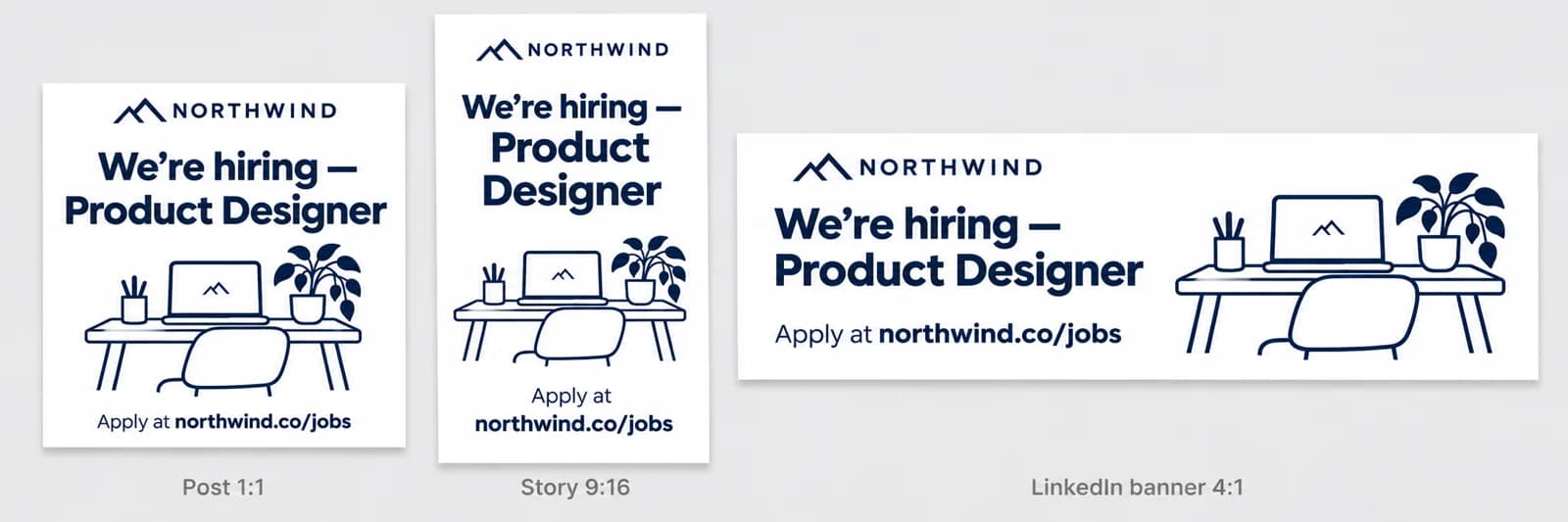
Each design started as a single square post. The story and the banner were made by Resize Design from it, with nothing moved by hand.

DO MORE
Take every size further
Resize a photo instead →
For a single photo rather than a design, Smart Resize crops it for each platform around its subject and saves the files.
Translate a size →
Running the same campaign in another market? Translate Design turns every text box on a page into one of 35 languages and keeps the layout.
Download the sizes together
In Download, tick the pages you want. On a computer, several pages come as one ZIP with a file for each.
SAFE AND YOURS
Creating is fun, and safe.
Your photo stays on your device
Resize Design runs in your browser. Nothing is uploaded, so it works privately and without limits.
Never used to train AI
We don't train models on what you upload or make, and we require our AI providers not to either.
What you make is yours
You own the pictures and designs you create in Picazo. Use them for yourself or your business.
Every size for everyone who posts in more than one place
For social media managers
Turn the approved post into the story, the cover and the banner on the plan in one go, all from the same design.
For small businesses
Share a sale on Instagram, Facebook and your website the same afternoon, every version sized right and still yours to tweak.
For recruiters and teams
A hiring post for the feed, a story for your followers and a LinkedIn banner for the company page, without rebuilding it three times.
THE WHOLE STUDIO
All the features you need
Every AI tool sits inside a full design editor, so a result never has to leave Picazo to become something finished.
100,000+ templates →
Posts, posters, flyers, cards, menus and résumés, all fully editable.
Free background remover →
Unlimited, and it runs on your device, so your photo is never uploaded.
Make any text editable →
Turn the words in a picture or a flattened design back into real text.
AI photo tools →
Enhance, upscale, restore, expand and remove objects, all in one editor.
Layers and precise editing
Move, align, crop, clip and restyle every element on the page.
Export with no watermark
PNG, JPG, SVG and print-ready PDF, in full quality.
Open PDFs and PSDs
Bring in a PDF or a Photoshop file and edit it like any design.
Brand kit
Your colours, fonts and logo, applied to a whole design in one tap.
Bulk edit and create →
Resize or watermark 30 photos at once, or turn a spreadsheet into designs.
Translate a design →
Every text box into one of 35 languages, with the layout kept.
On your phone too
A touch editor with the AI tools, templates and export built in.
Autosave and sync
Signed in, your designs save as you go and open on any device.
HOW IT WORKS
How to use Resize Design.
Open your design
Start from a template, a design you saved or a blank page with your own text and photos. The page you’re on is the one that gets resized.
Open Resize Design
Find it in AI Studio. On a computer it’s also beside the page size at the top of the editor and under File; on a phone, under Canvas.
Pick the sizes
Sizes are grouped by platform: Instagram, Facebook, YouTube, LinkedIn, X, TikTok, print and web. Tick up to eight; your page’s own size is marked This page.
Resize
Press Resize. Each size appears as a new page right after your design, laid out to fit. If the page has a background photo, its subject is found first so it stays in view.
Touch up and download
Everything stays editable, so nudge anything you’d like placed differently, then download the pages. One Undo removes all the new pages at once.
Your questions, answered
FROM THE STUDIO