ONE-TAP FIXES · TRANSFORM
Lift the subject out of a photo and move it
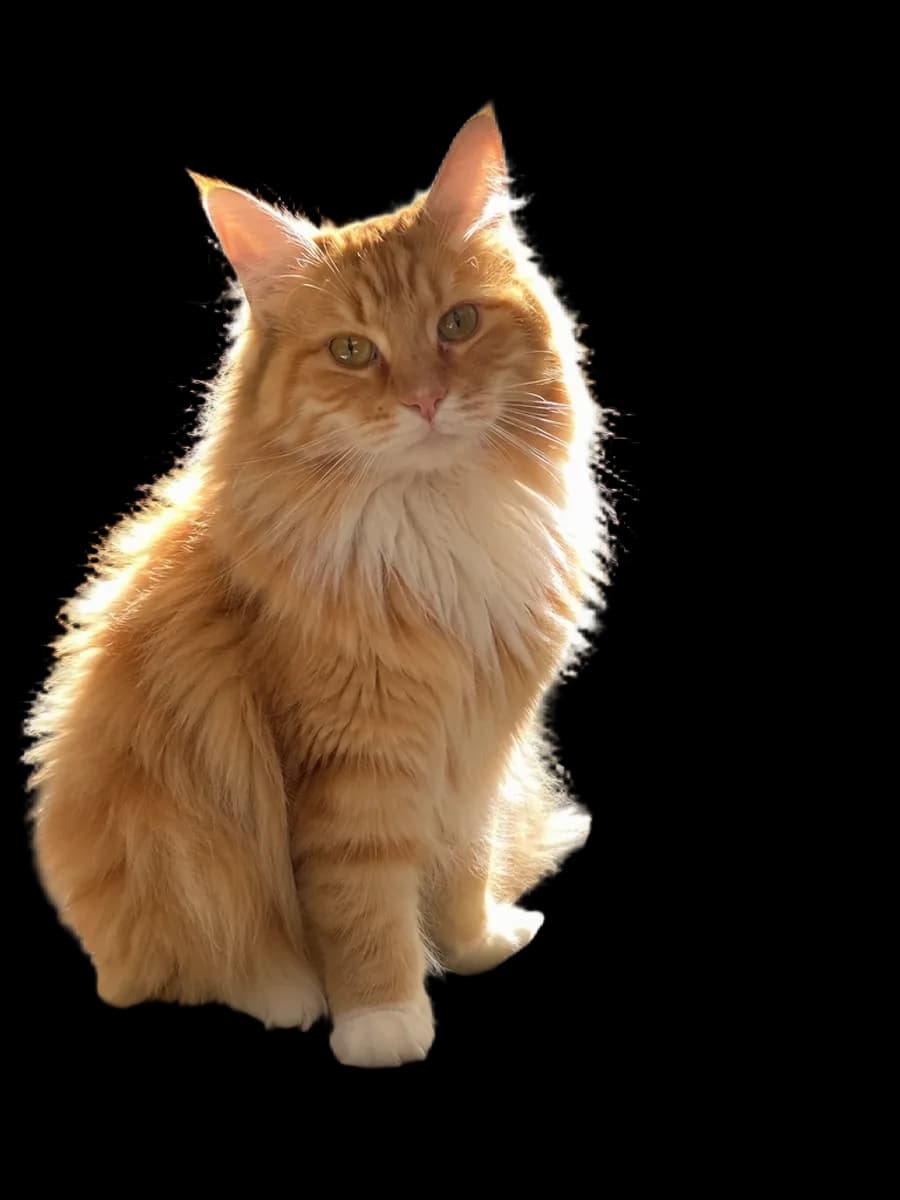
Select a photo and its main subject — a person, a pet, a product — becomes its own layer, right where it was. Drag it to a new spot or make it bigger, and the background behind it is filled in.
Try Lift Subject freeLifting the subject is free and runs in your browser. Filling the background behind it uses 4 AI credits; free accounts get 25 credits a month, Pro gets 500.


Drag to compare before and after
INTRODUCING
Introducing Picazo’s Subject Lifter
Picazo’s Subject Lifter takes the main subject of a photo — a person, a pet, a product — and puts it on its own layer, exactly where it was, so nothing jumps. It’s selected straight away: drag it to a new spot, make it bigger or smaller, or turn it.
The cut-out is made in your browser by the same model as our free background remover, so the lift itself costs nothing. Behind the subject, you choose: fill the background, and the gap it leaves is painted in by the Object Removal eraser, or leave the photo underneath as it was. Lift and fill are one step in your history, so one Undo puts the photo back.
EXAMPLES
Move the subject, keep the scene
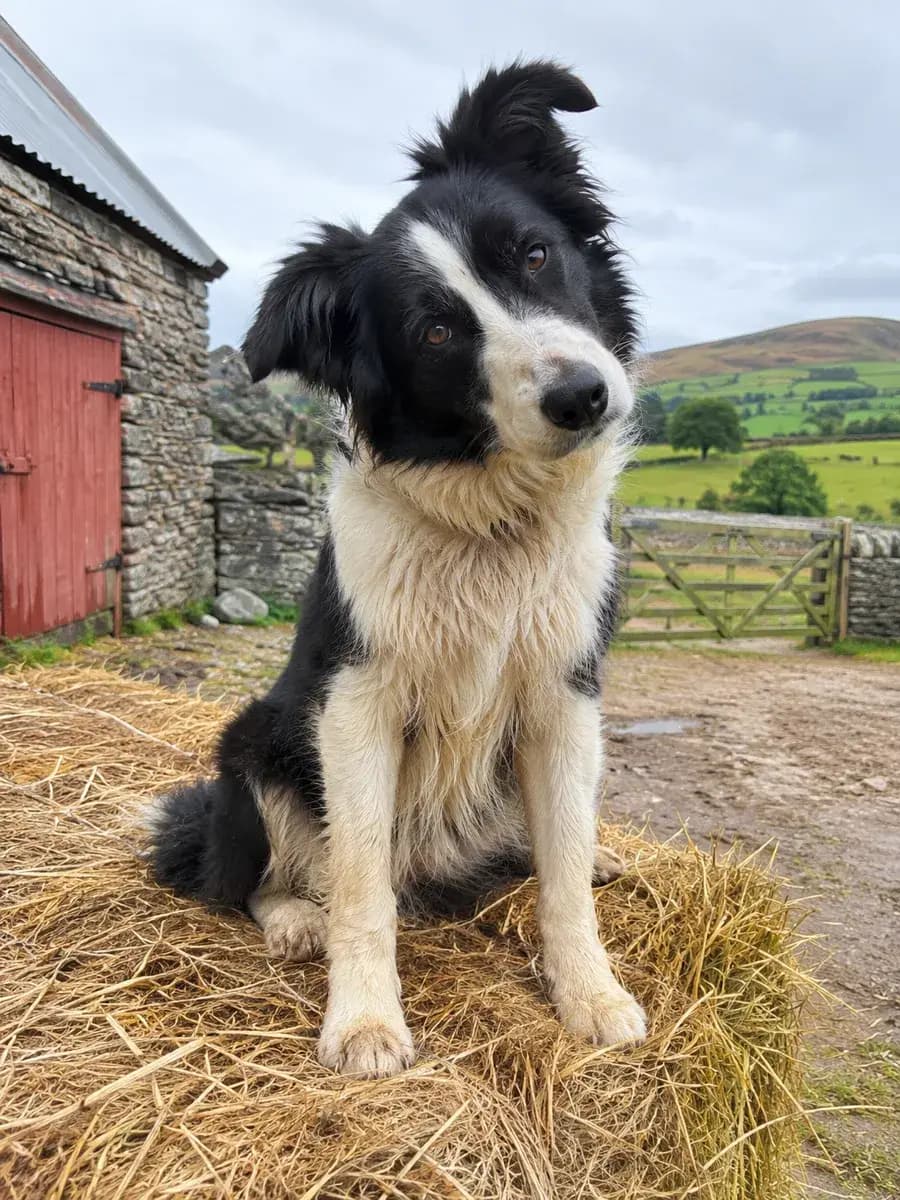
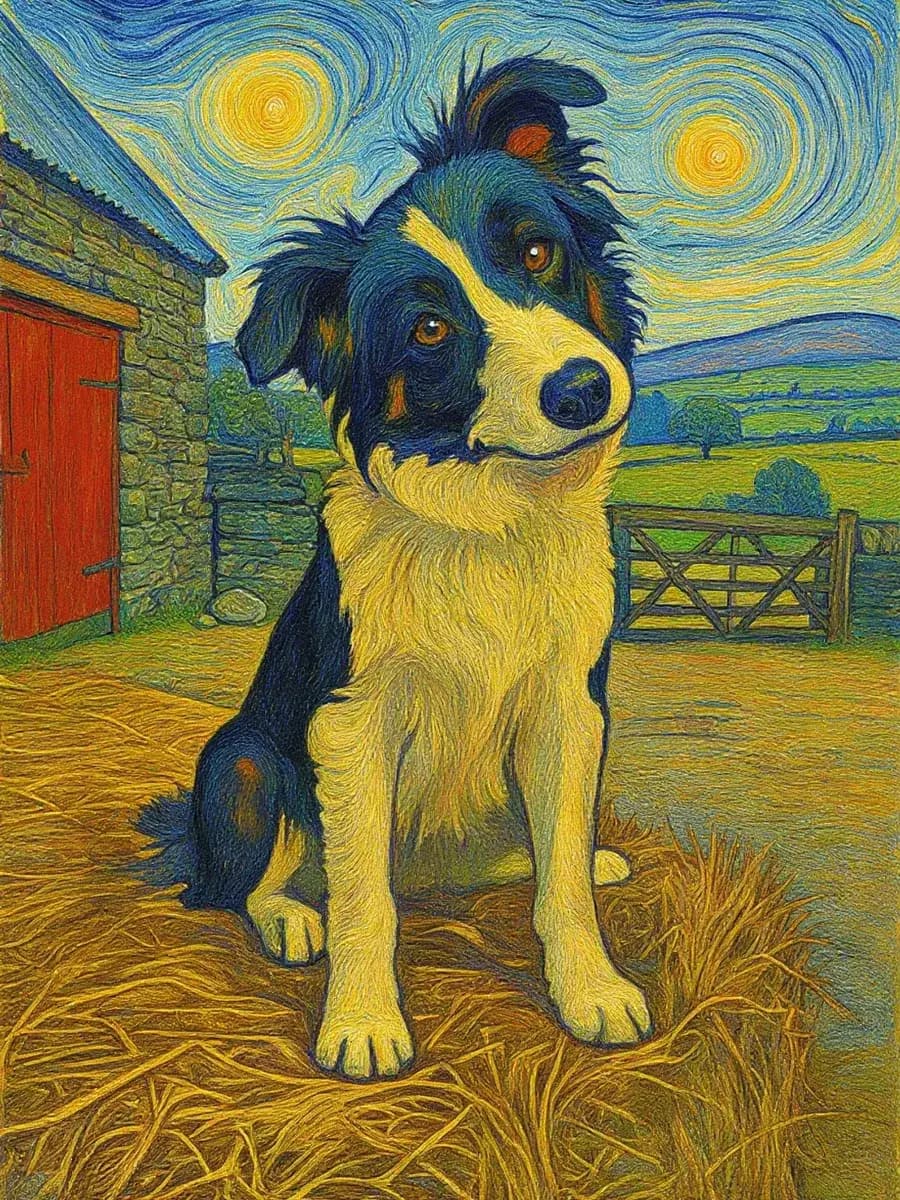
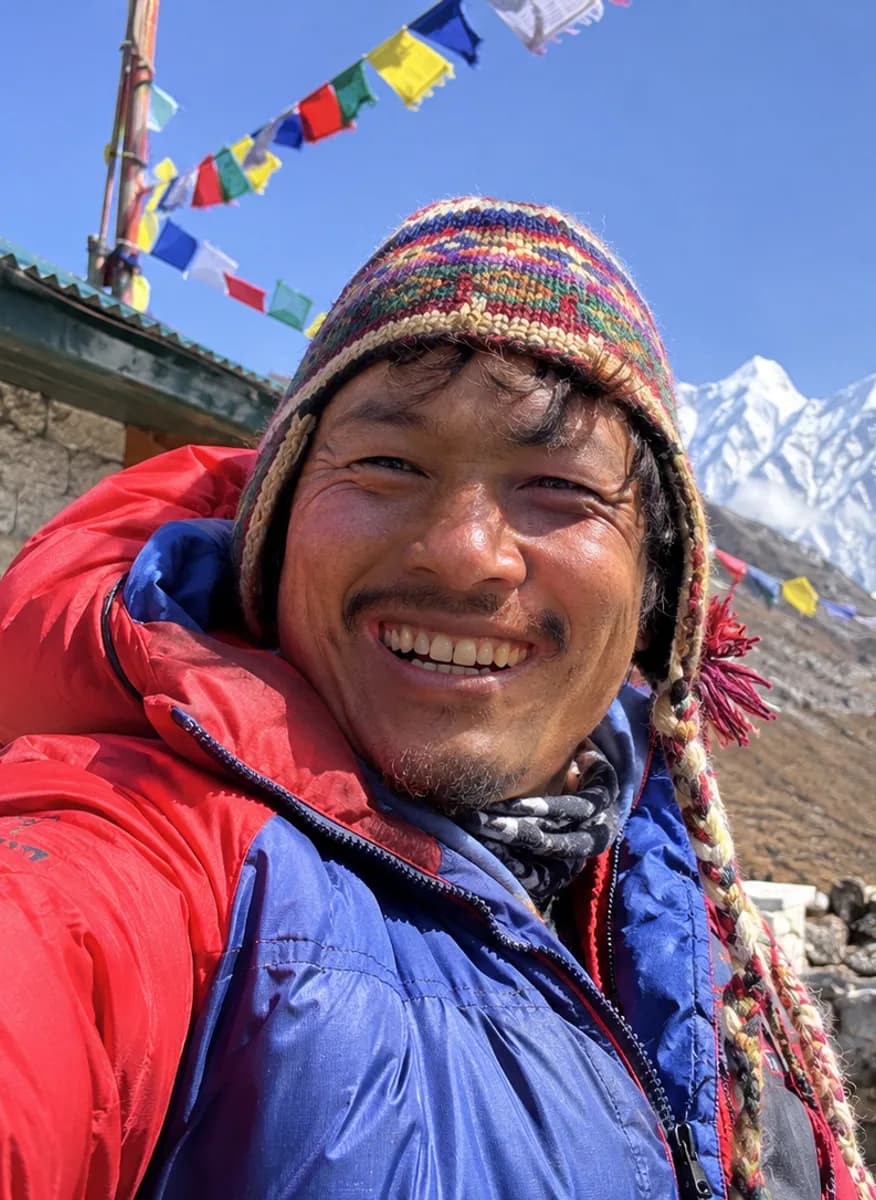
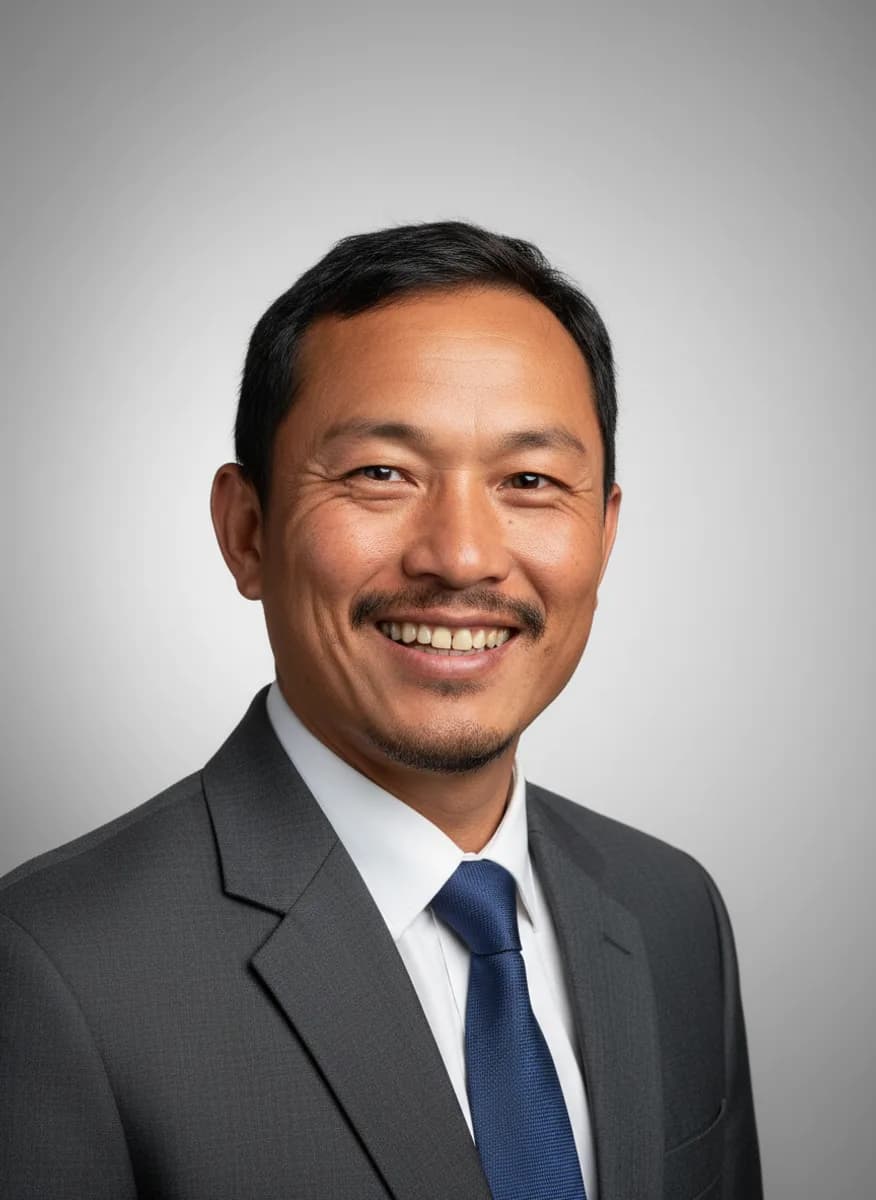
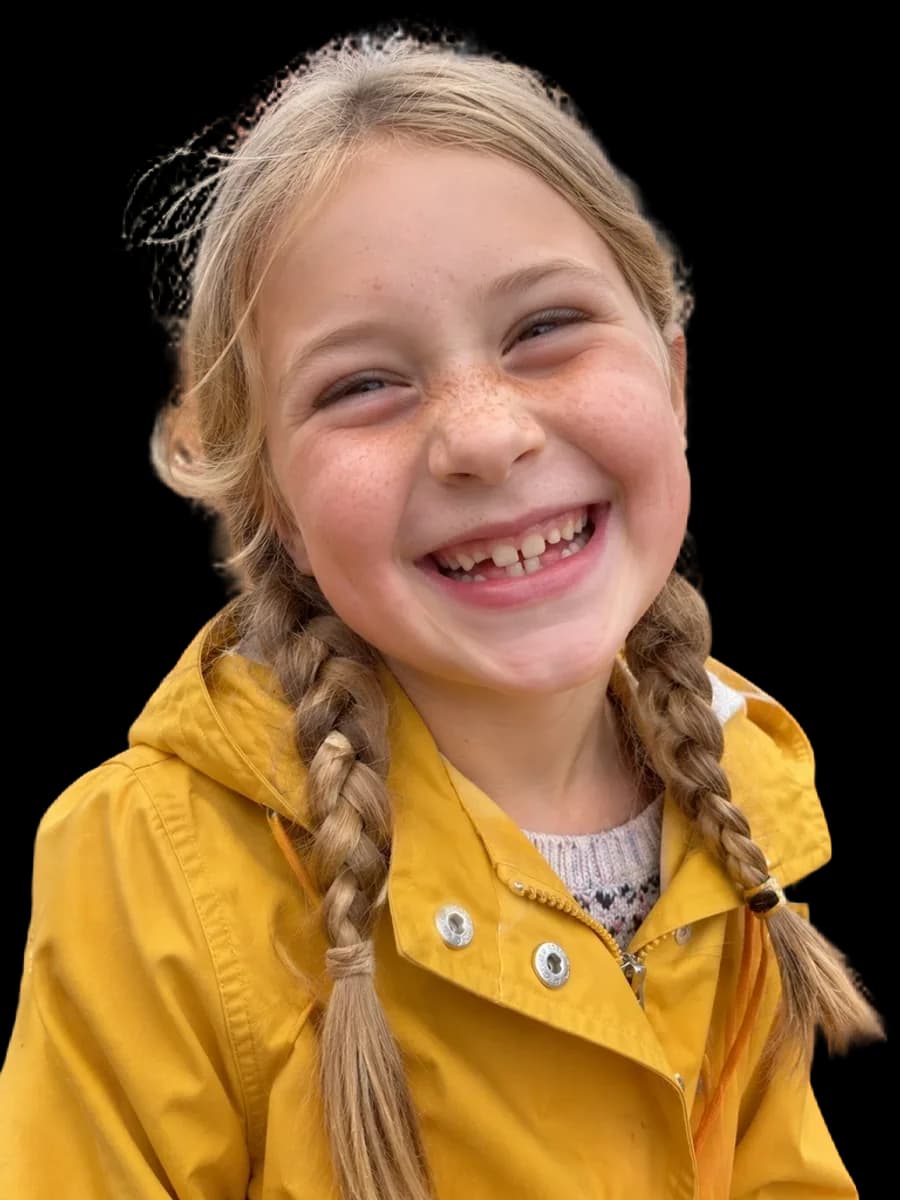
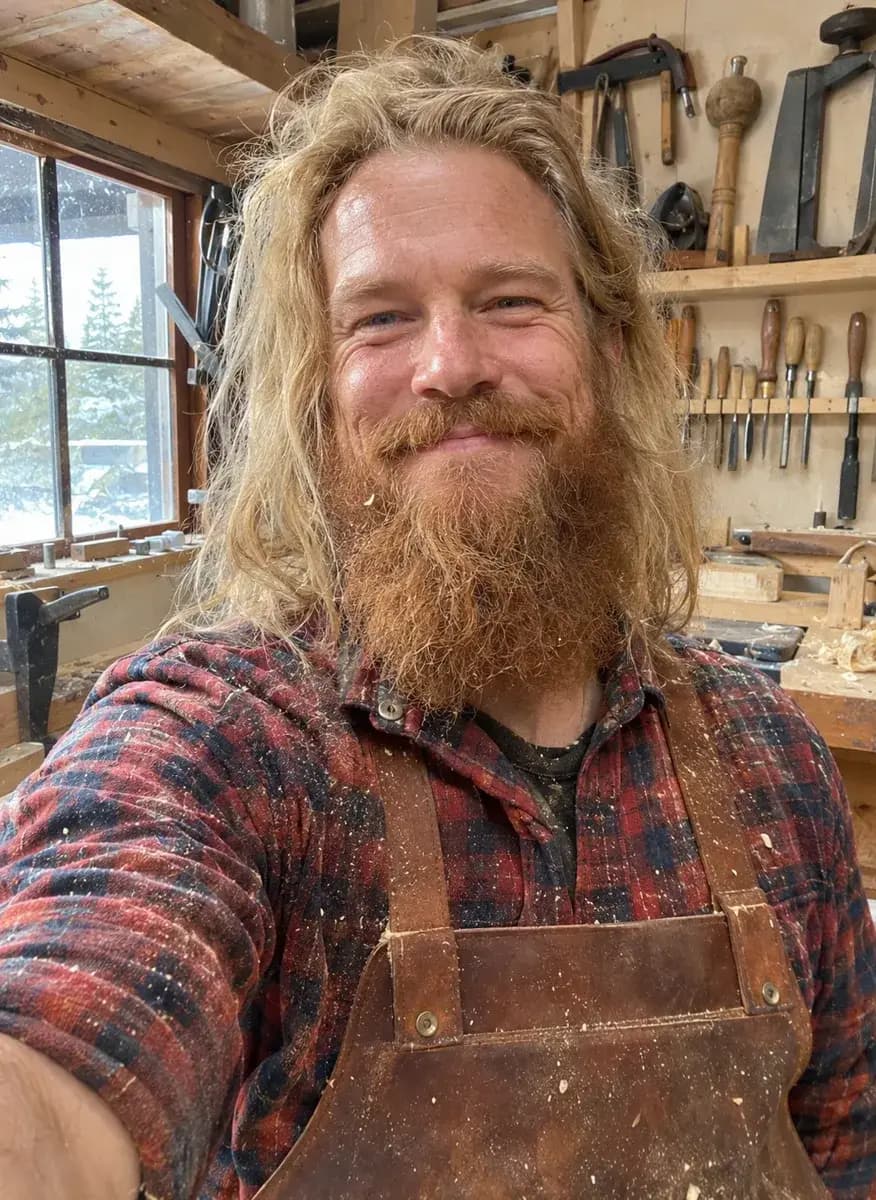
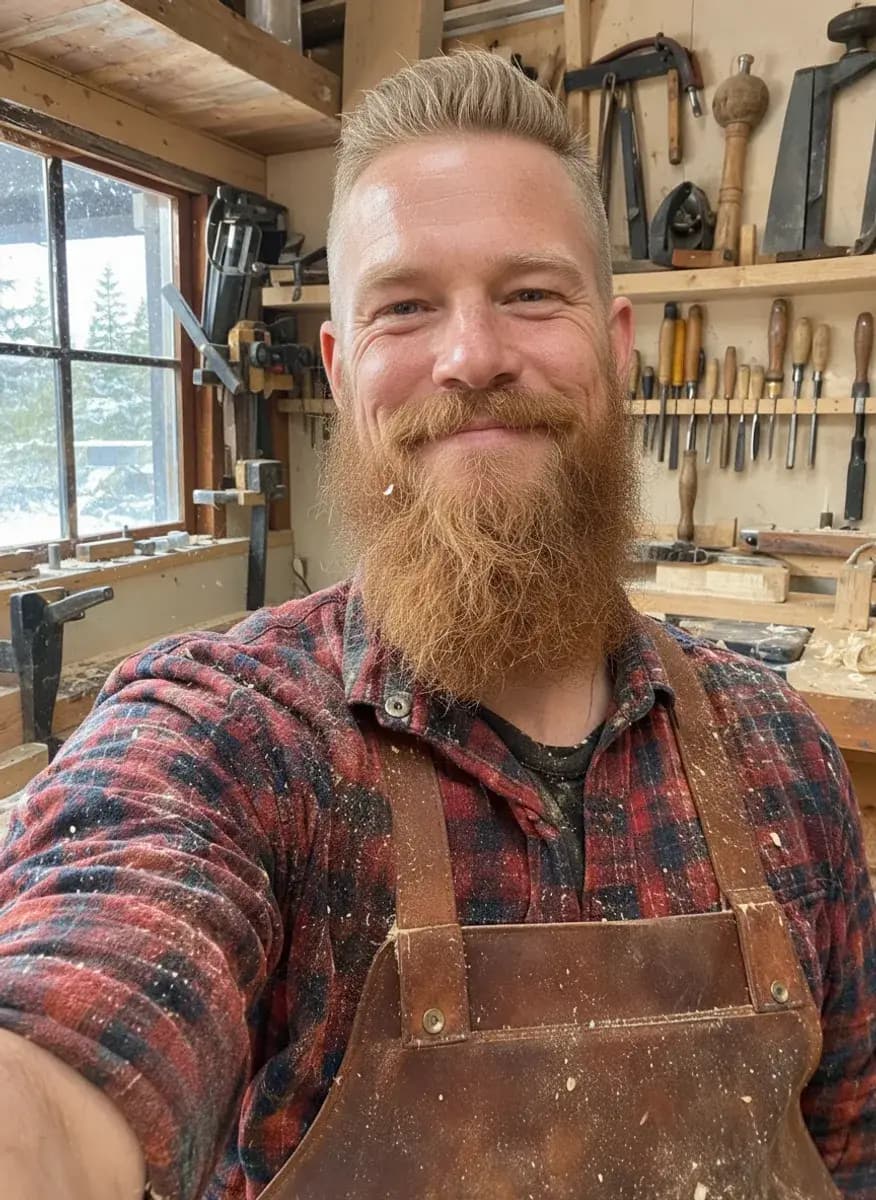
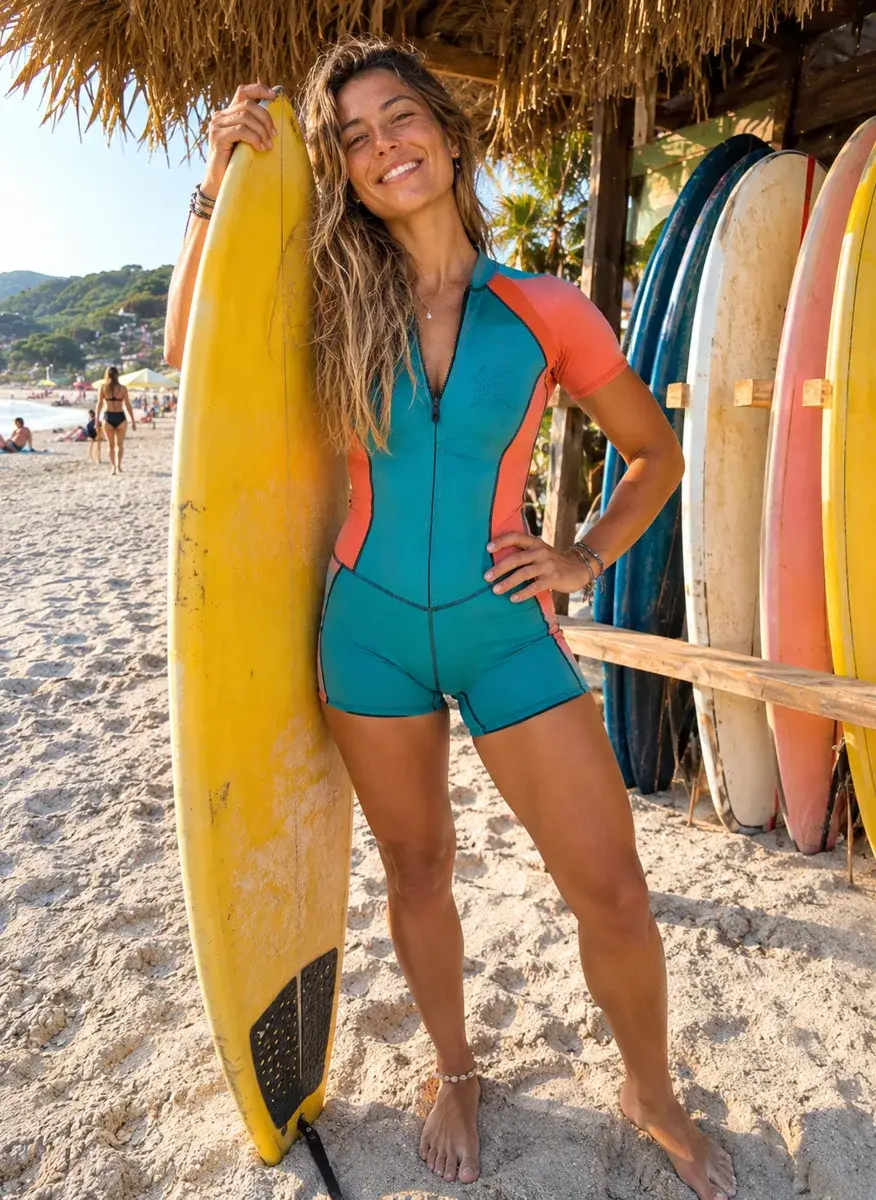
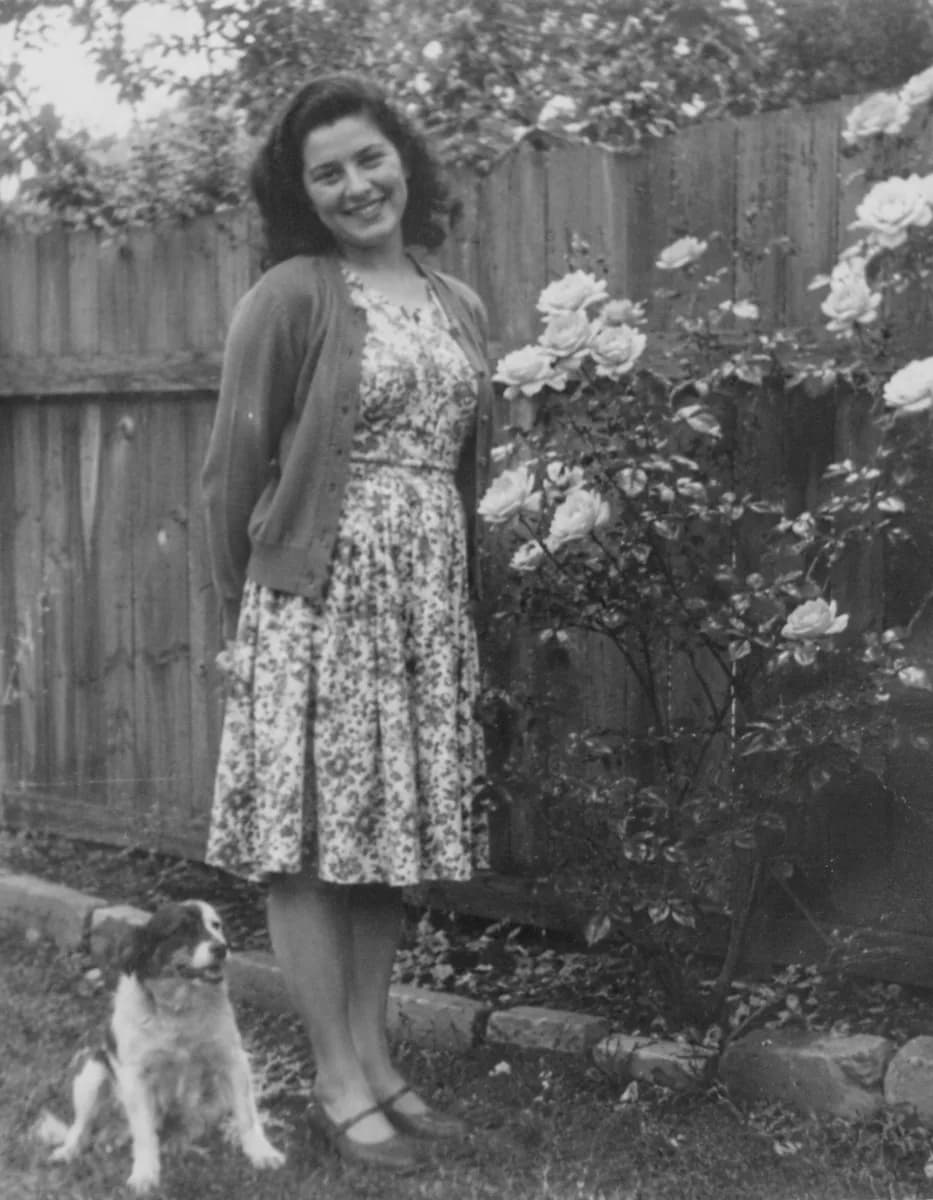
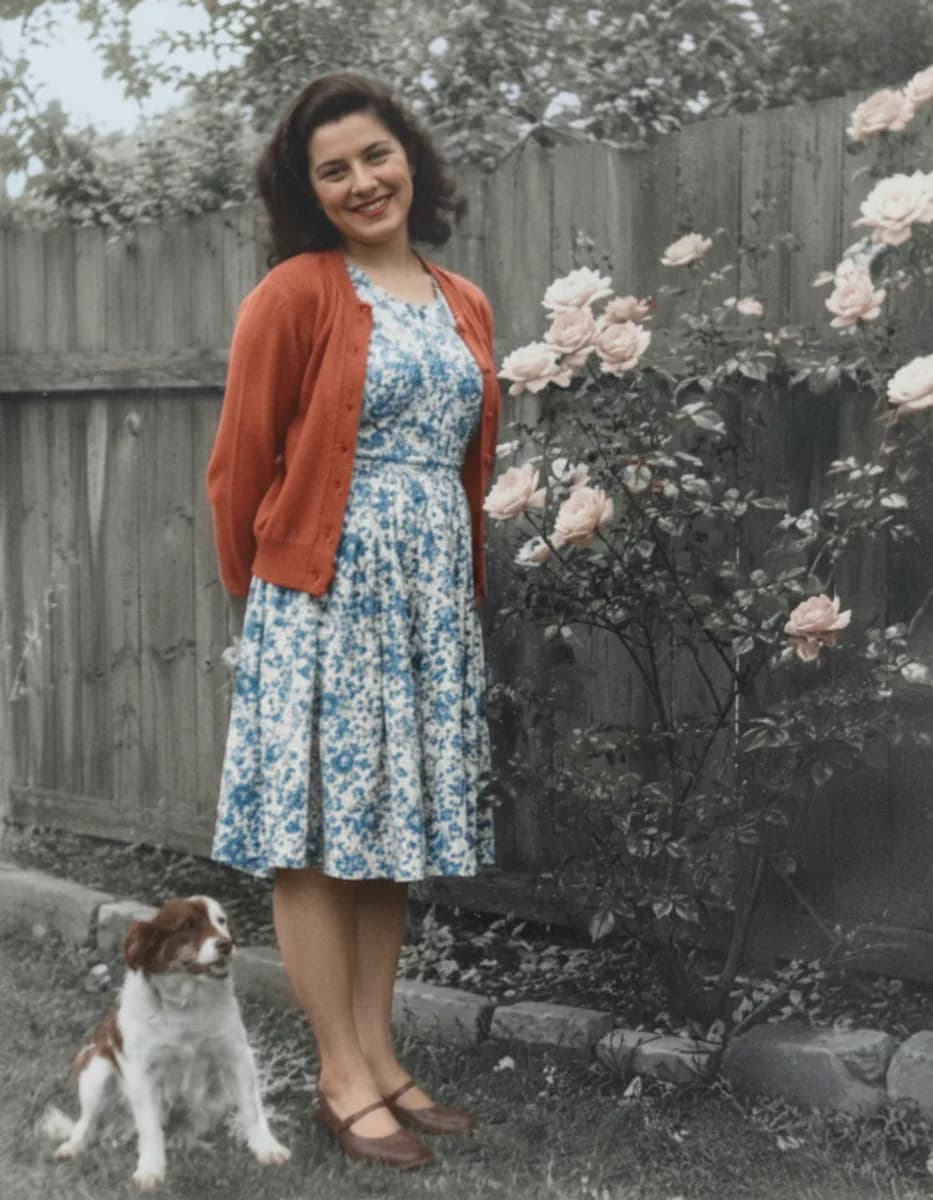
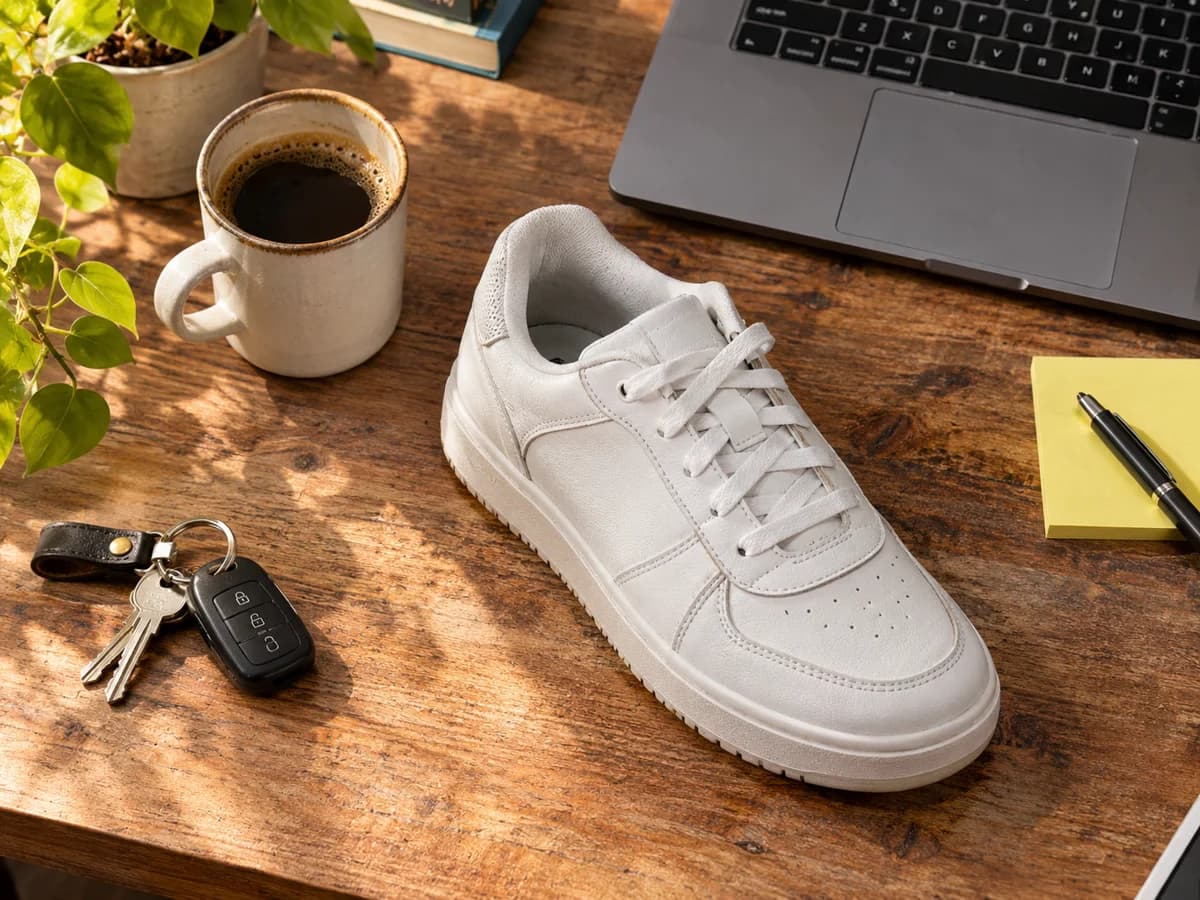
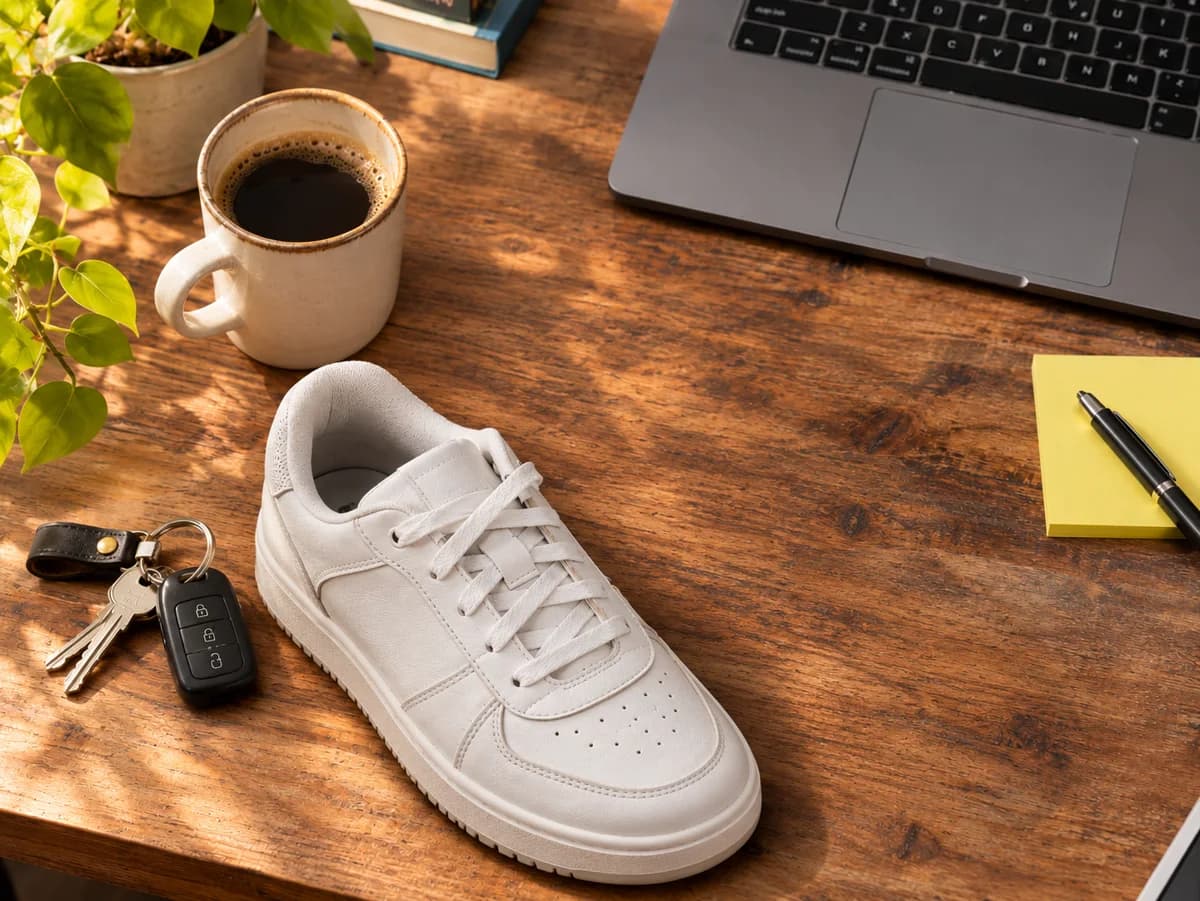
Both started as one flat photo. One tap made the subject its own layer; it was moved, and the gap behind it was filled in.


DO MORE
Do more once the subject is free
Remove the rest →
Something else in the photo you’d rather not keep? Paint over it with Object Removal and the space is filled in to match.
Change the scene →
Keep your subject and describe a new scene behind it, from a studio backdrop to a beach at sunset, lit to match.
Split the whole picture →
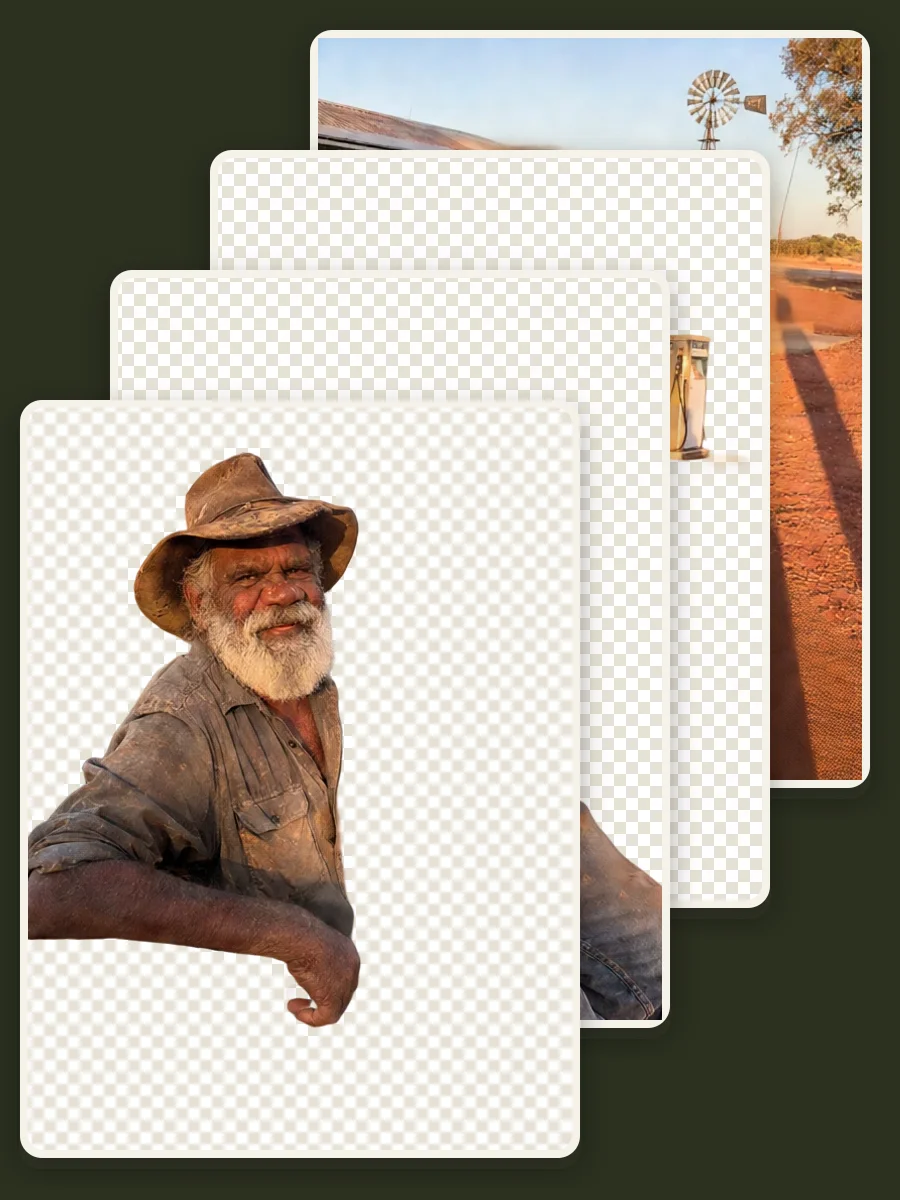
For a picture with several things to rearrange, Magic Layers splits it into the background and up to three parts on top.
SAFE AND YOURS
Creating is fun, and safe.
Sent only to make your result
Your picture goes to our AI provider to make the result, and nowhere else. It's never sold or used for advertising.
Never used to train AI
We don't train models on what you upload or make, and we require our AI providers not to either.
What you make is yours
You own the pictures and designs you create in Picazo. Use them for yourself or your business.
Rearrange a photo without taking it again
For online sellers
Lift a product off a busy table, set it larger in the frame, or put it on a clean background for a listing.
For designers
Move the subject aside to make room for a headline, or bring it forward so it overlaps the type.
For pet and family photos
Bring the dog, the baby or the birthday girl to the front of the picture, where they belong.
THE WHOLE STUDIO
All the features you need
Every AI tool sits inside a full design editor, so a result never has to leave Picazo to become something finished.
100,000+ templates →
Posts, posters, flyers, cards, menus and résumés, all fully editable.
Free background remover →
Unlimited, and it runs on your device, so your photo is never uploaded.
Make any text editable →
Turn the words in a picture or a flattened design back into real text.
AI photo tools →
Enhance, upscale, restore, expand and remove objects, all in one editor.
Layers and precise editing
Move, align, crop, clip and restyle every element on the page.
Export with no watermark
PNG, JPG, SVG and print-ready PDF, in full quality.
Open PDFs and PSDs
Bring in a PDF or a Photoshop file and edit it like any design.
Brand kit
Your colours, fonts and logo, applied to a whole design in one tap.
Bulk edit and create →
Resize or watermark 30 photos at once, or turn a spreadsheet into designs.
Translate a design →
Every text box into one of 35 languages, with the layout kept.
On your phone too
A touch editor with the AI tools, templates and export built in.
Autosave and sync
Signed in, your designs save as you go and open on any device.
HOW IT WORKS
How to use Lift Subject.
Open the photo in the editor
Upload a photo, paste one in or use a picture already on your page, then select it so the tool knows which one to lift from.
Choose what goes behind
Fill the background rebuilds what the subject was covering, for 4 AI credits. Leave the background as it is keeps the photo untouched underneath, and is free.
Lift the subject
Press Lift subject. The cut-out takes a few seconds in your browser (longer the very first time, while the model downloads), then the subject appears on its own layer, selected.
Move it while the gap fills
Drag, resize or turn the subject straight away. If you chose to fill, the background is painted in underneath a few seconds later.
Finish and download
Add text, shapes or more photos, then download as PNG, JPG, PDF or SVG. One Undo brings back the photo as it was.
Your questions, answered
FROM THE STUDIO