ONE-TAP FIXES · TRANSFORM
Fill your lettering with any texture
Type a word, describe a texture and the letters are filled with it: flowers, foil, marble, neon. It's still live text, so you can retype it, change the font or resize it and the texture follows.
Try Text Textures freeUses 2 AI credits per run. Free accounts get 25 credits a month; Pro gets 500.
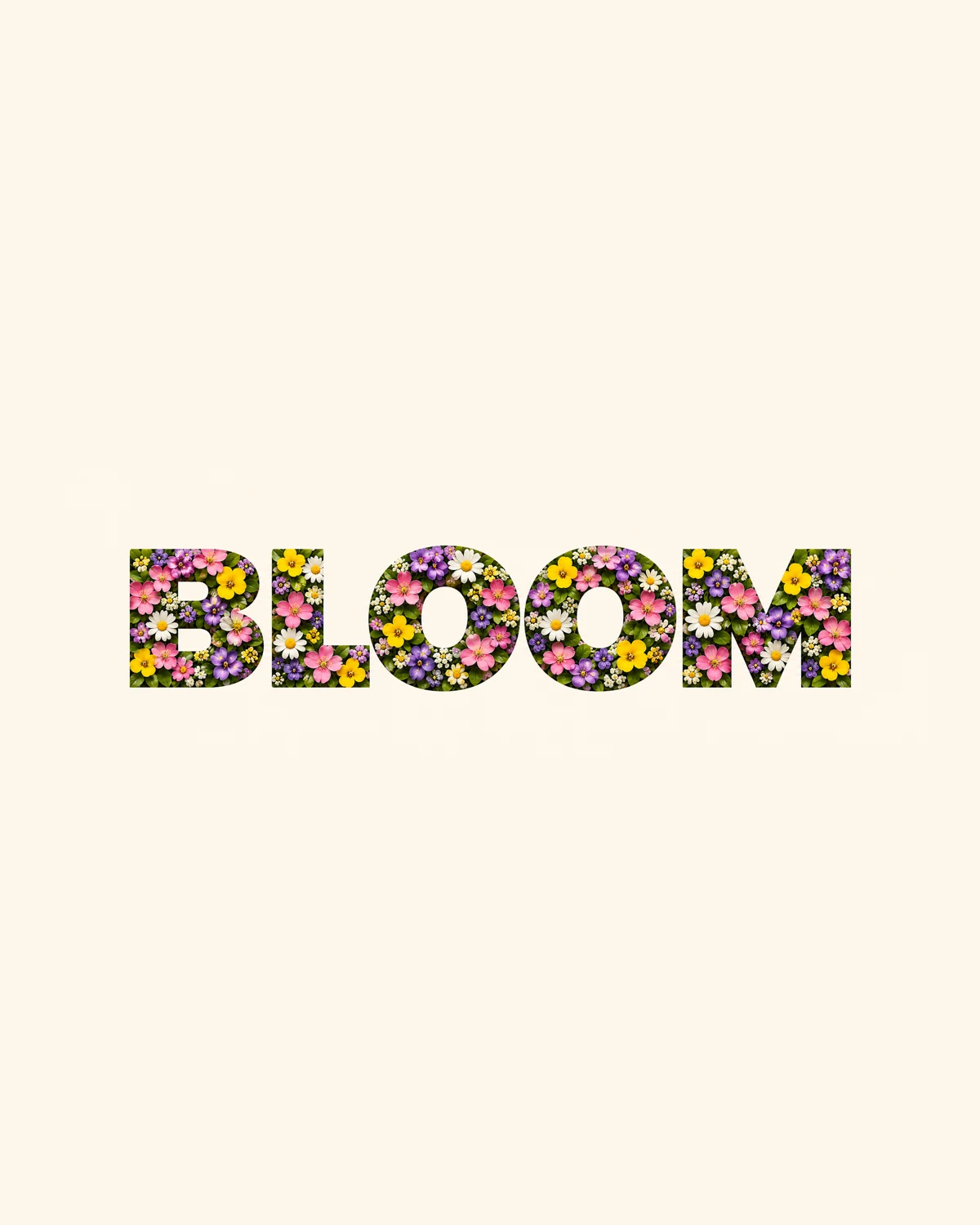
Drag to compare before and after
INTRODUCING
Introducing Picazo’s Text Textures
Picazo’s Text Textures fills your lettering with any texture you can describe. Type a word, write “tiny spring flowers and leaves” or “crinkled gold foil”, and the letters are filled with it. It works on shapes too: a circle of moss, a banner of ocean water.
The words stay real text. Retype them, change the font, make them bigger or rotate them, and the texture follows. Behind the scenes Picazo makes one seamless texture tile and repeats it inside the letters, sized to the text so the detail stays visible, with its edges blended so the repeats join without a line.
EXAMPLES
Lettering made of anything
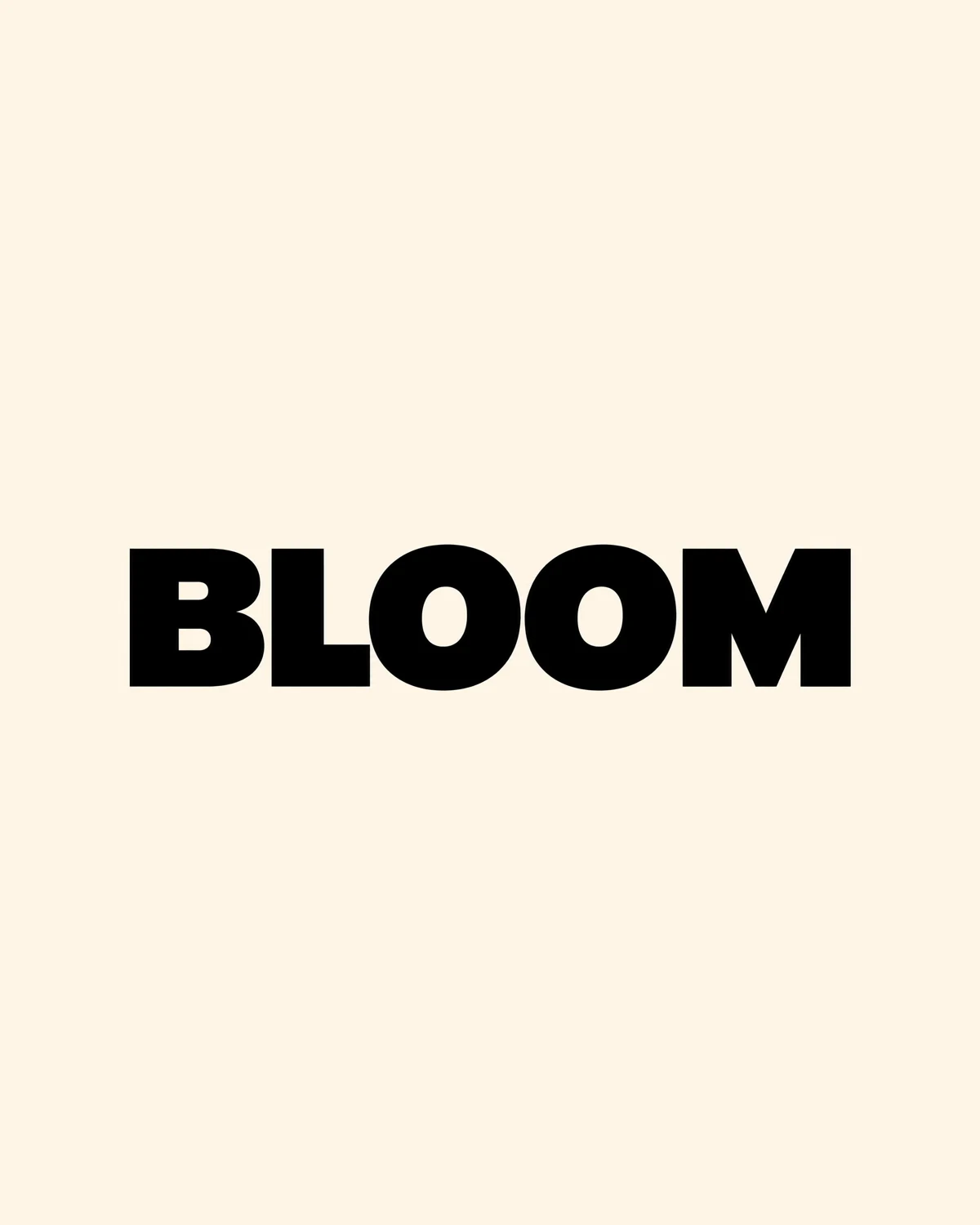
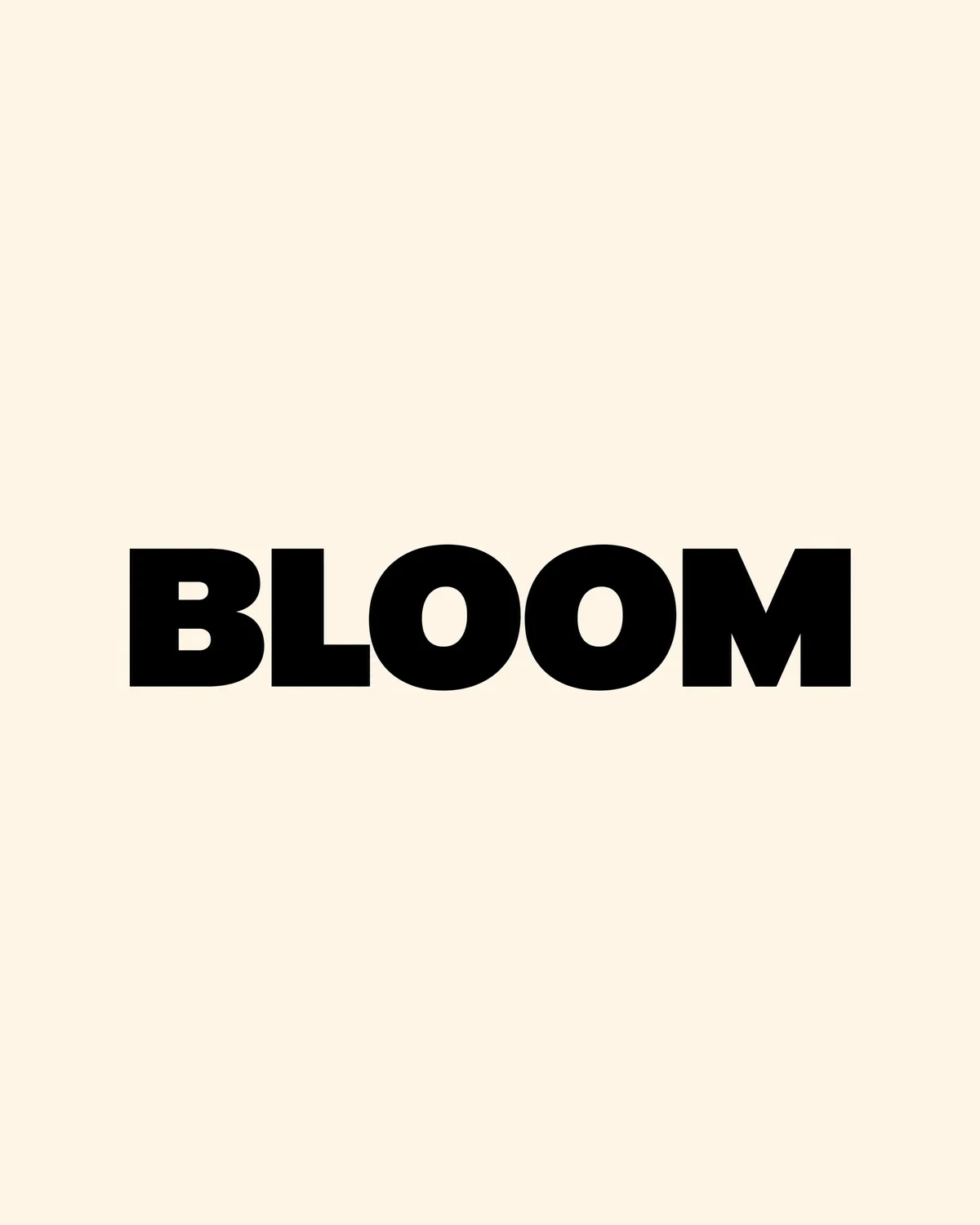
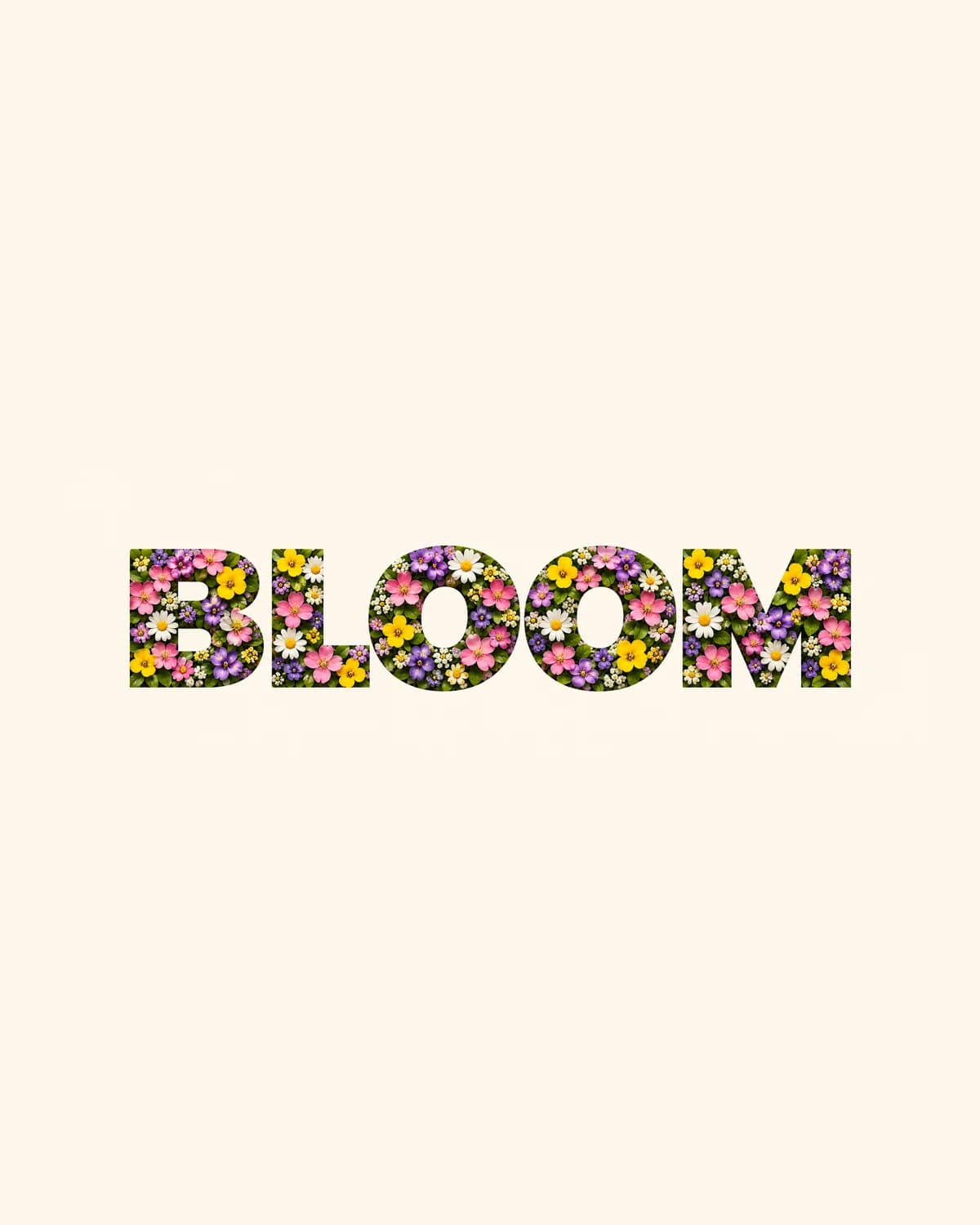
Both words started as plain black text. One description later, they’re filled with a texture, and still editable.


DO MORE
Finish the lettering in the same editor
Keep editing the words
Change a letter, swap the font or resize the box. The texture stays on the text, and an outline or shadow you add stays with it.
Drop it into a design →
Put textured lettering on a poster, a card or a post, or make a whole design with Generate Image or Design and texture its headline.
Make a picture to match →
Generate an image in the same style, flowers, foil or neon, to sit behind your lettering.
SAFE AND YOURS
Creating is fun, and safe.
Sent only to make your result
Your picture goes to our AI provider to make the result, and nowhere else. It's never sold or used for advertising.
Never used to train AI
We don't train models on what you upload or make, and we require our AI providers not to either.
What you make is yours
You own the pictures and designs you create in Picazo. Use them for yourself or your business.
Textured type for every occasion
For invitations and events
Floral names for a wedding, gold numbers for an anniversary, a starry title for a night out.
For small businesses
A headline in marble, wood or candy sprinkles that matches what you sell, without a designer or a stock search.
For content creators
Thumbnails and post titles that stand out in a feed, in a texture that fits the video or the season.
THE WHOLE STUDIO
All the features you need
Every AI tool sits inside a full design editor, so a result never has to leave Picazo to become something finished.
100,000+ templates →
Posts, posters, flyers, cards, menus and résumés, all fully editable.
Free background remover →
Unlimited, and it runs on your device, so your photo is never uploaded.
Make any text editable →
Turn the words in a picture or a flattened design back into real text.
AI photo tools →
Enhance, upscale, restore, expand and remove objects, all in one editor.
Layers and precise editing
Move, align, crop, clip and restyle every element on the page.
Export with no watermark
PNG, JPG, SVG and print-ready PDF, in full quality.
Open PDFs and PSDs
Bring in a PDF or a Photoshop file and edit it like any design.
Brand kit
Your colours, fonts and logo, applied to a whole design in one tap.
Bulk edit and create →
Resize or watermark 30 photos at once, or turn a spreadsheet into designs.
Translate a design →
Every text box into one of 35 languages, with the layout kept.
On your phone too
A touch editor with the AI tools, templates and export built in.
Autosave and sync
Signed in, your designs save as you go and open on any device.
HOW IT WORKS
How to use Text Textures.
Add your text
Type a word or a short line on the page and choose a bold font: thick letters show the most texture. A shape works too.
Describe a texture
With the text selected, open Effects in the Text panel and find Texture fill, or open Text Textures in AI Studio. Write a texture in your own words, or tap one of the ideas: spring flowers, gold foil, moss, ocean water, neon tubes, marble, starry sky or candy sprinkles.
Pick a model
Grok Imagine is the default and uses 2 credits; Nano Banana uses 4 for photoreal surfaces and finer detail. Each shows its price before you run it.
Fill the text
Press Fill text with texture. In about ten seconds the letters are filled. Not right? Change a word or two and run it again; one Undo takes the texture off.
Edit and download
Retype or restyle the text freely, then download as PNG, JPG, PDF or SVG. The texture saves with your design.
Your questions, answered
FROM THE STUDIO